

Why Annual and ESG Reports Always Keep Designers Up All Night
After working with so many corporate clients every year, I have realized that annual and ESG reports are pure manual labor in the design world
These projects usually share three traits: page counts easily topping one hundred, dense data charts, and the need to run parallel multilingual versions like Chinese and English
In the past, designers spent endless hours just hunting for stock images or drawing spot illustrations from scratch to separate major chapters
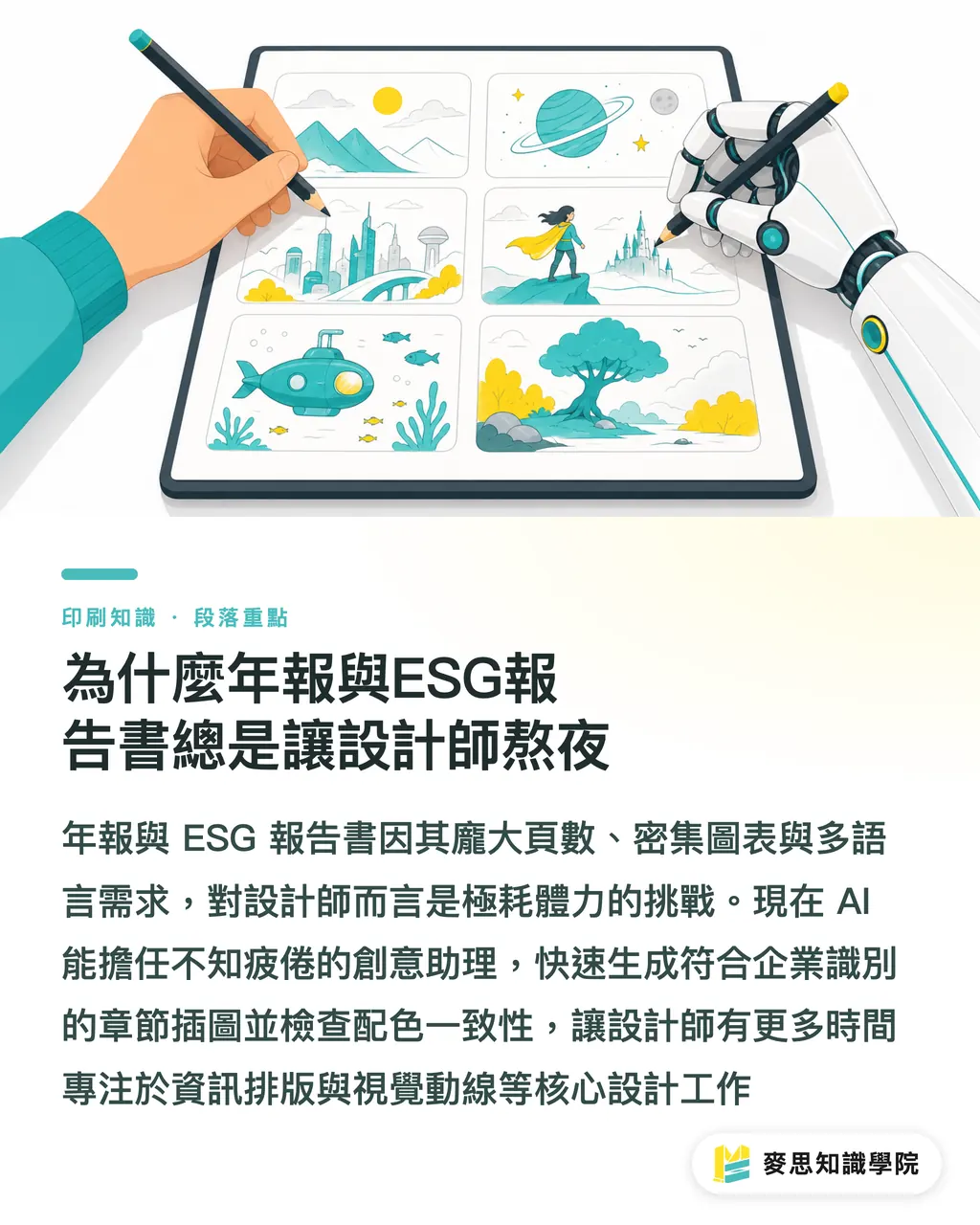
Now, AI acts like a tireless creative assistant that helps a ton right at the start of design
You can quickly generate chapter visuals that match corporate brand colors, or use AI to check color palette consistency across the whole book
That frees up serious time for what really tests your layout chops: building information hierarchy and mapping visual flow
What AI Can Take Off Your Plate in Layout, and Where You Must Never Touch
Many people treat AI as a silver bullet, but based on my years of reviewing prepress files, it is great for brainstorming, not for final artwork
AI can turn dry operational figures into readable draft chart copy, or quickly generate polished corporate concept images
However, on annual report projects, there are two steps you must never hand off to AI, humans still need to check them personally
・Financial figures and chart accuracy: AI hallucinates and cannot verify EPS or annual revenue tables, so all financial numbers must be cross-checked line by line by a human
・Regulatory disclosure completeness: ESG reports follow strict frameworks like GRI standards, so sustainability statements and data labels must never be trimmed or rewritten automatically by AI
In practice, let AI churn out visual and copy drafts in bulk, while humans focus on locking down data and compliance
Why Eco-Friendly Paper Runs Out of Stock, and How Smaller Printers and Teams Can Cope
Beyond layout, print material readiness is another detail that gets overlooked all the time
Over the past few years, to meet sustainability standards, ESG reports almost universally call for FSC-certified eco-friendly paper or high-white woodfree paper
These specialty papers are rarely stocked in huge volumes, and when shareholder meeting season hits, printers and companies across the region fight for every sheet
In my office, I often see designers build gorgeous files only to learn at the last minute that the paper mill is out of stock, forcing them to compromise and swap papers
I strongly recommend having procurement confirm paper availability with the printer right when the project kicks off, even before page sketches are locked
Locking down paper specs one to two months early and factoring in print spoilage is the only way to make sure the final product meets sustainability standards
Prepress Checklist for a Multi-Hundred-Page Beast Before Sending to Print
Over the past six months, my desk has been piled high with client drafts generated by AI, yet 99% of them got rejected when dropped straight into InDesign and sent to print
With a file spanning hundreds of pages, a single slip-up makes the cost and time of reprints an absolute nightmare
Drawing from my three-stage prepress production experience, run through this checklist with your team before sending files off
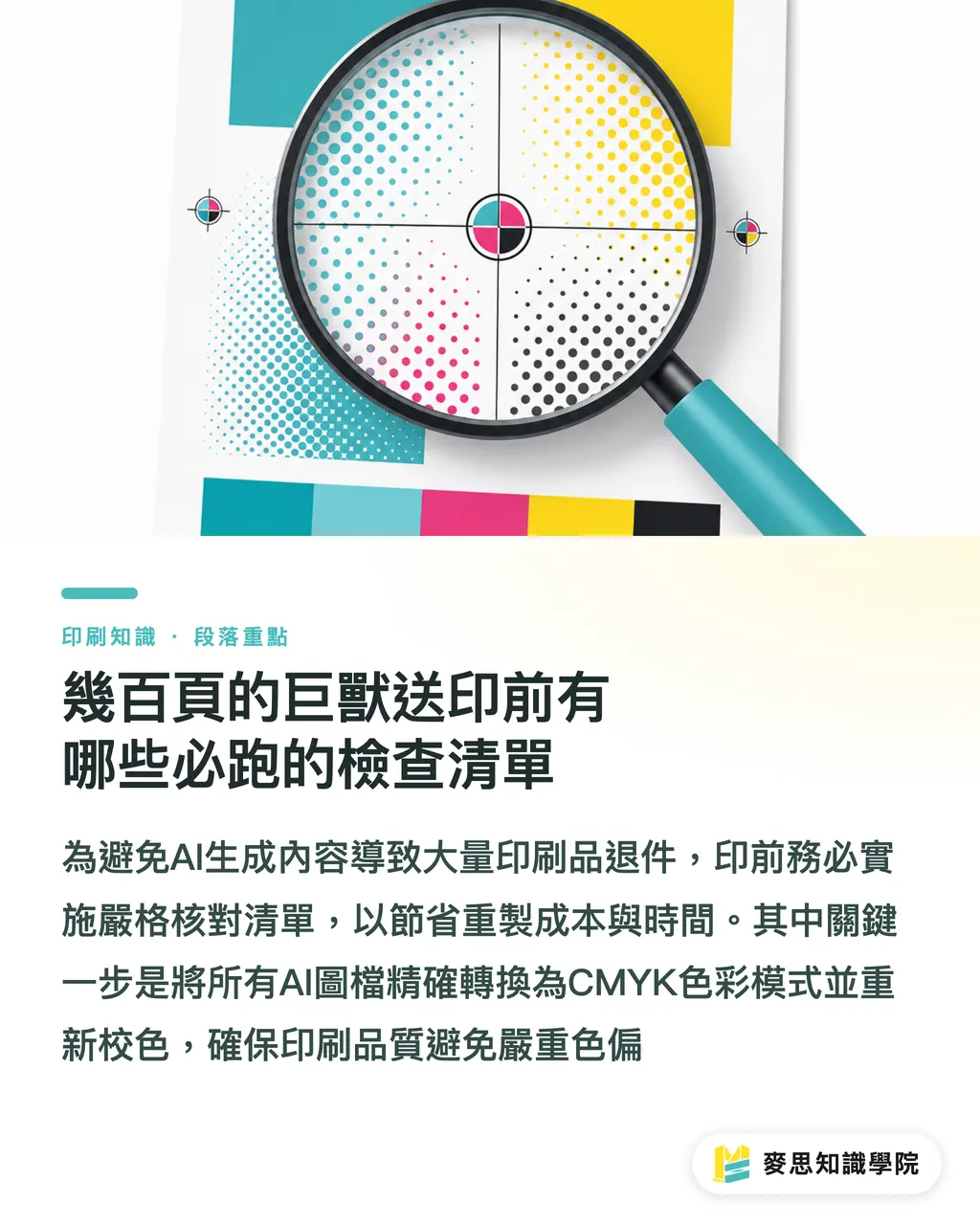
・Image color space overhaul: AI-generated images are all RGB across the board, so you must convert them one by one to CMYK and color-correct them before printing, or you will definitely get nasty color shifts on paper
・Resolution and bleed settings: Make sure all AI-generated assets hold 300 DPI even when cropped or enlarged, and set a proper 3mm bleed
・Multilingual font outline check: A hundred-page report mixes Chinese, English, Japanese, and various special symbols. If you do not convert fonts to outlines or embed them completely, missing glyphs and dropped characters will happen
・Keep spread graphics away from the gutter: These thick reports are usually perfect bound, so keep key charts and portraits well clear of the inner hinge margins on both sides of the spine
Key Takeaways
・AI is best suited for quickly producing chapter spot illustrations and checking color logic, serving as a tireless creative assistant
・Financial figures and compliance disclosures must never be left to AI, manual line-by-line verification is your bottom line against a corporate PR disaster
・FSC-certified paper popular for ESG reports runs out fast during peak season, so confirm stock with the printer early in the project
・AI-generated image files are exclusively RGB, so always convert them one by one to CMYK and verify 300 DPI resolution and bleed settings before sending to print
Further Thoughts
Bringing AI into the workflow saves pros time on image searching and rough layouts, letting them focus on data and print details
For design teams looking to adopt this new process, try using AI for visuals first, followed by manual data checks, and lock in paper stock early to get through annual report season without a hitch
With MINDS's one-stop integrated service, we provide early paper procurement advice upfront and take over professional prepress file debugging on the backend, making sure designers' creative work lands safely on paper
FAQ
- Can AI-generated images be placed directly into an annual report layout and sent to print?
- AI-generated images are all in RGB format and often lack resolution. Sending them straight to print easily causes color shifts and blurry edges, so always convert them to CMYK and retouch their sizing first
- Why is paper for ESG reports so hard to reserve?
- Standards usually require FSC-certified eco-friendly paper or specific grades of high-white woodfree paper. Major corporations tend to buy out these stocks during peak season, so failing to order early puts you at serious risk of running out
- Can AI help proofread financial tables or EPS numbers in an annual report?
- Not recommended at all. Current AI suffers from hallucinations and cannot guarantee that revenue figures and decimal points are 100% accurate, so financial data and regulatory disclosures must still be checked word for word by human staff
Related articles





The Print × AI weekly
The print and AI know-how designers, brands and enterprises can use before they commit — one email, every week
MINDS Free Tools
AI background removal, brand stamping, and a LINE sticker maker — free design tools, right in your browser, no upload.
MINDS Group
Need actual printing or gifting services?
From premium printing to online ordering and festive gifts — the MINDS Group sister brands take it from here.