
Can AI-generated images really go straight to print?
Yes, but they first need to pass the "MINDS three print gates": 1. whether the use case is acceptable, 2. whether the file can be prepared for plate making, and 3. whether the retouching cost makes sense
AI-generated images work best for proposals, contextual visuals, ad mood images, and catalog mockups. If they are going on the front of packaging, into a brand Logo, or into a product structure diagram, they need to be checked against much stricter standards
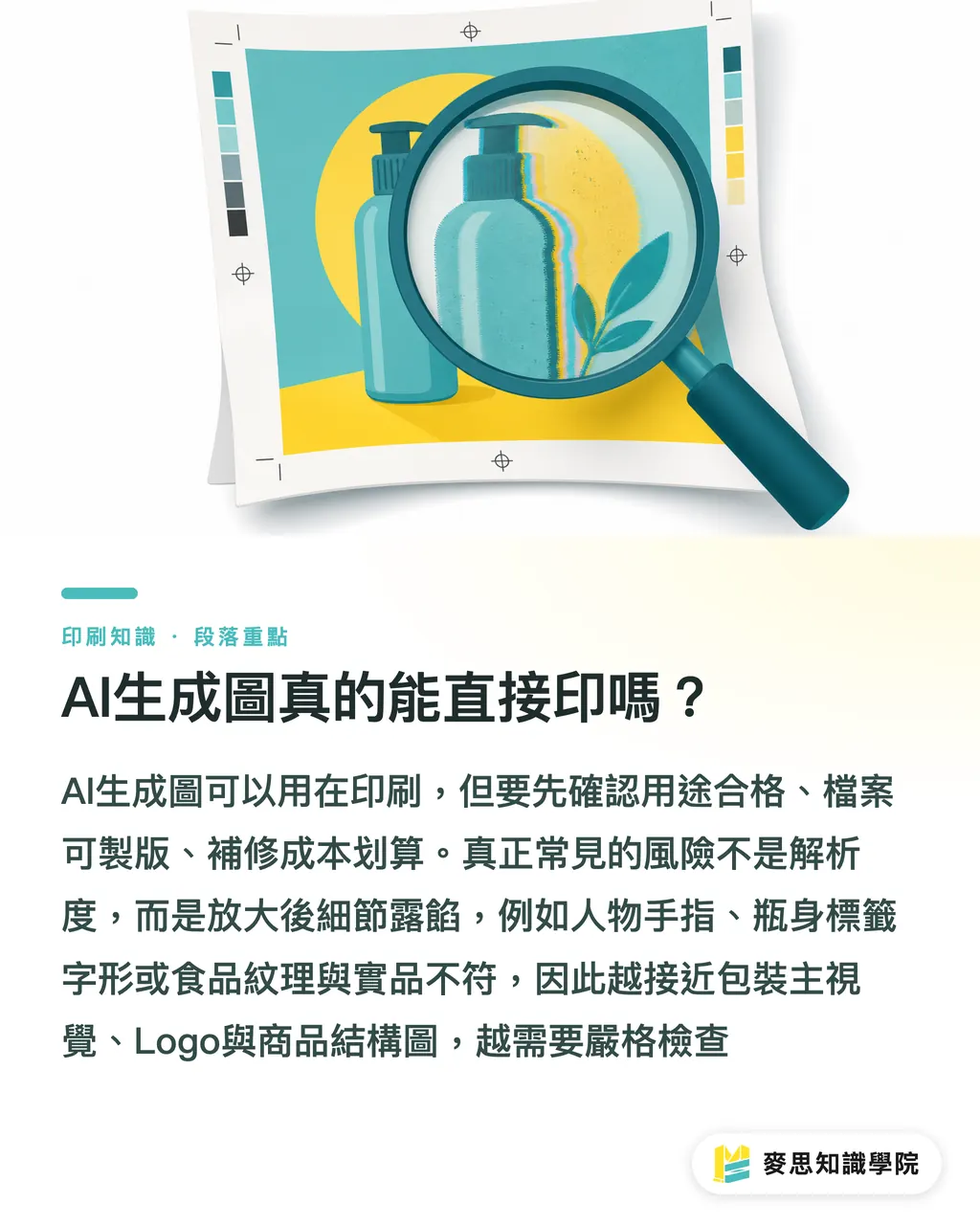
The problem I see most often on real projects is not low resolution. It is that the image details do not hold up when enlarged
For example, a person has an extra finger joint, the typography on a bottle label is distorted, or the texture of food looks real but does not match the actual product. These may look fine in a 600px screen preview, but once they are placed on A4, a poster, or the front of packaging, the flaws show
Print usability refers to the degree to which an image can maintain clear edges, accurate content, stable color, and an acceptable retouching cost under the specified size, paper stock, finishing process, and brand guidelines
If you are bringing AI visuals into brand content or print workflows, you can ask the Mai Strategy Knowledge Academy consulting team to help build the first-round checklist. If the job has already moved into mid- to high-end commercial printing and material testing, it is better to have MINDS check prepress and proofing risks at the same time
Which 8 Quality Items Should Designers and Buyers Check?
When I evaluate an AI-generated image, I look at 8 items, scoring each from 1 to 5
A score of 5 can move to the next stage. A score of 3 needs retouching. A score of 1 or 2 usually should not be forced through, because the retouching time will eat up the budget the image was supposed to save
・Content accuracy: Does the image match the product, brand, campaign, and use context? Front-of-pack imagery has the lowest tolerance for error. One wrong detail in the product appearance can mislead consumers
・Consistency: Are the angle, lighting, materials, character style, and visual language consistent across the same series? If 3 catalog mockups look like they came from 3 different brands, procurement should ask for a redo
・Edge clarity: Are the subject outline, hair strands, transparent bottles, metal edges, and fabric edges clean? When background removal, foil stamping, spot UV, or die-cutting is needed, the edges cannot be blurry
・Detail accuracy: Are hands, text, trademarks, mechanical structures, food cross-sections, and packaging seams believable? This is where AI images most often give themselves away
・Color reproduction: After the RGB screen effect is converted to CMYK, does it still stay close to the brand colors and product colors? Highly saturated blue-purple, fluorescent green, and neon pink often need proofing in advance
・Brand visual fit: Does the image tone match the brand's existing photography, illustration, layout, and verbal style? The more mature the brand, the less you can judge an AI image only by whether it looks good
・File technical conditions: Do the resolution, dimensions, color mode, bleed, background removal quality, and layer editability support final artwork production? For large-format output, the actual print size needs to be confirmed first
・Recovery cost: How much time will retouching, redrawing, regenerating, re-proofing, and relayout take? If retouching takes more than half a day and still does not show a stable direction, I usually recommend stopping
The question buyers should ask suppliers is not "Can this be printed?" It is "Where will this be used, how large will it be, and would an error affect sales or brand trust?"
Simple as that
How Do You Decide Whether It Is Usable, Needs Retouching, or Should Be Redone?
The same AI-generated image might work in the corner of a catalog but fail on the front of packaging
I usually grade it across 3 common scenarios so the design side and procurement side do not talk past each other
・Front-of-pack image: Content accuracy, brand fit, edge clarity, and detail accuracy all need to score above 4. Product shape, packaging proportions, label text, and the main visual cannot be wrong. If the category involves food, medical devices, health products, or cosmetics, misleading visuals need to be avoided even more carefully
・Advertising visual: Overall mood, body posture, product relevance, and brand tone need to score above 4. Small local flaws can be fixed, but faces, hands, products, and lettering cannot look strange. Large-format output also needs to be judged by viewing distance. A metro lightbox and an IG post do not follow the same standard
・Catalog mockup: If the purpose is only to explain a scenario, a higher margin of error may be acceptable. But product size, material, connectors, color, and usage combinations cannot cause sales teams to explain the product incorrectly. B2B catalogs, especially, should not make illustrative images look like guarantees of the real product
My grading is very direct
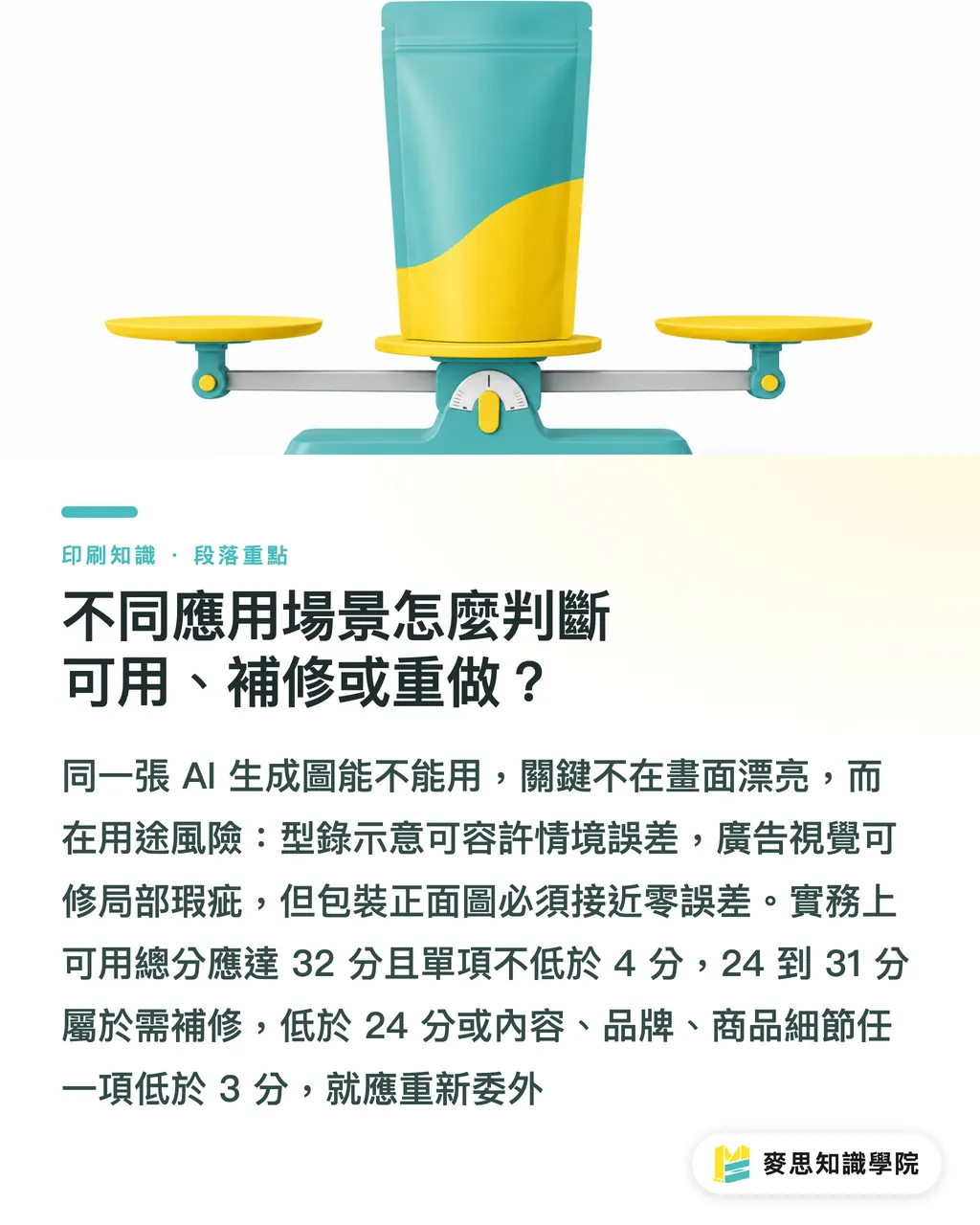
・Usable: Total score above 32, no single item below 4, and the use case is not high-risk packaging or a regulation-sensitive category
・Needs retouching: Total score from 24 to 31, with the main problems concentrated in edges, color cast, local details, or layout integration. A proof is still needed after retouching
・Should be outsourced again: Total score below 24, or any one of content accuracy, brand fit, or product detail below 3. For images like these, forced retouching often makes them drift even further from what the product is supposed to sell
Tolerance should also be written into the acceptance criteria
For example, cloud or mist texture in an ad background can allow a 5% to 10% visual difference. But for a front-of-pack product image, brand color, trademark proportions, and required labeling, the practical tolerance should be close to 0
How Should Buyers Ask Suppliers to Deliver AI Images?
Procurement teams need to bring AI images into supplier management. They cannot close a job after receiving only one JPG
I recommend putting 6 items into the outsourcing order or acceptance form. Designers will also be less likely to end up fixing everything on the final night
・State the use clearly: Mark whether it is for front-of-pack packaging, an advertising key visual, a catalog mockup, a social post, or a proposal draft. Different uses require different acceptance standards
・Write the actual finished size: For example, A4, a 30x40cm poster, or a 10x15cm front-of-pack area. Do not just write "high resolution."
・Define editing rights clearly: Ask for source files that can be revised, layered files, or at least assets that can be edited locally. Avoid suppliers delivering only flattened images
・Attach brand references: Provide the Logo, brand colors, existing photography style, and photos of past printed samples. Without references, AI images easily turn into generic stock-like material
・Agree on proofing conditions first: High-unit-price packaging, specialty paper, foil stamping, spot UV, matte lamination, and transparent stickers should all go through a small sample or digital proof first
・Quantify rejection criteria: For example, reject if the 8-item score is below 24, reject if any high-risk item is below 3, and require recalibration if the color deviation is too large
My personal red line is text
Decorative text, packaging labels, sign lettering, and certification marks inside AI images cannot go straight into final print artwork if they look like text but cannot be read. After printing, that kind of strange lettering looks far more glaring than it does on screen
When Should You Retouch, and When Should You Outsource Again?
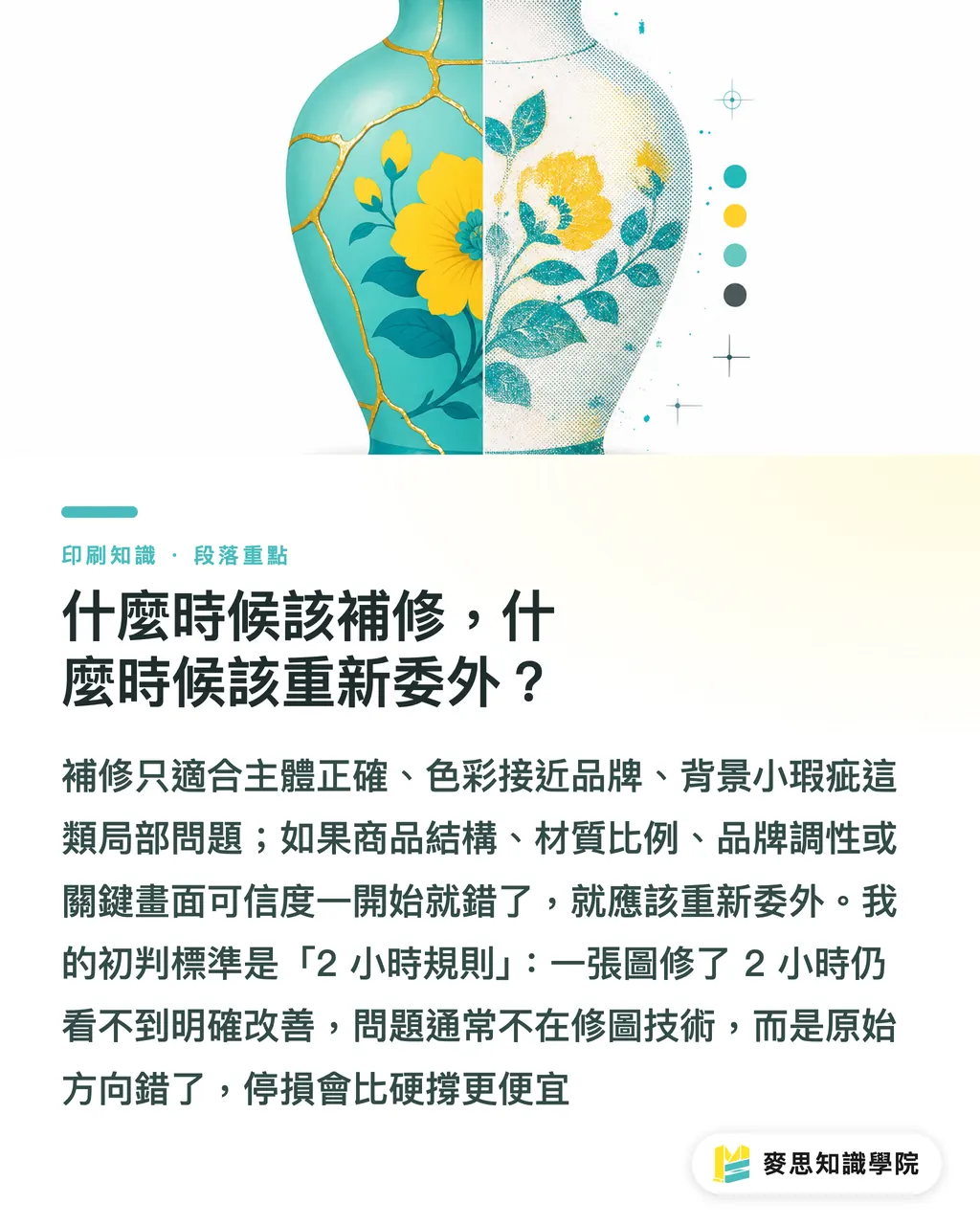
Retouching is for local problems. Outsourcing again is for a wrong direction
These two things need to be separated. Otherwise, procurement will think one more revision is enough, while designers keep sinking more time into the wrong image
There are usually 4 situations where retouching makes sense
・The main subject is correct, but the edges need background removal, sharpening, or detail repair
・The color is close to the brand, and only needs CMYK conversion, proof color matching, or local adjustment
・The advertising mood works, but there are small flaws in the background
・The catalog mockup direction is correct, and only needs an "illustration only" note or a more conservative presentation
The cases that should be outsourced again are also clear
・The product structure, material, proportions, or use has been drawn incorrectly
・The brand tone is completely wrong, as if it came from another company
・People, hands, machinery, or text in the image keep going wrong
・A front-of-pack image needs to be highly credible, but the AI image can only approximate the mood
・The supplier cannot provide editable files, so every later fix would have to be forced through retouching
I usually use the "2-hour rule" for an initial call: if an image still shows no clear improvement after 2 hours of retouching, the problem is not technical. It is the original generation direction
At that point, stopping the loss is cheaper than pushing through
Key Takeaways
・Whether an AI-generated image can be printed depends on use case, details, brand fit, and recovery cost. Resolution is only the first gate
・Front-of-pack images have the highest standard. Catalog mockups can be more flexible, but they must not make customers misunderstand the product itself
・If the 8-item score is below 24, or product detail is below 3, it is usually not worth forcing a fix
・Procurement should write use case, size, editing rights, proofing conditions, and rejection criteria into the outsourcing order
・AI images save time in early ideation. They should not replace final artwork checks and print proofing
Further Thoughts
For print manufacturers, AI-generated images will make early-stage proposals faster, but the back end will need more standardized acceptance checks. For designers, AI is a sketching and visual direction tool, not an automatic final artwork tool. For procurement and SaaS teams, the next step is not chasing more images. It is turning "use case, score, rejection, retouching, proofing" into a trackable workflow, so the risk of each image is clear before it enters print production
FAQ
- Can AI-generated images be sent straight to print?
- Yes, but the use case, resolution, content accuracy, edge clarity, color reproduction, and brand fit need to be checked first. Front-of-pack images should follow stricter standards than advertising visuals
- If an AI-generated image has enough resolution, does that mean the quality is acceptable?
- No. Resolution only solves the size problem. Hands, product proportions, packaging text, brand colors, and background removal edges may still fail
- How can designers decide whether an AI image should be retouched or redone?
- Use the 8-item scoring method for an initial call. A total score of 24 to 31 can be retouched. Below 24, or product detail below 3, should usually be redone so time is not spent on the wrong direction
- What acceptance criteria should buyers write when outsourcing AI visuals?
- At minimum, clearly state the use case, actual finished size, brand references, editable files, proofing conditions, and rejection score. Do not accept work only because it "looks okay."
- Which printed materials are AI-generated images best suited for?
- AI-generated images are suited to advertising key visuals, catalog scenario images, proposal drafts, and social extension assets. Logos, front-of-pack product images, and precise product structure diagrams need much stricter review
Related articles

The Print × AI weekly
The print and AI know-how designers, brands and enterprises can use before they commit — one email, every week
MINDS Free Tools
AI background removal, brand stamping, and a LINE sticker maker — free design tools, right in your browser, no upload.
MINDS Group
Need actual printing or gifting services?
From premium printing to online ordering and festive gifts — the MINDS Group sister brands take it from here.