
What Goes Into an AI Product Photo Style Sheet?
An AI product photo style sheet has to nail down background, angle, lighting, shadow, crop ratio, product authenticity, off-limits details, retouching limits, and print use. When MINDS (MS) does pre-production planning for product photos, we lock those nine items first, so shooting, AI retouching, and layout all head the same direction
A product photo style sheet takes the background, angle, lighting, shadow, crop, retouching limits, and no-go details of each product shot and rolls them into one pre-production document that shooting, AI retouching, and layout all share
I treat an AI product photo style sheet like a shooting work order that runs ahead of the layout. Catalogs, packaging, and display pieces almost never use a single image; the same batch of products, the same brand tone, and the same print page show up together. Skip one field and you'll be guessing for the rest of the job
Why Lock the Style Before Product Photos Hit the Layout?
Once product photos land in a print layout, any style mismatch turns into a layout problem right away. Take a 16-page A4 catalog with three product shots per page, that's 48 images in one book. If the background gray scale, shadow direction, and perspective angle all wander off on their own, readers will feel like the catalog was stitched together from five different projects
The MINDS (MS) product photo style sheet insists on locking the page use first, because catalog hero shots, packaging mockups, and exhibition stand graphics all tolerate cropping differently. A 1:1 hero shot can stay clean. An A4 half-page landscape shot needs room for headlines and spec tables. A packaging front-face mockup can't have the product edge clipped
The worst cases I've seen on the print floor weren't bad photos. They were photos that looked too much like ad visuals, no room for copy in a catalog, no readable material in a packaging shot. Designers ended up re-cropping every single image, and the rescue work took longer than producing them in the first place
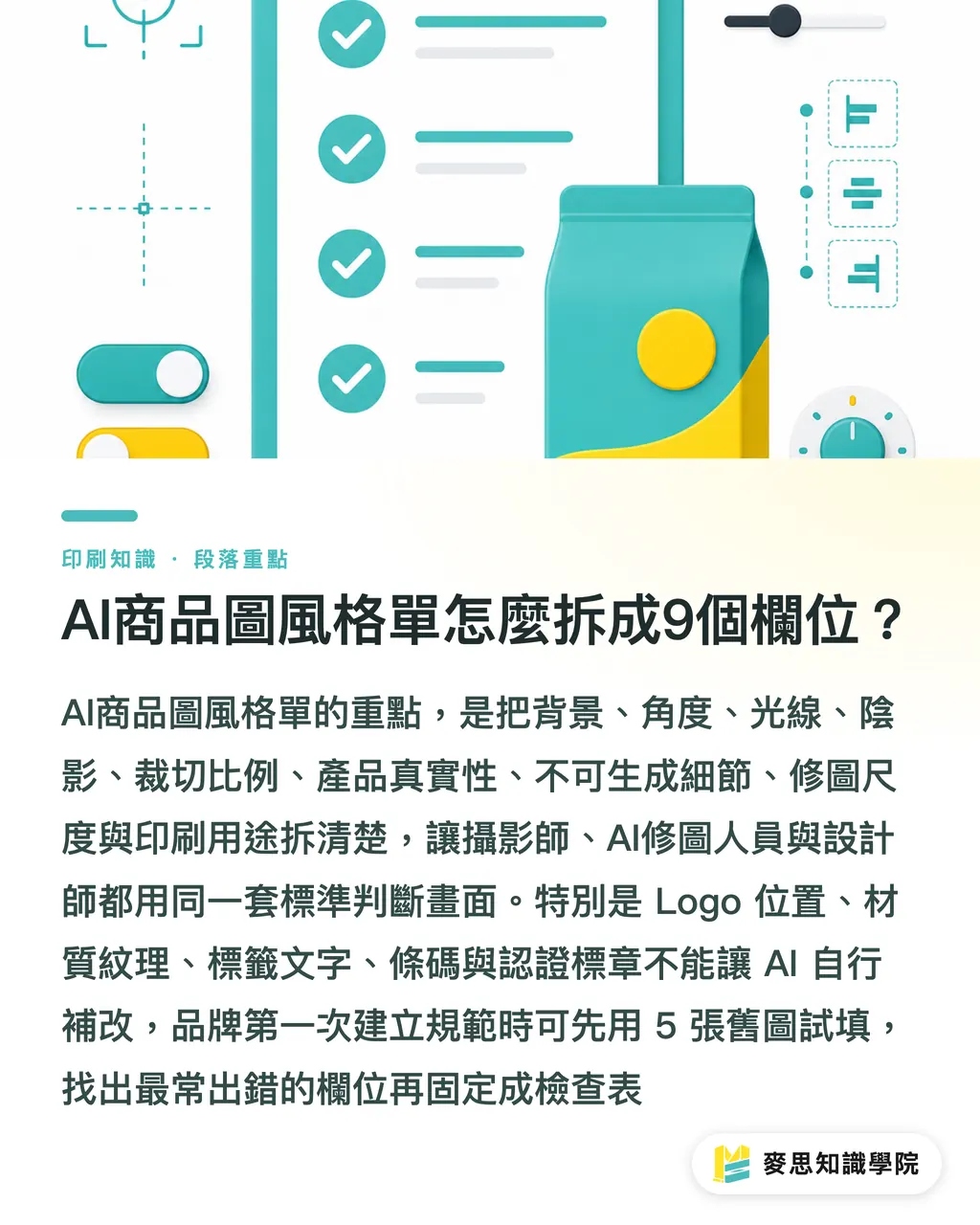
How to Break an AI Product Photo Style Sheet Into 9 Fields
The MINDS (MS) product photo style sheet breaks cleanly into 9 fields, and each field has to read the same way to the photographer, the AI retoucher, and the designer
・Background: spell out pure white, light gray, lifestyle tabletop, in-store shelf, or brand-color backdrop. Don't let one SKU in the same line look like an e-commerce shot and the next one look like a brand campaign
・Angle: spell out front, 45-degree, top-down, side, or close-up detail. For a SKU series, fix one main angle and one supporting angle
・Lighting: spell out soft light, hard light, key light from upper left, rim light, or no obvious highlight. Metal, glass, and matte-laminated cartons especially need reflection limits spelled out up front
・Shadow: spell out natural drop shadow, light shadow, no shadow, or contact shadow. In a catalog spread, nothing looks worse than one product floating up and the next one sinking down
・Crop ratio: spell out 1:1, 4:5, 16:9, A4 portrait half-page, or packaging front-face visual area. Crop ratio drives the layout slot directly
・Product authenticity: spell out that brand color, Logo position, material texture, bottle proportion, packaging fold lines, and label text are off-limits. A pretty product shot is not worth a believable product
・Off-limits to generate: spell out that barcodes, certification marks, ingredient tables, warning statements, model numbers, and spec numbers must not be filled in by AI. These details need a proper source file overlaid or the original image kept
・Retouching limits: spell out what's allowed, background removal, dust cleanup, minor scratch repair, and what's not, packaging structure, color, fill quantity inside the product
・Print use: spell out whether the image goes to a catalog, packaging, display piece, DM, poster, or web-shared output. Print images usually get checked at 300 dpi before they hit the layout
If a brand is putting together product photo rules for the first time, the Mai Strategy Knowledge Academy consultant team recommends picking 5 existing shots, filling in the style sheet against them, and turning the fields that keep going wrong into a fixed checklist for the next project
Which Details Should Never Be Left to AI?
AI retouching can clean up the light, fix a noisy background, and unify the shadows. The legal, spec, and brand details on the product itself should never be left to AI. The MINDS (MS) product photo style sheet pulls the off-limits items into three groups so every image can be proofed before it hits the layout
・Text: product name, volume, ingredients, model number, batch number, warning statements, and usage instructions can't have AI-generated typos. Food, skincare, cosmetics, and electronics need extra caution here
・Identification: Logo, brand color, certification marks, barcodes, and QR codes can't be redrawn. An EAN-13 barcode is 13 digits. Missing one digit or letting it smear isn't a design issue
・Structure: cap proportions, box fold lines, hangtag holes, blister window placement, and material texture can't be retouched into a different product. Get the packaging structure wrong and sales reps and customers will send the printed job back
An AI product photo style sheet has to separate what can be beautified from what can't be touched. Clients look at a photo and say make it cleaner, brighter, more refined. The print side needs to ask the harder questions: can the Logo move? Can the label be re-laid? Can the shadow go? Can the bottle be straightened?
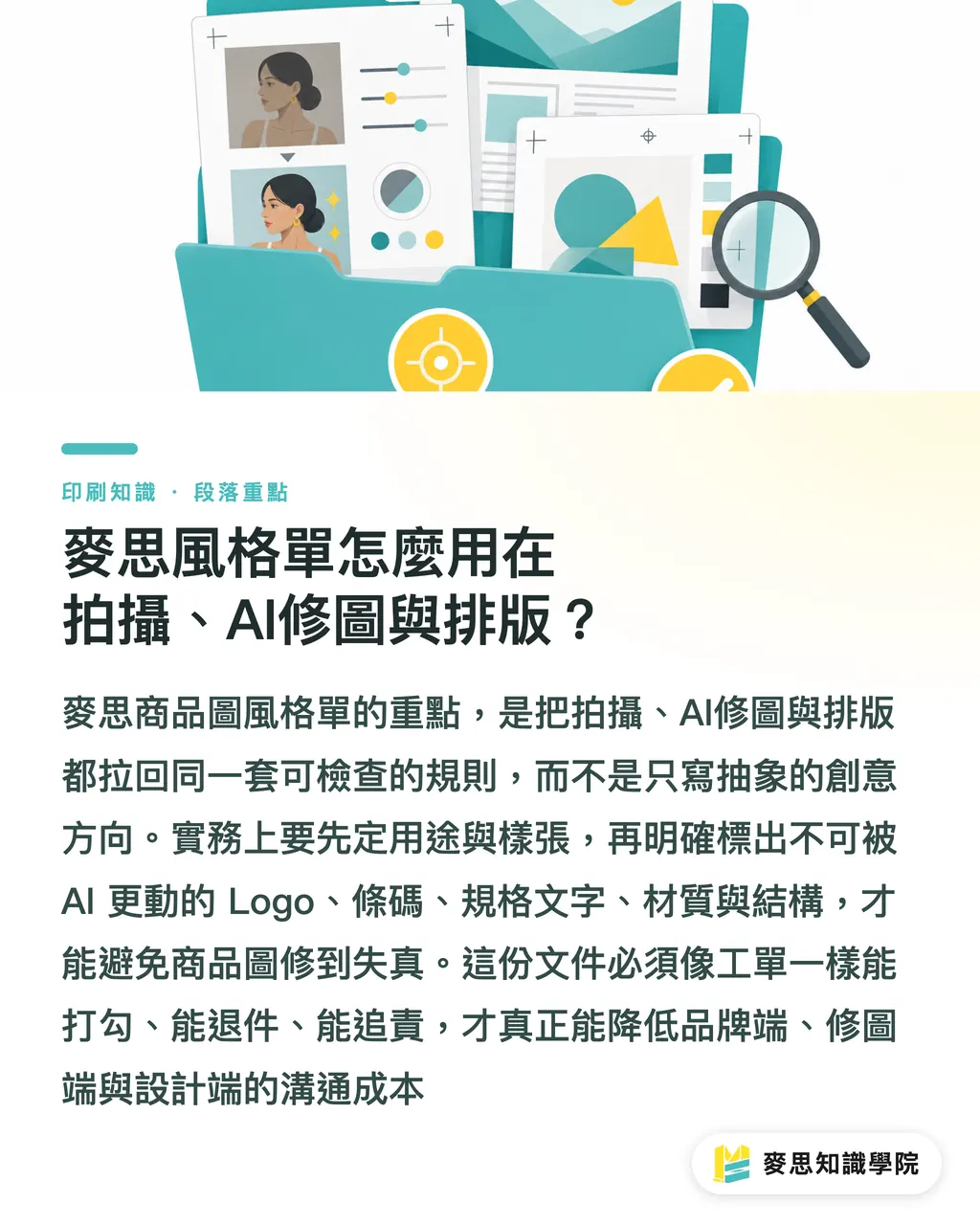
How Does the MINDS (MS) Style Sheet Flow Through Shooting, AI Retouching, and Layout?
The MINDS (MS) five-step product photo style sheet works best as a pre-production document, so product photos run on the same rules from shooting through AI retouching to design layout
・① Lock the use: write down first whether the product photo goes into a catalog, packaging, display piece, or shared across multiple channels. Print size drives crop ratio and negative space
・② Lock the reference shot: pick one approved product photo as the benchmark and mark the background, angle, lighting, shadow, and crop so the team has one common reference
・③ Lock the off-limits list: put Logo, marks, barcodes, spec text, material, and structure on the no-generate list so AI doesn't retouch the product into a different product
・④ Lock the retouching limits: allow background removal, spot cleanup, and shadow unification, but disallow color shifts, proportion changes, and made-up accessories
・⑤ Lock the pre-layout check: confirm resolution, color mode, crop safe area, shadow direction across the same spread, and output use before the product photo lands with the designer
If the product photo is heading into a high-ticket catalog, a hardbound proposal, or display packaging, MINDS (MS, mid-to-high-end fully custom commercial printing) cares even more about the stability of the image once it hits the page. Premium print jobs don't hide problems, paper stock, coating, foil stamping, and spot finishing tend to amplify any light-and-shadow gap in the image
My advice to brand teams is simple: don't write the AI product photo style sheet as a creative manifesto. Write it as a work order that can be checked, that allows a job to be rejected, and that assigns responsibility. A document like that is what actually cuts communication overhead
Key Takeaways
・Lock 9 things in the AI product photo style sheet: background, angle, lighting, shadow, crop, authenticity, off-limits details, retouching limits, and print use
・A good-looking product photo isn't enough. It only counts as usable when it still holds together inside a catalog, on packaging, and on a display piece
・AI can clean up the image, but it shouldn't be filling in barcodes, marks, spec text, or packaging structure on the brand's behalf
・The more the style sheet reads like a work order, the less back-and-forth between photography, AI retouching, and layout
・Fill the style sheet against 5 existing shots before going to press. That's the fastest way to see which rules the brand is actually missing
Further Thinking
For the print manufacturing side, an AI product photo style sheet catches resolution, crop ratio, shadow direction, and off-limits content early, which cuts rework after the image hits the layout. For the design side, it keeps the page from being dragged around by every individual photo. For AI adoption and SaaS teams, this document fits cleanly into a field-based workflow, use, reference shot, off-limits list, retouching limits, and pre-layout check, each step leaving a trail. If a brand is already running large volumes of AI-retouched product photos, the next move isn't a stronger tool. It's turning the MINDS (MS) product photo style sheet into a required pre-production document at the kickoff of every project
FAQ
- What is an AI product photo style sheet?
- An AI product photo style sheet is a shared pre-production document for shooting, AI retouching, and design layout. It spells out background, angle, lighting, shadow, crop, retouching limits, off-limits details, and print use
- Does the AI product photo style sheet have to include crop ratio?
- Yes. 1:1, 4:5, 16:9, and A4 portrait half-page all change the product position, the copy space, and the print page. Skip the crop ratio and you'll be redoing shots later
- Which product details shouldn't be left to AI to generate?
- Logo, barcodes, QR codes, certification marks, ingredient tables, volume, model numbers, warning statements, packaging fold lines, and material texture shouldn't be left to AI to generate. These details affect brand identity, regulatory info, and product truth
- How does an AI product photo style sheet help catalog design?
- It keeps the background, shadow, angle, and crop consistent across every product in the same catalog. Designers don't have to fix every photo one by one, and the catalog stops looking like it was stitched together from different projects
- Where should a brand start when writing its first AI product photo style sheet?
- Pick 5 existing product photos, mark the background, angle, lighting, shadow, off-limits items, and print use on each one, then turn the most common mistakes into fixed fields for the next project
Related articles
The Print × AI weekly
The print and AI know-how designers, brands and enterprises can use before they commit — one email, every week
MINDS Free Tools
AI background removal, brand stamping, and a LINE sticker maker — free design tools, right in your browser, no upload.
MINDS Group
Need actual printing or gifting services?
From premium printing to online ordering and festive gifts — the MINDS Group sister brands take it from here.