
Overview
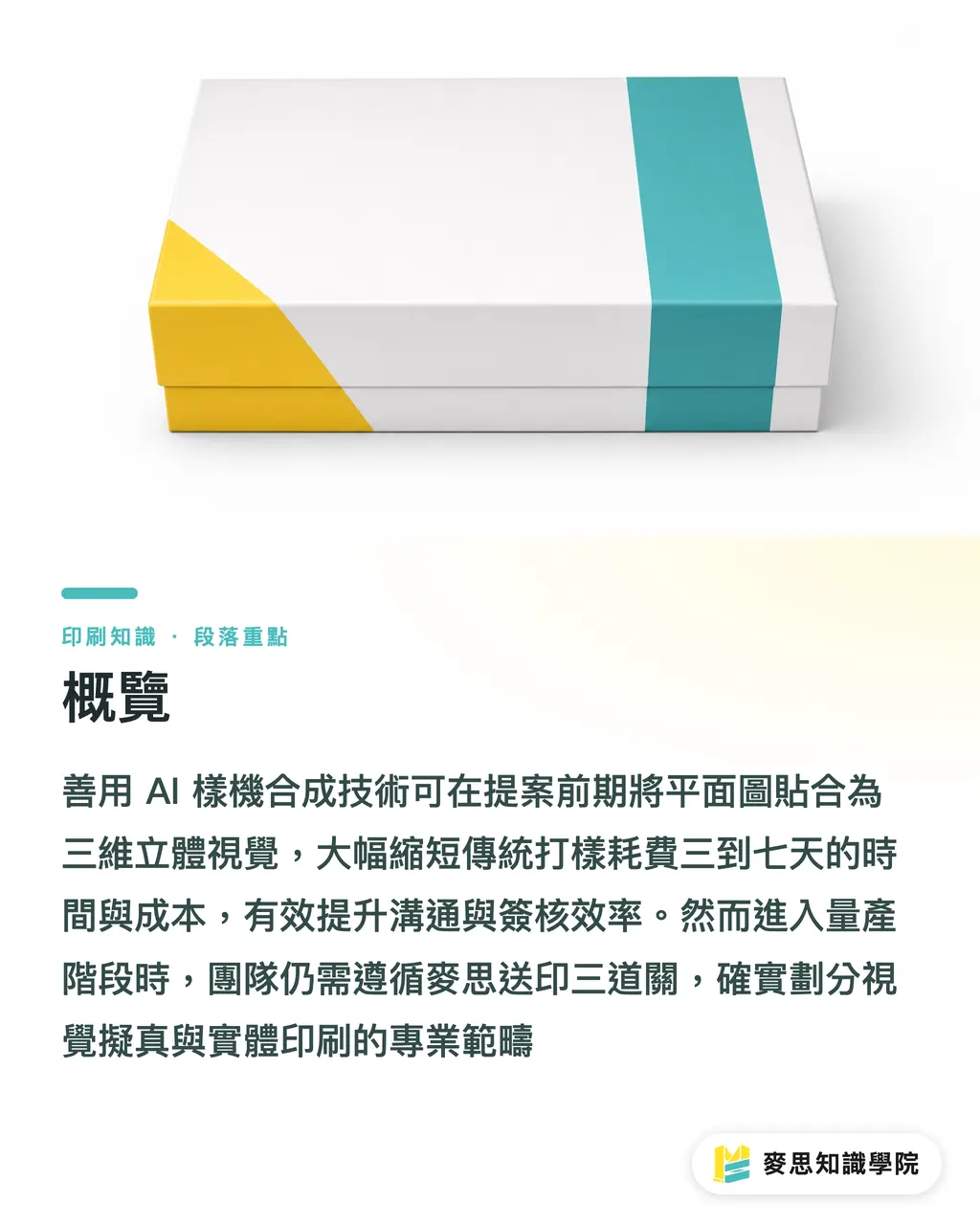
Packaging renderings don't always require physical prototyping and studio photography. With AI mockup synthesis, you can quickly produce photorealistic visuals in the early proposal stage. However, for mass production, the team must still follow the MINDS (MS) three‑step print submission process to separate visual alignment from actual printing. A product mockup refers to the photorealistic visual created by mapping a flat layout onto a three‑dimensional model during product development or packaging design, showing perspective, material sheen, and the final appearance after the package is formed. It serves as a key medium for design proposals and marketing approvals. Traditional physical proofs usually take three to seven business days, and each change to the die line or artwork consumes time and cost. Using AI capabilities can markedly improve communication efficiency
Why Proposals Keep Getting Stuck at Physical Prototyping?
From the recent projects I've handled, many designers spend more effort explaining the three‑dimensional result to clients than creating the visual itself. In a traditional product launch, confirming a package's look requires flat design, proof output, manual folding, and studio photography, each sample costing several thousand NT dollars. Clients often cannot picture the final 3D product from a flat layout, leading to repeated "it doesn't feel right" comments without concrete direction. After adopting AI mockup synthesis, designers can supply multi‑angle 3D renderings during the proposal, letting clients lock in visual priorities instantly and eliminating needless prototyping costs and waiting time
Key Steps for Generating Packaging Mockups with AI
To create commercially‑grade product mockups with AI tools, you can't rely on random generation; a rigorous workflow is required
・Background synthesis and perspective correction: Combine the product with its background accurately, adjust light direction and vanishing‑point perspective to ensure the package isn't distorted in 3D space
・Die‑line edge alignment check: Overlay the flat artwork with the actual die line to verify that graphics don't fall on fold lines or cut edges
・Material and special‑finish simulation: Set properties for matte paper, glossy coating, foil stamping or spot UV to recreate the physical feel of the substrate
・Multi‑angle mockup consistency assurance: Use a fixed seed and reference images to keep front, side and top views identical in pattern and proportion
・Output resolution and visual inspection: Make sure the rendered images have enough pixel density and detail for presentations and digital channels
Although the steps look involved, mastering the alignment principles lets you produce impressive proposal visuals in a short time
Can AI‑Generated Packaging Mockups Be Used for Approval?
This is the question I hear most often during print approvals
The answer is simple
You can approve the design direction, but you cannot approve production specifications. AI‑generated mockups are great for aligning visual expectations between the team and the client, yet they cannot replace the physical characteristics of real printing. On‑screen RGB colors don't map perfectly to CMYK inks, and the foil‑stamped shine in the render doesn't become a zinc plate die at the printer. The industry's recently hot "MINDS (MS) three‑step print submission" offers a clear validation framework:
・① Image orientation and creative concept confirmation
・② Print conditions and color gamut verification
・③ Structural die and substrate proof testing
Hold on a moment
Only by distinguishing mockups from production specs can you avoid major gaps when moving to mass production
How Do Design and Production Bridge the Technical Gap from AI to Print?
From my long‑term observation of production lines and client side work, turning an AI proposal into a physical printout hinges on the handoff between early design and later manufacturing. Once the design team uses AI to converge on a visual direction, they must revert to vector die lines, 300 DPI high‑resolution settings, and vector text specifications. The printer, upon receiving the files, checks bleed tolerance of 1–2 cm and whether foil lines are at least 0.2 mm thick. If there are doubts about substrate properties or finishing effects, you can consult the Mai Strategy Knowledge Academy Consulting Team for professional material advice and inspection standards. When ready for bulk production, the job is handed to MINDS for professional mid‑to‑high‑end custom commercial printing, ensuring the final product perfectly reproduces the mockup's realistic look
Key Takeaways
AI packaging mockups are suitable for early proposal alignment, but they cannot serve as the final production‑approval basis
When creating AI mockups, strict perspective alignment, die‑line edge checks, and multi‑angle consistency must be enforced
Screen RGB simulations cannot replace CMYK printing; before sending to press, revert to vector files with proper bleed
Using the MINDS (MS) three‑step process to verify image, print conditions, and structure balances proposal speed with production quality
Transitioning from AI visuals to physical packaging requires confirming limits of foil lines, bleed, and other print processes
Further Thoughts
For professionals in printing manufacturing and graphic design, AI tools don't aim to replace physical prototyping; they redefine the order of design proposal and production communication. Time once spent on repeated prototypes can now fuel early‑stage creative exploration of multiple concepts. Future SaaS and AI developments will focus on tightly coupling 3D die‑line data with AI texture algorithms, enabling designers to generate photorealistic mockups while automatically producing vector layouts that meet print specifications, achieving a seamless bridge from digital visual to physical production
Further Reading
・Can AI packaging mockups be approved?
・Beyond the abyss of physical prototyping: using AI renderings for proposals that instantly win client approval
・Can AI‑generated graphics go straight to print? A practical guide for designers and outsourcing newbies
・What every designer should know: how AI tools accelerate the print design workflow?
FAQ
- Can AI‑generated packaging renderings be sent straight to a print shop for production?
- No. AI‑generated images are raster visual mockups that lack the vector die lines, 300 DPI resolution, and CMYK data required for printing. A standard print‑ready file must be created before sending to press
- How can you ensure that AI‑synthesized multi‑angle packaging mockup graphics don't get distorted?
- You need to align the packaging die line before synthesis and use fixed prompt parameters or reference images to control the process, ensuring that front, side, and top textures keep the same scale and placement
- How much can AI packaging mockups save on physical prototyping costs?
- In the early proposal stage you can cut more than 70 % of repeated prototyping and photo‑shoot expenses, reducing a several‑day wait to a few hours for visual confirmation
- During print approval, how can you avoid color differences without a physical prototype?
- Mockup approval only verifies composition. Color must be confirmed using CMYK reference values, or by matching against the printer's standard color swatches and material samples
Related articles

The Print × AI weekly
The print and AI know-how designers, brands and enterprises can use before they commit — one email, every week
MINDS Free Tools
AI background removal, brand stamping, and a LINE sticker maker — free design tools, right in your browser, no upload.
MINDS Group
Need actual printing or gifting services?
From premium printing to online ordering and festive gifts — the MINDS Group sister brands take it from here.