

Where the process problems really start in a small print team
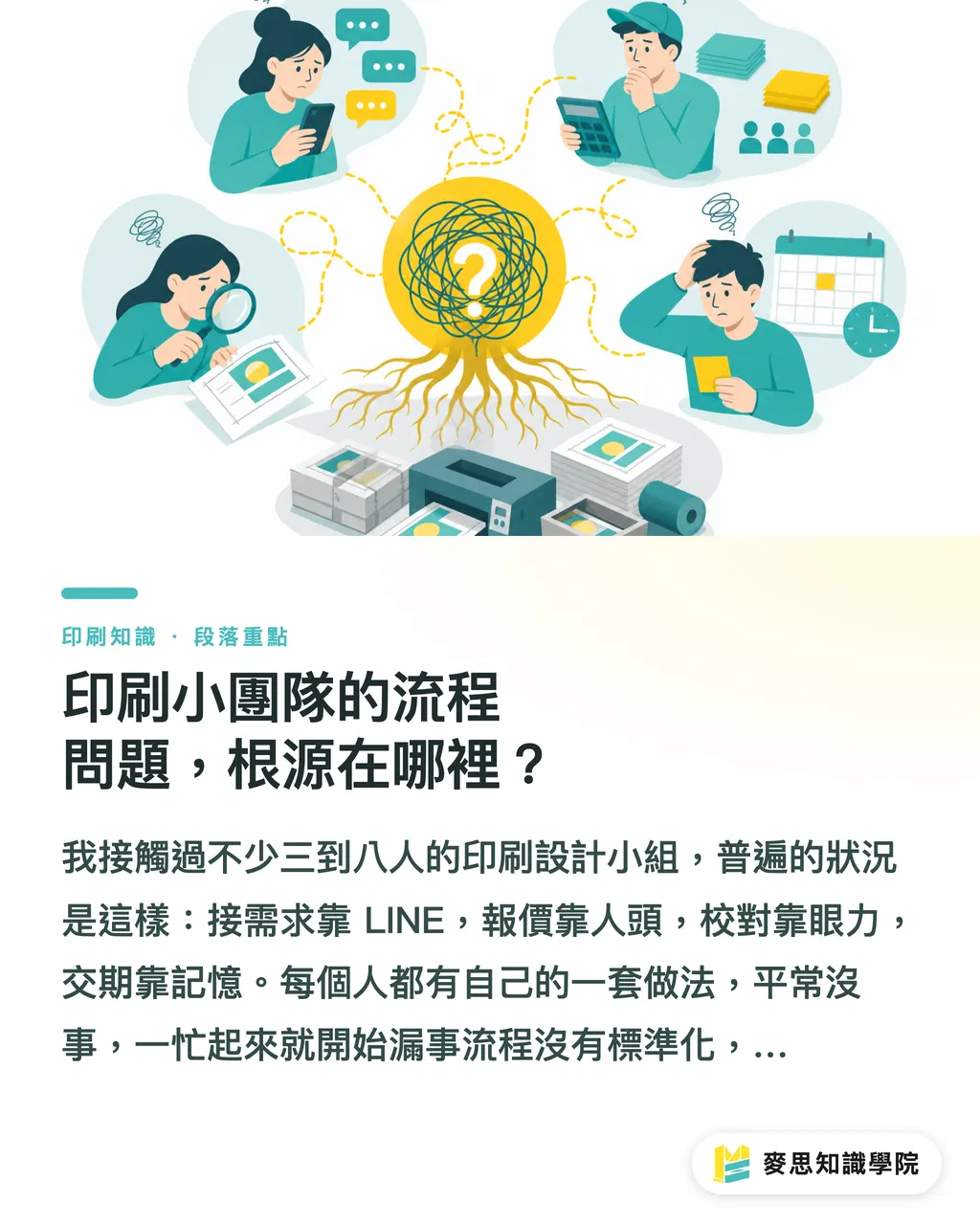
I've worked with quite a few 3-to-8-person print and design outfits, and the pattern is almost always the same: intake over LINE, quotes based on gut feel, proofreading by eyeball, delivery dates kept in someone's head. Everyone has their own way of doing things, and it works fine until things get busy, then things start falling through the cracks
No standardized process, no clear ownership, that's the shared problem for most small teams. The moment three jobs are running at once, who handles what, what's been confirmed, whether the vendor actually got the right specs, there's nowhere you can look and see the full picture in one glance
What an AI SOP actually does is pretty specific: pull out the repetitive work you'd otherwise re-think every time, let the tool run it first, then have a human confirm the result. Saving time is a side effect. Making ownership explicit, that's the real reason it's worth doing
How to design the seven stages of an AI SOP
When MINDS (MS, mid-to-high-end fully customized commercial printing) helps mid- and small-sized print teams sort out their workflow, the habit is to break the process into seven stages. Each one needs three things clearly defined: what AI can handle, where the human check-in is, and who owns it. Only when all three are set does a design actually run
① Intake
・AI can: use a form or chatbot to walk the client through size, quantity, material preference, and deadline, then auto-compile the answers into a structured spec sheet
・Human check-in: before sending out a quote, the salesperson or buyer reviews the spec sheet for contradictions (e.g. custom dimensions but standard pricing)
・Owner: sales contact
② Copy draft
・AI can: produce a first-pass copy framework from the spec sheet, or pull tone references from past jobs as a starting point
・Human check-in: designer or copywriter verifies brand consistency and regulatory requirements. Efficacy wording on food packaging is a common landmine
・Owner: designer, with final sign-off from the client
③ Proofreading checklist
・AI can: compare the final file against the spec sheet and list items to confirm: size, bleed, resolution, font embedding, color mode
・Human check-in: prepress engineer goes through the list item by item. Problems get sent straight back to the designer for fixes
・Owner: prepress engineer
④ Asset organization
・AI can: auto-organize folders by job number, rename source files, and compile version history
・Human check-in: the job lead confirms the final version is correctly marked. Sending the wrong version to the vendor is one of the most common and most expensive mistakes there is
・Owner: designer or project lead
⑤ Internal approval
・AI can: trigger approval notifications, track review status, and log every round of feedback
・Human check-in: supervisor or client leaves a clear "approve" or "revise" note on the approval form. Verbal agreement doesn't count
・Owner: department head, with final sign-off from the client
⑥ Vendor handoff
・AI can: auto-package the handoff folder to the vendor's format requirements and generate a handoff sheet (specs, color references, deadline)
・Human check-in: buyer calls or messages the vendor to verbally confirm receipt and spec understanding. Email alone is too risky
・Owner: buyer, paired with the vendor's sales contact
⑦ Reprint log
・AI can: auto-record the trigger, version difference, extra cost, and responsible party when a reprint is issued
・Human check-in: supervisor approves the reprint and the cost allocation. If the client owes a balance, a separate invoice goes out
・Owner: sales supervisor
Which three checkpoints must never skip the human review?
In process automation, the most common problem I've seen isn't picking the wrong tool. It's removing the human checkpoint. These three are the easiest to cut, and the consequences hit the hardest
Don't skip the physical proof
A physical proof lets the client feel the paper stock and see the color difference in person. Screen previews can't replace that. In every reprint case I've come across, the team that skipped the proof ended up paying way more than one proof's cost. Just the reprint materials plus the time to re-send to the vendor already adds up to a lot
Don't skip the sign-off before final payment
Before going to press, it's worth having a written confirmation on file: the client has reviewed the final spec sheet and replied with confirmation, then you release the job. The vendor has a paper trail, and the client has less room to dispute later. Both sides win
Don't pass off color proof sign-off with a screenshot
For formal commercial printing, color proof sign-off needs to happen on a sample printed on the actual material. Not a JPEG sent over LINE asking the client to "take a look." Colors look very different across screens, and a screenshot tells you nothing when there's a dispute. Plus, the final printed color comes from ink layering, not from an RGB light source

Where to start without stepping on a landmine
A lot of small teams hear "build an SOP" and immediately think they need to pick a system first, write a requirements doc, train the staff. That's exactly the order that gets you stuck
Flip it around and it's more practical: pick the one stage that hurts the most, get AI assistance working for that piece, then expand forward and backward from there
For most small print teams, the proofreading checklist is the best place to start. The reason is straightforward: high repetition, errors show immediate consequences (wrong print means reprint), and AI-generated checklist formats plug easily into existing review flows. Three to four weeks is enough to get a workable version running
The specific steps:
・Pull the prepress issues from your last three to five jobs into one list
・Hand it to an AI tool to produce a standardized proofreading checklist
・Let the prepress engineer test it for two weeks and flag which items don't fit or are missing
・Lock it in after revisions, then think about extending to other stages
No need to buy a new system. A Google Sheet is enough to start. Once it's running, you'll naturally see what to add next and when it's worth upgrading your tools
Want to figure out which stage your own team should tackle first? Feel free to reach out to the Mai Strategy Knowledge Academy consulting team. We can help you map your current workflow and pinpoint the segment most worth improving first

Key takeaways
・The core of an AI SOP is placing the right owner and the right checkpoint in the right spot in the process. Automation is just the means
・Each of the seven stages needs three things defined: what AI does, what the human confirms, and who owns it. All three, or the design isn't complete
・Skipping any of the three checkpoints, physical proof, color proof sign-off, pre-payment confirmation, is just borrowing trouble from your future self
・Start with the single stage that hurts most, get it running, then expand. The success rate is way higher than trying to build the whole system at once
・Reprint logs are an underrated dataset. Every entry is a clue for reducing errors next time
Worth thinking about next
The most common failure when building an AI SOP is "the process is built but nobody uses it." Tech problems come second. The real blocker is that the design sits too far from existing habits, or nobody keeps maintaining it. Treat the SOP as a living document and it's more realistic. Once a quarter, look at which stage nobody's following, which checklist everyone can't be bothered to fill in. That's where the design is broken, and what needs changing is the SOP, not the people
Another thing worth thinking ahead about: AI-generated outputs need to be saved and traceable, so you have something to point to when disputes come up. Client spec sheets, proofreading notes, vendor handoff documents, keep them all in one place. Don't let critical information scatter across different people's LINE chat threads
For teams that want to keep clear processes even in mid-to-high-end custom commercial printing, the way MINDS (MS) works can serve as a reference template. See how a print provider moving toward refined service designs the human-AI split
FAQ
- What system does a small print team need to buy to build an AI SOP?
- Not necessarily anything. Use Google Forms for intake, an AI tool to generate the proofreading checklist, and a Google Sheet to track approval status, and you can get the first three of the seven stages running. Tools aren't the point. Process design and ownership are
- Can AI proofreading replace the prepress engineer's manual check?
- No. An AI-generated proofreading checklist is a reminder tool, it helps you make sure you didn't miss an item, but the final call has to come from a human. There are plenty of issues with color, bleed, and special finishing specs that you simply can't see on screen
- Which stage is the best starting point for building an AI SOP?
- Start with the proofreading checklist. That stage has high repetition, the AI output plugs easily into existing workflows, and the consequences of errors are immediate (wrong print means reprint). You don't need more than a Google Sheet plus an AI text tool to get going
- Does a client saying "OK no problem" on LINE count as a formal sign-off?
- It counts as confirmation, but not as a written sign-off. At minimum, ask the client to reply to an email with a spec summary, or leave a confirmation record in the system. LINE screenshots are hard to use as evidence in a dispute
- What does a reprint log need to capture to be useful?
- At least four fields: the reprint reason (whose fault), the version number involved, the extra cost and who absorbs it, and the final completion date. These four let the next person picking it up get up to speed, and they're enough to give the client a clear answer if they have questions
Related articles





The Print × AI weekly
The print and AI know-how designers, brands and enterprises can use before they commit — one email, every week
MINDS Free Tools
AI background removal, brand stamping, and a LINE sticker maker — free design tools, right in your browser, no upload.
MINDS Group
Need actual printing or gifting services?
From premium printing to online ordering and festive gifts — the MINDS Group sister brands take it from here.