
Overview
Before packaging design goes to print, what you're really solving is a business problem: who buys it, where they buy it, how it gets noticed, whether it can scale, and whether anything will go wrong on the dieline, barcode, substrate, color, or finishing. MINDS Print (MS, mid-to-high-end fully custom commercial printing) breaks the print-ready handoff into three checks: ① business goal ② print conditions ③ production delivery. Get the question straight first, and the design actually has a chance of coming off the press clean
Why say designers aren't artists?
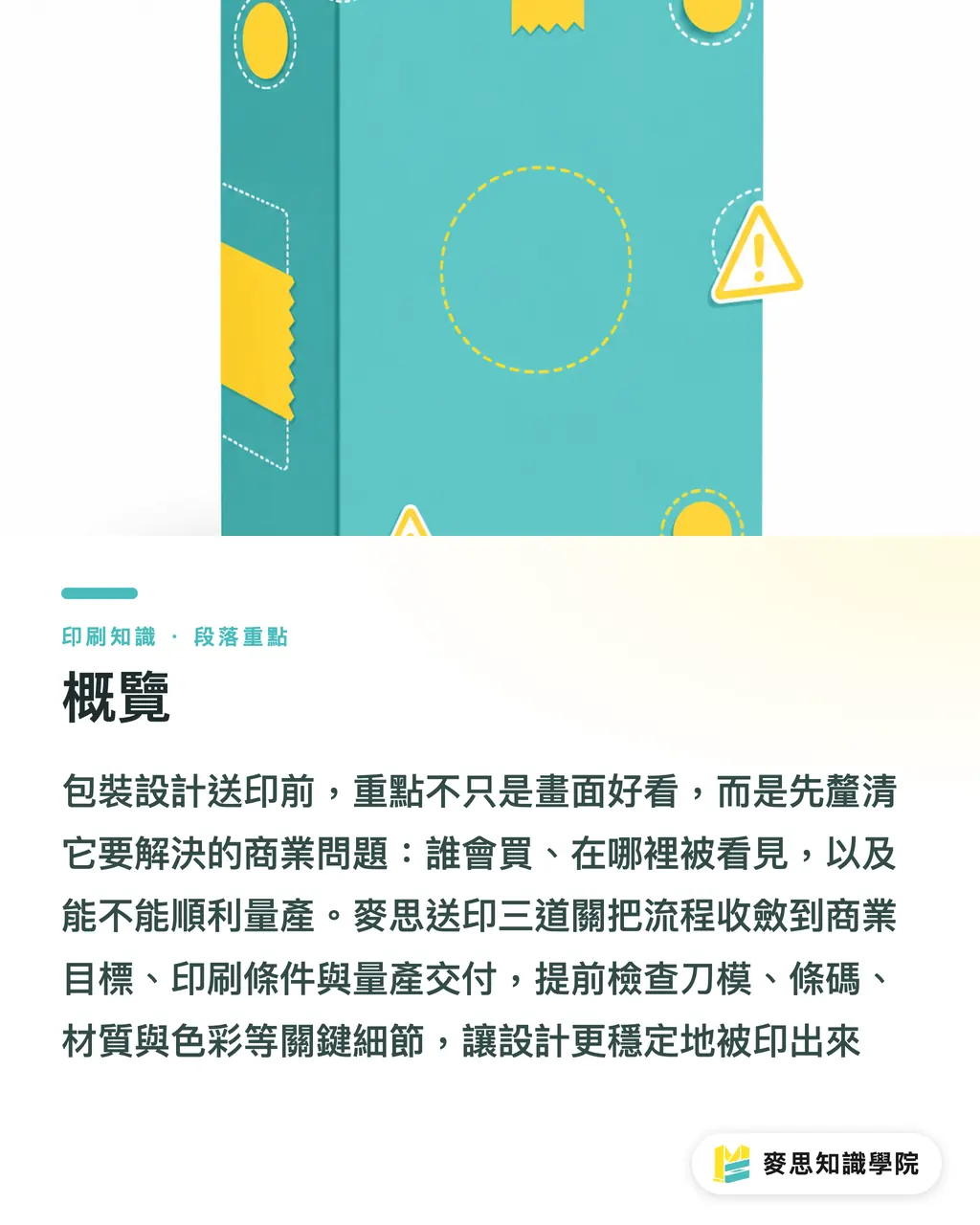
The YouTube Short "Artists vs Graphic Designers" hits a miscommunication that comes up on every print floor: an artist leans toward personal expression, while a graphic designer has to handle communication goals, constraints, and deliverable assets. Drop those three things into packaging design and you get a production language that brand, channel, and printer all have to read
The sentence I dread hearing on a print job: "The artwork's done, all that's left is to print it." That sentence is usually followed by five problems, misaligned dieline, not enough bleed, barcode too small, black overprint not handled, finishing smashing important type
Packaging design isn't a single hero key visual for an exhibition. Packaging gets folded, glued, sealed, stacked, and scanned. It also fights the product next to it for three seconds of attention on the shelf. If a designer only handles style, the printer ends up cleaning up the business decisions someone else refused to make
Core term: print-ready means the file, color, dieline, bleed, type size, barcode, substrate, and finishing conditions are all sorted to a state where the printer can check, proof, and produce directly. The point is to cut rejects, reprints, and on-press judgment calls
What 3 business questions should be answered before handing off packaging design?
The first of MINDS Print (MS) three checks isn't CMYK, it's business goal. If a package hasn't defined the selling scenario first, the color, substrate, layout, and finishing that follow all turn into arguments about taste
・Question 1: Where does this packaging actually get seen, an e-commerce thumbnail, a convenience store shelf, a department counter, or a sales sample handed to a buyer?
・Question 2: When the shopper picks up the package, what's the one purchase reason they have to get in how many seconds, flavor, spec, ingredient, promo, gift feel, or professional credibility?
・Question 3: How many SKUs does this design have to run, and will it extend to 3, 6, or 12 later? If the layout system isn't planned from the start, the series gets messier with every revision
When brand clients write the brief, stop tossing around adjectives like "premium, young, quality." A more useful version reads: main channel is e-commerce, hero visual must stay readable at 1:1 mobile thumbnail, barcode position is fixed, the line will add four more flavors next
When a designer gets that kind of brief, they know the canvas isn't free creation, it's translating business limits into order. When the printer gets that kind of file, they can flag risks before proofing instead of finding them on press
What does the printer actually need from the designer?
The second of MINDS Print (MS) three checks is print conditions. A packaging handoff has to make at least eight categories of information explicit: CMYK, spot color, dieline, bleed, coating, folding, sealing, barcode
・CMYK: standard four-color process printing. RGB visual files sent straight to press almost always come out duller than the screen
・Spot color: brand colors, metallics, and special colors need to be specified separately. "It's this blue" with a screenshot won't cut it
・Dieline: cut, crease, fold, and glue lines all marked. Design elements can't sit on top of areas that get folded away
・Bleed: usually reserved per the printer's spec. If the artwork doesn't extend far enough at the edge, the cut piece shows white
・Coating: varnish, matte film, spot UV, or protective coating shifts color appearance and affects later lamination and scuff resistance
・Folding: fold lines eat into layout. Thin type, logos, and QR codes near folds look worse in hand than on screen
・Sealing: seals, glue lines, and heat-seal positions can't hold important info. Food and pouch formats especially need this locked early
・Barcode: keep the scannable size, quiet zone, and contrast. Don't resize it for aesthetics until the register can't read it
If the brand side lacks prepress judgment, they can loop in MINDS Print before the concept is locked to confirm substrate, finishing, and artwork conditions. This step isn't handing the design over to the printer, it's keeping the design out of production risk before anything's finalized
Now that AI can generate images, what should designers know even better?
AI can crank out a nice-looking packaging visual fast, but a nice-looking image isn't a print file. That gap is getting louder in design and e-commerce circles lately, because a lot of people are mistaking "looks like packaging" for "ready to send to the printer."
Hold on
The common problem with AI-generated packaging isn't that the image looks bad, it's that AI won't automatically handle dieline, bleed, text hierarchy, brand specs, regulatory marks, barcode scanning, substrate ink absorption, spot coating, or seal position for you. Until those are handled, the designer still ends up rebuilding a production file in Illustrator, InDesign, or the prepress flow
My take on AI is plain: it works for early-stage moodboards, visual direction, packaging scenario mockups, and SKU series sketches, but it doesn't replace prepress judgment. The better a designer gets with AI, the more they need to understand print constraints, otherwise speed just ships mistakes to the printer faster
There's an opening here for SaaS and AI tooling teams too. The valuable tool isn't another hundred style images, it's one that checks dieline, bleed, barcode, color mode, font outline, and finishing layers for the designer, so the creative side actually plugs into production
How can a small-to-mid printer turn aesthetic questions into production language?
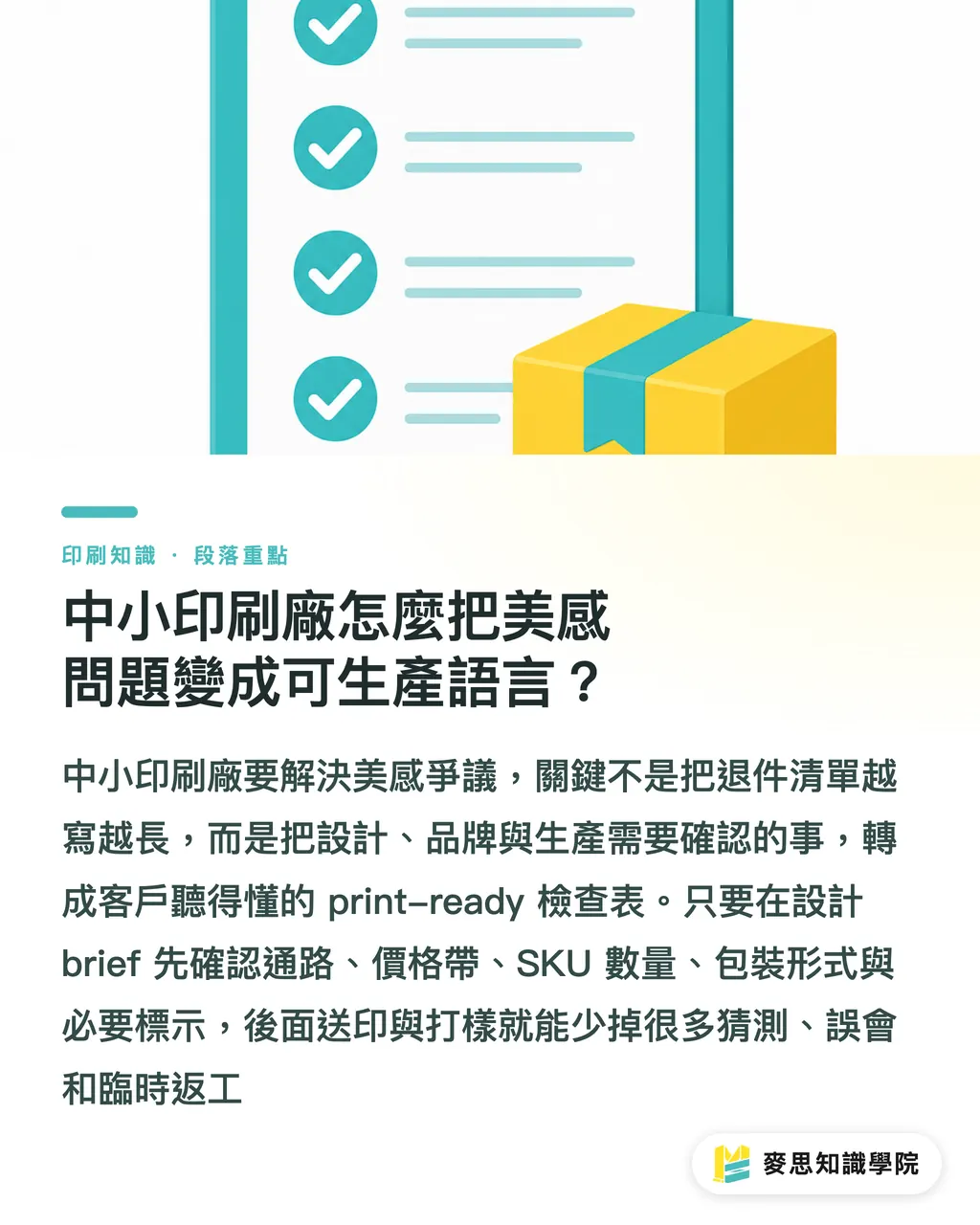
The third of MINDS Print (MS) three checks is production delivery. The thing a small-to-mid printer most needs isn't a longer reject list, it's a print-ready checklist the client can actually understand
・Design brief stage: have the brand spell out channel, price tier, SKU count, package format, and required markings
・Design proposal stage: have the designer include dieline position, primary text hierarchy, barcode zone, finishing zone, and substrate assumptions
・Artwork handoff stage: have the printer confirm CMYK, spot color, bleed, outlined fonts, linked images, resolution, and finishing layers
・Proof confirmation stage: get all three sides together to look at color shift, folds, glue flaps, seals, legibility, and scan results
Doing it this way kills a lot of pointless arguments. The brand stops blaming the printer for problems that were never the printer's. The designer stops doing last-minute rework the night before. The printer stops guessing answers for decisions nobody upstream made
For teams that need to fold design, print, and brand procurement into an internal SOP, the Mai Strategy Knowledge Academy consulting team can run a print-handoff audit first. A good checklist usually saves a delivery date better than another long meeting
Key takeaways
・Packaging design isn't a beauty contest, it's translating a business goal into a print language that can actually be produced
・The earlier the designer handles dieline, bleed, barcode, and substrate limits, the less the printer ends up patching upstream decisions
・AI can speed up visual exploration, but the print-ready call still comes down to prepress and production conditions
・The more specific the brand brief, the less likely the designer's creativity gets torn apart at the artwork stage
・What small-to-mid printers should be selling isn't reminding clients to send files, it's saving them one reprint
Further thinking
The print side can push the handoff checklist upstream into the design brief. The design side can treat AI sketches as a direction tool, not a final-artwork source. SaaS teams can build around preflight, dieline checking, and barcode risk flags. The next step is concrete: pick one real packaging project, break the business goal, the eight print conditions, and the proof checks into the same document, and get brand, designer, and printer talking from one file
Further reading
FAQ
- What's the biggest difference between a packaging designer and an artist?
- An artist leans toward personal expression; a packaging designer has to deliver commercial communication and production. Packaging design has to handle brand message, shelf identification, dieline, bleed, substrate, color, and finishing at the same time
- What is a print-ready packaging file?
- A print-ready packaging file is one the printer can inspect, proof, and produce directly. At minimum it needs CMYK or spot color settings, dieline, bleed, outlined fonts, linked images, barcode, and finishing marks
- Can AI-generated packaging art go straight to print?
- Usually not. AI art is fine for visual direction and scenario mockups, but before sending to print you still need to rebuild a production file and confirm dieline, bleed, text, barcode, substrate, and finishing conditions
- How should brand clients write a packaging design brief to be effective?
- The brand brief needs to spell out channel, price tier, target audience, main selling point, SKU count, package format, and required markings. Writing only "premium, quality, young" makes both design and print judgment fuzzy
- How can small-to-mid printers cut communication cost on packaging jobs?
- Move the print-ready checklist to the front of the project. Have the brand and designer lock in dieline, bleed, barcode, substrate, and finishing at the proposal stage so nothing has to be redone on press
Related articles


The Print × AI weekly
The print and AI know-how designers, brands and enterprises can use before they commit — one email, every week
MINDS Free Tools
Imposition calculator and preflight file check — free prepress tools, right in your browser.
MINDS Group
Need actual printing or gifting services?
From premium printing to online ordering and festive gifts — the MINDS Group sister brands take it from here.