

Should You Choose A4 or A5 for a Flyer?
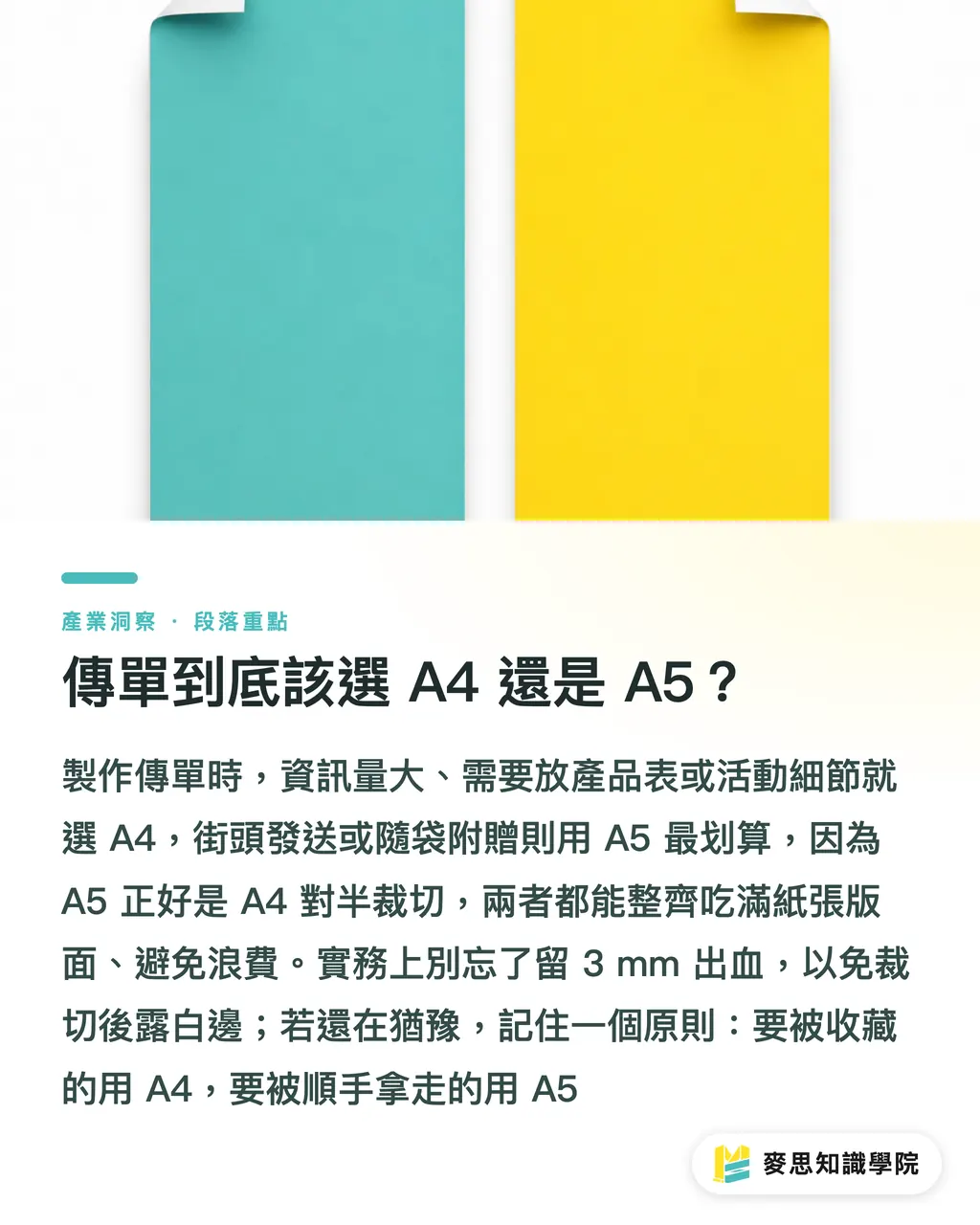
Here is the short answer: if you have a lot of information, product tables, or event details, use A4 (210 × 297 mm). For street distribution, newspaper inserts, or bag stuffers, A5 (148 × 210 mm) is the most cost-effective choice
A5 is exactly half of A4 when cut down, and that matters more than you might think. Print shops in Taiwan work with fixed parent sheet sizes. Whether using standard full-size sheets or Kiku parent sheets, both A4 and A5 can be imposed cleanly with almost no wasted trim. One of the most wasteful cases I have seen over the years was a client insisting on a trendy-looking non-standard size. The result was that only four pieces could fit on one parent sheet, all the offcuts were discarded, paper cost jumped by 30%, and the cost-performance ratio looked terrible
There are also two practical details that are often overlooked
・Bleed: leave 3 mm of bleed on all four sides. An A4 final artwork file should be 216 × 303 mm. Without bleed, white edges may appear after trimming
・Feel in hand: a single A5 sheet is light and easy to slip into a pocket. A folded A4 feels similar to an A5 booklet, letting you include more content without looking crowded
If you are still unsure, remember this simple rule: use A4 for something meant to be kept, and A5 for something meant to be picked up casually
How Do You Choose Flyer Paper Without Making the Wrong Call?
The three most common flyer papers cover about 80% of typical needs once you understand them
・Coated paper: glossy surface, saturated color, ideal for lots of photos. It is the mainstay for DM pieces and promotional flyers, commonly used from 100P to 150P
・Matte coated paper: prints beautifully without glare, offers comfortable text readability and a more premium feel. Suitable for restaurant menus and brand-oriented flyers
・Woodfree paper: uncoated, easy to write on, and more document-like. Suitable for registration forms, instruction sheets, and flyers that people need to fill out
Paper weight is another key factor. Mainstream flyers usually fall between 100P and 150P. 100P is thinner and lower-cost, making it suitable for high-volume street distribution. At 150P, the sheet starts to have body and no longer feels flimsy, so it comes across as a proper promotional piece. Anything thicker starts to feel like card stock and raises the unit cost. Unless you are making a table tent that needs to stand upright, flyers usually do not need to go above 200P
A common misunderstanding in the field is that thicker always means more premium. In reality, 150P matte coated paper often feels more appealing than 200P glossy coated paper because the matte finish makes the printed piece look calmer and more refined. Do not judge paper only by weight; first think about how the flyer will actually be handled
Color and Quantity Are the Real Cost Switches
Many people compare prices by focusing on paper, but the two real switches that determine the total cost are color and quantity
To understand color count, you first need to look at the printing method
・Digital printing: every job is priced as full color regardless of how many colors are used, and there is no plate fee. This means the price difference between single-sided color and double-sided color is not large. It is suitable for small runs, rush jobs, and cases where you need proofs to confirm color
・Traditional offset printing: plates are required. CMYK four-color printing means four plates, and plate costs for single-sided four-color or double-sided four-color (4/4) printing will show clearly in the quote. But once the quantity is large enough, the average cost per sheet becomes very low
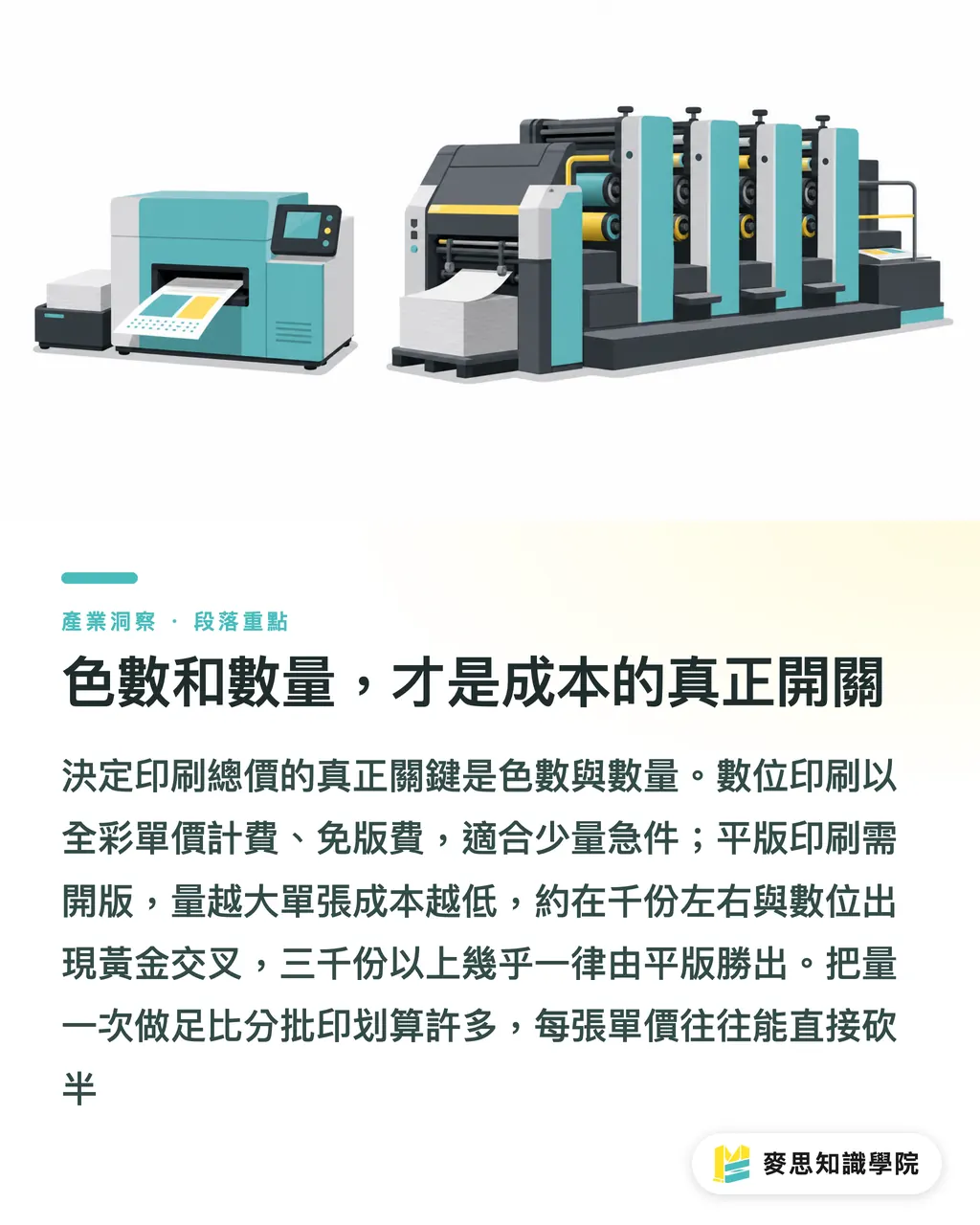
This leads to the quantity tier effect. In offset printing, plate making, press setup, ink adjustment, and test-print waste are fixed costs. That amount is almost the same whether you print 500 or 5000 copies. So when you print 500 copies, that fixed cost weighs heavily on each sheet. When you print 3000 or 5000 copies, the unit cost drops quickly
The rough decision line I give clients is this:
・Within 500 copies and in a hurry: choose digital printing. No plate fee, and same-day pickup is possible
・Around 1000 copies: digital and offset tend to hit a crossover point in this range, so ask both sides for quotes before deciding
・Above 3000 copies: offset almost always wins, and the larger the run, the cheaper each sheet becomes
Here is a concrete example: for an A5 double-sided full-color flyer on 150P coated paper, printing 1000 copies versus 3000 copies may cost less than twice as much in total, even though the quantity is three times higher. That means the unit price may effectively be cut in half. If you already know you will keep distributing them, do not hesitate; printing the full quantity at once is far cheaper than splitting it into batches
What Should You Prepare Before Requesting a Quote?
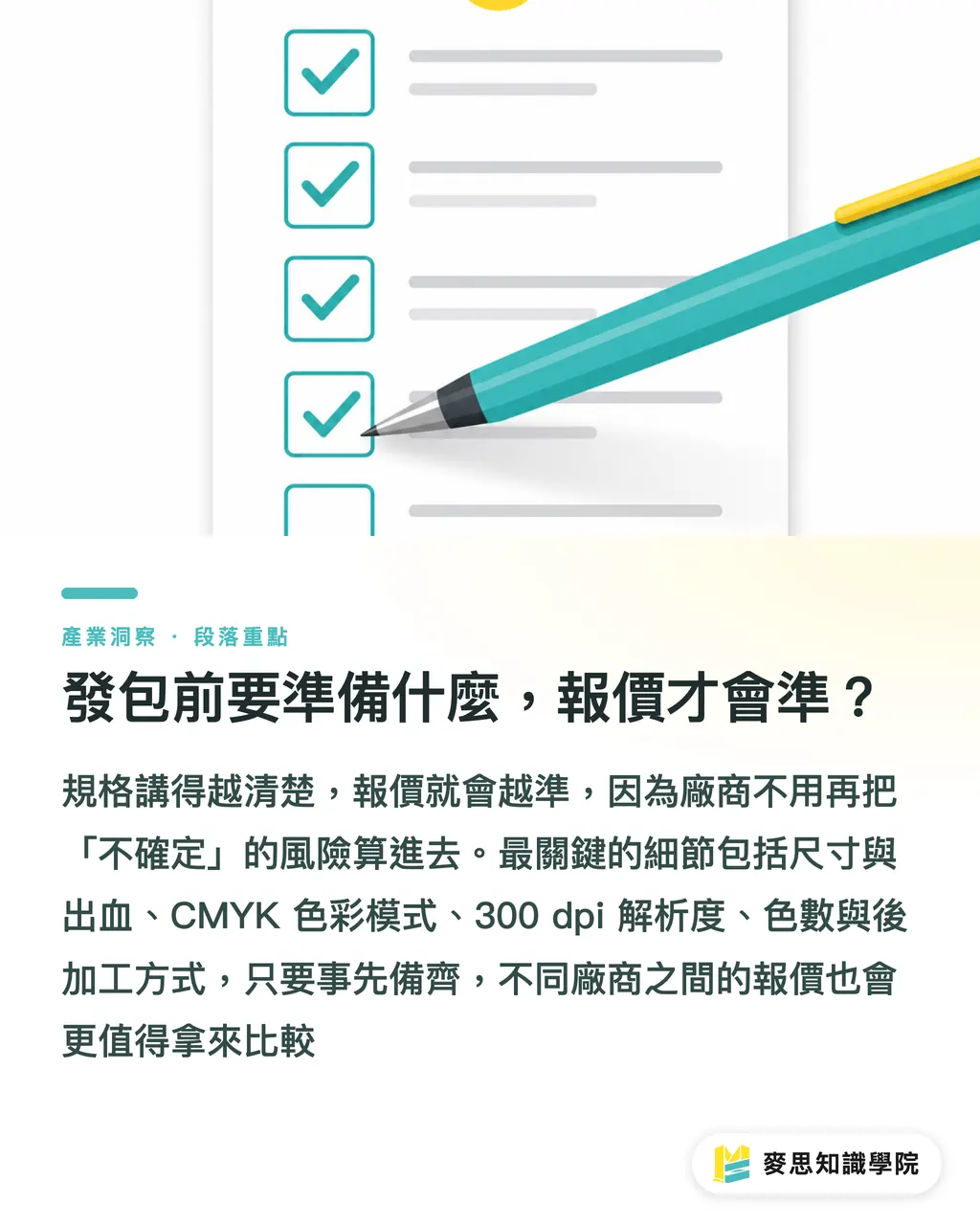
When quotes vary widely, half the reason is that the requirements were unclear, so the vendor has to quote based on the worst-case scenario. Prepare the checklist below first, and your quotes will be much more accurate and easier to compare
・Size and bleed: specify the finished size clearly (A4 or A5), and leave 3 mm of bleed on all four sides of the file
・Color mode: always use CMYK, not screen-based RGB, or the printed color shift may surprise you
・Resolution: images should be at least 300 dpi. Images downloaded from the web are usually only 72 dpi and will look blurry when enlarged
・Color count: specify single-sided color or double-sided color (4/0 or 4/4). Getting this wrong can change the price significantly
・Finishing requirements: state whether you need matte lamination, gloss lamination, folding, or other finishing. These are charged separately
・Quantity tiers: ask the vendor directly for tiered quotes at 1000 / 3000 / 5000, then compare the unit cost yourself
Remember to outline text or include the fonts. For large solid black areas, use rich black instead of black made from only a single K value; otherwise the result may look gray and can also cause ink issues. These prepress details are exactly why the same file can produce very different quality results at different vendors
Being clear about specifications is itself a way to save money. What vendors fear most is uncertainty. The more precise you are, the less they need to add risk into the quote
Key Takeaways
・For size, first ask whether the flyer is meant to be kept or picked up casually: A4 is good for details, A5 is good for street distribution, and both fit standard parent sheet layouts efficiently with little waste
・For flyer paper, coated, matte coated, and woodfree paper are enough for most needs. Mainstream weights are 100P to 150P; do not assume thicker is always better
・The real factors that determine total price are color and quantity, not paper. Use digital for small rush jobs, and offset for large standardized runs
・Offset printing spreads fixed costs across each sheet, so the larger the run, the cheaper each sheet becomes. Above 3000 copies, it is almost always more cost-effective than digital
・Prepare final artwork in CMYK, use 300 dpi images, leave 3 mm bleed, and specify color count clearly. Your quote will naturally become more accurate and easier to compare
Further Considerations
If you are a store or brand that distributes flyers regularly, standardize your specifications: fixed size, fixed paper, and fixed color count. Turn these into an internal print-order spec sheet, then change only the content each time instead of changing the specs. This makes pricing stable, budgeting easier, and lets the vendor reuse previous color settings, which noticeably improves consistency. On the design side, you can create the same layout system in both A4 and A5 versions and switch according to the distribution channel. The real way to save money in print outsourcing has never been pushing vendors to lower prices; it is making your requirements clear enough that they do not have to guess. If you need one partner to handle design, file checking, and printing end to end, working with a team that can integrate prepress and production will save far more back-and-forth communication time than outsourcing every step separately
FAQ
- Is A4 or A5 better for flyers?
- Use A4 (210 × 297 mm) when you have a lot of information or need to include product details. Use A5 (148 × 210 mm) for street distribution, newspaper inserts, or bag stuffers. A5 is half of A4 when cut down, and both fit Taiwan's standard parent sheet layouts with almost no waste, making them the most cost-efficient options
- What paper and weight are commonly used for flyers?
- The most common choices are coated paper, matte coated paper, and woodfree paper, with mainstream weights from 100P to 150P. 100P is thinner and suitable for high-volume street distribution, while 150P has more body and feels sturdier in hand. Matte coated paper often feels more appealing than thicker glossy coated paper because of its subdued finish
- How should I choose between digital and offset flyer printing?
- Choose digital for fewer than 500 copies when you are in a hurry, since there is no plate fee and same-day pickup is possible. Choose offset for more than 3000 copies, because once fixed costs are spread out, each sheet becomes cheaper. Around 1000 copies is the crossover range, so ask for quotes from both before deciding
- Why do quotes for the same flyer vary so much between vendors?
- Usually because the specifications are unclear, so vendors have to quote based on the worst-case scenario. State the size and bleed, CMYK color mode, color count (single-sided or double-sided color), quantity tiers, and finishing requirements all at once. The quote will be much more accurate and easier to compare
- How should I prepare flyer files to avoid print problems?
- Use CMYK color mode, keep images at least 300 dpi, leave 3 mm bleed on all four sides, outline text, and use rich black for large solid black areas. These prepress details are key reasons why the same file can produce very different quality results at different vendors
Related articles




The Print × AI weekly
The print and AI know-how designers, brands and enterprises can use before they commit — one email, every week
MINDS Free Tools
Spine width and imposition calculators — skip the manual math, free in your browser.
MINDS Group
Need actual printing or gifting services?
From premium printing to online ordering and festive gifts — the MINDS Group sister brands take it from here.