
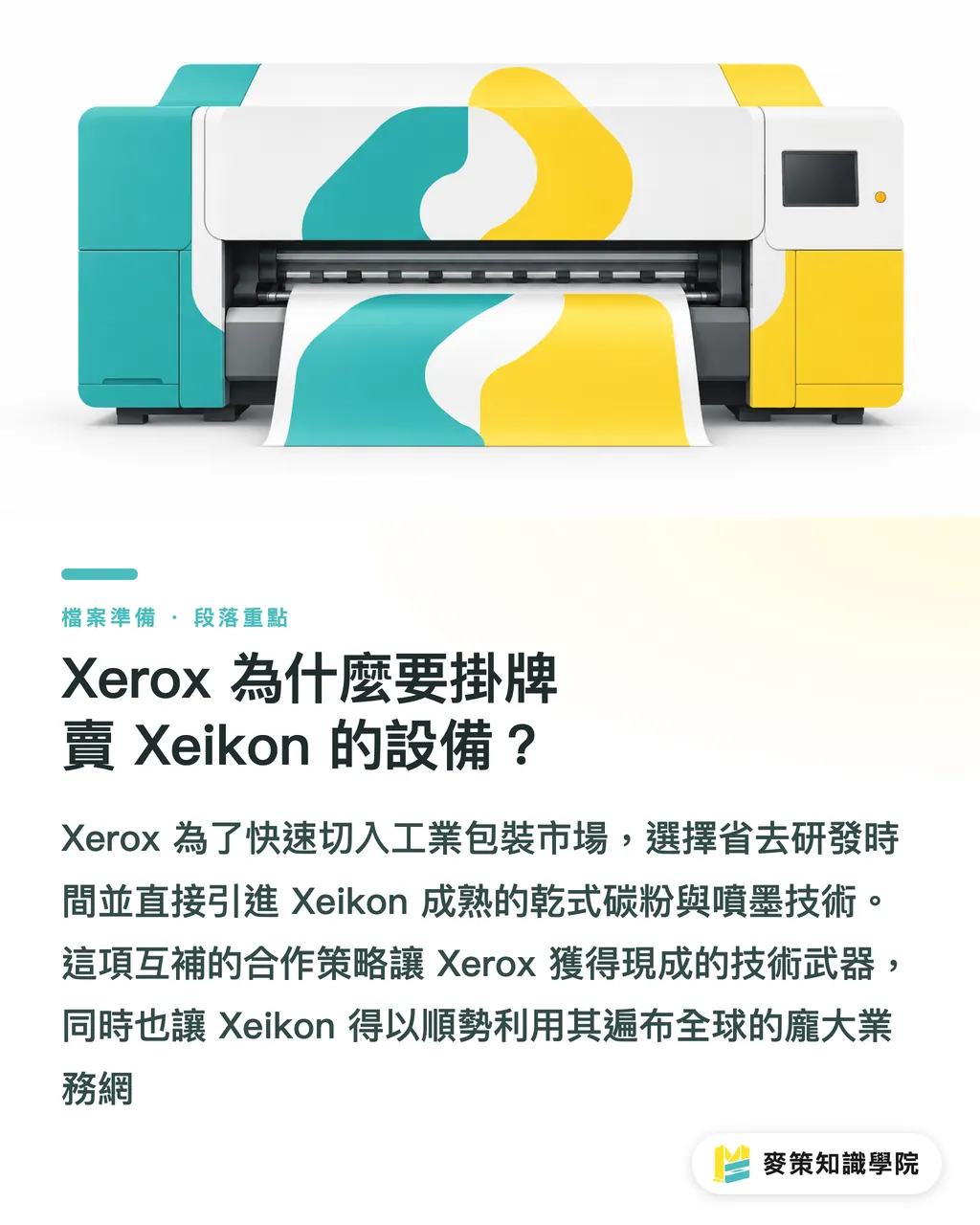
Why Is Xerox Rebadging Xeikon Equipment?
To break quickly into the short-run digital market for labels and folding cartons, Xerox chose to borrow Xeikon's proven technology and hardware directly
Xerox is a giant in commercial printing, but in industrial packaging, Xeikon's dry toner and UV inkjet technologies have a much stronger foothold
In an early September statement, Walter Benz, CEO of Flint Group Digital Xeikon, pointed out that this partnership is built to boost response speed and application flexibility
This tactic of trading technology for distribution saves Xerox years of R&D, letting them hit the field with ready-made tools. Meanwhile, Xeikon taps straight into Xerox's massive global sales network
How Will Production Lines and Equipment Buying Change?
When small and midsize print shops in Taiwan buy digital packaging presses down the road, negotiations, consumable lock-ins, and service contracts will shift entirely into the Xerox ecosystem
In the past, shops bought Xeikon gear directly from the manufacturer or regional distributors. With the hardware rebadged as Xerox, that purchasing and maintenance playbook is bound to change
Xerox excels at dense service networks and click-charge billing models. You can expect faster turnaround on service calls and warranties when buying these high-end label presses
At the same time, you need to recalculate the long-term cost of being locked into Xerox consumables. When evaluating machines, make sure to lay out all maintenance terms for the next three years on the table
How Should Designers and Print Buyers Respond?
Designers need to proactively verify the press brand and underlying tech at their print shops. It directly affects ink adhesion on specialty substrates and turnaround times for rush jobs
As more traditional printers upgrade to digital through Xerox, short-run packaging will inevitably face price wars. This will not only shake up the market, but also shift how jobs are outsourced
Prepress staff need to check hardware specs more closely before handing off files. It is best to clarify these three questions with the print shop upfront:
・Ask about the core engine technology: Confirm whether it runs Xeikon's native dry toner or UV inkjet
・Check support for white ink and spot colors: Different technologies deliver vastly different opacity and coverage on kraft paper or clear film
・Test substrate tolerance: Ask the printer for real print samples across paperboards of varying thicknesses
If you have a high-spec custom packaging project and do not want to be a test subject, go straight to MINDS. Let an established production team verify that the equipment matches your materials
Key Takeaways
・Xerox uses Xeikon's tech to complete its packaging lineup, while Xeikon uses Xerox's distribution to move hardware
・Small and midsize print shops will shift their purchasing focus toward Xerox consumable pricing and maintenance agreements
・When outsourcing labels and folding cartons, designers must run fresh material test prints for dry toner versus UV inkjet
Food for Thought
Alliances between equipment vendors will become more frequent. Print shops evaluating new hardware cannot just look at sticker price. They also have to calculate service costs and consumable contracts over the next three years. SaaS and prepress software vendors that solve cross-brand color synchronization and job ticketing automation stand to win big from this upgrade cycle
Further Reading
FAQ
- How are the digital presses Xerox is selling this time different from its previous lineup?
- The machines branded under Xerox this time are built on Xeikon engines developed specifically for labels and packaging, filling a gap Xerox had in industrial-grade specialty packaging
- When will print shops in Taiwan feel the impact of this partnership?
- As the new models roll out through Xerox's existing sales channels, equipment purchases and service contracts across small and midsize packaging shops will likely see a major shake-up over the next three years
- Do designers need to change file settings when sending jobs to these rebadged digital presses?
- Prepress file settings stay the same. But before sending files to print, verify whether the actual hardware runs toner or UV inkjet. That difference will directly impact what to expect for white ink opacity and surface gloss
Related articles

The Print × AI weekly
The print and AI know-how designers, brands and enterprises can use before they commit — one email, every week
MINDS Free Tools
Spine width and imposition calculators — skip the manual math, free in your browser.
MINDS Group
Need actual printing or gifting services?
From premium printing to online ordering and festive gifts — the MINDS Group sister brands take it from here.