

Why Does Converting HEX to Pantone Create Such a Big Color Shift?
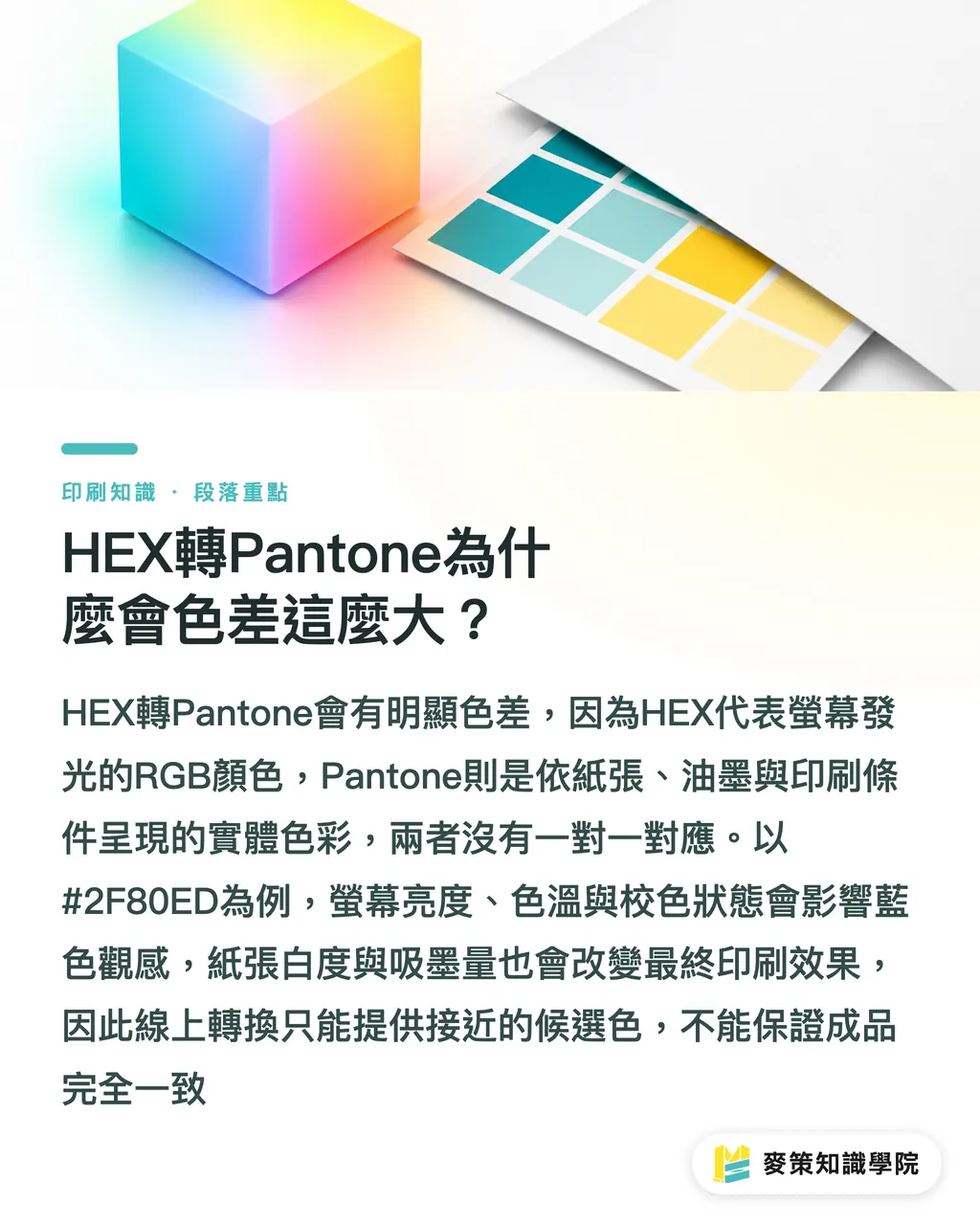
HEX-to-Pantone conversion produces obvious color shifts because HEX describes the light-emitting RGB colors of a screen, while Pantone describes what ink actually looks like on paper. There's no one-to-one mapping between them
HEX is a six-digit hexadecimal code that encodes RGB (Red, Green, Blue, a screen builds color through light) into a digital file. CMYK (Cyan, Magenta, Yellow, Key/Black, four ink channels for print) works through ink overprinting. A color space is the system that maps values to visible colors: RGB is built for light, CMYK for paper surfaces, and Pantone uses physical swatches to specify printing conditions
Screen brightness, color temperature, and calibration state all change how a blue like #2F80ED actually looks. Paper whiteness, ink absorption, and surface gloss shift the printed result further. In client work, I regularly see people holding a phone up next to a press proof, two different light sources, two completely different viewing conditions. Online converters find a close candidate. They don't guarantee what comes out of the press
What Does an Online HEX-to-Pantone Tool Actually Do?
Online HEX-to-Pantone tools run an approximate search: they read the six-digit HEX to recover the RGB, then scan the available Pantone library for the closest visual match
The process breaks into three steps:
・1. Read the six-digit HEX and convert it to RGB values
・2. Search for a close Pantone color based on the tool's color data and matching criteria
・3. Return one or more suggested color numbers for the designer to verify against physical swatches or a proof
Tools like Pantone Color Finder are useful for narrowing the search, but they can't decide paper stock or viewing conditions for you. Different tools may use different library versions, and if the screen isn't calibrated, the tool is reading numbers while your eyes are seeing something else entirely. I mark conversion results as 'candidates,' keep the original HEX on file, and only write the Pantone number into the print spec after a physical swatch confirms it
How Much Does Choosing the Wrong Pantone C, U, or TCX Matter?
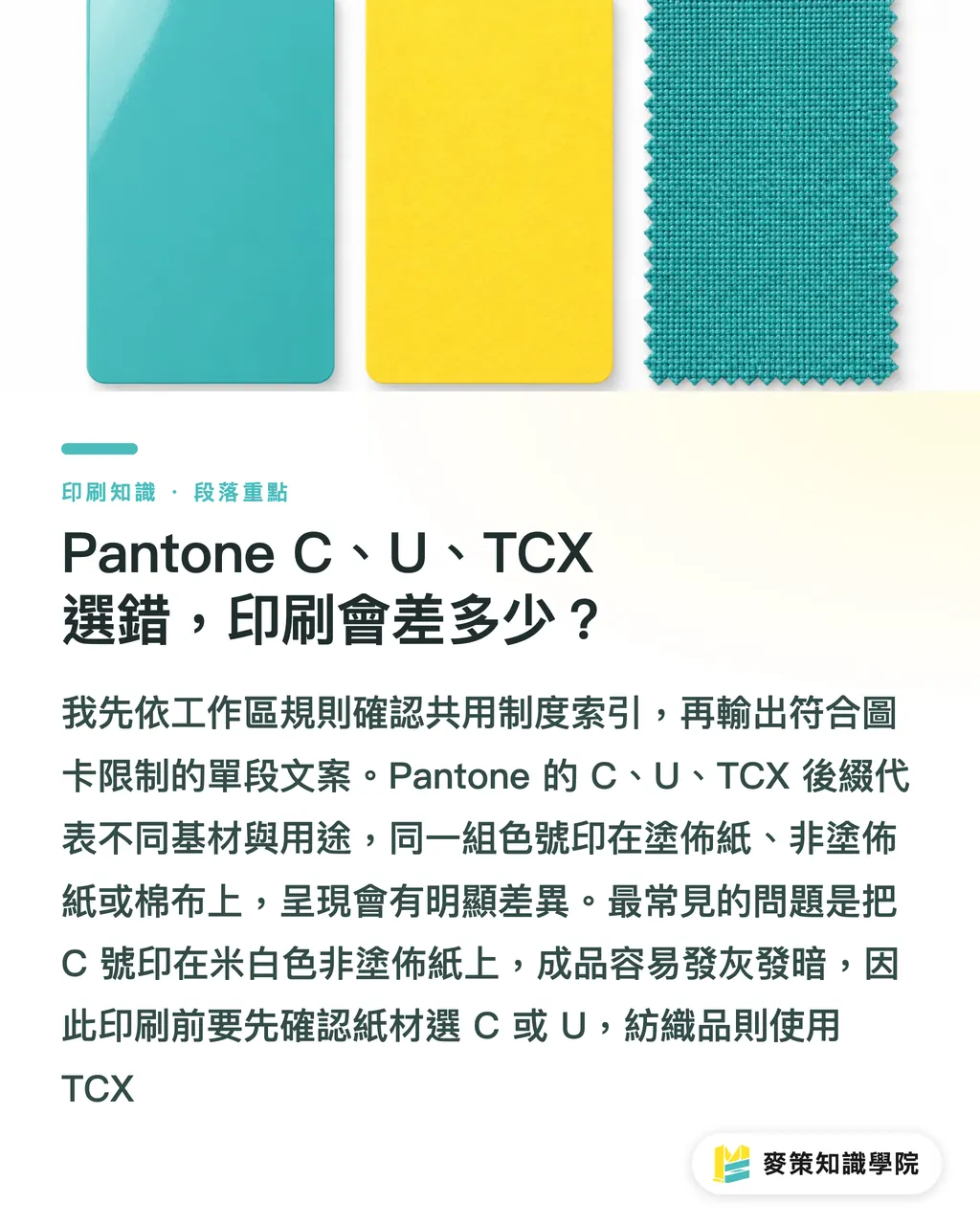
A lot. The Pantone suffix determines which substrate you're referencing. The same number looks nothing alike across different paper surfaces, ink absorption levels, and gloss
・Pantone C (Coated): for coated papers and smooth-surface stocks. Colors tend to look more vivid
・Pantone U (Uncoated): for papers with more visible ink absorption. Results often look softer
・Pantone TCX (Textile Cotton): for fabric and cotton applications. Not a valid color reference for paper printing
The most common mistake: someone converts a hex on screen, gets a C number, then prints on cream-colored uncoated stock. The finished piece looks grey and dull. Everyone blames the converter. The real issue is that the swatch suffix and the paper stock didn't match. Before any paper job, confirm C or U at minimum. TCX only comes into play for fabric or textile work
How Should a Designer Convert a HEX Color to a Printable Pantone?
Define your printing conditions first, then verify with physical swatches and a proof on the target stock. Mai Strategy's three-checkpoint print process breaks into three steps:
・1. Define substrate and process: note coated or uncoated stock, printing method, and any varnish or lamination, then confirm with the printer whether to use Pantone C or U
・2. Set file color: for CMYK printing, use the ICC profile specified by the printer (a file describing the color characteristics of the device and paper); for spot colors, use Pantone spot colors in Illustrator or InDesign. HEX stays for websites and digital assets
・3. Pull a physical proof: compare swatches on the target stock, document the Pantone version, paper, and approved proof, then use that same approved proof as the reference for the press run
Three things to check before file handoff: HEX and RGB are for digital reference only; Pantone suffix matches the paper stock; PDF spot color names and bleed are correct. When a brand blue needs to appear on a website, business card, and packaging at once, list HEX, CMYK, and Pantone C or U in separate columns. The printer won't have to guess
Why Can a Press Run Still Shift Color Even When the Proof Looked Right?
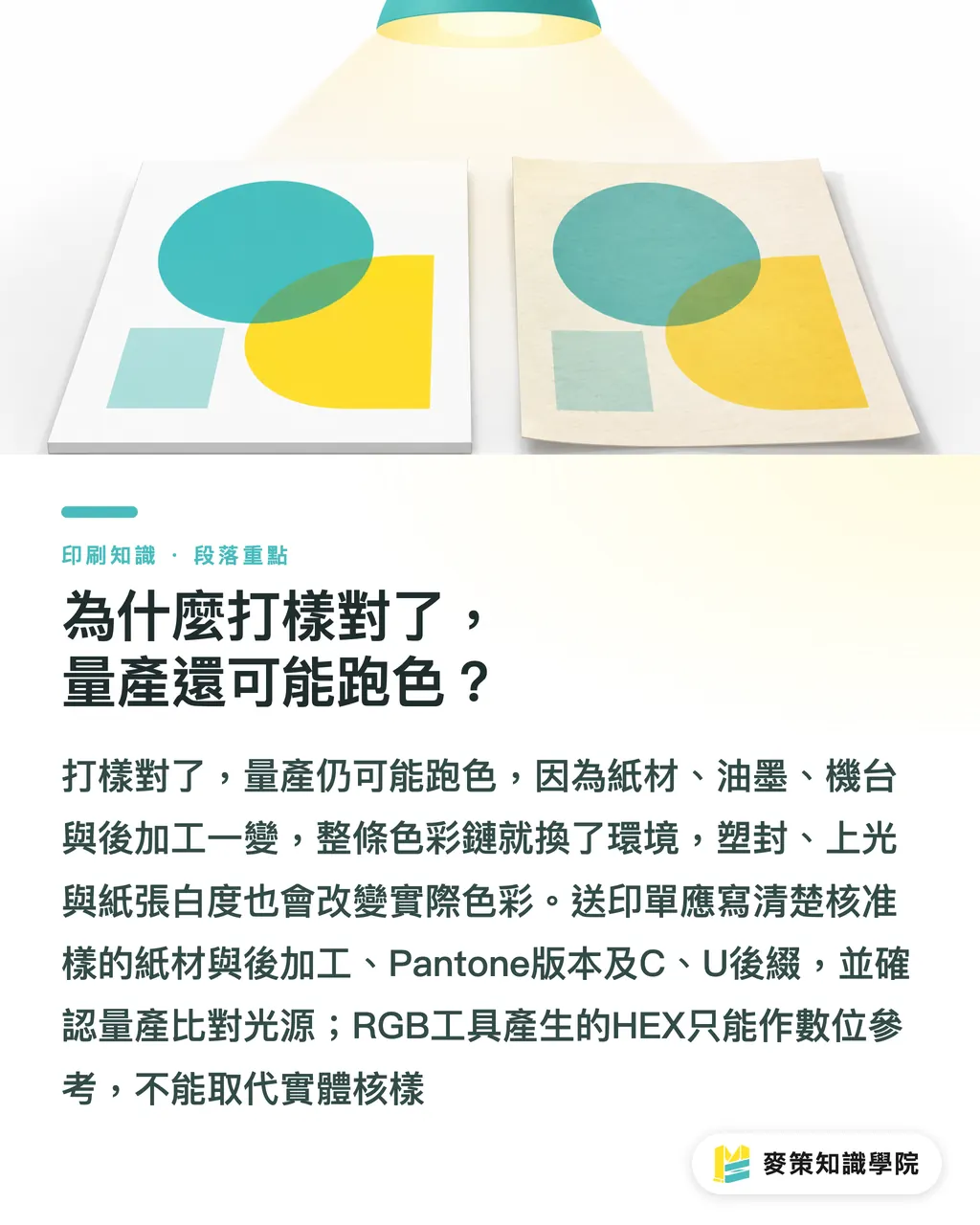
A good proof doesn't guarantee a consistent press run. Change the paper, ink, press conditions, or finishing between proof and production, and the color chain is in a different environment
Screen, digital proof, and press sheet are three separate viewing points. Lamination and varnish alter surface reflectance; paper whiteness shifts how the same ink reads visually. ISO 12647 (the international print process control standard series, covering printing conditions and color management requirements) helps printers manage the process, but it can't fix a wrong paper selection and turn it into the right Pantone
I require print submission forms to document three things:
・Which paper stock and finishing were used for the approved proof
・The Pantone version and suffix (C, U, etc.)
・The light source and approved proof used during press run comparison
AI-generated images and SaaS (Software as a Service, cloud-based software) brand tools still work primarily in RGB. You can save the HEX for digital use, but the system can't automatically pick a Pantone for paper. If a system offers conversion, the interface should clearly label results as 'approximate,' indicate the substrate, and include a field for manual proof sign-off
Key Takeaways
・HEX is screen language. Pantone is a physical swatch tied to paper stock and ink conditions. Conversion output is a starting point, not a final answer
・C, U, and TCX aren't decorative letters. Each suffix refers to a different substrate and application
・Nail down the paper stock and printing process first, then pick the Pantone version. That alone eliminates most color disputes
・Without an approved proof on the target stock, there's nothing to compare against during the press run
Further Thinking
On the production side, paper stock, Pantone version, finishing details, and proof sign-off fields can all go on quote sheets and print submission forms. When designers split HEX, CMYK, and Pantone C or U into separate digital and print specs, one color code stops carrying the weight for every medium. When bringing in AI or SaaS brand tools, make 'approximate conversion' and 'manual proof required' mandatory prompts, the system gives you a candidate, not a stamp of approval. Teams looking to align color specs across web, packaging, and print are welcome to consult with the Mai Strategy Knowledge Academy advisory team. For ongoing coverage of prepress and AI applications, subscribe to the Mai Strategy Knowledge Academy newsletter
Further Reading
FAQ
- Can a HEX value be converted into an exactly matching Pantone color?
- Not reliably. HEX is an RGB screen value. Pantone depends on paper stock, ink, and swatch version. Online tools can only suggest a close candidate, physical swatches and proofing are still needed to confirm
- Why does the same HEX print differently at different printers?
- Printers may use different paper stocks, CMYK ICC profiles, inks, and finishing processes. Screens may also be uncalibrated. When the color conditions differ, the final result isn't determined by the HEX alone
- Should I use Pantone C or TCX for paper printing?
- For paper, look at Pantone C (coated) or U (uncoated). TCX is for textile and cotton applications and can't be used as a paper printing color reference
- A brand only has a HEX code. What should I do before sending it to print?
- Confirm the paper stock and printing process first, then use physical Pantone swatches to find a close match, proof it on the target stock, and keep the approved proof on file. The HEX can stay for the website and digital assets
- Can I directly adopt Pantone recommendations from AI or SaaS tools?
- Not directly. These systems can speed up finding candidate colors, but they need to indicate which swatch version and substrate were used. Brand colors still need to be confirmed by the designer, printer, and physical proof together
Related articles



The Print × AI weekly
The print and AI know-how designers, brands and enterprises can use before they commit — one email, every week
Tool Library
RGB↔CMYK conversion, ΔE color difference and brand color print analysis — free color management tools, computed right in your browser.
MINDS Group
Need actual printing or gifting services?
From premium printing to online ordering and festive gifts — the MINDS Group sister brands take it from here.