
Where Exactly Did PackZ 12's AI Land in Prepress?
PackZ 12 embeds AI directly into the packaging prepress software itself, giving operators help right inside their working tools while handling PDF files, barcodes, layouts, and repetitive tasks. In MINDS (MS) terms, this fits squarely into the 'MINDS (MS) Three-Gate Preflight' framework: check the file first, then the barcode, then the responsibility boundary
On July 23, 2026, PrintIndustry.news published Hybrid Software Adds AI to PackZ 12. The product is Hybrid Software's PackZ 12, a native PDF editor aimed at packaging manufacturers and prepress shops. This release adds a multilingual AI assistant and serialization capabilities
Packaging prepress automation: letting the software handle PDF checks, barcodes, imposition, color, and repetitive tasks before plates are made or the press runs, cutting down on the back-and-forth that patches gaps by hand
Looking at this update, the most important thing for print shops isn't that 'AI can talk.' It's that AI is now standing beside the prepress operator, already touching action lists, information panels, print markers, and script code, the small things that affect turnaround every single day
How Does It Save Operators From Running in Circles?
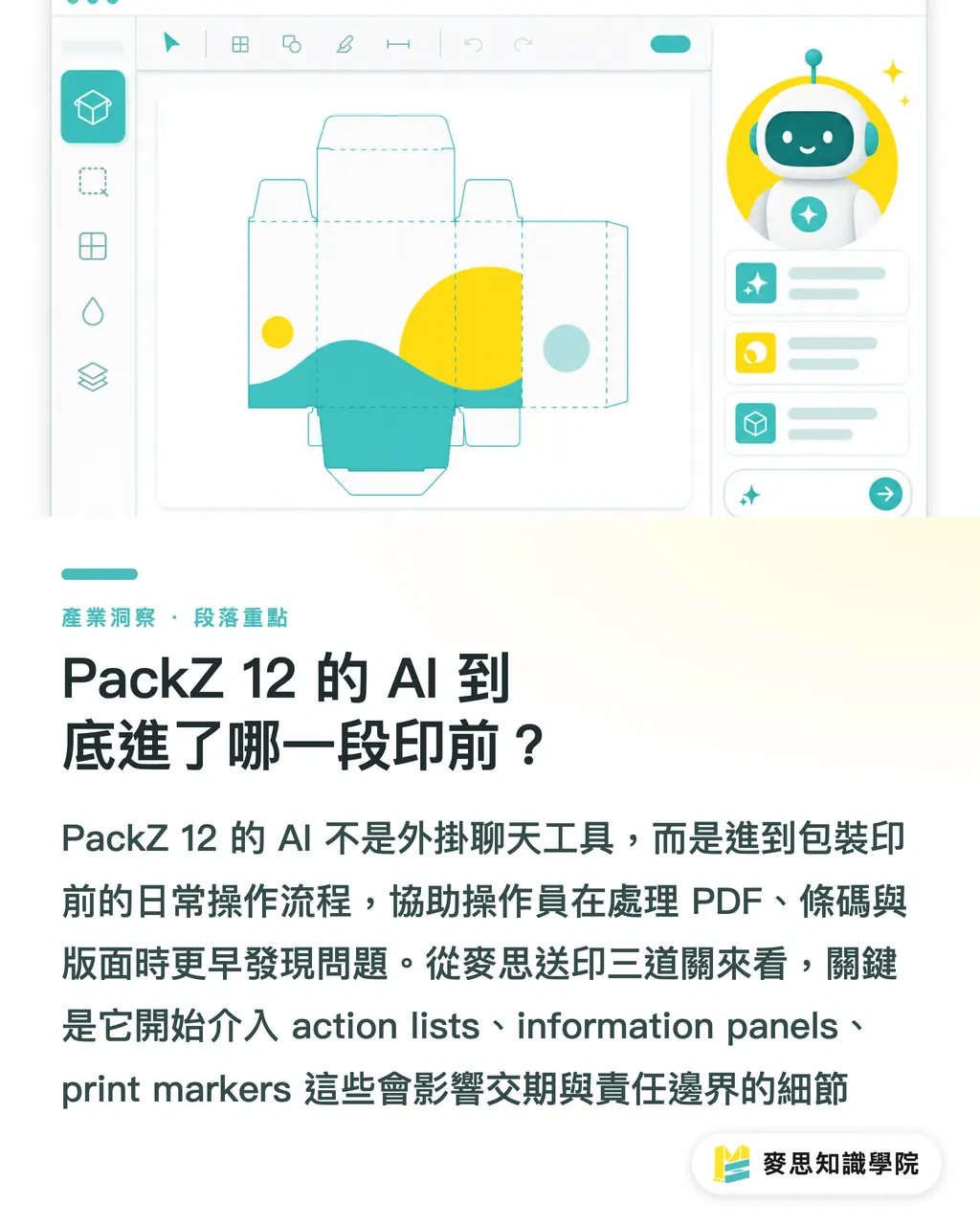
PackZ 12's AI assistant provides context-specific assistance based on which tool the operator is currently using. That's more useful than plain Q&A, because prepress errors usually aren't about not knowing the terminology, they're about not knowing which setting to click right now, which object to check first, or how to write a script for that repetitive task
The four output types Hybrid Software highlighted this time are all familiar faces in the prepress shop:
・action lists: lay out the steps for checking, correcting, and outputting clearly, good for newer operators picking up label, carton, and variable-data jobs
・information panels: organize the current file's status into readable information, reducing the verbal briefings that senior staff have to give
・print markers: help generate print registration marks, cutting one round of manual comparison from the output process
・script code: turn repetitive work into rerunnable automation scripts, fits well for recurring clients, fixed packaging lines, and consistent checking rules
What scares me most on the prepress floor isn't a big mistake, big mistakes usually get caught. The trouble is small errors scattered across 20 SKUs, three revision rounds, and two sets of barcode data, which eventually turn into chasing files at midnight and chasing accountability in the morning
Simple as that
Once AI is inside professional software like PackZ 12, the value shows up first as 'ask once less, miss one field less, redo one version less', not replacing the veteran's judgment
Why Does Packaging Prepress Meet AI First?
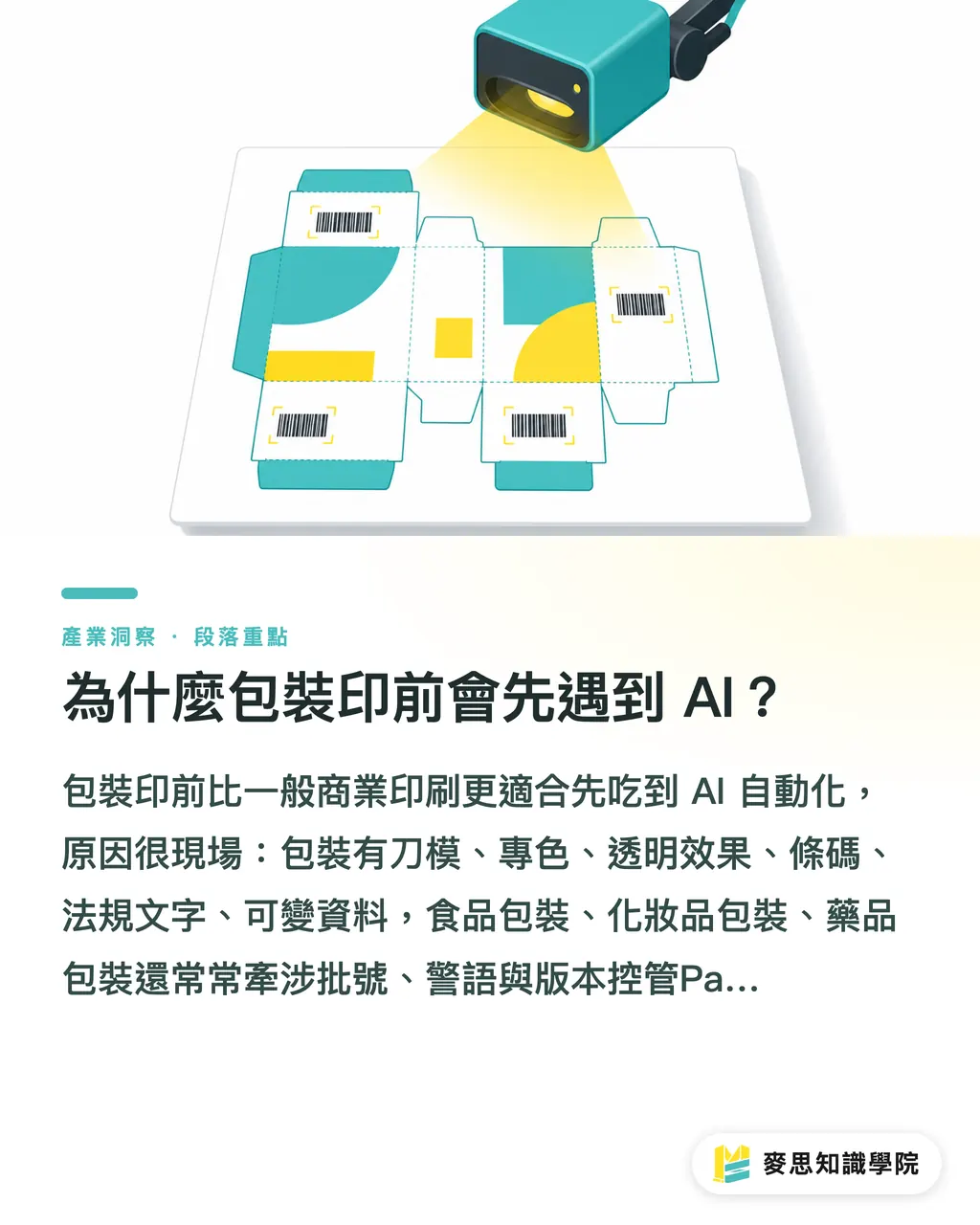
Packaging prepress is a better fit for AI automation than general commercial printing, and the reasons are practical: packaging involves die lines, spot colors, transparency effects, barcodes, regulatory text, and variable data. Food, cosmetics, and pharmaceutical packaging also frequently deal with batch numbers, warning statements, and version control
PackZ 12 also supports Amazon Transparency codes, used for product authentication and anti-counterfeiting. Hybrid Software noted that the architecture supports GS1 Sunrise 2027, an initiative pushing 2D barcodes that carry more data. For packaging plants, barcodes will shift from 'is it on the artwork?' to checking data source, mockup confirmation, and output consistency all at once
The workflow chain here is clear:
・code retrieval: get the correct code first, avoiding wrong batch or wrong product data
・mockup validation: confirm code placement and content at the mockup stage
・barcode generation: generate barcodes through the process, not by manually placing images
・barcode production: carry barcodes through to final production output, reducing version discrepancies
PackZ 12 also adds several production-side features: Packzimizer optimizes stacked label layouts to cut material waste, PackZ Max improves per-object quality control for halftones on transparent graphics, and Hell Gravure JobTickets refines data exchange between prepress and gravure engraving
Taken together, PackZ 12's AI isn't a standalone toy. It's connecting to the three most painful points in packaging prepress: file objects, barcode data, and production handoff
What Should Taiwan's Small and Mid-Size Print Shops Do?
Taiwan's small and mid-size print shops shouldn't rush to ask 'should we buy PackZ 12 right now?' My first three questions would be: are your preflight rules written down, do you have your common rejection reasons categorized, and who's accountable for approving barcodes and variable data?
The MINDS (MS) Three-Gate Preflight can be put into practice now, even before you've adopted PackZ 12. It's a way to get your prepress process organized first
・Gate One, PDF and layout: confirm bleed, fonts, transparency, spot colors, die lines, and safe margins. PackZ 12's native PDF editor keeps checks focused on the prepress file itself
・Gate Two, barcodes and variable data: signals like Amazon Transparency, 2D barcodes, and GS1 Sunrise 2027 remind print shops that barcodes can't rely on the naked eye checking whether the bars are clear enough
・Gate Three, responsibility boundary: the AI assistant can generate action lists or script code, but the final approver still needs to sign off on the production job ticket, the client proof, and the version record
If your shop still relies on LINE for file transfers, Excel for revision notes, and senior staff memory for rules, the Mai Strategy Knowledge Academy consulting team would suggest a 30-day prepress problem audit first: sort rejection reasons into five categories, files, barcodes, color, regulatory text, and client approvals, then decide whether the gap calls for more software, better SOPs, or training
That sequence is more practical
Three Things Designers and Brand Clients Need to Change
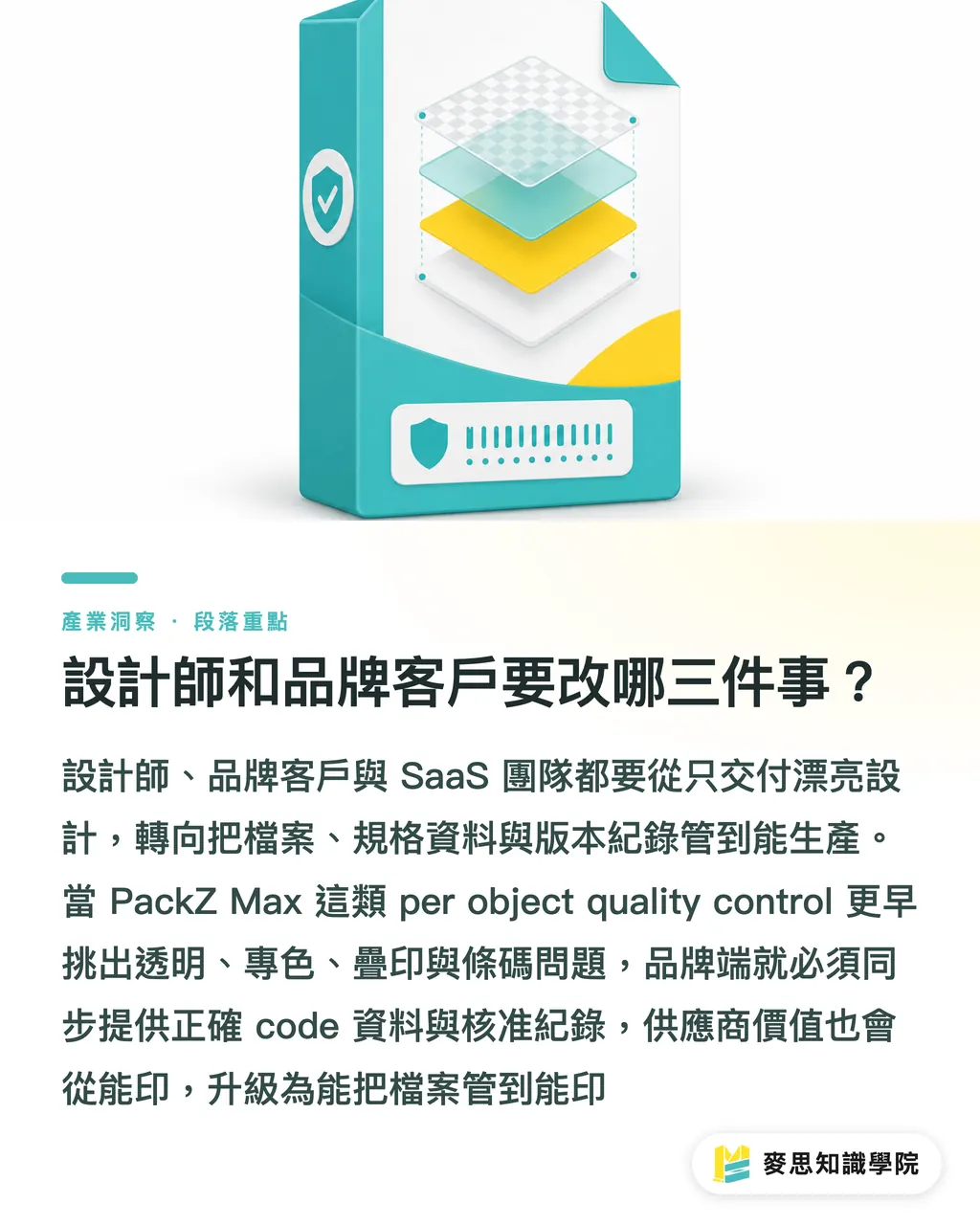
Designers need to accept one reality: print-ready files will increasingly pass through automated software checks before they reach the prepress operator. PackZ Max's per-object quality control means that transparent objects, halftones, spot colors, and overprint settings will be flagged at the file level more and more often
Brand clients also need to change their delivery habits, especially for multi-SKU packaging, cross-platform sales, and products requiring anti-counterfeiting or authentication codes. Once Amazon Transparency codes and 2D barcodes are part of the prepress workflow, brands can't hand over just a nice design file, they need to supply the correct code data, version sheet, and approval records too
For SaaS teams serving print shops or brands, I'd focus the next step on three integration points: quotes need to include specification fields, proofing systems need to retain version records, and prepress job tickets need to carry barcode data through to the production side
For brands that need mid-to-high-end fully customized commercial printing and tighter file management, suppliers like MINDS, those with real prepress communication capability, are shifting their value proposition from 'can print it' to 'can manage the file to a printable state.'
Key Takeaways
・PackZ 12's AI has already entered the daily prepress work of action lists, print markers, and script code
・Barcode management will shift from artwork checking to data-flow checking; GS1 Sunrise 2027 is the deadline pressure
・For small and mid-size shops, organizing preflight rules is more useful than chasing licenses
・The cleaner the file a designer submits, the less likely an AI preflight check is to bounce it back
Further Thinking
My suggestion for the print manufacturing side: run a small pilot over 30 days. Pick one fixed packaging line, 10 recent rejection cases, and 5 common prepress error types. Write the checking rules out as a list, then evaluate whether a tool like PackZ 12 can connect action lists, barcodes, PDF object checks, and job tickets. Design teams should clean up their file submission templates in parallel; SaaS teams should add version records and approval fields at the same time. That's how AI adoption lands on turnaround time, rejection rates, and accountability management, instead of stopping at feature demos
Further Reading
FAQ
- What impact does PackZ 12's AI have on packaging prepress?
- PackZ 12 puts an AI assistant into the packaging prepress workflow, generating action lists, information panels, print markers, and script code based on the tool in use. The impact is on daily preflight, automation, and production handoff
- Do Taiwan's small and mid-size print shops need to adopt PackZ 12 immediately?
- PackZ 12 doesn't have to be adopted right away, but small and mid-size print shops should first organize their rejection reasons, PDF checking rules, barcode accountability, and version records. Those are the basics before any AI prepress tool makes sense
- What does PackZ 12's support for Amazon Transparency codes mean?
- PackZ 12 supporting Amazon Transparency codes means packaging prepress is now pulling product authentication, anti-counterfeiting codes, mockup validation, barcode generation, and barcode production into a single workflow
- What does GS1 Sunrise 2027 have to do with print shops?
- GS1 Sunrise 2027 is pushing 2D barcodes that carry more data. For print shops, it's no longer just about printing a barcode clearly, it's also about data source, version approval, and production output consistency
- How should designers prepare for AI prepress review?
- Designers should get die lines, bleed, spot colors, transparent objects, fonts, barcodes, and version data clean and organized. Tools like PackZ 12 are pushing print-ready files into automated checking earlier in the process
Related articles




The Print × AI weekly
The print and AI know-how designers, brands and enterprises can use before they commit — one email, every week
MINDS Free Tools
AI background removal, brand stamping, and a LINE sticker maker — free design tools, right in your browser, no upload.
MINDS Group
Need actual printing or gifting services?
From premium printing to online ordering and festive gifts — the MINDS Group sister brands take it from here.