
Overview
Midjourney Gallery is Midjourney's official web-based visual platform. It lets paid users get out of Discord's messy interface, search high-quality generated images from creators around the world in a visual way, copy precise prompts with one click, and organize their own image history with a system. If you want to turn these generated images into physical print pieces without trouble, you can follow the "three-step proposal image library method" often used by Mai Strategy Knowledge Academy: find images, sort them, then prepare the files. That turns the web Gallery into your own arsenal of visual ideas
Why use the web Gallery instead of Discord to view Midjourney work?
Over the past few months, in client meetings, eight out of ten people were still scrolling up and down in Discord, trying to find the image they generated yesterday. Discord is chat software. It was never built for visual asset management
Since Midjourney opened up its web version more broadly, in Alpha and Beta, it has become one of the largest commercial visual inspiration libraries in the world. In the Explore section on the web version, the system pushes images with the highest community ratings in real time. More importantly, you can see other people's "spells" at a glance. That saves you from blind trial and error. When you see lighting or a texture you like, click the image and you can fully inspect the prompt structure and parameter settings behind it
How do you find inspiration and commercial prompts in Midjourney Gallery?
The search bar is the most valuable feature on this platform. Do not just search for "cute cat." Search for specific commercial use cases and materials
I often suggest that graphic designers search for "packaging design, die-cut, matte finish, pantone." You will see how strong creators overseas prompt high-end matte paper textures, or the reflective effect of foil stamping
・Use Explore search well: enter a specific design style, such as Risograph or Swiss design, or search with material keywords
・Break down strong prompts: click a good image you like, hit Copy Prompt, and learn how others set up lighting and camera language
・Watch the parameters: check whether the original image uses --stylize or a specific --ar aspect ratio. This matters a lot for later layout work
How do you organize your own generated images into a proposal portfolio?
In real projects, every time we develop a main visual for a client, we usually create at least 50 to 100 rough drafts. If everything is dumped into one big folder, the proposal meeting will get messy fast
In the web version's Archive, your personal image library, you can use Folders for project management
・Create files by project: build a separate Folder for each client or campaign period, such as "2024 Mid-Autumn Gift Box Proposal."
・Select and sort in batches: hold Shift to select dozens of images at once, then drag them straight into the target folder
・Use filters well: through the Filter in the upper-right corner of the interface, quickly show only Upscaled images or final drafts with a specific aspect ratio
What problems come up if you send a good screen image straight to print?
Finding and organizing images is only step one. The part that really blocks designers and printers is the invisible threshold between screen and paper
Images generated by Midjourney are RGB by default, and the resolution is usually around 72dpi. If a client picks a main visual you organized in Gallery, never place it into the layout and send it straight to print. You must first add enough pixels with AI upscaling software such as Topaz Gigapixel, then bring it into Photoshop, convert it to CMYK, and check that highlight details have not turned muddy or dead after color conversion. If you are not confident with this prepress file preparation, it is better to consult the advisory team at Mai Strategy Knowledge Academy. We can help assess the image file and give specific print-ready recommendations
If you want special material effects, how should you build your inspiration library?
The soul of a printed piece lies in its paper stock and post-processing. You can start simulating that visually during the AI image generation stage
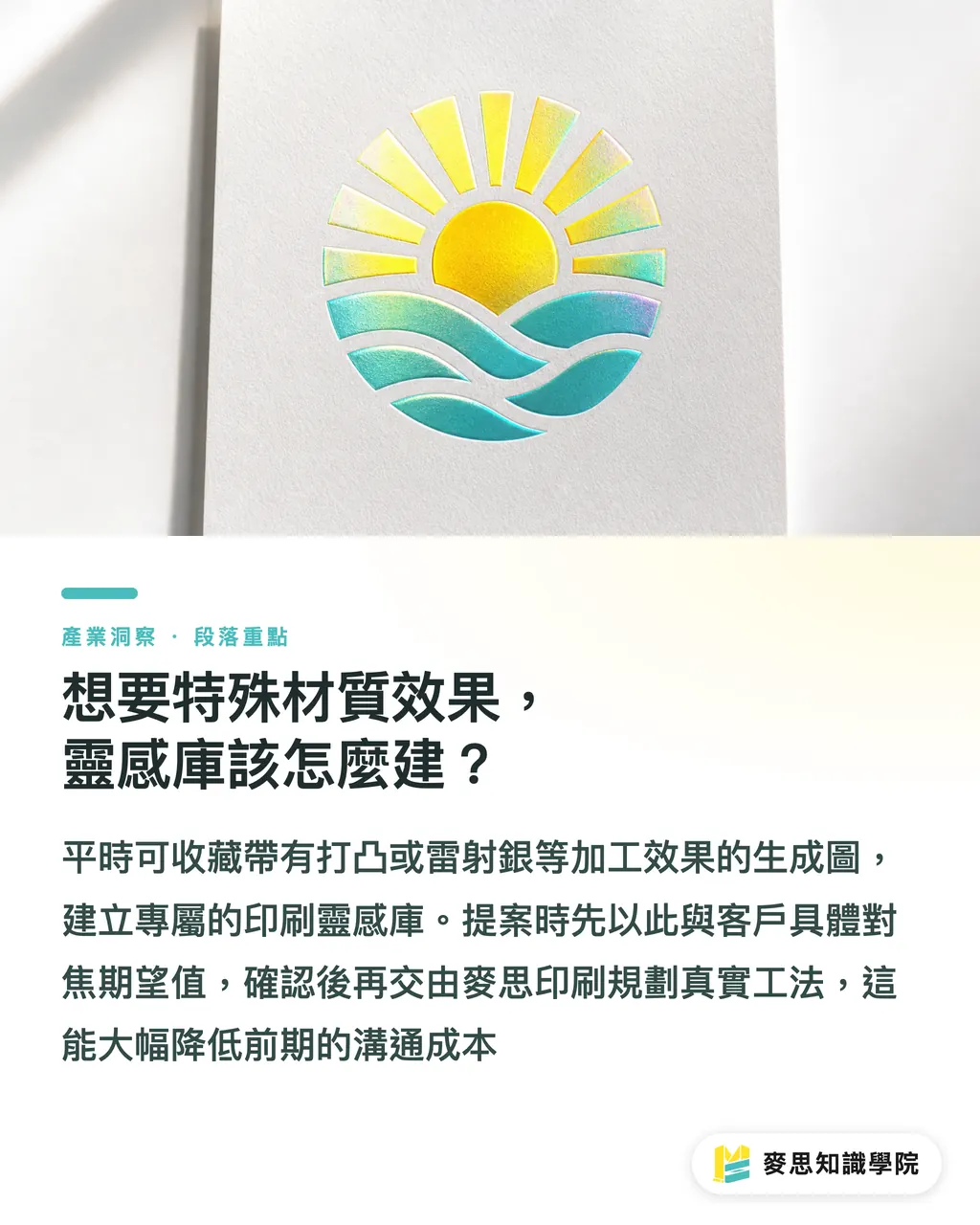
You can create a dedicated "finishing effects inspiration library." When you see generated images in Gallery with embossing, holographic foil, or spot gloss effects, save them with a heart. During the proposal, pull out these images to align expectations with the client. Once the style is confirmed, hand it over to MINDS to plan the real production method and die line. This can greatly reduce friction in early communication
Key Takeaways
・Stop using Discord to search for images. Switch to the web Gallery so you can copy strong commercial prompts and parameters with one click
・Add physical material and print keywords to searches, such as matte finish, foil stamping, and screen printing, to find design inspiration that is more practical for production
・Use Folders in Archive for project sorting, and get out of the awkward situation of not being able to find images right before a proposal
・Good images collected on screen are all RGB and low resolution. Before printing, they must go through lossless upscaling and professional CMYK color conversion
Further Thinking
The value of AI image tools is no longer "how flashy an image can be." It is "how quickly you can organize usable visual assets." Midjourney Gallery lays the sketchbooks of top designers around the world in front of you. Knowing how to mine them with keywords and file them neatly into your own folders is the real competitive edge for designers in the AI era. Next, put your image file into software and check its resolution. Run through a real print workflow once. You will quickly see which missing piece your inspiration library still needs
FAQ
- Does the Midjourney Gallery web version require an extra payment?
- No. As long as you subscribe to any paid Midjourney plan, you can log in to the official website and use the full web version directly
- If I see someone else's image in Gallery, can I use it commercially or print it for sale?
- Under Midjourney's current rules, paid users have commercial usage rights for images they generate themselves. But if you directly download "someone else's image," the copyright ownership can get blurry. The safest approach is to extract that person's prompt and generate a new image yourself
- Why can't I find certain Chinese terms or Taiwan-specific styles in Gallery?
- Midjourney's underlying model understands English best. Put the Chinese concept in your head into a translation tool first, or search directly with general English terms that describe material, lighting, and shadow. The accuracy will be much higher
- Are images downloaded from Archive high enough in resolution for poster printing?
- Absolutely not. The original downloaded image is usually only a little over 1000 pixels. It may barely work for a business card, but posters above A4 size will show obvious pixelation. You need to process it with an AI upscaling tool before sending it to print
Related articles
The Print × AI weekly
The print and AI know-how designers, brands and enterprises can use before they commit — one email, every week
MINDS Free Tools
AI background removal, brand stamping, and a LINE sticker maker — free design tools, right in your browser, no upload.
MINDS Group
Need actual printing or gifting services?
From premium printing to online ordering and festive gifts — the MINDS Group sister brands take it from here.