

Why Are Print Software Upgrades More Urgent Than Replacing Machines?
Over the past few years, the clearest shift I have seen in print shop upgrades is this: the bottleneck on the production line is not always that the machines are too slow. It is that front-end data does not come in cleanly, work orders take too long to create, quotes keep getting retyped, and shop-floor settings still depend on what veteran operators remember
PrintIndustry.news reported on June 26, 2026, that France-based Volume Software is preparing to integrate AI into ERP systems for the packaging and printing industries, including VoluPack, VoluPrim, the Direct Planning scheduling system, and Reflex Client CRM. The first feature was expected to roll out in July
This is not a tech stunt. It is a very practical fix for real pain points
・Customer orders still bounce around in email, PDF, Excel, and attachments
・Sales teams have to reorganize specs into quote fields
・Production control has to turn orders into work orders and schedules
・When the floor runs into system setup issues, people still have to dig through documents or ask the IT contact
The printing industry has long treated "software" as an accessory sitting next to the machine. Now the situation has flipped
Fast equipment is just the baseline. The shop that can turn customer requirements into production-ready data faster is the one with room for profit

What Three Jobs Does AI Actually Change When It Enters ERP?
The direction Volume Software has shown is clear. It is starting with the three most labor-heavy areas: support, order intake, and quoting
・VoluAgent Assist: Lets operators, system administrators, or support staff ask directly about software operations and settings, without flipping through documentation page by page
・VoluAgent Orders: Converts customer order content into order data that VoluPack can use
・VoluAgent Quote: Prepares quote content based on information provided by customers or prospects
In print shop language, I would put it this way: people used to read emails, check attachments, pull dimensions, judge materials, and retype fields. Now the system is starting to organize that noise into structured data that ERP can actually take in
The point here is not whether it can "chat." The point is whether it understands the business context of printing and packaging
For the same "paper box," a customer may only write the flat size, may only send a dieline PDF, or may simply say they need outer packaging for a certain product
If the ERP does not have past quotes, existing orders, the customer's usual materials, and factory rules as background, it will just become another customer service window
A truly valuable AI ERP has to understand three things:
・Customer data: what paper stock, run length, finishing, and lead time this customer usually uses
・Production rules: which dimensions, layouts, materials, and equipment conditions affect cost
・Verification flow: which fields can be filled automatically, and which must be confirmed by a person before entering the work order
That is also why Volume Software is building Orders and Quote together with pilot customers
Print ERP cannot be designed in an office alone. It has to be worn in by real orders
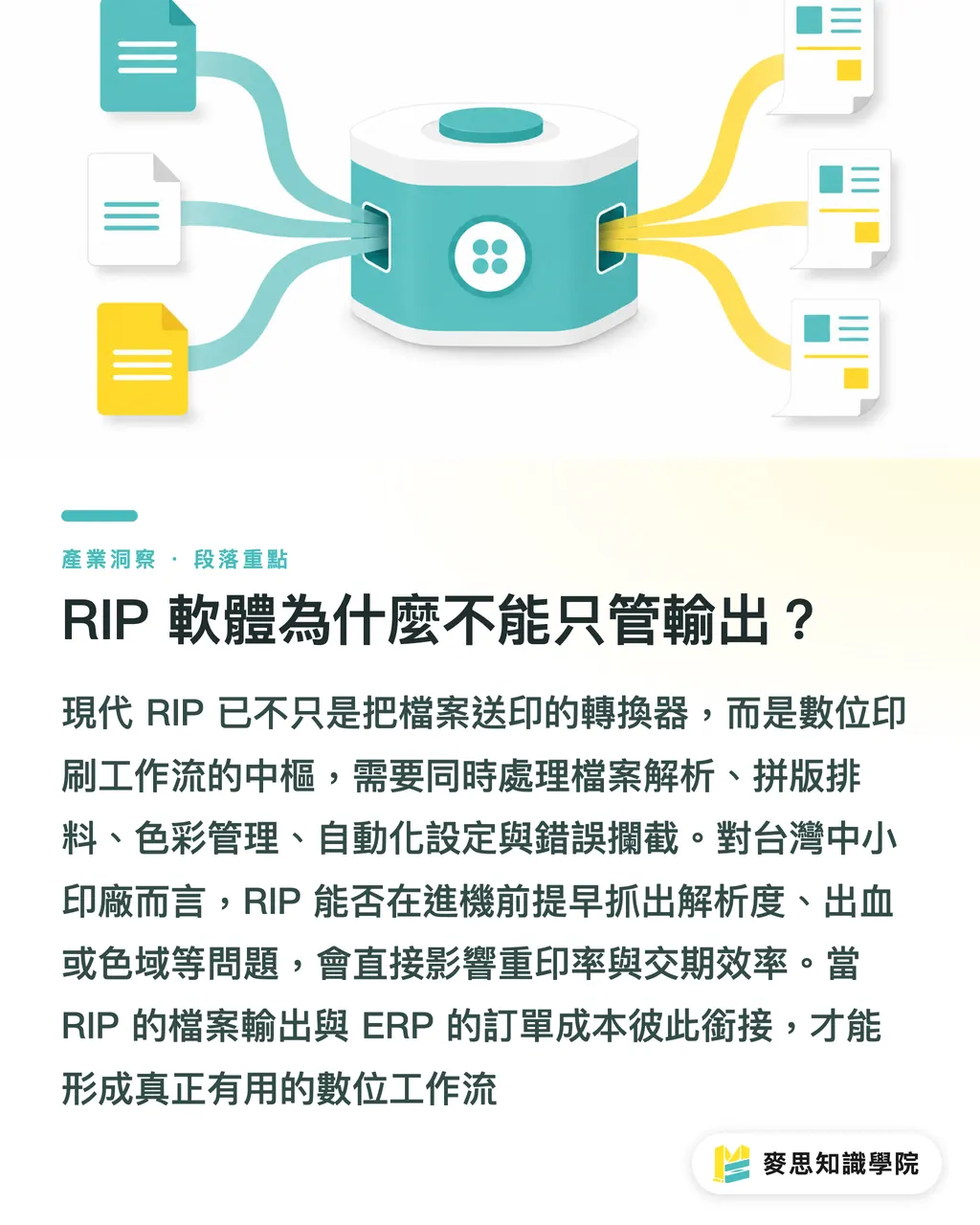
Why Can't RIP Software Only Handle Output?
In wide-format output and digital printing, RIP used to be understood mostly as a converter that "sends files to print."
But now RIP is moving closer to the center of the workflow. Its role is getting heavier
A modern RIP has to handle at least these things:
・File parsing: PDF, images, color settings, transparency, and font issues
・Imposition and nesting: considering material use, size limits, and output efficiency together
・Color management: ICC profile, ink limits, and tighter color differences across different devices
・Automation flows: jobs from fixed customers, using fixed materials and fixed sizes, can shed manual setup
・Error interception: resolution, bleed, dimensions, color gamut, and missing fonts should be flagged before the job reaches the machine
This matters a lot to small and midsize print shops in Taiwan
Whether one machine can run a few more sheets a day is not only about machine speed. It also depends on how many files get stuck in front of it
I often remind design-side clients: sending a file to print does not end when you toss out a PDF
For print shops, whether the RIP can catch errors early has a direct impact on reprint rates, delivery dates, and the mood on the floor
ERP manages orders and costs. RIP manages files and output
Only when the two sides connect do you get a digital workflow that is actually useful
Should Small and Midsize Print Shops Fix ERP, RIP, or Quoting First?
You do not need to start with a full-factory overhaul
I would start with the work that is repeated every day, goes wrong most often, and is hardest to hand over
・If sales spends a lot of time every day sorting email, PDF, and Excel, fix the quoting and order-intake flow first
・If production control is often disrupted by inserted jobs, rush jobs, and delivery-date changes, fix scheduling and work order data first
・If prepress often runs into missing fonts, wrong sizes, insufficient bleed, or messy color settings, fix RIP and preflight first
・If regular customers have fixed specs but the data is re-entered every time, clean up the customer spec library and quote history first
・If customer service keeps answering the same questions, turn common specs, materials, lead times, and notes into searchable data first
Volume Software is starting with three AI work modules this time. I think the sequence is right
Handle support first, then orders and quotes. Only after that should you talk about purchasing, production, inventory, quality, and business management
Small and midsize shops in Taiwan can follow the same logic in a smaller version:
・Step 1: Organize quote sheets, work orders, and customer specs into consistent fields
・Step 2: Turn common products into standard quote templates, such as business cards, flyers, stickers, paper boxes, and display stands
・Step 3: Write file-checking rules clearly, such as 3mm bleed, resolution, color mode, and dieline naming
・Step 4: Let sales, design, prepress, and production control speak from the same set of data
・Step 5: Then evaluate AI-assisted order intake, quoting, customer service, and scheduling
AI is not a shortcut around the basics of management
Messy data only lets AI make the mess bigger
How Will Brand Clients and Designers Be Affected?
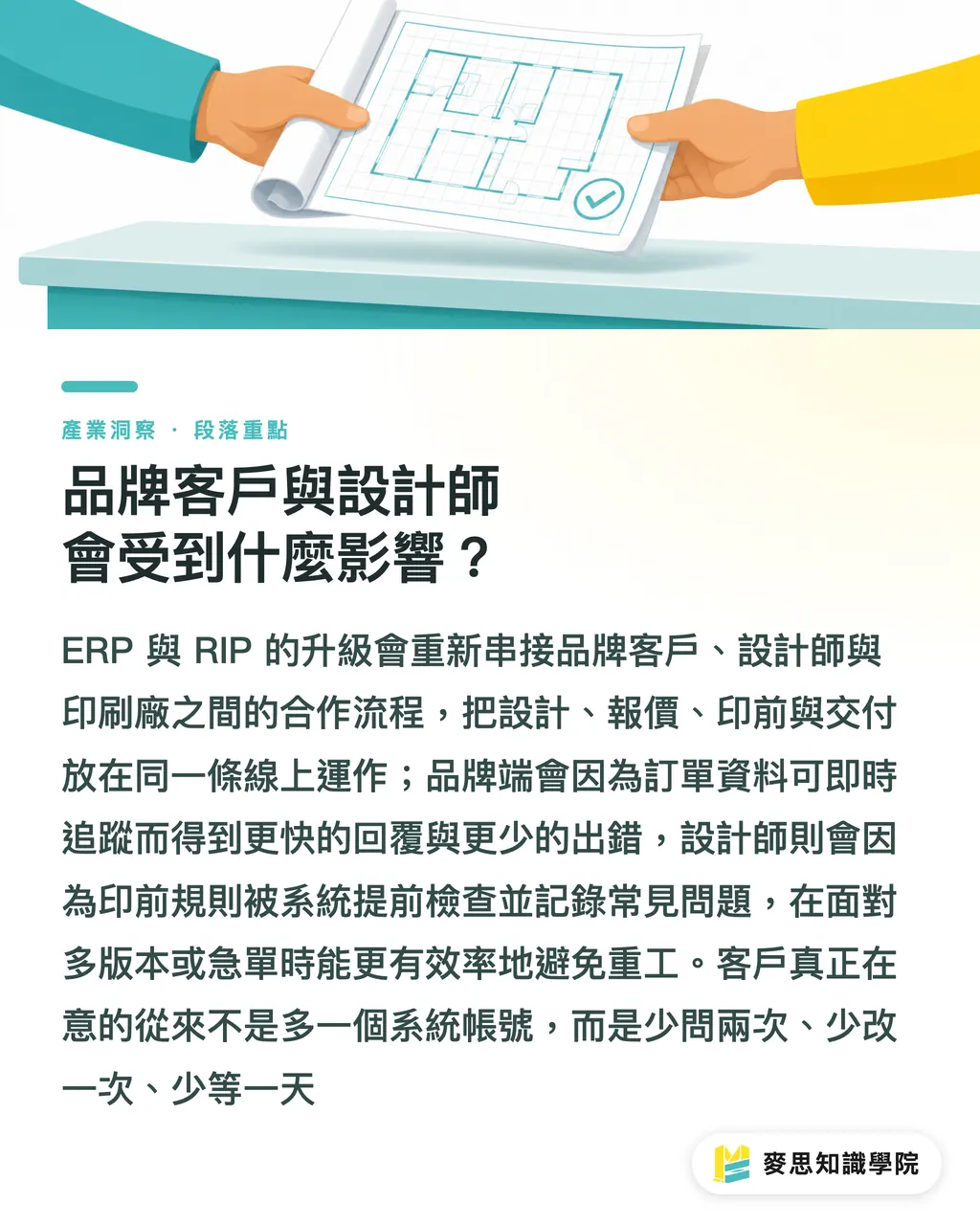
This wave of ERP and RIP upgrades affects more than print shops. It will also change how brand teams and designers work with them
Brand clients care most about speed, transparency, and fewer errors
If a print shop can quickly turn PDF, Excel, and email orders into trackable data, quote and delivery-date replies will naturally get faster
Designers will feel something else: prepress rules will become clearer
・File specs will be checked earlier, instead of waiting until right before the job goes on press to find problems
・Common errors will be recorded in a system, so similar jobs can avoid them earlier next time
・Variable data printing, multi-version packaging, and short-run rush jobs will become easier to manage
・Quoting conditions will become more transparent, making it faster to see cost changes when size, material, or run length is revised
From the perspective of MINDS' integrated services, the greatest value of this kind of upgrade is that it places design, quoting, prepress, production, and delivery on the same line of sight
Customers do not want one more system login
They want to ask two fewer questions, make one fewer revision, and wait one less day
Key Takeaways
・The next round of competition among print shops is not about who buys one more machine. It is about who can turn orders into production-ready data faster
・The point of bringing AI into ERP is not chatting. It is turning requirements from email, PDF, and Excel into work order and quote fields
・RIP has moved from output control toward the center of the prepress workflow. The earlier file errors are caught, the lower the shop-floor cost
・For small and midsize shops, organizing quotes, work orders, customer specs, and file-checking rules is more practical than rushing into a large system
・Designers and brand clients will first feel faster replies, clearer specs, and more transparent revision costs
Further Thoughts
My advice to print shops is simple: take the latest 30 quotes, 30 work orders, and 30 customers, then find which fields are retyped every time, which specs are missed most often, and which file errors most often bring the floor to a stop
Those are exactly the places where AI ERP, RIP automation, and SaaS tools should step in first
For designers, the next step is not learning more tool names. It is cleaning up output specs, dieline logic, color settings, and revision records. For SaaS teams, the real opportunity is inside the printing context. It is not about making a pretty interface. It is about cutting one round trip between sales, prepress, production control, and the customer
Further Reading
FAQ
- What should be the first use case when a print shop brings AI into ERP?
- Start with order intake and quote organization, because email, PDF, and Excel orders most often lead to retyping, missing fields, and handoff errors. This is also the direction Volume Software is prioritizing
- How does a RIP software upgrade affect designers?
- Designers will run into file checks earlier, such as bleed, resolution, color mode, font, and dieline issues. The earlier errors are caught, the lower the cost of revisions and reprints
- Do small and midsize print shops need to implement a full ERP system all at once?
- Not necessarily. Start by organizing quote templates, customer specs, work order fields, and common file errors. Once the data rules are stable, it is more practical to evaluate AI-assisted order intake, quoting, and scheduling
- Will AI replace printing sales or prepress staff?
- In the short term, it is more likely to take over repetitive organizing work, such as reading orders, pulling fields, checking settings, and preparing quotes. Final material judgment, risk warnings, and customer communication still need experienced people to review them
- What do brand clients gain from this kind of software upgrade?
- Brand clients gain faster replies, clearer quote transparency, and more stable delivery dates, especially for jobs that easily become messy, such as multi-version packaging, short-run printing, and variable data printing
Related articles




The Print × AI weekly
The print and AI know-how designers, brands and enterprises can use before they commit — one email, every week
MINDS Free Tools
AI background removal, brand stamping, and a LINE sticker maker — free design tools, right in your browser, no upload.
MINDS Group
Need actual printing or gifting services?
From premium printing to online ordering and festive gifts — the MINDS Group sister brands take it from here.