

Overview
A print file handoff sheet needs to spell out the finished specifications, production conditions, file version, proofing responsibility, and acceptance method in one place. In printing projects, MINDS (MS, mid-to-high-end fully custom commercial printing) checks this through the "MINDS (MS) Three Print Handoff Gates": ① specifications can be quoted ② files can be output ③ responsibility can be traced
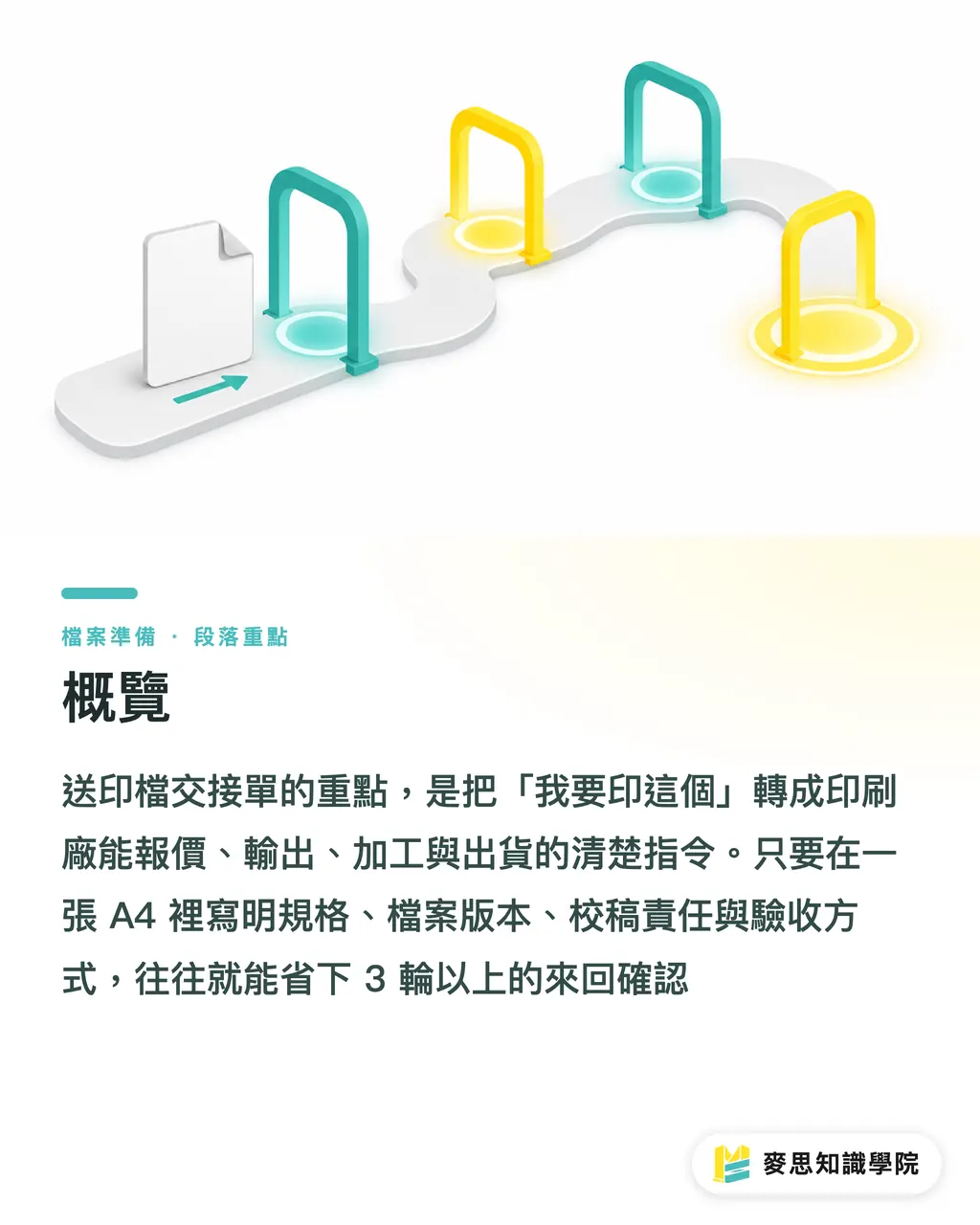
A print file handoff sheet is not just another admin form. It turns "I want to print this" into work instructions the printer can use to plan paper, estimate costs, make plates, impose pages, apply finishing, and ship the job. One A4 handoff sheet can often save more than 3 rounds of phone confirmations
What Is a Print File Handoff Sheet?
A print file handoff sheet is a prepress instruction document that a designer or purchasing contact gives to the printer. It records size, page count, paper stock, color, finishing, quantity, file version, proofing contact, and acceptance conditions, so the printer can quote, produce, and check the finished product against the same information
I have seen many rejected jobs on-site where the file itself was not necessarily bad. The problem was that the information was scattered across LINE, Email, PDF filenames, and verbal notes. The printer had to guess and ask questions at the same time. In the end, the mistakes most often came down to 4 things: size, paper stock, finishing position, and version number
A usable handoff sheet should let the printer understand at least the following within 5 minutes
・What the finished product is: catalog, DM, sticker, packaging box, hang tag, booklet, or card
・How many pieces need to be delivered: for example, 500 books, 2,000 sheets, or 20 designs at 100 sheets each
・What the finished size is: for example, A4, 210 × 297 mm, or a business card at 90 × 54 mm
・What the flat size is: for example, a folded DM with a flat size of 420 × 297 mm and finished size of 210 × 297 mm
・Which file version is final: for example, v03_final or 2026-07-18 confirmed version
・Who can approve changes: proofing contact, phone number, Email, and available reply time
・How the finished goods will be accepted: color difference, trimming, finishing position, quantity, and packaging method
For fully custom commercial printing jobs, MINDS especially requires the handoff sheet, PDF, editable source files, and reference images to sit in the same folder. Prepress judgment cannot rely on a single file. The PDF shows the result, the source file shows whether it can be fixed, the reference image shows intent, and the handoff sheet shows the boundary of responsibility
Which Fields Must Be Included in the Handoff Sheet?
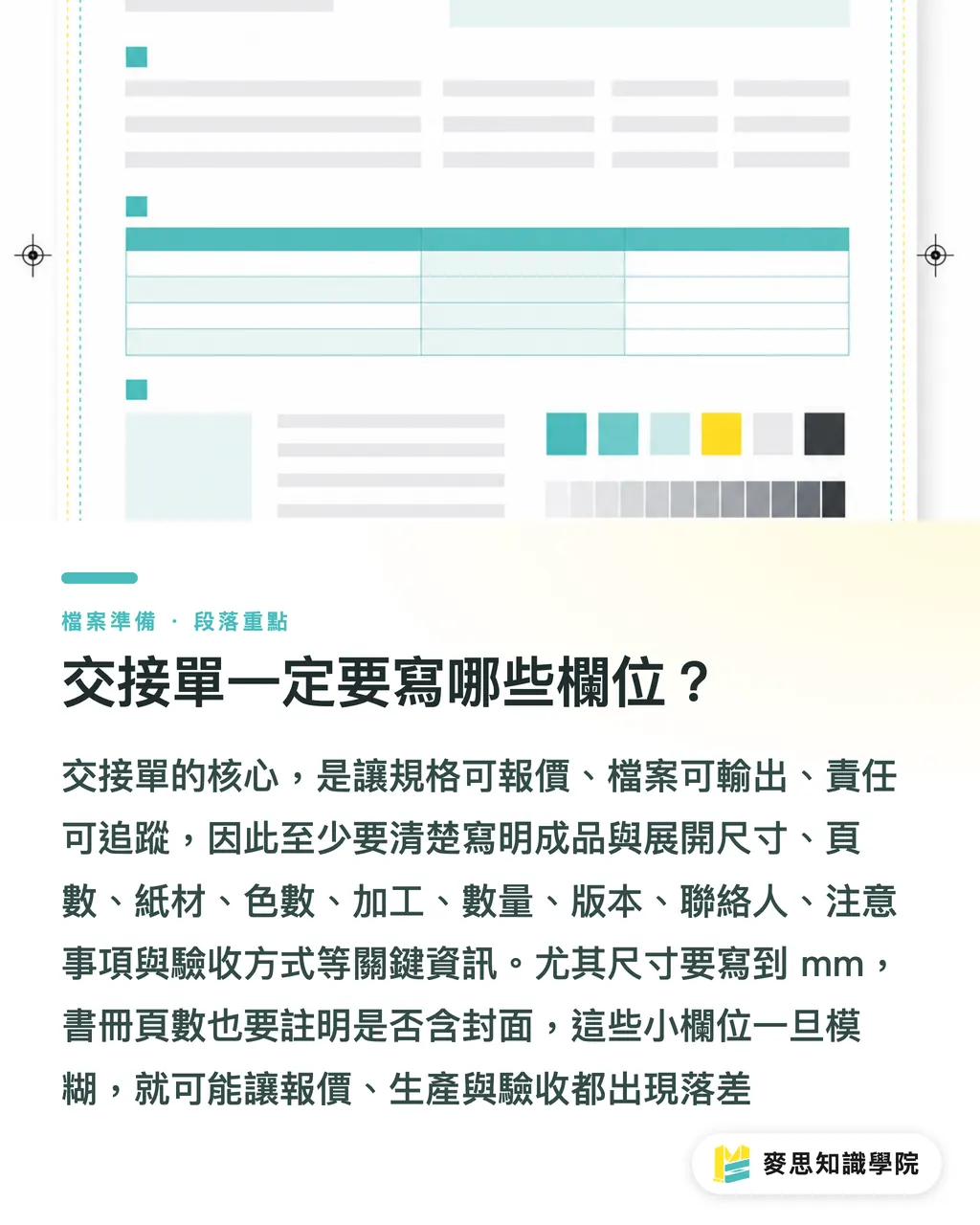
At minimum, the handoff sheet must include 11 fields: finished size, flat size, page count, paper stock, number of colors, finishing, quantity, file version, proofing contact, special notes, and acceptance method. Leave out even one, and the quote or production judgment may start to distort
I suggest organizing the fields with the "MINDS (MS) Three Print Handoff Gates." It is easier for purchasing to fill in, and easier for the printer to read
・① Specifications can be quoted: item name, finished size, flat size, page count, quantity, paper stock, binding or finishing
・② Files can be output: PDF filename, source file filename, linked images, font handling, color mode, dieline, bleed settings
・③ Responsibility can be traced: file version, proofing contact, final confirmation time, special notes, acceptance method
Sizes should be written in mm. Do not write only "around A4" or "postcard size." For box packaging, for example, write both the finished size and flat size. For stickers, write the single-piece size, quantity per sheet, and whether they need kiss-cutting or full-cutting
For page count, write whether it "includes the cover" or "does not include the cover." Booklet jobs often get stuck here. 20P including the cover and 20P interior pages plus cover are two different jobs for quoting, binding, and paper calculation
For paper stock, write the paper name, weight or gsm, and surface treatment. "Coated paper 150gsm, matte lamination on cover" is far more reliable than "a thicker paper." If the brand side has not decided on paper yet, write 2 candidate stocks and ask the printer to quote both
For color count, write CMYK, spot colors, white ink, gold or silver ink, or double-sided printing conditions. This is especially important for packaging, clear stickers, and printing on dark paper, because white ink and spot colors affect both process and cost
For finishing, write the position, side, area, and reference image. For example, "spot UV on the front cover Logo, refer to the red box on page 1 of the PDF" creates far fewer misunderstandings than "make the Logo shiny."
Mai Printing is suitable for retail printing with relatively fixed specifications, price sensitivity, and online ordering, such as business cards, DMs, stickers, and simple cards. MINDS is suitable for custom jobs where paper stock, finishing, color, and finished structure need discussion. The more complete the handoff sheet is, the faster both sides can move into an accurate quote
How Should Files Be Submitted with the Handoff Sheet?
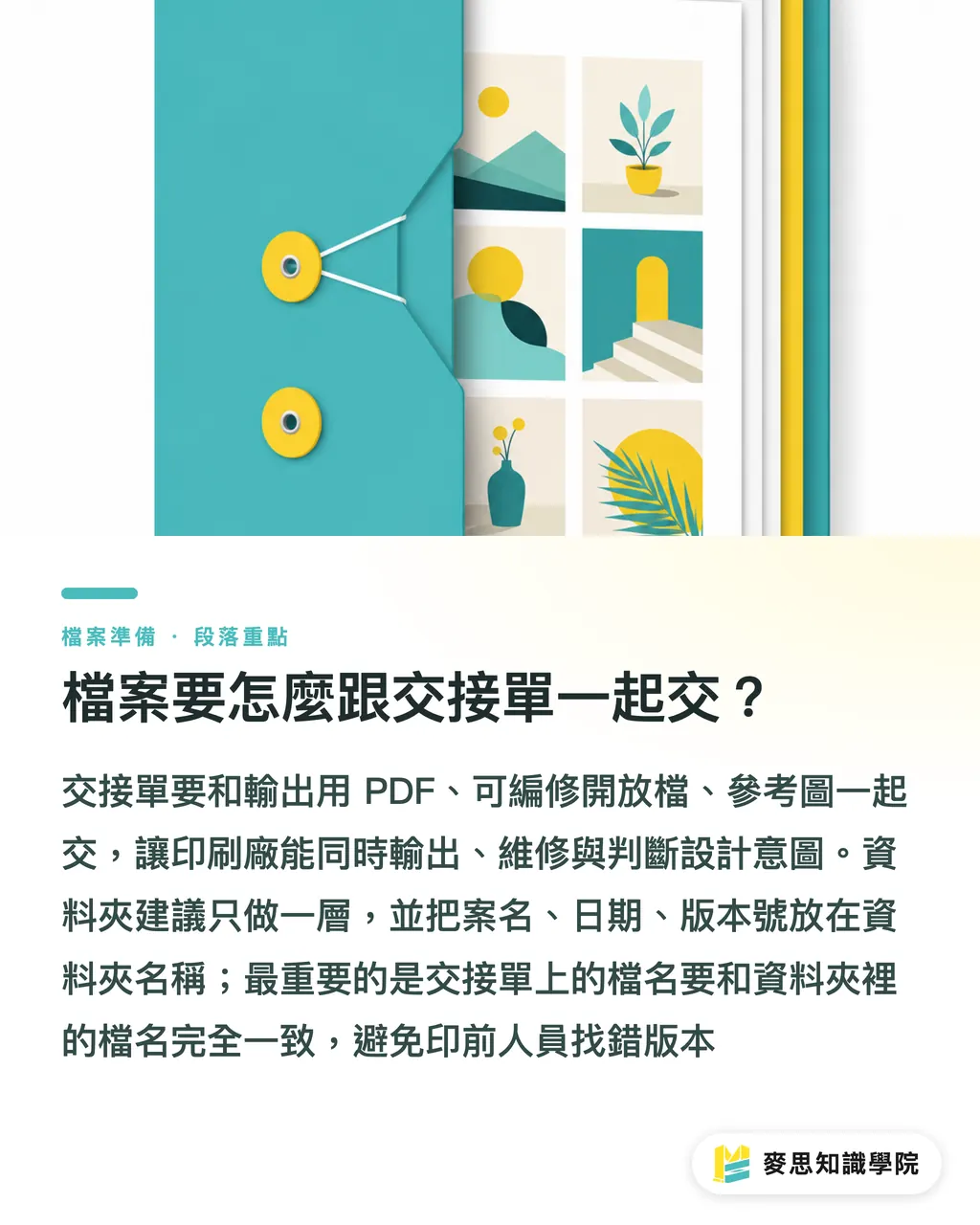
The handoff sheet should be submitted together with 3 types of files: output-ready PDF, editable source files, and reference images that help the printer understand intent. The filenames must correspond to one another. They cannot each have their own unrelated names
I suggest keeping the folder to one level. Do not bury files too deep. Put the project name, date, and version number in the folder name, so prepress staff can tell as soon as they open it whether this is the latest artwork
・01_Handoff Sheet: PDF or Excel are both fine. Example filename: "BrandCatalog_PrintHandoff_v03"
・02_Output PDF: place the print-ready PDF here. Ideally, one file per item, with size and version in the filename
・03_Source Files: place AI, INDD, PSD, and other originals here. Linked images and font handling notes should be included too
・04_Reference Images: place JPG, PNG, sample photos, finishing position diagrams, and photos of past finished products
・05_Revision Records: place proofing notes, confirmation records, and the client's final confirmed version
The PDF is the file printers most often use to compare layout results. The source file is the repair tool when something goes wrong. Reference images add meaning, such as which area is foil stamping, which line is the dieline, and which side is the outside
When handing off Illustrator files, check at least 4 things: images are embedded or linked files are included, fonts are outlined or font notes are included, the dieline sits on an independent layer, and bleed is usually kept at 3 mm. Actual bleed should still be adjusted according to the printer's specifications
There is one small habit I insist on: the filenames written on the handoff sheet must match the filenames inside the folder exactly. Not one character should differ, because prepress staff will not remember, the way a designer might, that "the real latest version is final_new2."
How Can Purchasing Turn Vague Needs into Quotation-Ready Information?
Purchasing needs to split vague requirements into 3 types: fixed conditions, negotiable conditions, and conditions that cannot be wrong. Only then does the printer know what must be followed exactly and where alternatives can be suggested
Fixed conditions are usually quantity, delivery date, size, brand color, packaging method, and delivery location. Negotiable conditions are usually paper stock, weight, finishing method, and binding method. Conditions that cannot be wrong include the Logo, barcode, ingredient labeling, legal copy, brand-specified colors, and event dates
Take an event invitation card as an example. The handoff sheet can be written like this
・Item: double-sided invitation card
・Finished size: 150 × 100 mm
・Quantity: 500 sheets
・Paper stock: ivory card 250gsm, or printer to suggest a similar-feel stock
・Color: double-sided CMYK
・Finishing: gold foil stamping on front Logo, position shown in reference image 1
・File version: InviteCard_v04_2026-07-18
・Acceptance method: check quantity, trimming position, foil stamping position, and front/back orientation
Written this way, the printer can directly estimate paper, finishing, and spoilage. They also know the paper stock has room for discussion, while the foil stamping position does not
If the project is still in price comparison, purchasing can write 2 to 3 quote versions, such as "1,000 sheets, no finishing," "1,000 sheets with matte lamination," and "1,000 sheets with matte lamination plus spot UV." Only then will vendors quote on the same basis, and only then will the prices be meaningful to compare
When the consulting team at Mai Strategy Knowledge Academy helps companies organize their print purchasing process, the first move is usually not changing vendors. It is fixing the fields in the handoff sheet. Once requirements are clear, the capability gap between suppliers becomes visible
How Should Finished Products Be Accepted After the Handoff Sheet Is Written?
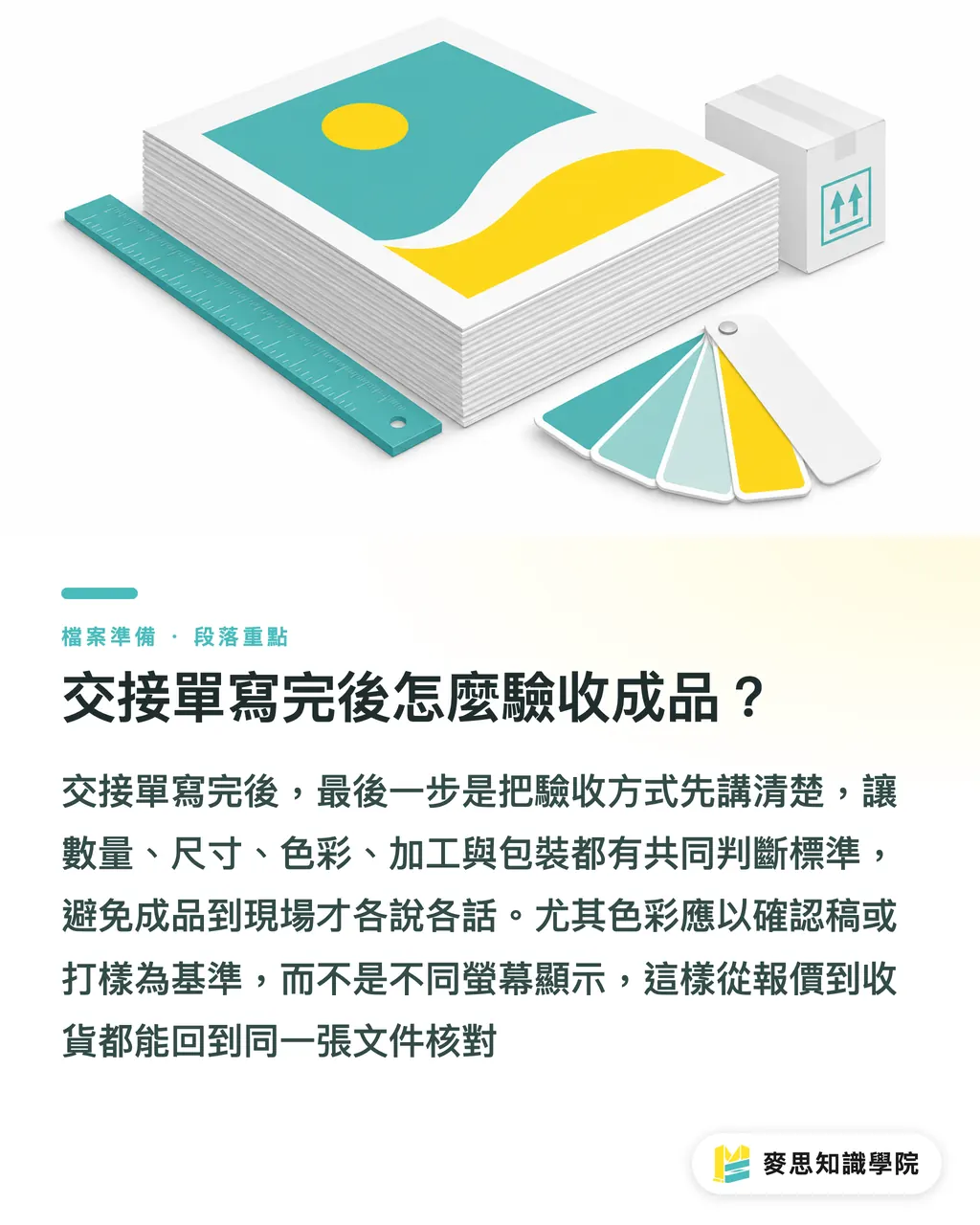
The final part of the handoff sheet must state the acceptance method. It should include at least 5 items: quantity, size, color, finishing, and packaging. Otherwise, when the finished goods arrive on-site, everyone can easily end up judging by different standards
Acceptance is not about making trouble. It is about defining "acceptable" in advance. This is especially true for trimming shifts, color differences, fold-line positions, foil stamping deviation, and sticker kiss-cut depth. These items should all be confirmed with the printer before the job is sent to print
Common acceptance fields can be written like this
・Quantity: checked against order quantity, with any allowed small overage or shortage confirmed by both sides in advance
・Size: measured by finished size, confirming whether trimming matches the handoff sheet dimensions
・Color: compared against the approved proof or sample, not judged only by how it appears on different screens
・Finishing: foil stamping, spot UV, die-cutting, fold lines, and binding positions checked against reference images and the approved proof
・Packaging: quantity per pack, outer carton labeling, delivery address, and whether split shipments are needed
For high-unit-price jobs or projects sensitive to brand color, I suggest making a digital proof, blank mockup, or finishing sample first. Get at least 1 chance to confirm. Compared with discovering a problem only after all finished goods are completed, the extra time up front is worth it
A print file handoff sheet is only complete when it includes the acceptance method. From quotation, final artwork, and printing to receiving the goods, everyone can check against the same document. On-site communication becomes much quieter. That is the state I like to see most
Key Takeaways
・The value of a handoff sheet is that it turns vague requirements into a data package the printer can quote, schedule, and produce
・Size, page count, paper stock, number of colors, finishing, quantity, and version number are the 7 fields that must not be vague before sending a job to print
・The PDF shows the result, the source file shows whether it can be fixed, the reference image shows intent, and the handoff sheet shows the boundary of responsibility
・Before purchasing compares quotes, standardize the handoff sheet format first, so vendor quotes are based on the same criteria
・The acceptance method should be written clearly before sending the job to print, so quality is not judged by emotion when the goods arrive
Further Thinking
For print manufacturers, a print file handoff sheet is the first filter for order quality. For designers, it protects the creative work from being distorted during file conversion, missing image recovery, and revisions. For purchasing, it turns price comparison from "who is cheaper" into "who is more reliable under the same specifications." If a company is introducing SaaS or AI tools to manage the printing process, the first step is not rushing to automate quotations. It is standardizing the handoff sheet fields first, so every project's size, paper stock, finishing, version, and acceptance conditions can be recorded clearly
FAQ
- Does a print file handoff sheet have to be in Excel?
- No. A print file handoff sheet can be made in Excel, Google Sheets, PDF, or a form system. The key is fixed fields, clear versioning, and a format the printer can use to check files and specifications directly
- What is the difference between a handoff sheet and a printing specification sheet?
- A printing specification sheet leans more toward quotation and production conditions. A print file handoff sheet adds file version, proofing contact, reference images, and acceptance method, making it suitable for use when the final files are formally submitted
- If the designer has already provided a PDF, are source files still needed?
- It depends on the job type. For simple output, a PDF may be enough. If there is a dieline, finishing, special colors, linked images, or possible last-minute text edits, source files help prepress identify issues faster
- What is most often missing from a print handoff sheet?
- The most commonly missed items are flat size, finishing position, file version, and acceptance method. Once any of these 4 are missing, requoting, reproofing, or disputes over finished goods can easily follow
- How can a small or midsize company with no printing experience start writing its first handoff sheet?
- Start with 11 fields: finished size, flat size, page count, paper stock, number of colors, finishing, quantity, file version, proofing contact, special notes, and acceptance method. Then submit the PDF, source files, and reference images to the printer together
Related articles




The Print × AI weekly
The print and AI know-how designers, brands and enterprises can use before they commit — one email, every week
MINDS Free Tools
Imposition calculator and preflight file check — free prepress tools, right in your browser.
MINDS Group
Need actual printing or gifting services?
From premium printing to online ordering and festive gifts — the MINDS Group sister brands take it from here.