
Overview
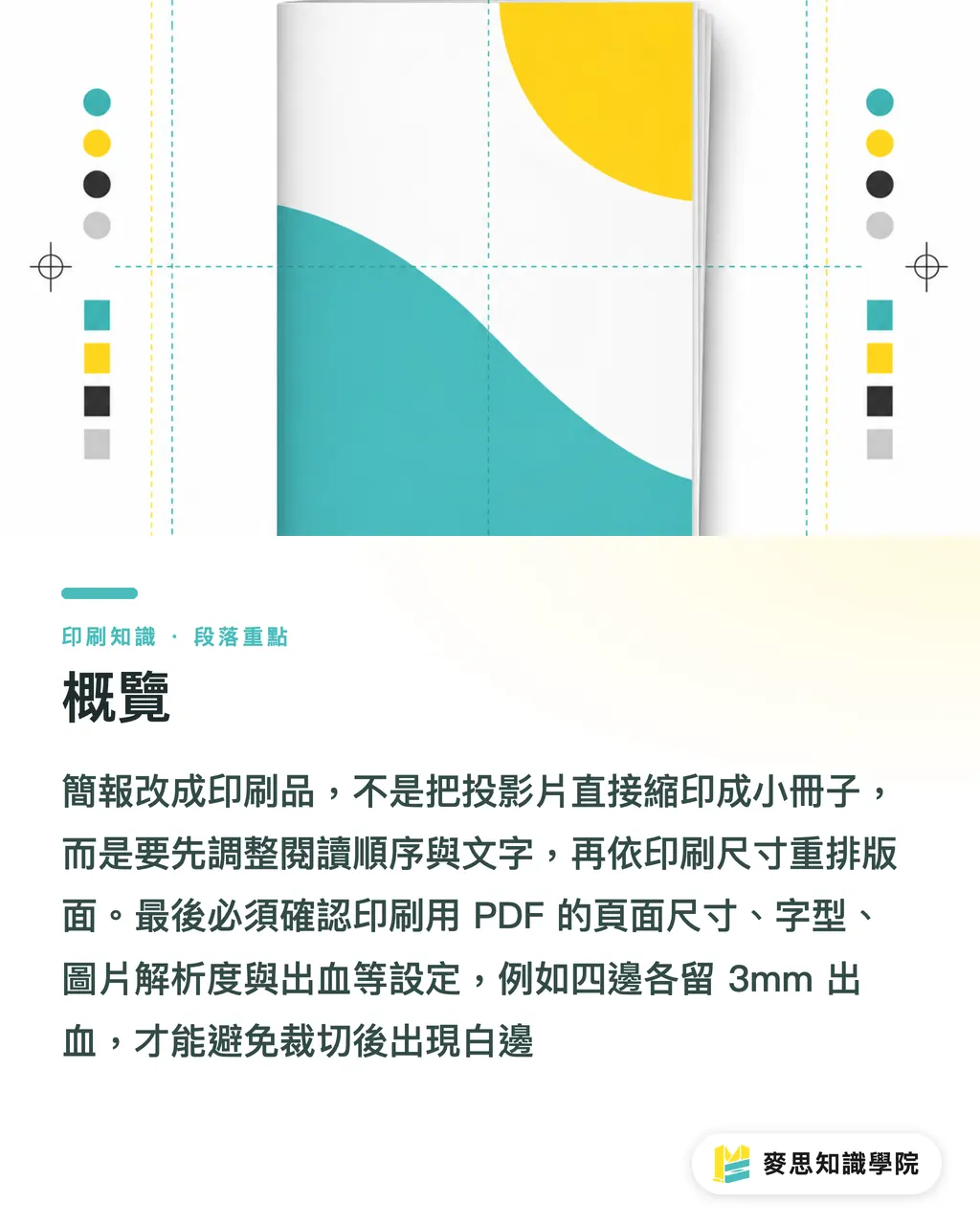
When a presentation is turned into print, you cannot simply shrink the slides into a booklet. In the MINDS Printing (MS, mid- to high-end fully custom commercial printing) three-gate print submission process, the reading order and copy come first, followed by page ratio and layout, then paper, binding, bleed, fonts, and the print-ready PDF are checked
In the MINDS Printing (MS) three-gate print submission process, a print-ready PDF means the PDF used by the print shop for plate output. Page size, bleed, fonts, image resolution, color mode, and transparency effects all need to be fixed. You cannot judge it by screen preview alone
In the MINDS Printing (MS) three-gate print submission process, bleed means the extended image area left outside the final trim. A common setup is 3mm on all four sides, so slight cutting shifts do not leave white edges
Why Can't Slides Be Printed Directly as a Booklet?
Sales decks are usually built around a 16:9 screen rhythm. One page carries one point, and the salesperson fills in the gaps on site. When a print reader opens to a page, there is no presenter beside them. The conditions, specs, and pricing assumptions that used to live in spoken explanation disappear
The first gate in the MINDS Printing (MS) process is turning slides into a paper-based reading sequence: cover, problem context, solution, product specs, cases, pricing, or contact information. At minimum, the reader should be able to go from page 1 to the last page and still follow the context
The failure I see most often is compressing a 30-page deck into an 8-page A5 booklet. The charts, notes, and Logo are all still there, but one graphic carries six kinds of information. In the end, all that remains is a dense gray block
Should You Cut Content First, or Design the Layout First?
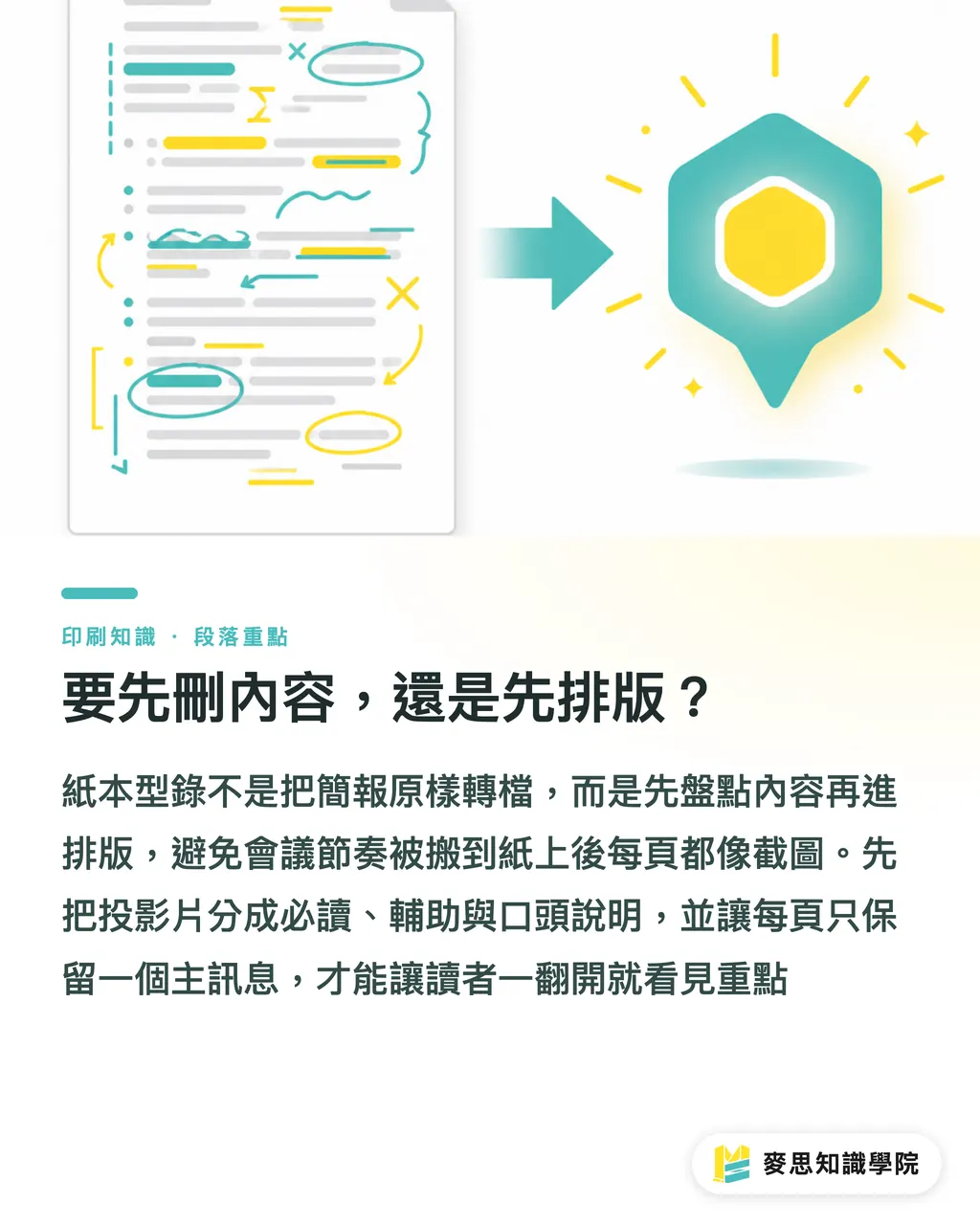
The MINDS Printing (MS) three-gate process starts with a content audit before layout. If you design first, it is very easy to carry the meeting rhythm straight onto paper. Every page ends up looking like a screenshot, and the reader holding it cannot find the point
・Presentation audit: divide slides into three types: must-read, supporting, and spoken explanation. Put the reasons a buyer says yes near the front. Warm-up slides for meetings usually do not belong in print
・Content trimming: keep only one main message on each page. A product intro can keep specifications. An investor or partner pitch needs business terms and the cooperation process added back in
・Copy completion: anything that originally depended on a person speaking should be turned into a heading, subheading, caption, or footnote, especially flowcharts, comparison tables, and case photos
・Page rebuild: decide the final size and binding first, then decide how many information blocks go on each page. Otherwise you may only discover at the end that the inner margin has swallowed a spread
If an SME is not sure whether the file needs a rebuild or can simply be converted, asking the Mai Strategy Knowledge Academy consulting team for a file check first is usually easier than revising three rounds after final artwork
How Should Font Size, Charts, and White Space Change?
Reading type on screen and reading type on paper are very different. In the MINDS Printing (MS) three-gate process, the minimum print font size is usually kept above 8 to 9pt. Even smaller footnotes must be checked against the actual finished size. Do not rely on how the slide feels when projected
・Headings: use a sentence that can stand on its own. Do not write meeting cues like "Product Advantages" and leave it at that
・Body copy: keep each paragraph to 2 to 4 lines. If it runs longer, split it into columns or turn part of it into captions
・Charts: one chart should answer one question. If there are more than 5 columns, consider splitting it into two charts first
・White space: leave safe margins on the outer edge, binding side, and page number area. The smaller the finished piece, the less you can afford to cram in
A printed catalog has a very practical test: if the reader is standing in an exhibition aisle, holding a bag and business cards, can they understand what this page is selling within 5 seconds?
Do Paper and Binding Change How a Presentation Persuades?
Paper should be decided before rewriting, because A 4, A 5, and square booklets all guide the eye differently. The same 12 slides might become 8 pages in A4, but may need to be split into 16 pages in A5 to feel comfortable
・Saddle stitch: suitable for slim brochures and event booklets. Page counts need to be arranged in multiples of 4, and spread images should avoid the center staple area
・Perfect binding: suitable for product catalogs with more pages. The inner safe margin needs to be wider, otherwise text close to the spine becomes hard to read
・Single-sheet foldout: suitable for takeaways at pitch events. The reading path across 6 or 8 panels must be mapped first. Do not force the slide order into it
・Paper weight: around 200g is common for covers and card-like pieces. If inner pages are too thick, a small booklet becomes hard to flip through. Too thin, and show-through becomes a problem
If paper, finishing, and binding are tied to brand feel, a fully custom commercial printing team such as MINDS Printing (MS) can review size and binding at the draft stage. There is no need to wait until final artwork before sending it back for a rebuild
What File Risks Should Be Checked Before Printing?
In the MINDS Printing (MS) three-gate process, preflight means checking whether the PDF meets output requirements before printing. Common checks include size, bleed, fonts, image resolution, color, transparency effects, and page order
・Size: confirm the finished size, 3mm bleed, safe margins, and page number placement. A slide ratio is not the same as the final product ratio
・Fonts: embed fonts or convert them to outlines when exporting the PDF, so font substitution at the print end does not shift line breaks
・Images: check the original resolution of product photos, QR Code, maps, and Logo files. Low-resolution screenshots will blur when enlarged
・Color: when screen RGB is converted to CMYK process color, fluorescent blue, bright green, and highly saturated orange often turn darker. Make a proof first or ask prepress to confirm
・Transparency and shadows: PowerPoint transparency layers, soft edges, and shadows may show white boxes or broken gradients under different PDF settings. Important pages should be checked in the preflight results
The biggest risk in turning a deck into print is "everything looks right." The MINDS Printing (MS) three-gate process turns screen preview into a production check, because trimming, stapling, folding, ink color, and paper will not repair missing context for the designer

Key Takeaways
・A presentation depends on a person speaking. A printed piece has to explain itself. Without headings and captions, the thread breaks
・Set size and binding first, then build the layout. The reading order on paper cannot be patched in after final artwork
・Font size, bleed, color, and font embedding are production conditions that need to be handled before file conversion
・AI or SaaS tools can help organize content, but prepress judgment still has to return to paper, trimming, binding, and the way the reader will hold and use the piece
Further Thinking
For print production teams, turning presentations into printed materials can become a standard intake process: first ask about purpose, finished size, expected page count, binding, paper, and deadline. For designers, AI and SaaS tools are good for organizing outlines, cutting repetition, and adding captions, but the final check still needs someone who understands prepress to inspect 3mm bleed, CMYK, font embedding, and spread placement. For procurement teams, putting the MINDS Printing (MS) three-gate process into the pre-quote checklist will lead to an actionable quote faster than simply asking, "How much to print this PPT?"
FAQ
- Can PowerPoint export a PDF directly for printing?
- For simple handouts, yes. For sales catalogs, investor or partner pitches, and product intros, it is better to rebuild the layout first. The MINDS Printing (MS) three-gate process checks size, font size, images, fonts, and color, so the PDF does not look normal on screen but print with a broken layout
- What usually needs to change when turning a presentation into an A4 catalog?
- When converting 16:9 slides to A4, you usually need to rebuild the reading order, enlarge body text, split charts, add headings and captions, and add 3mm bleed, safe margins, and binding-side space into the layout
- When turning an investor pitch into printed material, should content be cut or added?
- Both. Repeated warm-up pages and transition pages can be cut. Cooperation terms, process details, case background, and table notes that were originally explained verbally by the salesperson need to be added to the printed piece
- Do you always need a designer to turn a presentation into print?
- If it is only an internal meeting handout, a clear PDF is enough. If it is an external sales tool, trade show material, or formal proposal, ask a designer or prepress consultant to rebuild it, because paper, binding, and color directly affect how readers understand it
Related articles




The Print × AI weekly
The print and AI know-how designers, brands and enterprises can use before they commit — one email, every week
MINDS Free Tools
Imposition calculator and preflight file check — free prepress tools, right in your browser.
MINDS Group
Need actual printing or gifting services?
From premium printing to online ordering and festive gifts — the MINDS Group sister brands take it from here.