
Overview
Screen printing can print on special materials because the mesh, stencil film, and squeegee push ink through the image areas onto the material surface, forming a thicker ink layer that can be matched to the substrate. When MINDS Printing (MS, mid-to-high-end fully custom commercial printing) handles this kind of job, it usually starts with the "MINDS Printing (MS) three print-check gates": material, ink, and drying. Only then does it decide whether to make a screen
How exactly does screen printing put ink onto a surface?
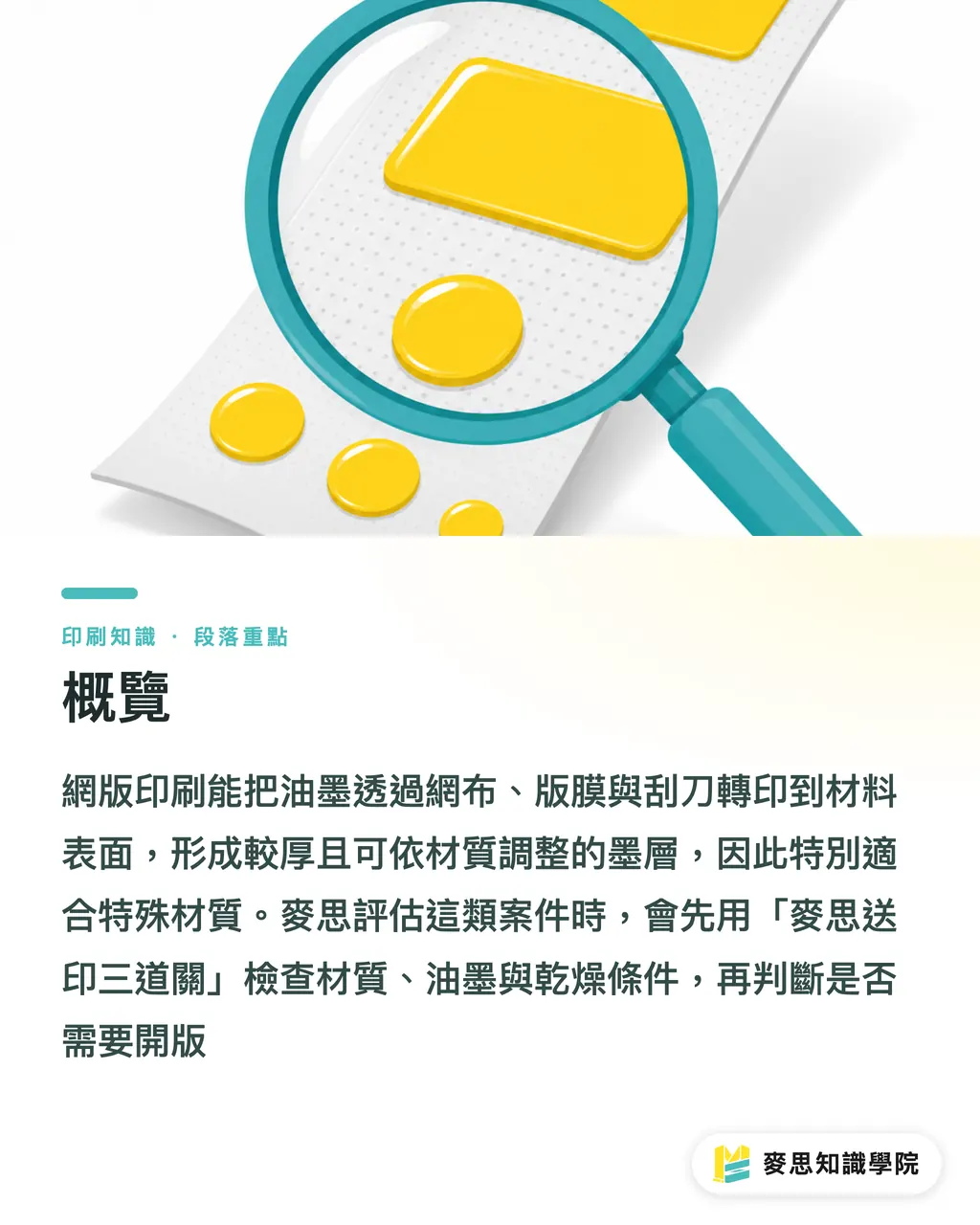
Screen printing uses mesh and stencil film to leave open image areas, then a squeegee presses ink through the mesh openings and transfers it onto paper, plastic, metal, or fabric
The process is a bit like using a precision filter to control the ink path. Non-image areas are blocked by the stencil film, while image areas let ink pass through. Squeegee angle, pressure, mesh count, and ink viscosity all work together to determine ink film thickness and edge sharpness
When I look at a screen-printing job on site, I usually start with one very simple question: in the finished piece, is it the "color" that needs to be seen, or the "ink layer" that needs to be felt by the user? White text on dark cardstock, white backing on transparent PVC, and graphics on acrylic panels often come down to the ink layer
Why can screen printing print on plastic, metal, glass, and fabric?
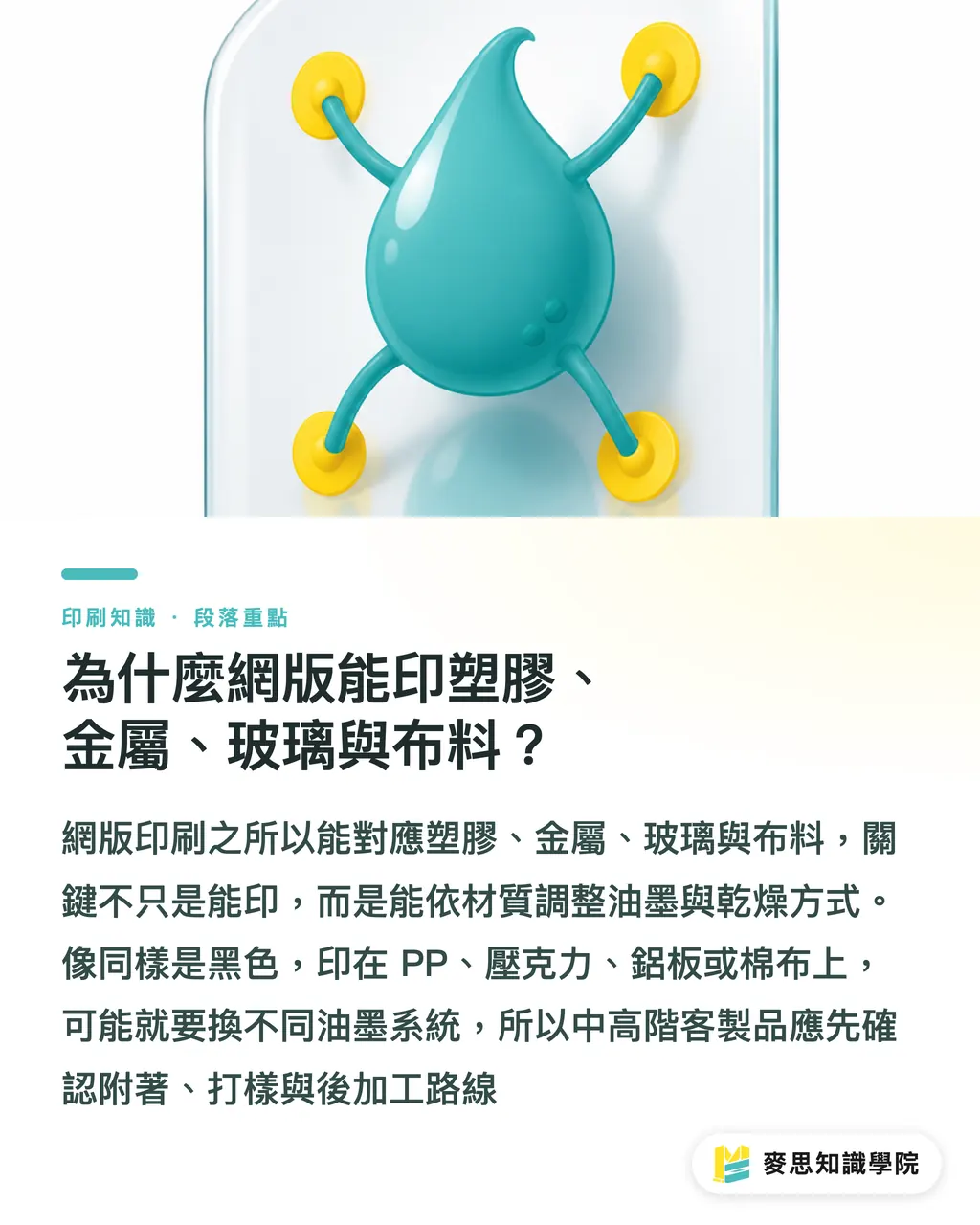
Screen printing works on special materials because ink selection is highly flexible. Plastic, metal, glass, fabric, and dark paper stock each have completely different adhesion requirements. You cannot force them all into the same logic
The "MINDS Printing (MS) three print-check gates" breaks the problem down first. That is far more accurate than asking for a unit price at the start
・1. Material: for plastic, check whether the surface is too slick. For metal and glass, check cleaning and scratch resistance. For fabric, check fiber ink absorption and hand feel
・2. Ink: even for the same black, printing on PP, acrylic, aluminum sheet, and cotton may require different ink systems
・3. Drying: natural evaporation, hot air, UV, and two-component curing each have their own pace. The drying method affects lead time, adhesion, and post-processing
For mid-to-high-end custom products such as acrylic signs, metal nameplates, and dark cardstock, I would suggest confirming the ink and proofing route with MINDS Printing first. If it is just a small run of stickers or standard flat printed items with clear specs, ordering through the MINDS Printing online process will be more direct
Why are thick ink and special effects often done with screen printing?
Screen printing's strength is that it can leave a thicker layer of ink on the material surface. That makes it well suited to five common effects: white ink, glow-in-the-dark ink, glitter, spot gloss varnish, and thick-film tactile effects
Offset printing and most digital output often run into limits with high-opacity, high-particle, or high-build inks, usually around ink volume, drying, or adhesion. Because screen printing pushes ink through the image area and builds it up on the material, the result feels more physical. Dark substrates are also less likely to swallow the color
・White text on dark cardstock: the white ink needs opacity. If the ink layer is too thin, it turns gray and looks dirty
・White backing on transparent PVC: the white backing needs to block out the transparent base first, so the colors behind it do not look washed out
・Reverse printing on acrylic panels: graphics often need to resist touch and wiping. Adhesion determines success earlier than screen color accuracy does
・Spot gloss varnish or thick film: the effect is seen because of thickness, so that special-effect color layer in the file must be separated and clearly labeled
What worries me most is a beautiful design file where white ink, gloss varnish, die lines, and process CMYK are all mixed into the same layer. Screen printing depends heavily on clean separations. If the file is messy, the production floor can only guess and patch things as it goes
How should you judge registration accuracy and small-type limits?
Screen printing is usually one color per screen. Every added color means one more registration step, plus another drying rhythm to schedule. The more colors there are, the softer the material, and the finer the graphics, the earlier registration risk shows up
Small type and fine lines should be handled conservatively. Screen-printing ink has thickness. Knockout type, fine borders, fine lines, and QR code details may all be affected by ink edges. Looking clear on screen does not mean it will stay clear on fabric or plastic sheet
・Multi-color registration: one color usually means one screen. Add one color and you add one registration step. For more than three colors, registration tolerance should be discussed clearly
・Small type and fine lines: when the ink is thicker, knockout type and fine lines are more likely to be eaten into by ink edges
・Material expansion and shrinkage: plastic sheet, film, and fabric can be affected by tension and drying, so the jig needs to be planned early
・QR code and barcodes: passing means they can scan. For small-run proofs, test them with a phone or scanner
If the design side already knows the job will be screen printed, do not push all four risks onto the printer at final artwork stage. Font size, line weight, color separations, and registration marks are best checked by the production side before quoting
How should small-run proofing and screen-making costs be estimated?
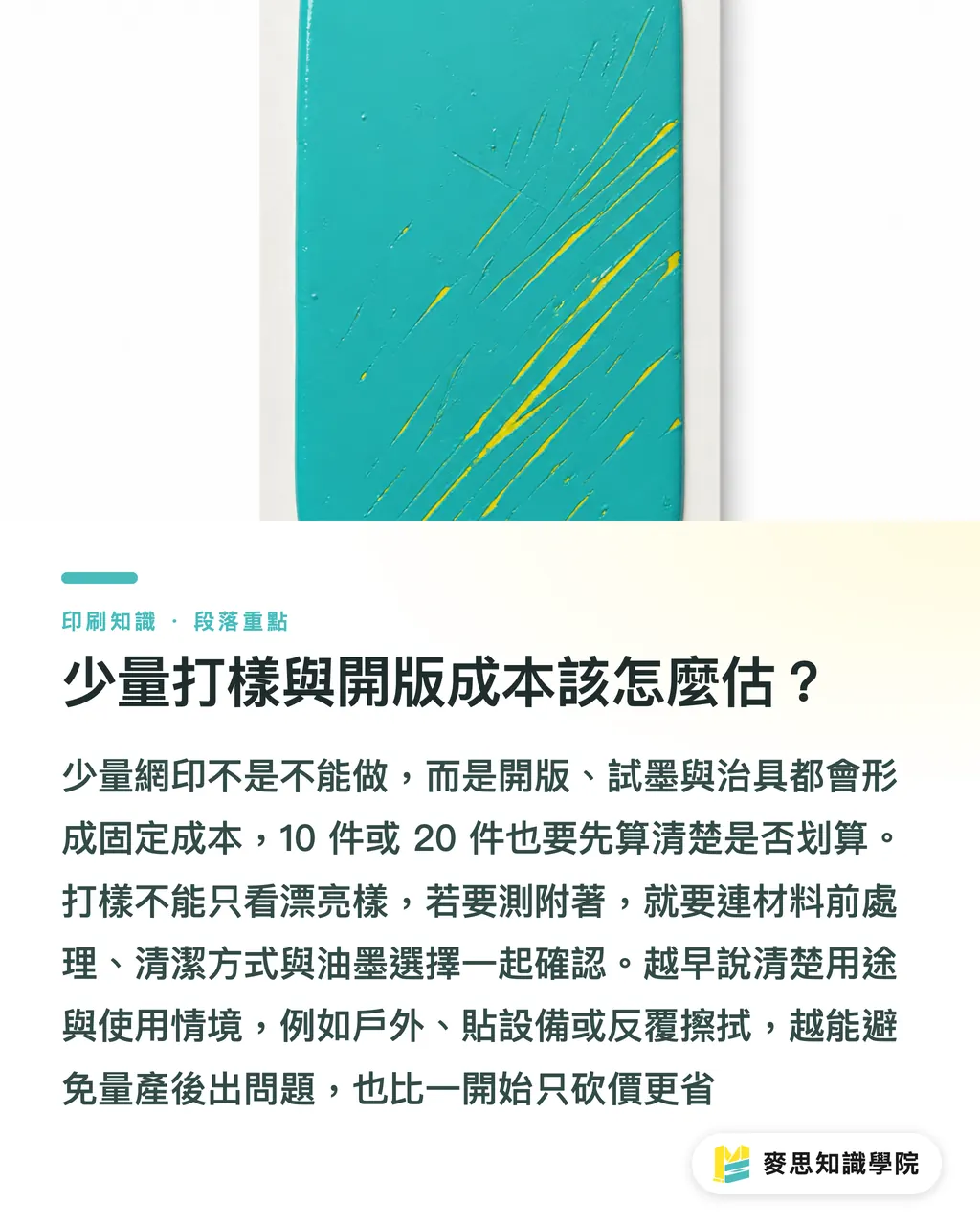
Screen printing has screen-making costs. Even for 10 or 20 pieces, you often still need to make the screen, test the ink, and build a jig. Whether a small run can be done is one thing. Whether it makes economic sense is another
Proofing also needs a clear purpose. Testing color, testing adhesion, testing thickness, and testing production jigs are four different things. If you only look at one nice sample without scratch, bend, or post-processing tests, production can run into trouble quickly
・Color test only: first confirm substrate color, white ink opacity, and surface effect
・Adhesion test: check whether the material needs pretreatment, cleaning, or a different ink
・Thickness test: for spot gloss varnish, thick film, and glow-in-the-dark ink, check the touch and edges
・Production test: include jig setup, positioning, drying and stacking, and packaging friction in the estimate
With screen-printing jobs, cutting the price earlier does not always save money. Explaining the use case earlier does. Outdoor placement, equipment labeling, repeated touching, and cleaning or wiping all change the ink and drying choices
Key Takeaways
・For screen printing, check adhesion and ink film first. Price comes after process feasibility
・Whether a special material can be printed usually depends on ink, pretreatment, and drying
・Every added color means one more screen and one more registration step, so complex artwork needs to account for registration risk
・Small type, fine lines, and QR code details should not be judged only from screen artwork. For small-run proofing, look at a physical sample
・If a small-run job is only chasing the lowest price, screen printing may not be the right fit. If it needs abrasion resistance, opacity, or special effects, screen printing has a real reason to enter the discussion
Further Thinking
For print manufacturers, material, ink, drying, and jigs should become fixed questions before quoting. For designers, white ink, gloss varnish, die lines, and special-effect layers need to be cleanly separated in the file. For AI application and SaaS teams serving print procurement, the fields cannot stop at size, quantity, and lead time. They also need to capture substrate, usage environment, adhesion requirements, drying method, and proofing purpose. When this information is collected correctly at the start, there is far less back-and-forth later
FAQ
- Why can screen printing print on plastic and metal?
- Because screen printing can use a thicker ink layer and match the ink and drying method to the material. Plastic, metal, glass, and fabric all require adhesion and scratch-resistance checks first. File color alone is not enough
- Is screen printing suitable for small runs?
- Small runs can be done, but screen-making, jig, and ink-testing costs do not disappear just because the order is only 10 pieces. For a small-run job, first clarify whether you are testing color, adhesion, or the production jig
- Will small type blur in screen printing?
- There is a risk, especially with small knockout type, fine lines, fine borders, and QR code details. When the ink is thicker, the ink edge can eat into fine details. It is best to review a physical proof before full production
- How do you choose between screen printing and digital printing?
- Digital printing suits variable content and standard flat output. Screen printing suits thick ink, opacity, special inks, and special materials. If you need white text on dark cardstock, white backing on transparent material, or an acrylic panel, screen printing is usually worth evaluating
- Is screen printing always more expensive?
- For small quantities, the unit cost is often pushed up by screen-making costs. But most screen-printing cost goes into adhesion, ink film, screen making, and jigs, all of which affect whether the finished product can actually do its job
Related articles


The Print × AI weekly
The print and AI know-how designers, brands and enterprises can use before they commit — one email, every week
MINDS Free Tools
Spine width and imposition calculators — skip the manual math, free in your browser.
MINDS Group
Need actual printing or gifting services?
From premium printing to online ordering and festive gifts — the MINDS Group sister brands take it from here.