
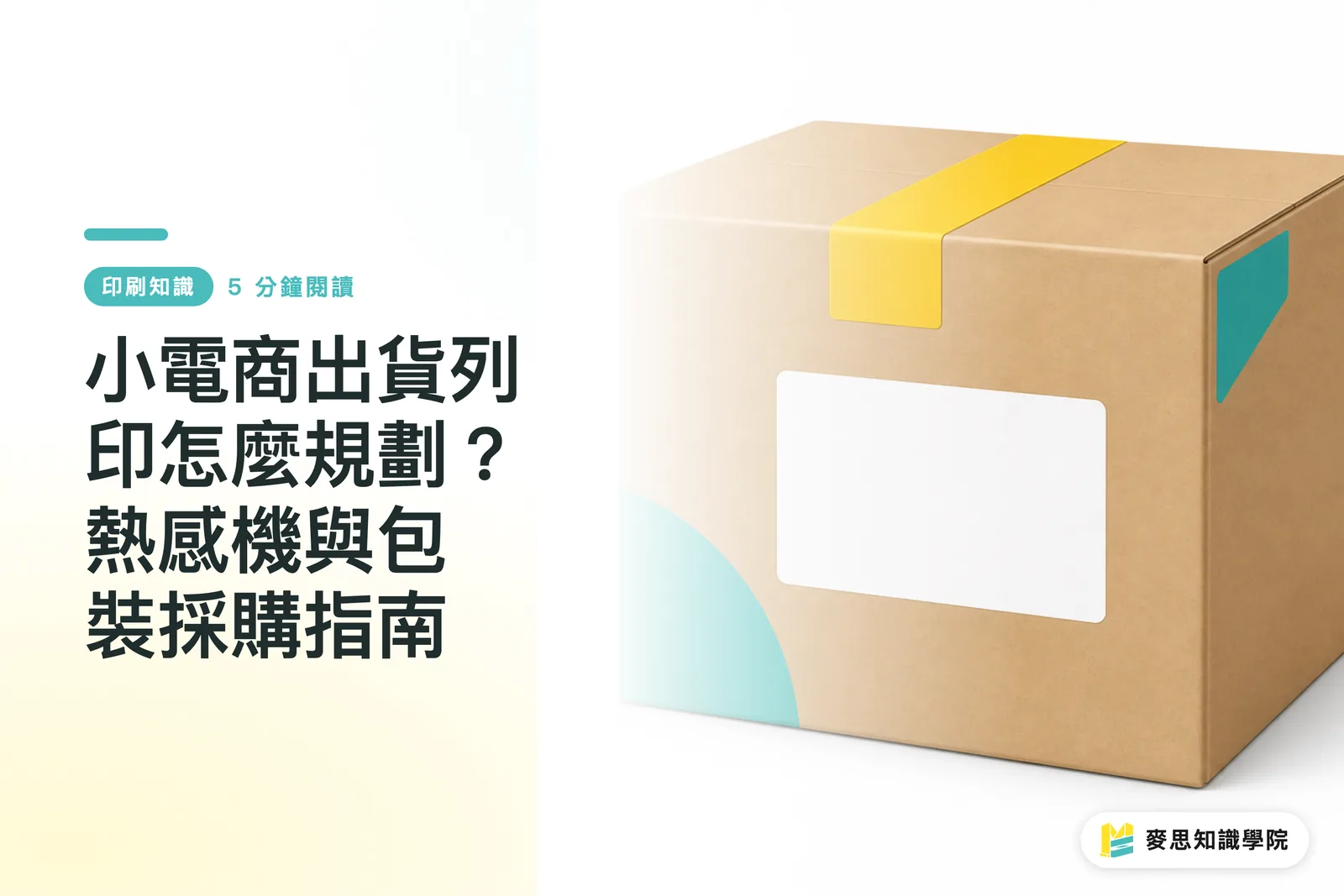
Comment choisir son équipement d'impression d'expédition ?
Le choix du matériel repose sur deux critères simples : votre volume de commandes quotidien et le format d'étiquette adapté. Dès que vous dépassez 30 colis par jour, abandonner l'imprimante laser A4 classique pour une imprimante thermique dédiée au format 4x6 pouces constitue la toute première étape pour booster votre productivité
L'impression thermique directe (Thermal Printing) utilise une tête d'impression chauffante qui réagit avec le revêtement chimique du papier thermique pour faire apparaître le texte. Pas besoin d'encre ni de toner : c'est la technologie idéale pour sortir des étiquettes et des bordereaux à haute vitesse
Sur le terrain, je vois constamment de jeunes marques imprimer leurs bordereaux sur des feuilles A4 avec une imprimante de bureau, puis tout découper et scotcher à la main. C'est de la main-d'œuvre gaspillée, sans compter qu'un coup de pluie pendant la livraison fait baver l'encre et rend le code-barres illisible. Pour bien comparer matériels et consommables, gardez ces repères en tête :
・ Imprimantes A4 jet d'encre ou laser classiques : coût d'achat très faible, coût à la feuille élevé, découpe et collage très chronophages, adaptées à la phase de démarrage (moins de 10 commandes/jour)
・ Imprimantes thermiques de bureau (format 4x6 pouces) : zéro encre ou toner, vitesse jusqu'à 150 mm/s, étiquettes auto-adhésives prêtes à coller, adaptées aux boutiques en croissance (30 à 500 commandes/jour)
・ Imprimantes thermiques industrielles : châssis 100 % métallique résistant aux températures élevées, fonctionnement continu 24h/24, coût unitaire très bas à fort volume, adaptées aux entrepôts (plus de 1000 commandes/jour)
L'étiquette thermique au format 4x6 pouces (environ 100x150 mm) est devenue le standard de la logistique. En la connectant directement à Shopify ou aux flux PDF de vos transporteurs, vous supprimez 80 % des erreurs humaines à la préparation
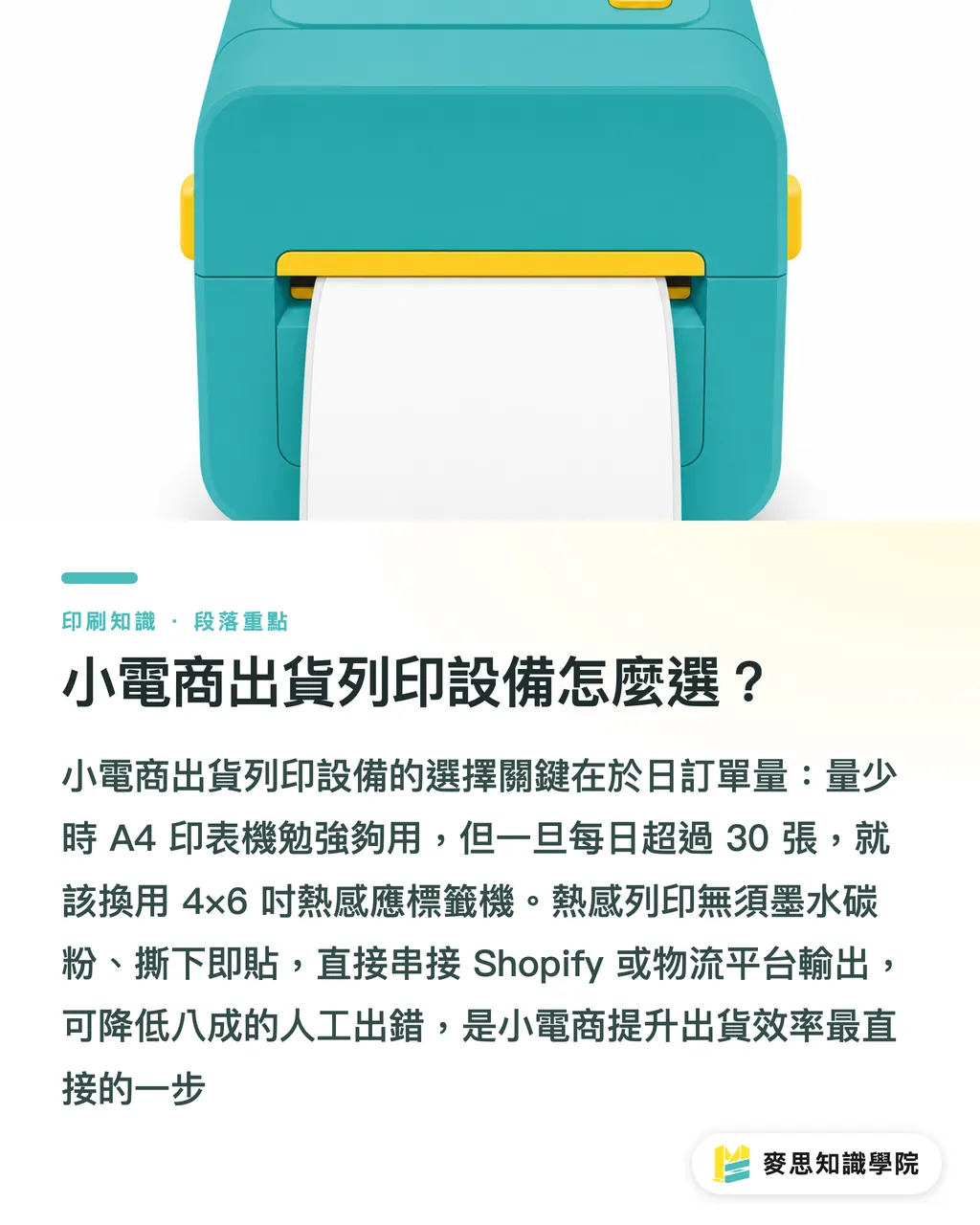
Adhésifs thermiques et étiquettes standards : quels sont les pièges à éviter ?
La faute la plus courante lors de l'achat d'étiquettes est de se tromper de matière, ce qui entraîne un décollement ou l'effacement des adresses. Pour les bordereaux de livraison, il faut impérativement du papier thermique « triple protection » (résistant à l'eau, à l'huile et aux frottements). Les étiquettes de packaging de marque, elles, relèvent d'une logistique différente
D'expérience, beaucoup de vendeurs cherchent à économiser quelques centimes en achetant du papier thermique bas de gamme. Résultat : le code-barres s'efface à cause des frottements durant le transport, le colis est rejeté par le livreur, et la perte finale est bien plus lourde. Voici les arbitrages à faire selon l'usage :
・ Étiquettes thermiques triple protection : adhésives, résistantes aux rayures et à l'eau, adhésif sensible à la pression renforcé, durée de conservation de 6 à 12 mois, conçues exclusivement pour l'étiquetage des colis
・ Étiquettes en papier couché (transfert thermique) : nécessitent un ruban transfert carbone, impression durable sans jaunissement sur plusieurs années, bonne résistance thermique, idéales pour l'étiquetage de produits stockés sur la durée
・ Étiquettes couleur personnalisées : impression quadrichromie et découpe à la forme pour véhiculer l'identité visuelle de votre marque, parfaites pour de petites séries variées, les stickers de fermeture de boîte ou les packaging produits
Si vous devez fabriquer de petites séries d'étiquettes couleur, de stickers de fermeture ou d'adhésifs événementiels, vous pouvez passer commande directement sur une plateforme d'impression en ligne comme MINDS Print, sans subir le coût des calages et des volumes minimaux des imprimeurs traditionnels
Comment intégrer bordereaux et packaging dans une vraie stratégie de marque ?
Une bonne expérience de déballage ne s'improvise pas : la carte de remerciement, les adhésifs, le ruban adhésif imprimé, le calage papier et le carton doivent être pensés comme un ensemble visuel cohérent, et non comme 5 commandes séparées négociées au cas par cas
Je rappelle souvent à mes clients que le déballage est le premier point de contact physique entre un e-commerçant et son client. Si le carton arbore une étiquette de transport collée de travers mais renferme une carte magnifiquement imprimée, ce décalage ruine l'effet voulu. Pour réussir l'achat de vos emballages, voici les points d'attention :
・ Harmonie chromatique : définissez une charte graphique stricte pour le ruban adhésif, les stickers et la carte de remerciement afin d'éviter les écarts de teinte flagrants entre différents imprimeurs
・ Cohérence des matières : si votre positionnement mise sur l'écoresponsabilité, privilégiez le papier kraft ou le papier non couché pour le carton et le calage interne afin d'offrir un toucher brut et naturel
・ Gestion synchronisée du réapprovisionnement : calculez la vitesse de consommation de vos 5 éléments de packaging pour ne jamais vous retrouver avec un stock de cartons plein mais plus aucun sticker de fermeture
Si vous avez des besoins en impression commerciale sur mesure et souhaitez bâtir une identité visuelle complète pour vos emballages, adressez-vous directement à MINDS Printing pour bénéficier d'un accompagnement global, du choix du papier à l'exécution de l'impression
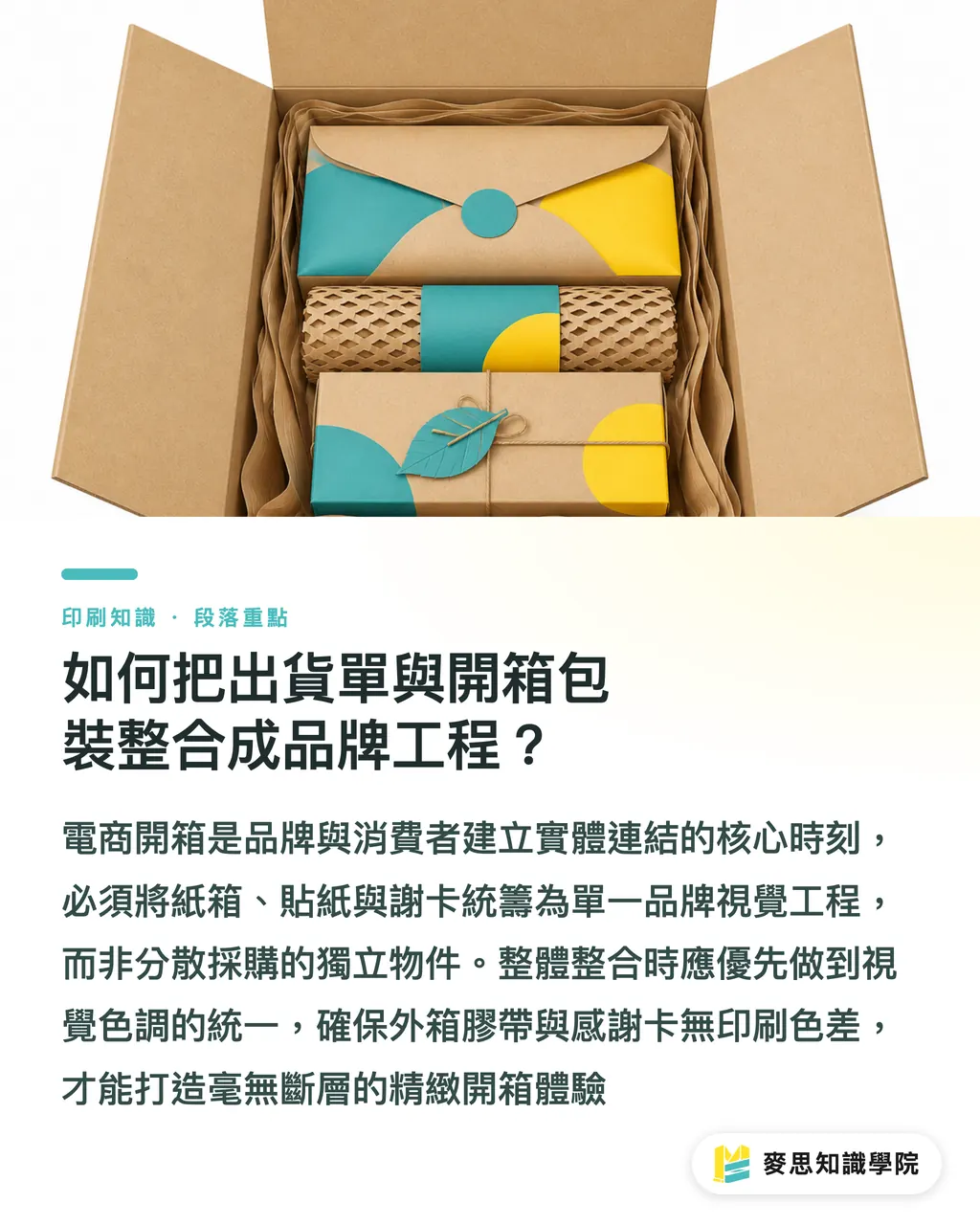
Trois étapes pour structurer un flux d'impression d'expédition efficace
Passer de la préparation manuelle chaotique à une chaîne d'emballage fluide tient en trois étapes : standardisation des formats, intégration logicielle et harmonisation visuelle
1. Harmoniser les formats d'étiquettes : configurez votre plateforme logistique pour générer systématiquement des bordereaux PDF au format standard 4x6 pouces, et éliminez définitivement les feuilles A4 à découper
2. Automatiser les impressions : adoptez un logiciel d'expédition compatible avec votre imprimante thermique pour lancer l'impression par lots dès l'import des commandes
3. Structurer le réapprovisionnement du packaging : définissez un stock de sécurité pour vos consommables et regroupez l'impression de vos cartes et emballages sur une base trimestrielle
En appliquant ces trois principes, une petite équipe e-commerce peut réduire le temps de préparation à moins de 30 secondes par colis, tout en garantissant une expérience de déballage soignée avec un budget maîtrisé
Points clés à retenir
・ Dès 30 colis par jour, adoptez une imprimante thermique 4x6 pouces pour remplacer le découpage des feuilles A4
・ Pour les bordereaux d'expédition, exigez du papier thermique triple protection (eau, huile, rayures) afin d'éviter le rejet de colis causé par un code-barres illisible
・ Concevez l'expérience d'ouverture comme un projet visuel global réunissant carton, stickers, ruban adhésif et carte de remerciement
・ Passez par une plateforme en ligne pour vos petites séries de stickers couleur, et faites appel à un imprimeur spécialisé pour des emballages sur mesure plus élaborés
Pistes de réflexion
Pour une jeune marque e-commerce, l'impression des étiquettes dépasse le simple achat d'une imprimante : c'est le point de rencontre entre l'automatisation logistique et l'expérience de marque physique. Les graphistes doivent anticiper l'emplacement et les dimensions de l'étiquette de transport pour éviter qu'elle ne masque les visuels du packaging. Côté imprimeurs et éditeurs SaaS, l'enjeu est d'interconnecter plus facilement l'impression thermique courte tirage avec les systèmes de commande cloud, afin d'offrir une logistique automatisée accessible aux TPE et PME
Pour aller plus loin
FAQ
- Je traite moins de 10 commandes par jour, dois-je investir dans une imprimante thermique ?
- En dessous de 10 colis par jour, conservez votre imprimante de bureau classique avec des feuilles d'étiquettes A4. Attendez que votre volume franchisse régulièrement le cap des 30 commandes quotidiennes pour investir dans une imprimante thermique
- L'impression thermique finit-elle par s'effacer avec le temps ?
- Oui. L'impression sur du papier thermique standard reste lisible entre 3 et 6 mois. Si vos produits doivent être stockés plus d'un an ou conservés au chaud, optez plutôt pour le transfert thermique (papier couché et ruban carbone)
- Comment réduire les coûts de commande et de gestion de ses emballages ?
- Commencez par standardiser les formats de vos stickers et cartes. Pour de petites quantités, utilisez les services d'une plateforme d'impression en ligne. Pour du sur-mesure plus haut de gamme, confiez la fabrication à une imprimerie spécialisée pour structurer vos achats
Articles associés

L'hebdo Impression × IA
Le savoir-faire en impression et IA que designers, marques et entreprises peuvent utiliser avant de s'engager, condensé dans un email, chaque semaine dans votre boîte de réception
Outils gratuits MINDS
Spine width and imposition calculators — skip the manual math, free in your browser.
Groupe MINDS
Besoin de services d'impression ou de cadeaux concrets ?
Une fois la lecture terminée, laissez la suite aux marques sœurs du Groupe MINDS — de l'impression haut de gamme à la commande en ligne et aux cadeaux de fêtes