
Can Images Generated with Firefly Actually Be Used for Commercial Printing?
Here is the straight answer: if you subscribe to Adobe Creative Cloud and generate images with Firefly, Adobe's license terms allow commercial use, including printed marketing materials, packaging, and branded assets. That is very different from many free AI tools on the market, where commercial use is often a gray area
But "commercial use is allowed" and "there are no limits" are two different things. Adobe's Firefly terms have a few details worth spelling out:
・The license holder is the user of the subscribed account. The image ownership belongs to you, but the license itself cannot be transferred to a third-party platform for sublicensing
・Generated images can be used for commercial printing, but if the image contains a "realistically identifiable human face" automatically generated by Firefly, Adobe has separate usage limits. Portrait rights are still your responsibility
・When using a Reference Image in Firefly, you need to confirm that the reference material you provide is legally licensed. Firefly does not remove infringement risk from the original source material
From what I have seen with clients, the third point causes the most trouble. A designer drops a web screenshot or brand logo into Firefly as a reference, and the generated image still carries traces of the original. Adobe cannot protect you there
Is Firefly's Resolution Enough for Print?
This is another reality check that surprises many designers. Firefly's current default output is roughly 2048×2048 pixels. At the 300 DPI commonly used for print, that only gives you a physical print size of about 17×17 cm
Go beyond that, and image quality starts to break down:
・Full A4 spread (21×29.7 cm): barely usable, but once enlarged, detail loss around the edges is obvious. Fine lines and text edges blur easily
・A3 or display stand (30×90 cm): definitely not enough. The enlarged image will show clear grain, and you will know it the moment it comes off the printer
・Small formats such as business cards and stickers: no problem. For this use case, Firefly has more than enough resolution
When the Mai Strategy Knowledge Academy consulting team helps clients run prepress checks, our standard is: "final print size × 300 DPI = minimum required pixels." Do the math first, then check the image. It saves the back-and-forth of regenerating artwork later
There are a few ways to make up for the resolution gap:
・Use Adobe Photoshop's built-in Super Resolution or Generative Expand to enlarge the Firefly image by one to two times while filling in detail
・Use Topaz Gigapixel or another AI upscaling tool to enlarge 2048px to 4096px or higher. The quality is much better than traditional interpolation
・If large-format printing is planned from the start, think through the composition before generation. After creating the image in Firefly, bring it into Illustrator for vectorization. This works especially well for flat color-block graphics
The MINDS (MS) Three-Gate Print-Ready Check
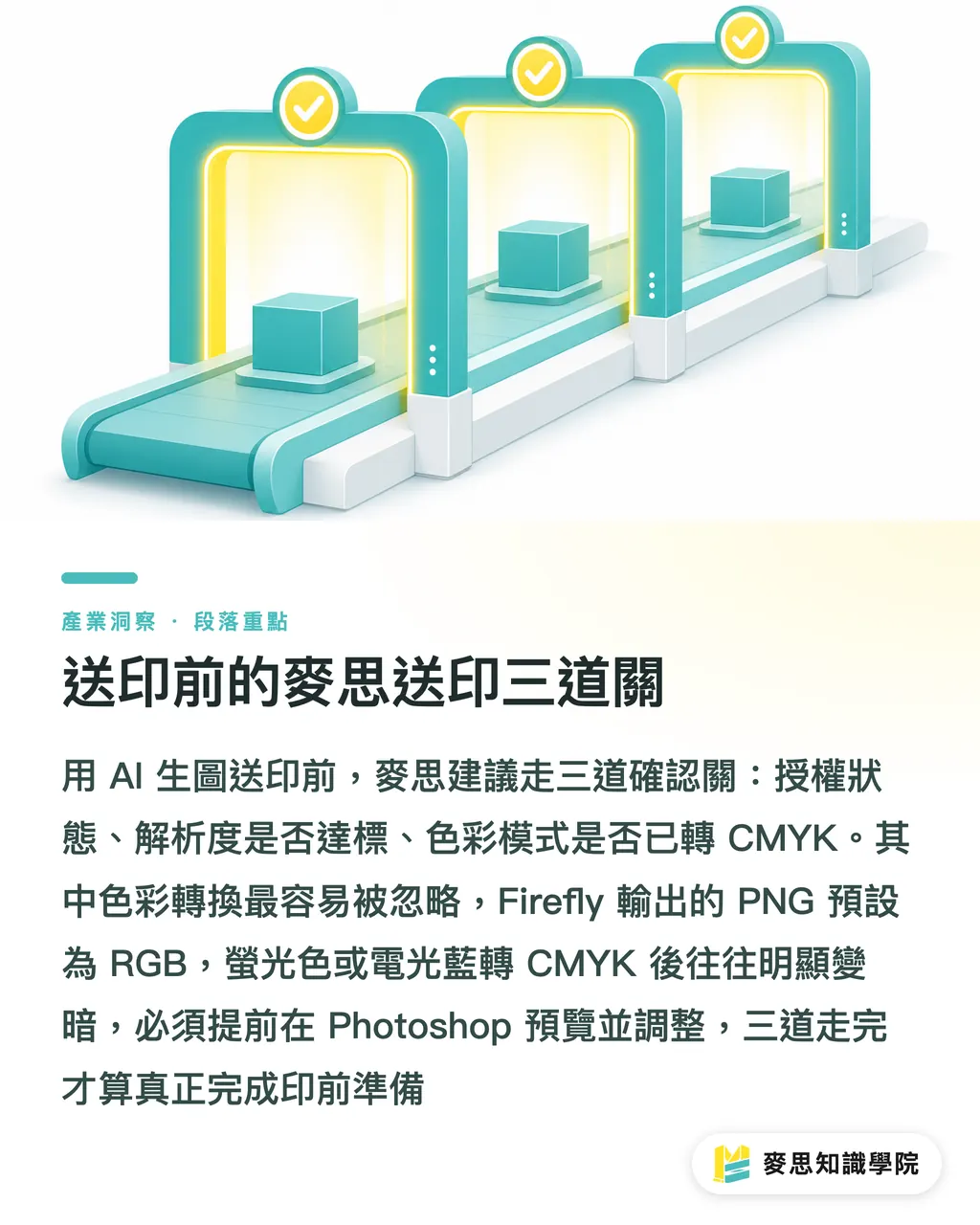
Based on my long experience helping designers and procurement teams, I recommend running these three checks before sending AI-generated images to print:
① Licensing check: confirm that your Adobe account is on a paid subscription. Images generated during a free trial can enter a gray area after the trial expires. Also confirm that no reference material from unclear sources was used during generation
② Resolution check: calculate the required pixels against the actual print size. Print size in cm × 300 ÷ 2.54 = minimum required pixels. If it falls short, fix it early with an AI upscaling tool. Do not wait until final artwork is done to find out
③ Color mode check: Firefly outputs PNG files in RGB color. Before printing, you must convert them to CMYK and check in Photoshop that the conversion has not caused obvious color shifts. Fluorescent colors and electric blues usually darken after conversion to CMYK, so preview and adjust them early
Once these three gates are cleared, the file is actually ready for prepress
Do Firefly Images Have an "AI Label" Issue?
Clients have been asking this more and more lately, especially government tender projects and corporate clients with brand compliance rules
Images currently generated by Adobe Firefly carry Content Credentials metadata, which records that the image was generated with AI. This marker is embedded in the EXIF data. It does not affect print output, but if the client or end customer requires "no AI-generated materials," this marker is a trace that can be checked
The printed piece itself, of course, will not show this marker. But the original file carries it. For commercial compliance work, this detail needs to be discussed with the client in advance
If needed, Content Credentials can be excluded at export, but Adobe's UI for this is not exactly intuitive. You need to go into File Properties and turn it off manually
Key Takeaways
・Images generated by Adobe Firefly subscribers are allowed for commercial printing, but if you use external material as a reference image, Adobe does not take responsibility for infringement risk tied to that original material
・Firefly's default output is about 2048px, enough for only around a 17cm square print. Large-format printing needs AI upscaling first
・Three things cannot be skipped before print: license check, resolution calculation, and RGB-to-CMYK color proofing
・Firefly images carry a Content Credentials AI marker. For commercial compliance projects, tell the client clearly in advance
・Small printed items such as business cards and stickers are the best fit for direct Firefly use, with almost no extra processing needed
Further Thinking
Firefly is genuinely cleaner on licensing than most free AI tools. Designers and procurement teams should take that difference seriously. But the resolution ceiling is a real limit. It is not something you fix by upgrading a subscription. You need to add an "upscale and rebuild detail" step into the workflow for it to be complete
What you can do next:
・Create a print-size-to-pixel-requirement chart. Every time you receive an AI-generated image, check it against the chart first
・If you often produce large-format output, consider buying a Topaz Gigapixel license. Paired with Firefly, it can handle most printed pieces below B1 size
・For projects with commercial compliance requirements, start making it a habit to include screenshots of Firefly's license terms in delivery notes, so the client has a record
If you have a specific Firefly-to-print case that needs checking, the Mai Strategy Knowledge Academy consulting team can help with a quick prepress specification review, especially for cross-size and color-mode details. It is much faster than digging through documents on your own
FAQ
- Can images generated with Adobe Firefly be used for commercial printing?
- Yes. Images generated with Firefly after subscribing to Adobe Creative Cloud are licensed for commercial use, including printed marketing materials and packaging. But if reference material from unclear sources was used during generation, that infringement risk is not covered by Adobe's protection
- Is Firefly's output resolution enough for A4 printed marketing materials?
- Barely, but there is risk. Firefly's default output is about 2048×2048 pixels, which at 300 DPI only prints at roughly a 17cm square. A4 size (21×29.7cm) already exceeds that range, so it is best to upscale the image first with Adobe Super Resolution or Topaz Gigapixel before sending it to print
- Do Firefly images need to be converted to CMYK before printing?
- Absolutely. Firefly outputs PNG files in RGB color. If you send them straight to print, the print shop will convert them automatically, and the result is hard to control. Fluorescent colors and saturated blues in particular often lose color badly. The right move is to convert to CMYK and correct the color yourself in Photoshop before export
- Do Firefly-generated images carry an AI marker that can be detected after printing?
- The printed piece itself will not show an AI marker, but the original image file carries Adobe Content Credentials metadata. If the client has a compliance rule that says "no AI materials," this marker can be checked at the original file level. Discuss it in advance or manually turn off embedding during export
- Is there anything special to watch for when using Firefly-generated images on packaging?
- Packaging counts as commercial printing, so Firefly's license covers it. But if the packaging includes a highly recognizable human face, even if it was AI-generated, portrait-related legal responsibility still sits with the user. It is better to avoid realistic face-based compositions. Also, compositions that resemble a specific brand logo or famous building may still involve trademark infringement, even if generated by Firefly. Firefly itself will not filter all of that out for you
Related articles





The Print × AI weekly
The print and AI know-how designers, brands and enterprises can use before they commit — one email, every week
MINDS Free Tools
Imposition calculator and preflight file check — free prepress tools, right in your browser.
MINDS Group
Need actual printing or gifting services?
From premium printing to online ordering and festive gifts — the MINDS Group sister brands take it from here.