

Why printing business cards and packaging always feels like starting from scratch
Because you lack a brand print kit built directly for vendors. With AI tools and practical advice from the consulting team at Mai Strategy Knowledge Academy, you can set up this standard in almost no time
A Brand Print Kit is a standard operating guide for outsourcing design and print work. It clearly defines logo proportions, standard CMYK print values, font licensing, and delivery file formats, ensuring every physical piece matches your brand identity
Talking to small business owners lately, I noticed their biggest headache is repeating the exact same rules every time they hire a new designer or switch print shops
Take corporate blue as a real-world example. What looks fine in RGB on a screen can shift so drastically once printed in CMYK on an offset press that you have to scrap an entire run of catalogs
Building a standardized kit cuts communication overhead dramatically
What AI can actually do to help build your kit
Looking at our recent projects, AI takes a lot of tedious work off your plate early in the design process
You can feed old business card files, website screenshots, and scattered logo graphics into a large language model. It will quickly sort them out and draft a well-structured visual guidelines document
It excels at writing tedious specifications, like spelling out clear rules for logo clear space or listing layout mistakes to avoid
Take a startup I worked with last week. They dumped in a dozen past marketing flyers, and within minutes AI mapped out their common visual style and layout patterns, even writing a clear introduction for the guidelines
Why you cannot send AI-generated files straight to a print shop
AI tools keep getting better, but the colors they generate are often close yet not quite your true brand color. In physical printing, that slight mismatch is a fatal flaw
AI is great at structuring logic and sparking ideas, but physical printing demands exact physical values
Take font licensing. AI might suggest a gorgeous typeface, but it will not take responsibility if you get hit with copyright infringement
Then there are resolution and vector file requirements. This is where the three pre-print checkpoints from MINDS (bespoke commercial printing) come in:
・① Confirm image resolution reaches 300 DPI at actual print size
・② Verify that all color modes are properly converted to CMYK
・③ Ensure all text is outlined and accompanied by font licensing details
What your final vendor handoff package should look like
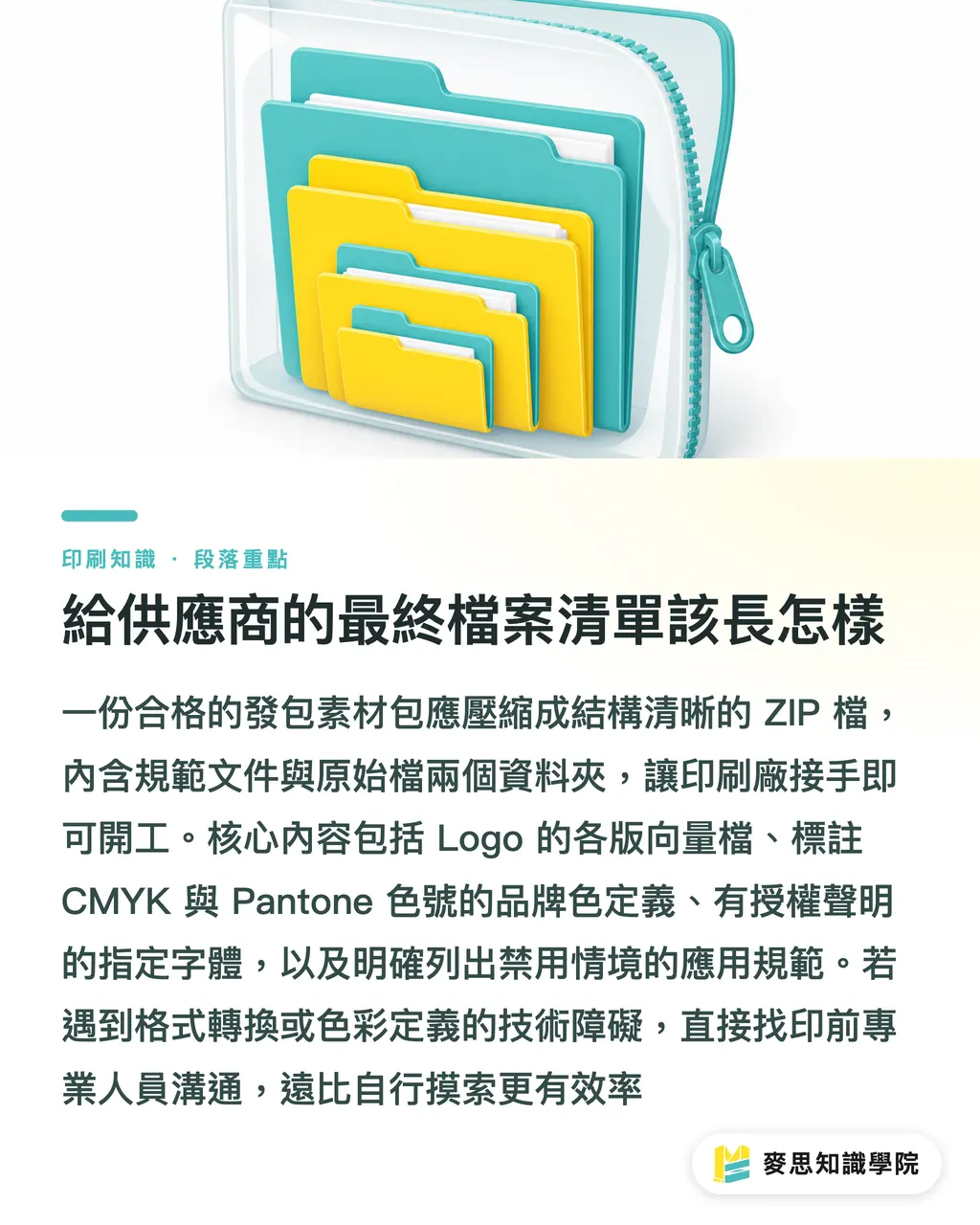
A solid handoff package should be zipped into a clean file with dedicated folders for guideline documents and source files, allowing the print shop to get straight to work
If you hit technical snags with file conversion or color definitions while building this list, talking directly to prepress planners at MINDS is much faster than guessing on your own
Specifically, your kit must include the following items:
・Logo variations: monochrome, full color, reversed out, and infinitely scalable vector files in AI or EPS format
・Brand colors: clear callouts for CMYK (print), RGB (digital), and matching Pantone spot colors
・Secondary colors and fonts: exact font names for print, plus licensing statements confirming commercial use rights
・Usage dos and don'ts: clear guides showing forbidden logo distortions, unapproved background colors, and bad lockups to avoid
Key Takeaways
In short, AI is great for summarizing visual rules and drafting specification text to build the kit framework
When it comes to press-ready CMYK color values and font licensing, a human must review and verify every detail
Setting up this fail-safe process guarantees your finished goods stay consistent, even when switching vendors down the road
Final Thoughts
For small businesses watching their budget, spending half a day assembling this kit cuts costly rework down the line. Track down your correct logo files and color swatches today to lock down your standards, and spare yourself the headache of arguing over proofs with print shops on every project
FAQ
- Can I put AI-generated brand graphics straight into the kit for printing?
- Most current AI image tools output raster files that may carry copyright risks. A designer must recreate them as vector files and verify their resolution before you can use them as standard assets
- If I only have RGB brand colors from our website, how do I convert them for print?
- Always compare against physical swatch books to find the closest Pantone code or CMYK values. Never rely purely on automated software conversions, or you risk wild color shifts once ink hits paper
- How often should a brand print kit be updated?
- Update your files and sync them with all partner vendors whenever you add standard layouts, switch fonts, or adjust the materials and styles of physical packaging
Related articles




The Print × AI weekly
The print and AI know-how designers, brands and enterprises can use before they commit — one email, every week
MINDS Free Tools
AI background removal, brand stamping, and a LINE sticker maker — free design tools, right in your browser, no upload.
MINDS Group
Need actual printing or gifting services?
From premium printing to online ordering and festive gifts — the MINDS Group sister brands take it from here.