
Overview
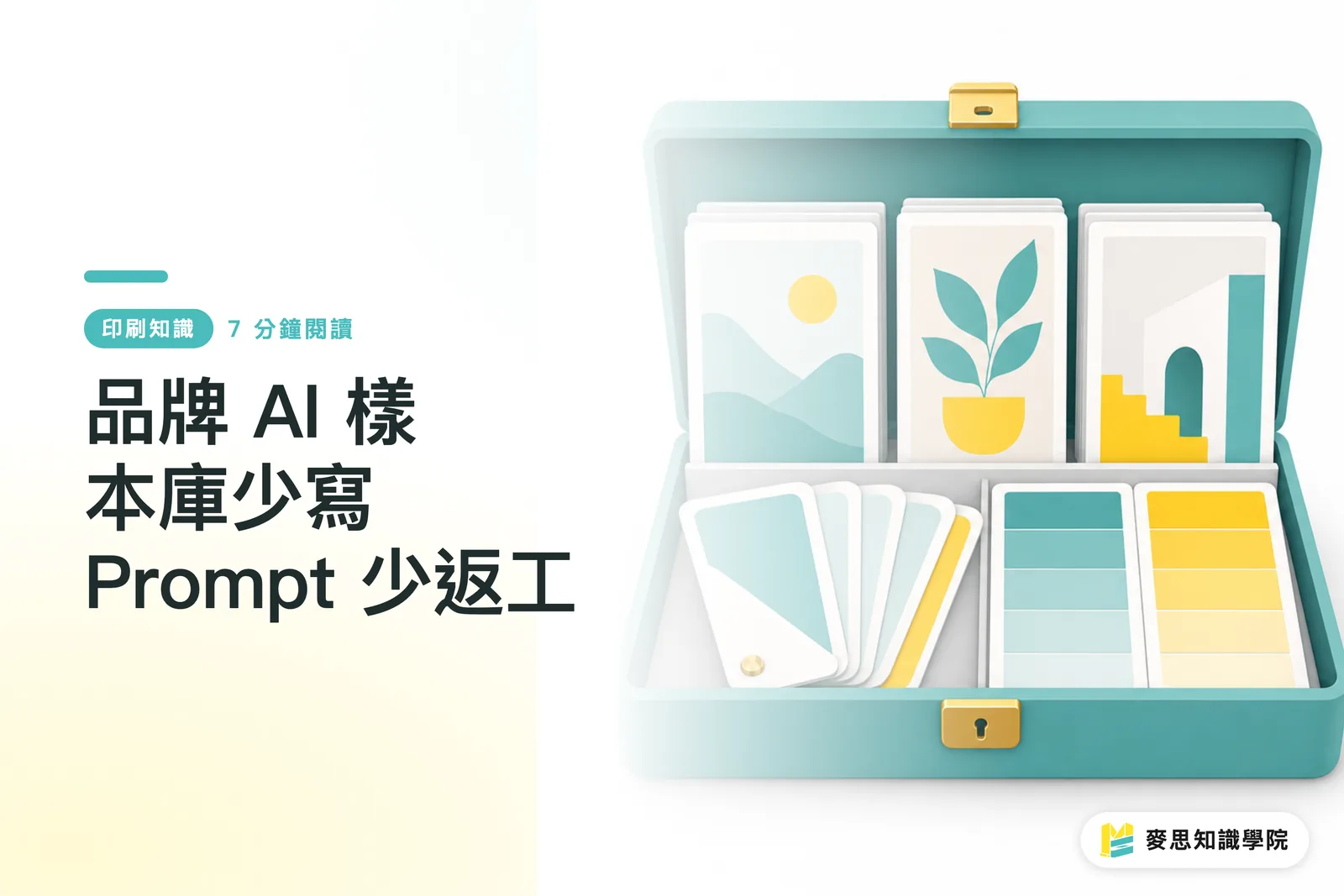
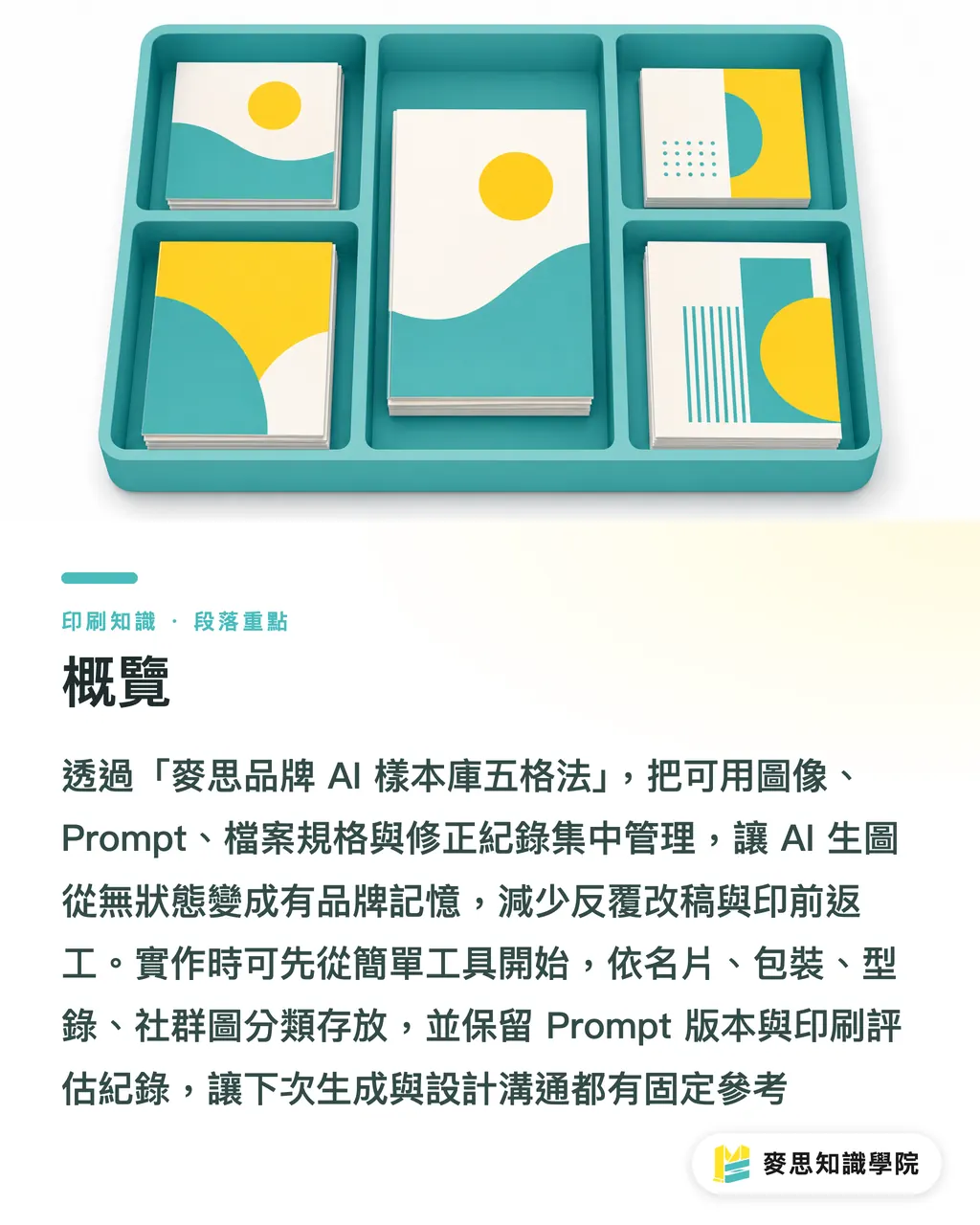
To cut down on rewriting Prompts and prepress rework for AI-generated images, I start by setting up a five-folder branded AI sample library (MINDS, mid-to-high-end fully custom commercial printing). The idea is to give a stateless AI a traceable working memory inside a brand job
・① Folders split by use, so business cards, packaging, catalogs, and social graphics each have a place
・② Prompts keep version numbers, so wins and losses are both traceable
・③ Samples are evaluated against print standards first, resolution, color, detail, texture
・④ Tools stay simple at the start; Excel, Notion, or a kanban tool is enough to begin
・⑤ Tidy monthly, prune quarterly, so brand style doesn't drift further with every use
A branded AI sample library: keep every usable image, Prompt, file spec, and revision note in one place, so the next generation round, designer handoff, and print send-off all have a fixed reference
Why does AI image generation feel like starting over every time?
Looking at recent packaging, catalog, and event key-visual jobs, a lot of teams run into the same problem with AI image generation that they used to have with messy file management: the first round is a 90 x 54 mm business card, the second is an A4 event flyer, the third is an outer box, and each round they re-explain brand color, Logo proportions, paper feel, and visual tone
AI image tools don't remember that your last coated-paper proof came out grayish, and they don't know the client rejected that "too plastic-looking" product scene last week. A branded AI sample library fills in that working memory
Without a sample library, designers keep slicing up old Prompts, the client holds up screenshots to compare color, and the print shop only spots a bad material match for spot UV on the third revision. That rework isn't a creativity problem, it's knowledge that didn't get saved
How should the sample library folders be split?
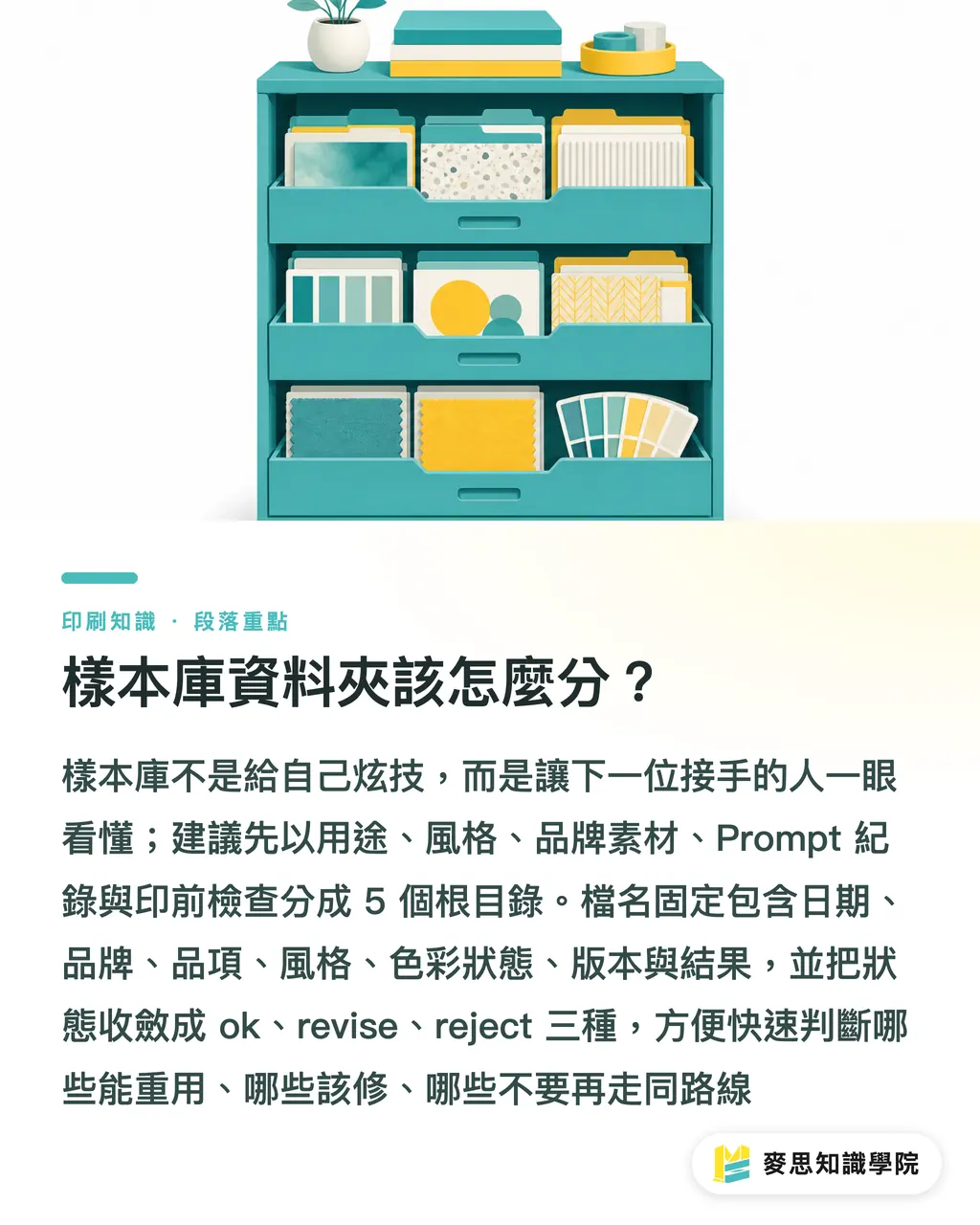
I'd split the branded AI sample library into five root folders, named for the next person who picks it up, not to show off
・01_applications: group by use, business cards, packaging, catalogs, DM, social graphics. When one key visual spans multiple media, file it under use first
・02_styles: group by visual tone, minimal, retro, photographic, illustrated. One brand usually keeps 3 to 5 controlled styles
・03_brand-assets: Logos, clear space, primary and secondary colors, font snapshots, and don't-do examples. The print shop most needs to know what cannot change
・04_prompt-log: Prompt versions, output screenshots, and the reason for each change. Keep both wins and losses
・05_print-check: resolution, color conversion, paper, finishing, and bleed-check notes. This folder directly drives prepress rework
I'd fix the naming rule at 7 segments, e.g. 20260727_ms_namecard_minimal_cmyk_v03_ok.png, date, brand, item, style, color state, version, and outcome are all in the filename
Keep the outcome state to 3 values; anything finer won't get filled in
・ok: reusable, fair game as a reference next time
・revise: direction works, but color, composition, or detail needs fixing
・reject: don't try this route again; jot a one-line reason next to it
Why log both successful and failed Prompts?
BusinessNext's AI Prompt examples in this one! 17 beginner Prompts to bookmark, writing, research, communication, time management, all covered, Digital Age treats Prompts as collectible work material, and that mindset fits print jobs well. My approach is more hands-on: I bind the Prompt, the output file, the paper, and the reason for revision into one record
A Prompt record needs at least 6 fields
・Project and item: e.g. health-food outer box, A5 event DM, 90 x 54 mm business card
・Original Prompt: keep the full text, not just keywords
・References: Logo version, brand colors, specified paper, existing photography
・Output: filename, thumbnail, aspect ratio, tool used
・Notes: what the client accepted, what the print shop worried about, what the designer wants to keep
・Next-round fix: e.g. dial down metallic reflection, sharpen product edges, push background white space out to 15 mm
I care most about the failures
A failed Prompt tagged "too plastic, Logo warped, black went muddy after CMYK conversion" is worth more than deleting it, the next colleague will know that road has already been walked
What does the print shop look at in 4 checks?
Put screen-side prettiness aside for a moment. A branded AI sample library uses 4 print checkpoints to narrow down the samples
・Resolution: commercial print commonly uses 300 dpi as the check line. An A5 finished size of 148 x 210 mm, with 3 mm bleed per side, works out to roughly 154 x 216 mm, or about 1819 x 2551 px
・Color: AI images often look vivid in RGB. Before converting to CMYK, record the brand colors, the black build, and whether the neon feel is going to fall apart
・Detail: small text, hairlines, Logo edges, and human hands are the first to crack. 6 pt text on a business card is more demanding than a poster viewed from across the room
・Texture: paper makes texture louder or eats it. Laid paper, coated paper, matte film, and spot varnish all give the same image a different read
On the floor, what I fear most is looking gorgeous on screen and turning muddy on coated card stock. If the sample library doesn't write paper and finishing into the evaluation, rework usually only blows up after the proof
How do Excel, Notion, and kanban tools land in practice?
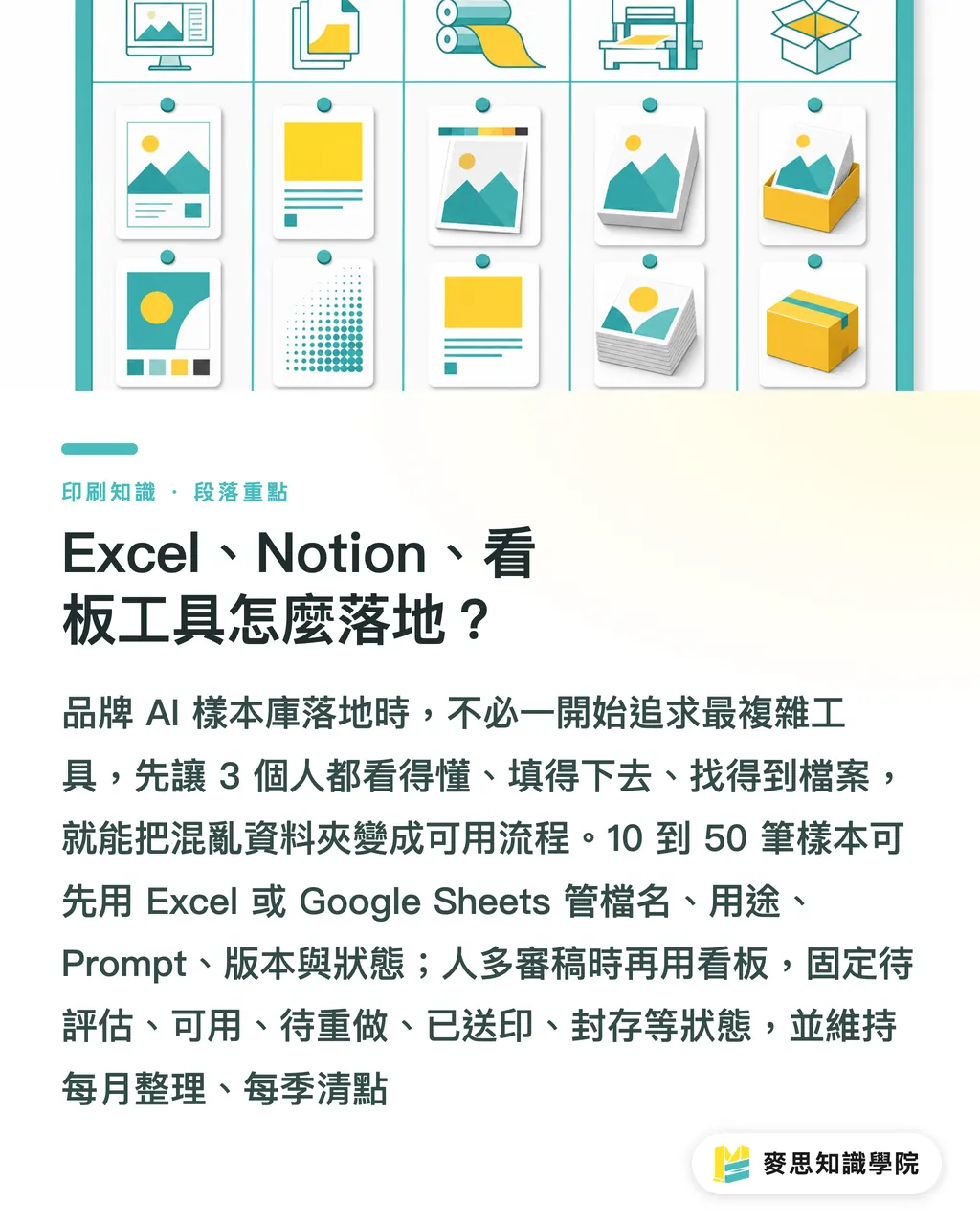
Don't pick the most complex tool first. If a branded AI sample library lets 3 people understand it, fill it in, and find the files, it's already beaten most of the messy folders out there
・Excel or Google Sheets: a table tool, good for starting with 10 to 50 samples. Use columns for filename, use, Prompt, paper, version, and status
・Notion: docs plus a database tool, good for design teams to drop in thumbnails, Prompts, client notes, and brand specs. Each sample can link to its project page
・Kanban tool: workflow tool, good for multi-person review. Line up images from generation, evaluation, revision, sending to print, and archive into a workflow
I'd fix the kanban to 5 columns
・To evaluate: just generated, print fitness not checked yet
・Usable: ready to go into a design draft or next outsource
・To redo: direction works, but Prompt or reference needs changing
・Sent to print: in proofing or production, needs to link back to the prepress check record
・Archived: brand tone or spec is retired, no longer a reference for new jobs
I'd suggest 2 levels of maintenance cadence
・Monthly 30-minute tidy: delete duplicate images, fill in Prompts, tag failure reasons
・Quarterly full sweep: check whether brand colors, Logo versions, common paper stocks, and finishing specs have updated
・After every formal proof: put the closest-to-final image and the prepress check record back into the sample library
Once the team is past 30 samples and 3+ suppliers sharing files, I'd suggest getting Mai Strategy Knowledge Academy's consultant team in first to sort out fields, naming, and review ownership. A new tool with the same broken process won't get buy-in on the floor
If the sample library has already moved into specialty paper, special colors, spot varnish, foil, or outer-box structural tests, line up proofing conditions with MINDS first, saves more time than arguing color over a screen screenshot after the fact
Key Takeaways
・Run the sample library on reusable judgment first, pretty pictures second
・Successful Prompts are worth saving. Failed Prompts are worth saving more, with the reason
・The print shop looks at resolution, color, detail, and texture. What the screen likes isn't what the paper trusts
・Run the process in Excel first. When the fields are stable, then move to Notion or a kanban tool
・Monthly small tidy, quarterly big sweep, and AI will follow the brand
Further Thinking
My advice to print manufacturing, design, AI implementation, and SaaS teams is blunt: wire the branded AI sample library into the fields people actually use every day, filename, Prompt, paper, proofing status, reviewer, all searchable. If a SaaS product wants to serve the print and design floor, nail the 3 boring things first: versioning, permissions, and review logs. Then the floor will open it daily
Further Reading
FAQ
- Does a branded AI sample library have to live in Notion?
- No. A branded AI sample library can start in Excel or Google Sheets. Within 10 to 50 samples, a spreadsheet is usually faster to pick up than a heavier tool
- What should I save in an AI image-generation Prompt record?
- At minimum, save these 6 fields: project and item, original Prompt, references, output, notes, and next-round fix. Keep the failures too, they stop the team from walking the same wrong road
- How do I judge whether an AI image is print-ready before sending it to press?
- Check 4 things: resolution, color, detail, and texture. Commercial print commonly uses 300 dpi and 3 mm bleed per side as the baseline, and check brand color shift before converting RGB to CMYK
- How often should a branded AI sample library be tidied up?
- I'd suggest a 30-minute monthly tidy and one full sweep each quarter. After every formal proof, put the closest-to-final image, the paper, and the prepress check record back into the library
- Can an SMB without a design department still build a sample library?
- Yes. Start with 5 folders: use, style, brand assets, Prompt log, and prepress check. The moment the next outsource round needs one less explanation, the branded AI sample library has already started paying itself back
Related articles





The Print × AI weekly
The print and AI know-how designers, brands and enterprises can use before they commit — one email, every week
MINDS Free Tools
AI background removal, brand stamping, and a LINE sticker maker — free design tools, right in your browser, no upload.
MINDS Group
Need actual printing or gifting services?
From premium printing to online ordering and festive gifts — the MINDS Group sister brands take it from here.