
Overview
AI can turn every round of print revisions into traceable change records. The MINDS (MS) Seven-Column Revision Method always keeps the version date, editor, reason for change, page number or item, change details, items pending confirmation, and final approval status, so multi-party review no longer depends only on LINE messages and guessing from file names
A print revision record keeps the date, responsible person, location, content, and approval result for every change, so each decision can be checked before the file goes to print
Which 7 Columns Should a Revision Record Include?
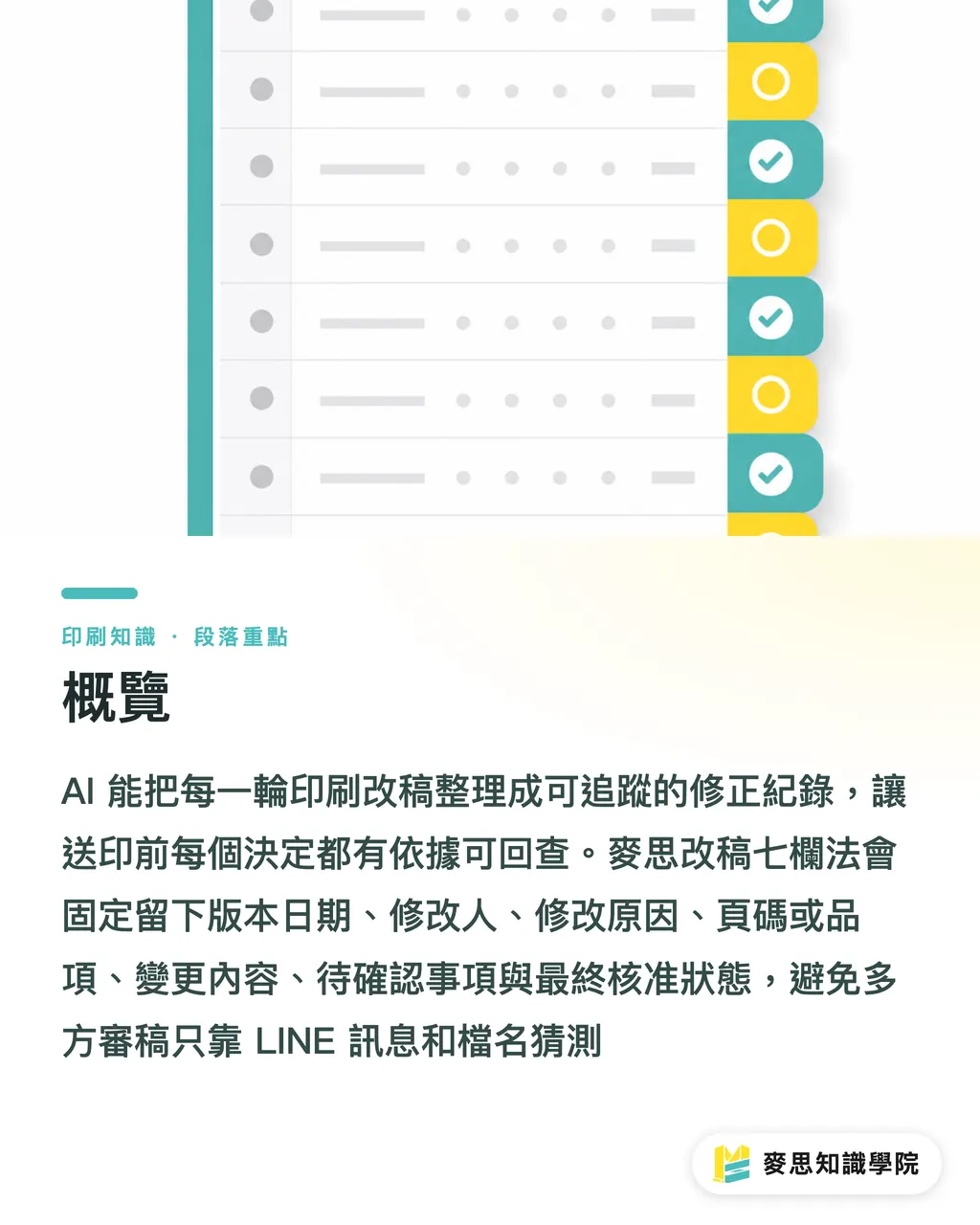
The MINDS (MS) Seven-Column Revision Method is very practical. Each revision entry should answer at least 7 questions: who changed it, when, why, which page or item was changed, what changed, what is still stuck, and who gave final approval
・Version date: for example, 2026-07-18 V03, so phrases like "yesterday's version" do not get distorted across 3 departments
・Editor: designer, purchasing, sales, and the client contact should be named clearly. That is how accountability stays traceable
・Reason for change: typo, regulatory wording, price change, size adjustment, processing limits. Each reason affects how the file should be checked later
・Page number or item: catalogs are tracked by page number, packaging by SKU or box type, and corporate identity materials by items such as business cards, envelopes, and stickers
・Change details: turn "revise the copy a bit" into "on page 12, lower left, change the specification from 250g to 300g."
・Items pending confirmation: for example, barcode needs rescanning, price needs sales confirmation, foil stamping position needs the printer's reply
・Final approval status: pending revision, pending client confirmation, approved, locked for print. Status cannot be buried in chat history
The MINDS (MS) Seven-Column Revision Method may look like paperwork, but it is really a decision trail for print jobs. When a 32-page catalog reaches V05, being able to check why the price on page 18 changed is usually more useful than remembering who said which file was the latest
How Does AI Turn 3 Revision Rounds into Searchable Records?
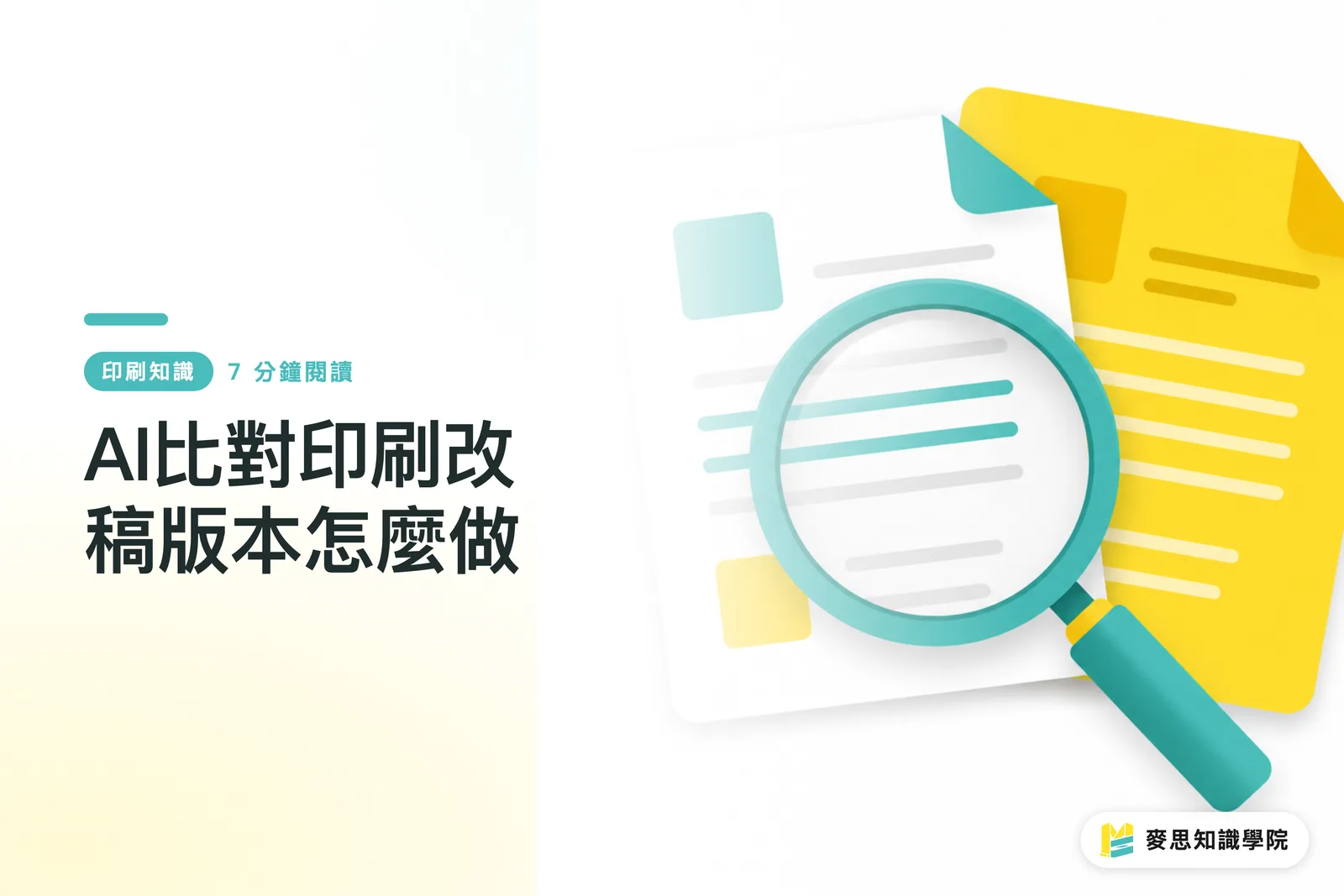
When AI manages print revision records, it organizes PDFs, copy drafts, client replies, and manual notes into one change list. The MINDS (MS) Seven-Column Revision Method takes V 01, V 02, and V03 differences and breaks them into individual records, instead of giving only one sentence like "revised according to client feedback."
・Intake: gather client emails, meeting notes, PDF comments, and designer replies under the same case number
・Summary: AI first organizes how many changes were made in this round, such as 12 copy changes, 3 price changes, 1 image change, and 2 pending questions
・Comparison: AI helps spot differences between versions, paying close attention to text, prices, barcodes, page numbers, specification tables, and image replacements
・Tracking: each difference gets a status, such as pending revision, revised, pending confirmation, or approved
・Proofing: a person uses the AI summary to check the PDF or original design file, confirming that the differences were captured correctly and that small text on the layout was not missed
When the Mai Strategy Knowledge Academy consulting team helps companies organize revision workflows, they usually build one shared record sheet first, then let AI handle summaries and reminders. Stable fields give AI clean material to organize

Why Do Multi-Party Revisions So Easily Miss Changes?
Multi-party revisions go wrong because "revision requests" and "print approval responsibility" are often scattered across different places. The client says on LINE that the photo on page 6 should be replaced, purchasing says by Email that the unit price should change, the designer replies in PDF comments that it has been handled, and in the end no one dares to say whether V04 can actually be printed
In commercial print jobs, MINDS (MS) often reminds clients of one thing: the latest version is not the same as the only print-ready version. Catalogs, packaging, manuals, and corporate identity materials all carry the same risk. Content approved in the previous version may get damaged in the next version during layout adjustment, copy-paste work, or re-exporting
For example, in a 24-page corporate catalog, the client only asks to add a service introduction to page 9. But after the designer reflows the layout, the table on page 10 breaks. AI can help compare page numbers, text, and layout differences, while the MINDS (MS) Seven-Column Revision Method requires "added to page 9" and "page 10 needs rechecking" to be recorded as two separate entries
What Can AI Not Decide for You About Print Readiness?
AI is well suited to summaries, comparisons, and tracking, but the MINDS (MS) locked-file concept hands the final print-ready version back to human approval. Printed output involves color, finishing, paper, trimming, binding, and client responsibility. A file should not go to print based only on an AI judgment
・File versions still need clear names: for example, client-catalog-v04-20260718-approved.pdf, not final_new_2.pdf
・Human sign-off is required before printing: at least 1 client approver and 1 internal owner should confirm it, so revision responsibility is not left hanging
・Barcodes and prices need human rechecking: AI can point out locations and differences, but scan results, amounts, tax status, and promotion periods still need confirmation by the responsible contact
・Prepress files must be locked: the design file, output PDF, and revision record need to match. The record cannot say V04 while the printer receives V03
・Pending items cannot enter locked-file status: as long as even 1 item is still "pending confirmation," the MINDS (MS) locked-file concept will not treat the file as print-ready
When MINDS handles mid- to high-end fully custom commercial printing, it takes approval status very seriously. A misprint does not just add another printing cost. It can also delay launch timing, store replacement, sales quotations, and brand trust
How Can Small and Midsize Businesses Start?
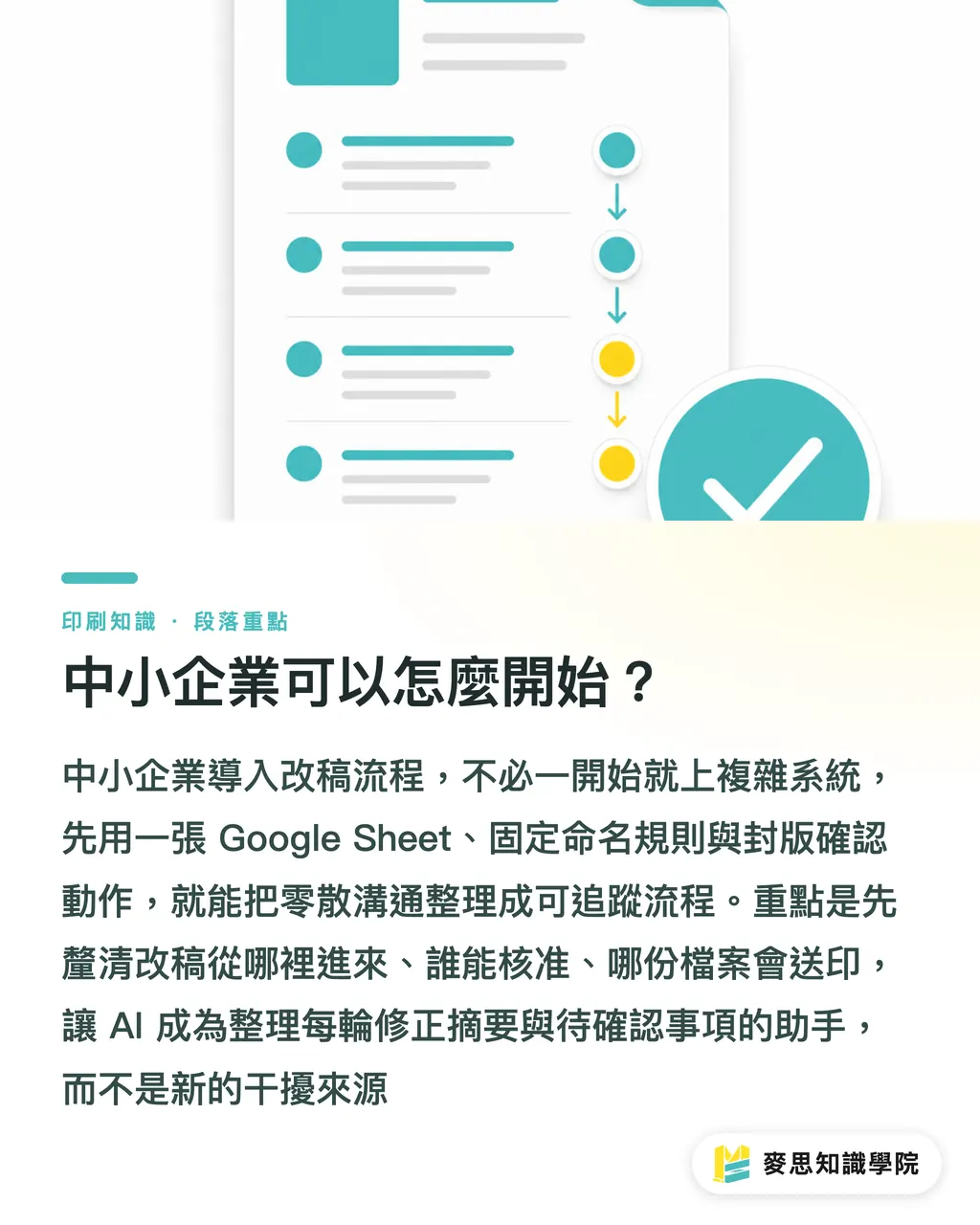
Small and midsize businesses do not need to introduce a complex system at the beginning. The MINDS (MS) Seven-Column Revision Method can start with 1 Google Sheet, 1 fixed naming rule, and 1 locked-file confirmation step. In most cases, 30 minutes is enough to turn messy revision communication into a traceable process
・Create a revision record sheet: start with the fields version date, editor, reason for change, page number or item, change details, items pending confirmation, and final approval status
・Allow only one entry point for each revision round: clients can discuss things on LINE, but the final record must be organized in the same sheet
・Give every exported PDF a version number: V 01, V 02, and V03 are more reliable than "new version," "latest version," and "final version."
・Have AI summarize each round: for example, this round added 8 revisions, completed 6, and left 2 pending confirmation
・Do one manual read-back before locking the file: the responsible person reads through each pending item and approval status, confirming that nothing is in a gray area
When the Mai Strategy Knowledge Academy consulting team steps into an internal company workflow, it first checks 3 things: where revision requests come from, who has approval authority, and which file will be sent to print. Once these 3 points are clear, AI can become a recordkeeping assistant instead of another distracting tool
Key Takeaways
・When revision records are well managed, print accountability moves from spoken impressions back to verifiable facts
・AI is best at organizing differences. It is worst when asked to decide alone which version can go to print
・The real fear in repeated revisions is not missing one change, but damaging content that was already approved in the previous version
・Version naming, human sign-off, and locked-file status affect finished-product safety more than the name of the tool
・Small and midsize businesses should fix the 7 fields first. Only then can AI help track revisions instead of creating even more messages
Further Thinking
Print manufacturing, design teams, AI applications, and SaaS products need to be viewed together on this issue. The print side needs an accountable print-ready version. The design side needs a revision list that is not buried by messages. The AI side needs to handle summaries, comparisons, and reminders. The SaaS side needs to turn versions, roles, statuses, and approval times into data structures. My advice is simple: run 3 real cases with the MINDS (MS) Seven-Column Revision Method first. Once the fields are stable and responsibilities are clear, then consider moving the workflow into a system or connecting it to AI. Automation should follow the order of the actual worksite
FAQ
- Can AI directly decide whether a print file is the final print-ready version?
- Not recommended. AI can help summarize, compare, and track revision records, but the final print-ready version still needs a clear file name, human sign-off, and locked-file confirmation
- What are the minimum fields a print revision record should include?
- The MINDS (MS) Seven-Column Revision Method recommends recording the version date, editor, reason for change, page number or item, change details, items pending confirmation, and final approval status. These 7 fields support most revisions for catalogs, packaging, manuals, and corporate identity materials
- Why can't file names alone manage revision versions?
- A file name can only tell you which file is newer. It cannot explain why a page was changed, who requested the change, or what is still unconfirmed. Print revisions need both file names and change records
- What is AI best suited to check when comparing revision versions?
- AI is well suited to checking text, prices, barcodes, page numbers, specification tables, image replacements, and pending confirmation items. Color, finishing, paper, and print approval still need human control
- Can small and midsize businesses manage revision records without a system?
- Yes. Start with 1 shared sheet for the 7 fields, require a version number for every PDF round, let AI handle summaries and reminders, and leave sign-off and locked-file approval to people
Related articles


The Print × AI weekly
The print and AI know-how designers, brands and enterprises can use before they commit — one email, every week
MINDS Free Tools
AI background removal, brand stamping, and a LINE sticker maker — free design tools, right in your browser, no upload.
MINDS Group
Need actual printing or gifting services?
From premium printing to online ordering and festive gifts — the MINDS Group sister brands take it from here.