

Overview
The approach to feeding AI a print knowledge base starts with organizing common specs, FAQs, pricing notes, material restrictions, and file prep guidelines into entries with categories, version dates, applicable products, exception conditions, and review records, then letting AI query those entries to answer questions. The MINDS consultant team typically uses the "MINDS Five-Column Print Knowledge Method" to help companies get organized, because when AI ingests a messy PDF, it just makes the confusion sound more convincing
A print knowledge base breaks printing specs, paper restrictions, finishing conditions, pricing rules, file prep guidelines, and common Q&As into queryable, updatable, reviewable data entries that customer service, sales, designers, and AI tools can all draw from
Why Can't You Just Feed PDFs to AI?
I've seen plenty of companies start by uploading their catalog PDFs, price lists, customer service scripts, and file prep guides all at once, expecting AI to become a seasoned sales rep. That path usually hits three walls right away: old data, new data, and exception data all mixed together
Print knowledge isn't like a standard product description. It comes with conditional rules. Take stickers: a coated paper sticker, a transparent PET sticker, a synthetic paper sticker, and a destructible sticker each have different die cuts, lamination options, adhesive types, and lead times. Or business cards: double-sided matte lamination, spot gloss, foil stamping, and embossing all require different pricing approaches
What AI struggles with most isn't a lack of data. It's data that looks correct but is missing the conditions that govern when it applies
・An old file prep spec says 2mm bleed; the new one says 3mm. Without a version date, AI might pull the old spec for a new job
・A price list says "small quantities accepted" with no indication of which products, so AI might tell customers that packaging boxes, stickers, and catalogs can all be done in small runs
・An FAQ says "lead time around 5 days" without excluding foil stamping, die cutting, or hand assembly, leaving customers thinking every finishing option ships in 5 days
・A PDF says "special paper requires separate quote" without listing which papers or what the restrictions are, so sales still has to go ask the press room
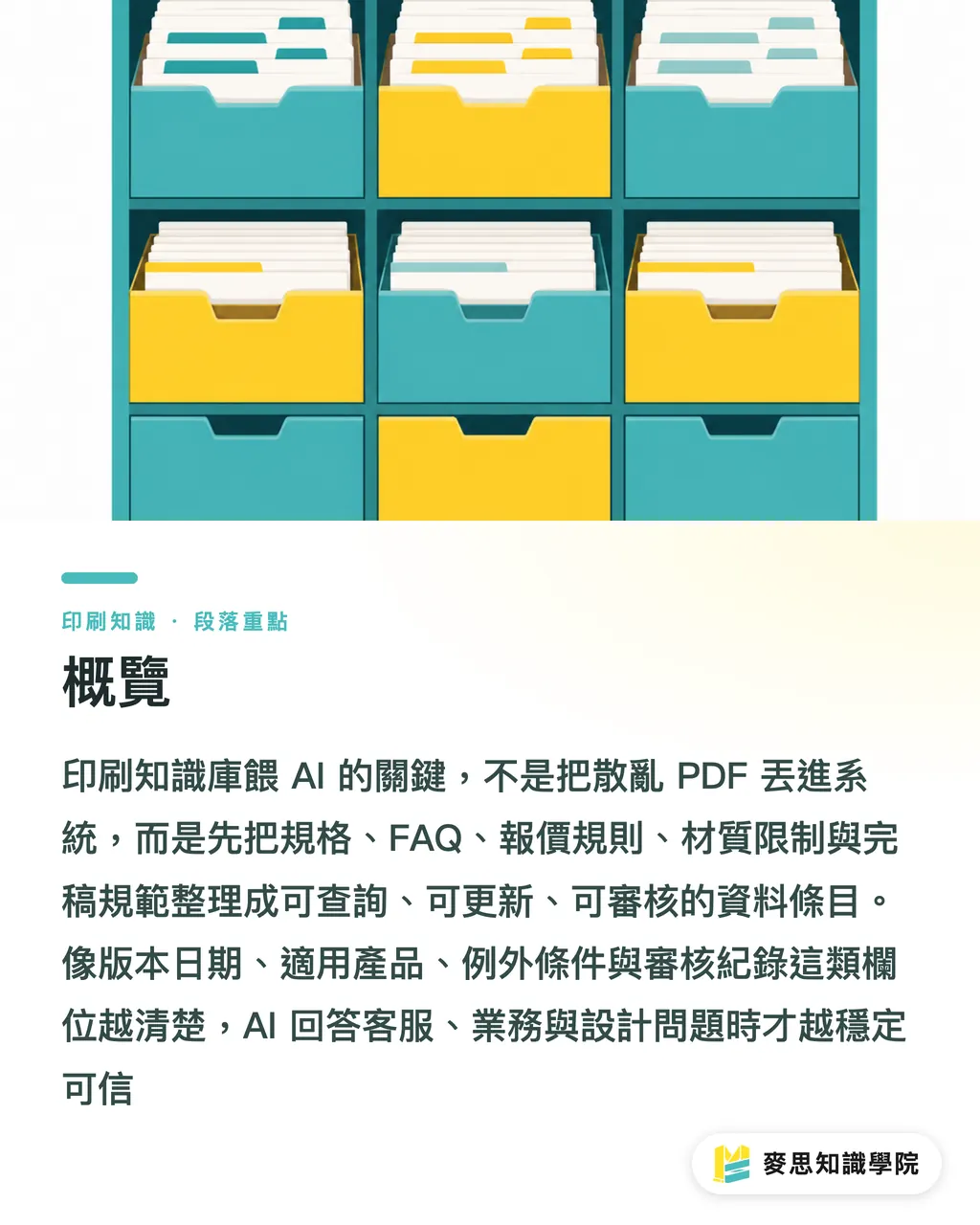
My recommendation: break the data into entries first instead of feeding in whole documents. Think of it like organizing a warehouse. Paper stock in the paper section, finishing in the finishing section, pricing rules in the pricing section, file prep in the file prep section
What Categories Should a Print Knowledge Base Have?
The "MINDS Five-Column Print Knowledge Method" splits data into 5 categories so AI knows which section to pull answers from, and so staff can maintain it over time
・Common specs: dimensions, page count, binding, die cuts, fold types, sheet sizes, e.g., A4 catalog, saddle-stitch, 16 pages, 200gsm cover, 150gsm interior
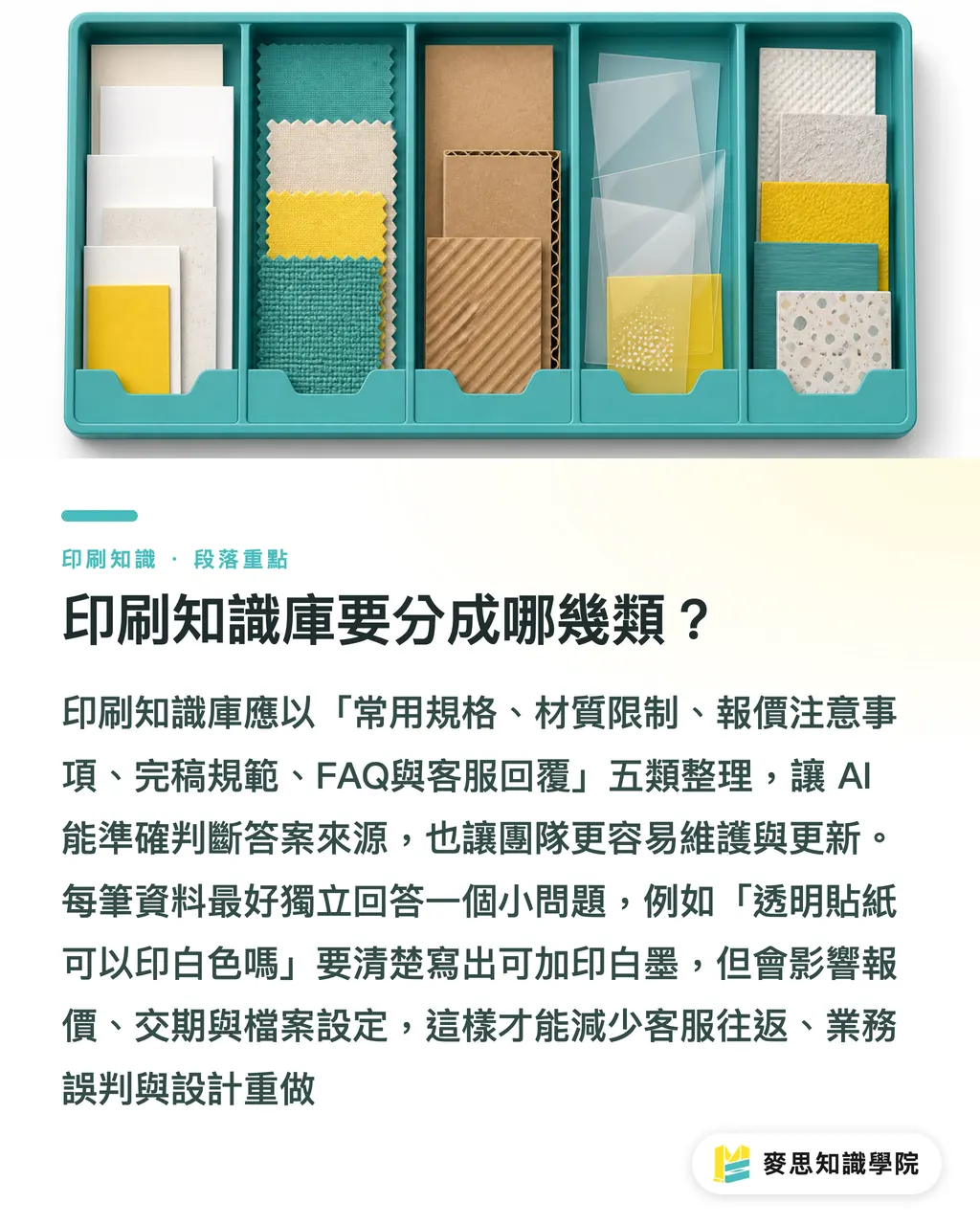
・Material restrictions: paper stock, sticker materials, lamination, inks, water resistance, heat resistance, outdoor use limits, e.g., transparent stickers don't always work when printing white ink directly over all base colors
・Pricing notes: quantity breaks, plate fees, die cut fees, finishing fees, rush fees, proof fees, e.g., 100 business cards and 1,000 business cards can't just be calculated by dividing the unit price
・File prep guidelines: bleed, safe margins, resolution, color mode, text outlined, black ink settings, spot color notation, e.g., any standard print file should at minimum be checked for bleed and character spacing
・FAQs and customer service replies: common questions about lead times, payment, delivery, file revisions, color variation, reprint conditions, e.g., "Why does the color on my screen look different from the printed piece?"
Every entry should be able to stand alone and answer one specific question. "Does a sticker need bleed?" works better as an AI-queryable entry than "Complete sticker file prep guide."
Here's the format I use for entries:
・Question: Can a transparent sticker print white?
・Answer: Yes, but confirm whether a white ink pass is needed. White ink affects pricing, lead time, and file setup
・Applicable products: transparent stickers, transparent labels, transparent packaging stickers
・Exception conditions: If the sticker will be applied to a dark substrate, confirm the white ink coverage area and opacity first
・Version date: 2026-07-17
・Reviewer: prepress or sales manager
This format looks more work than a PDF, but what it saves downstream is customer service back-and-forth, sales misjudgments, design rework, and production floor rush jobs
How to Write Version Dates and Exception Conditions
The most common way a print knowledge base goes wrong is when "usually possible" gets delivered by AI as "definitely possible."
I recommend every knowledge entry include at least 4 fields: version date, applicable products, exception conditions, and deprecated status
・Version date: use a specific date like 2026-07-17, not just "latest version"
・Applicable products: name them explicitly, business cards, stickers, catalogs, packaging boxes, event backdrops, not "all printed materials"
・Exception conditions: document the situations that can't follow the standard rule, such as specialty papers, rush jobs, holiday season schedules, hand assembly finishing
・Deprecated status: mark outdated entries as discontinued. Don't just add new data while old data sits in a corner
A common real-world example: saddle-stitching generally works well for thinner catalogs, but paper weight, page count, and finished size all affect how the booklet lies flat. If the knowledge base just says "saddle-stitch works for catalogs," AI gives an answer that's too broad, and the design team might finish an 80-page layout before finding out it won't work
A better entry looks like this:
・Product: catalog
・Binding: saddle-stitch
・Typical conditions: lower page count, needs to lie flat, cost-sensitive
・Requires manual review: higher page count, heavier paper, special finishing on cover, client wants a premium feel
・Prohibited phrasing: all catalogs work with saddle-stitch
In a print shop, the most expensive mistakes usually aren't machine errors. They're someone upstream turning "we can discuss it" into "no problem."
How to Design the Human Review Process
AI can help look up information, organize Q&As, and flag restrictions, but the final responsibility for a print knowledge base stays with people, especially for pricing, material restrictions, file prep judgments, and complaint handling
I break the human review process into 3 checkpoints that work even for smaller print shops
・First checkpoint: the person building the entry writes the knowledge item, usually customer service, sales, design liaisons, or prepress staff
・Second checkpoint: a specialist verifies the content, pricing goes to the sales manager, file prep goes to prepress, materials go to purchasing or production
・Third checkpoint: scheduled audits to retire outdated entries, recommended every 3 months for high-risk entries like pricing, lead times, paper stock inventory, and outsourced finishing terms
Don't let AI make the final call on high-risk questions: "How much does this packaging box cost?" "Can you rush it for tomorrow?" "Will this color match?" "Can this paper take foil stamping?" These questions are fine for AI to open with a list of things that need confirming, then hand off to a person for the actual decision
When the Mai Strategy Knowledge Academy consultant team helps companies organize their print knowledge, they usually start by picking the 20 to 50 questions that come up most often, get answered wrong most often, and create the most internal back-and-forth. A knowledge base doesn't need to be large at the start. Just get the most error-prone areas under control first
How Should Brands and Print Shops Get Started?
For brand teams building a print knowledge base, don't start with every historical file. Start with the items that have been reprinted, revised, or had the most spec questions in the past 6 months: business cards, stickers, catalogs, packaging, and event materials
For print shops building a knowledge base, don't aim for completeness at first either. Lock in on the 30 questions customer service answers every day: how many mm of bleed, can RGB files be printed, should the PDF have outlined fonts, can small quantities be done, how many extra days for rush jobs, can color variation be avoided
A practical starting sequence:
・List 10 common products, business cards, stickers, flyers, catalogs, tote bags, packaging boxes, hang tags, envelopes, event backdrops, menus
・Write 5 common Q&As per product to get 50 queryable knowledge entries
・Every entry gets a version date, applicable products, exception conditions, and a reviewer
・Mark outdated pricing, old file prep specs, and discontinued materials as deprecated so AI won't reference them
・Each time customer service or sales corrects an AI answer, write the fix back into the knowledge base, don't just update the conversation
If a brand team doesn't have prepress staff in-house, the Mai Strategy Knowledge Academy consultant team can help turn purchasing records, product photos, common specs, and supplier notes into an internal print spec library. For brands with specific products ready to go, MINDS can also assist with spec confirmation and press communication for mid-to-high-end fully custom commercial printing
The best use of AI in print work is putting well-organized professional knowledge in front of the right person at the right time. If the knowledge isn't organized, AI just delivers the chaos already buried in your folders, in a very smooth, confident voice
Key Takeaways
・Break the print knowledge base into entries, don't use disorganized PDFs as AI's study material
・Every entry needs a version date, applicable products, exception conditions, and a reviewer, one missing field adds one more layer of wrong-answer risk
・Pricing, lead times, material restrictions, and file prep judgments need human review in the loop, AI is best used for initial lookup and flagging
・Start the first version with 30 to 50 high-frequency questions, that beats trying to be complete from day one
・Retiring outdated information matters just as much as adding correct information, old answers left in place drag down new processes
Further Thoughts
For print manufacturers, design teams, AI applications, and SaaS teams to work together, the starting point isn't rushing to bolt on a chat interface. It's breaking print knowledge into maintainable data fields. The manufacturing side provides the constraints, the design side adds file context, customer service contributes common question patterns, and the SaaS side handles query logic and permission design. The next step is practical: pick 10 common products, organize 50 Q&As, assign 2 reviewers, and let AI handle the answerable questions first. Handle pricing and job orders, the high-risk flows, later
FAQ
- What's the first step to feeding AI a print knowledge base?
- Start by organizing 30 to 50 of the most-asked, most-often-wrong print questions into entries with a question, answer, applicable products, exception conditions, version date, and reviewer. Don't just upload a bulk PDF
- Can AI quote prices directly for a print shop?
- AI can open by asking about dimensions, materials, quantity, finishing, lead time, and file status, but for a formal quote, keep a human in the loop, paper prices, finishing costs, rush charges, and outsourcing terms all change
- What content should a print knowledge base include?
- At minimum: common specs, FAQs, pricing notes, material restrictions, and file prep guidelines, plus version dates, applicable products, exception conditions, and deprecated status on every entry
- Why do outdated entries need to be marked as deprecated?
- When AI queries the knowledge base and finds old pricing, old lead times, or old file prep specs, it may deliver those outdated answers as if they still apply. A deprecated flag lowers wrong-answer rates and cuts internal communication overhead
- Do brand teams need a print knowledge base too?
- Yes. Brand teams can organize dimensions, paper stocks, finishing options, quantities, lead times, and product photos for items like business cards, stickers, catalogs, packaging, and event materials, the next time a purchase order or design handoff comes up, it'll move a lot faster
Related articles




The Print × AI weekly
The print and AI know-how designers, brands and enterprises can use before they commit — one email, every week
MINDS Free Tools
AI background removal, brand stamping, and a LINE sticker maker — free design tools, right in your browser, no upload.
MINDS Group
Need actual printing or gifting services?
From premium printing to online ordering and festive gifts — the MINDS Group sister brands take it from here.