

Overview
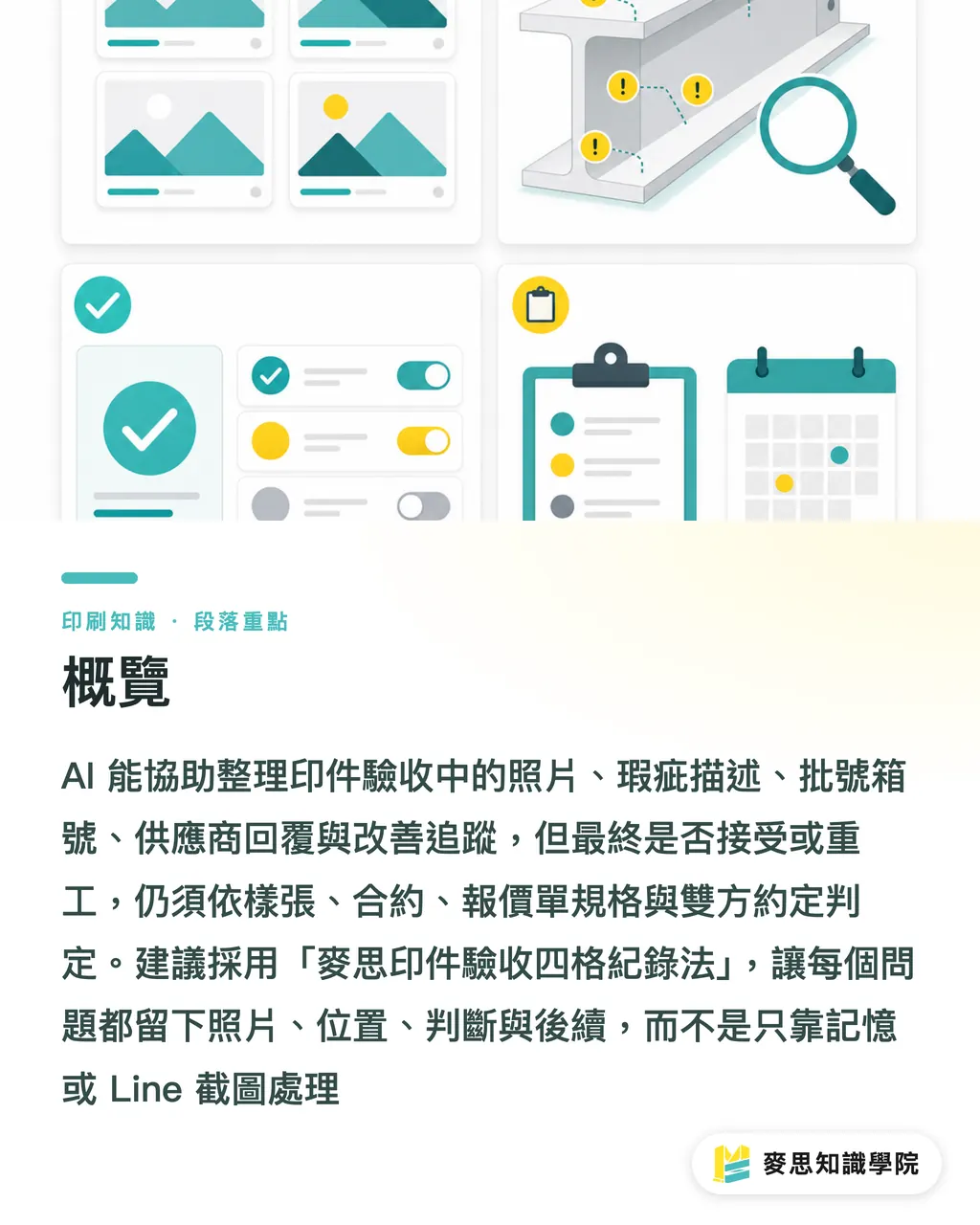
AI can help you organize acceptance photos, defect descriptions, batch and carton numbers, supplier replies, and follow-up tracking, but the call on whether to accept, rework, or reject still has to come back to the approved proof, the contract, the quote specs, and whatever the two sides agreed on. I'd suggest using the MINDS Print (MS) Four-Section Acceptance Record method, so every issue has a photo, a location, a judgment, and a next step, instead of leaning on memory and LINE chat screenshots
What Can AI Actually Do for Print Acceptance?
Acceptance records are the quality evidence you keep after delivery: finished-goods appearance, quantity, batch number, carton number, defect location, judgment result, and supplier reply. Inside the MINDS Print (MS) Four-Section Acceptance Record method, AI's job is to pull scattered photos and text into a trackable record; a human's job is to decide, proof and contract in hand, whether the job ships
I've watched plenty of mid-sized companies run acceptance on print jobs, and the on-site pattern almost always falls into one of three modes: snap a few phone photos, drop "something looks off here" in a group chat, or ask the supplier out loud if they can reprint. The Mai Strategy Knowledge Academy consulting team usually flags this with clients, it sort of works for small stuff, but the moment you hit a color shift, a trim offset, a coating scratch, or foil flaking, you can't reconstruct the chain
AI is good at organizing, not at ruling. It can sort 28 delivery photos by carton, turn "scratch on the bottom-right of the cover in carton 3" into a single acceptance item, and summarize supplier replies into buckets like "pending confirmation," "acceptable," "needs reprint," "needs allowance." The MINDS Print (MS) Four-Section Acceptance Record method puts all of that into four fields so the trail doesn't break later
・① Delivery evidence: delivery date, item name, quantity, batch number, carton number, carton condition, unboxing photos
・② Defect facts: defect type, photo filename, location description, scope of impact, time discovered
・③ Acceptance judgment: acceptable, sort required, rework, reprint, pending supplier confirmation
・④ Improvement tracking: supplier reply, resolution deadline, responsibility assignment, reminder for next run
How Should You Photograph a Delivery So AI Can Organize It Properly?
For a print delivery you need four angles: the outer carton, the batch/carton label, the finished goods overall, and the defect close-up. The MINDS Print (MS) Four-Section Acceptance Record method requires every photo to answer which batch, which carton, which piece, which problem, only then can AI turn the pile into something useful
Shoot the outer carton first. Don't rush to open it. The worst thing I see on-site is 10 cartons delivered, the team opens them all, and only starts photographing when 3 are left, at that point nobody can say whether the dent came from transit, warehouse handling, or how someone stacked them after opening. When Mai Strategy Knowledge Academy trains clients on acceptance, we recommend keeping at least a full carton shot, a close-up of the carton label, and a photo of the first layer after opening, for every batch
Finished-goods photos need fixed light and fixed distance, especially for items that are touchy about color and finishing, folding cartons, catalogs, stickers, hang tags. The MINDS Print (MS) Four-Section Acceptance Record method makes "approved proof in the same frame" a required shot, because AI can help you describe the color difference but it can't decide for both sides whether this red is outside the acceptable range
Defect close-ups need both a tight shot and a wider shot with a size reference, a ruler, a business card, or the edge of the proof placed next to the scratch. The MINDS Print (MS) Four-Section Acceptance Record method doesn't recommend a single zoomed-in defect photo, because a 2mm white speck, a 20mm scratch, and full-sheet matte laminate scuffing all call for completely different remedies. AI needs the scale clue to write a useful problem description
・Outer carton shot: one full view of the carton, keeping the shipping label and any damage location visible
・Carton label shot: at least one label photo per carton, with batch, carton, and quantity clearly readable
・Overall shot: one front and one back per SKU, plus inner pages or sides if needed
・Defect shot: one close-up and one wide shot per defect, so position and scale are both readable
・Proof in frame: place the approved proof, prepress sample, or last good run in the same shot for comparison

What Fields Should a Defect Classification Record?
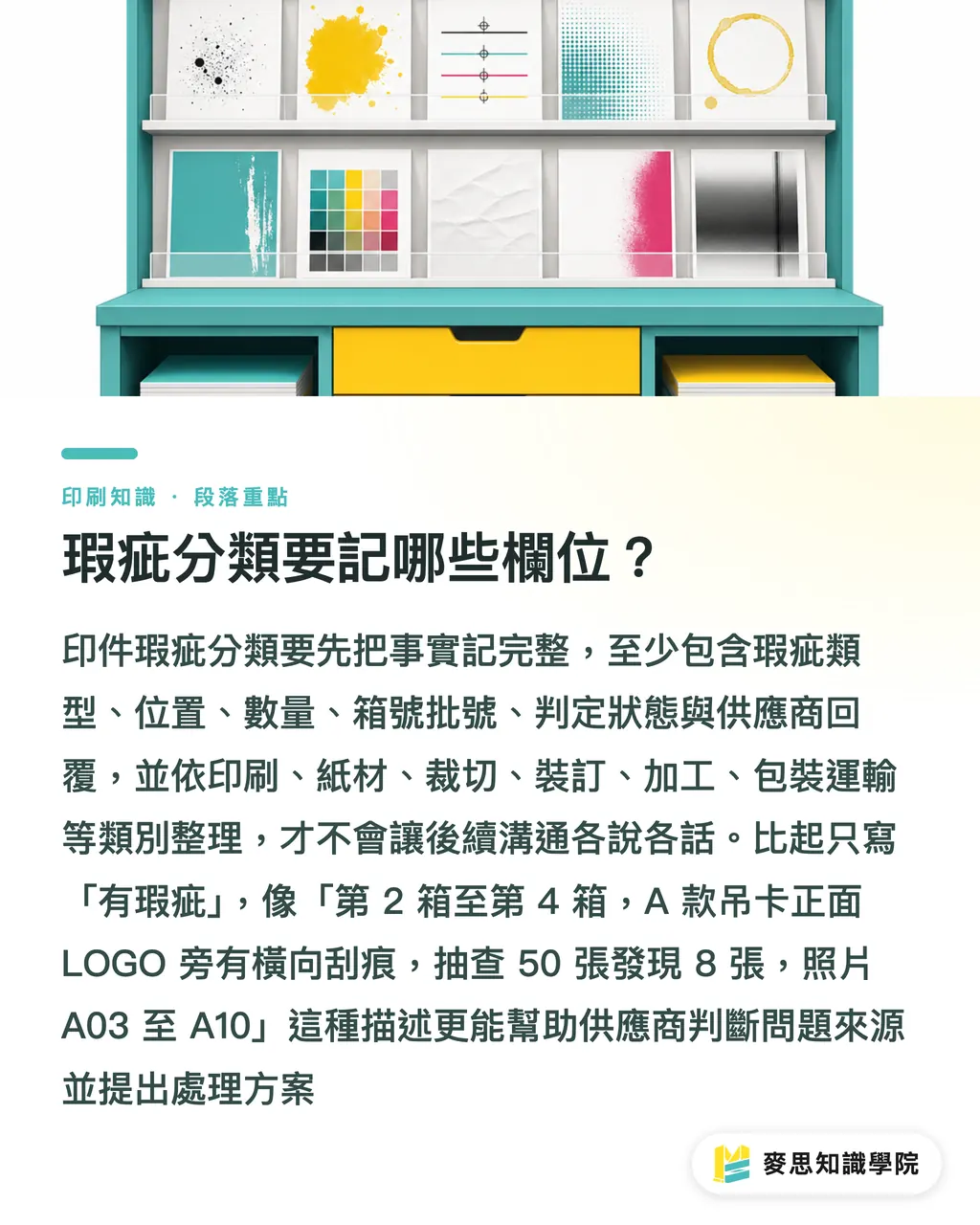
A print defect classification needs at least 6 fields: defect type, location, affected quantity, batch/carton number, judgment status, and supplier reply. The MINDS Print (MS) Four-Section Acceptance Record method treats these six as the baseline post-delivery format. Drop one and the conversation later turns into he-said-she-said
I split defects into six buckets first, printing, paper, cutting, binding, finishing, packaging/transport, so AI doesn't mush them together when it organizes the record. Take "a white line on the top-right of the cover" — that could be a plate/printing issue, or it could be trim reveal. If you just write "there's a defect," the supplier can't tell whether to check the press, the die, post-press, or packaging handling
In Mai Strategy Knowledge Academy consulting work, I often tell the buyer's side: don't open with "the vendor botched the print." Write the facts down first. Something like "cartons 2 through 4, SKU A hang tag, front side, scratch next to the LOGO running horizontally; sampled 50 sheets, found 8 with the issue; photos A03 through A10." That description gets further than emotion and makes it easier for the supplier to come back with a solution
AI can pull casual descriptions into structured fields — "some of these look dirty" becomes "suspected ink smudge, location: white area on the left side of the cover, scope: to be confirmed by sampling." The MINDS Print (MS) Four-Section Acceptance Record method keeps a "pending confirmation" field on purpose, because anything the photo can't show, color, paper feel, coating gloss, crease depth, shouldn't be ruled on by force
・Printing: color shift, misregistration, ink dots, smudge, missing print, dot/screen abnormality
・Paper: sheet wrinkling, paper dust, tearing, fiber inclusions, paper color not matching the proof
・Cutting: dimension deviation, skewing, trim reveal, rough edges, uneven rounded corners
・Binding: saddle-stitch offset, perfect-bind glue bleed, page sequence error, fold-line misalignment
・Finishing: foil flaking, coating scratch, matte laminate blistering, embossing offset, die-cut inaccuracy
・Packaging/transport: carton dent, moisture damage, strapping marks, mixed SKUs, short count
How Do You Judge Acceptable vs. Rework?
Print acceptance can't run on photos alone. Acceptable or rework comes down to four references: the signed-off proof, the contract specs, the quote's finishing conditions, and the acceptance standard both sides agreed on in advance. The MINDS Print (MS) Four-Section Acceptance Record method puts AI-generated reports in the "evidence for discussion" seat, never the final ruling
Color shift is the textbook example. Phone photos get hit by light source, screen, and white balance, the same DM can look like a different job under office yellow light versus window daylight. When MINDS Print MS handles mid-to-high-end fully custom commercial print, we still require an approved proof or standard sample to be kept for critical pieces, because AI can describe the difference in words but it can't stand in for the in-person sample check
Cutting and finishing defects have to go back to spec too. A business card edge off by 0.5mm, a book cover fold off by 1mm, a folding carton die-cut drifting, the impact differs by product. Mai Strategy Knowledge Academy recommends writing the use case into the acceptance record: a "trade-show handout DM" and a "premium gift box" don't share the same tolerance, and the same defect won't always get the same outcome
I keep the judgment field split into 5 options so procurement, design, sales, and supplier all read the same thing. The MINDS Print (MS) Four-Section Acceptance Record method doesn't encourage writing just "OK" or "NG," because most print issues aren't binary, they can be sort-and-ship, partial rework, allowance, fix the file next round, or change the packaging method
・Acceptable: doesn't affect use, display, sales, or brand perception, and matches the standard both sides agreed on
・Sort required: defects concentrated in a small portion; good pieces can be hand-picked for delivery
・Rework: finishing can rescue it, re-laminating, re-foiling, re-cutting, but confirm the risk first
・Reprint: defect hits the main image, quantity is short, page sequence is wrong, color shift is severe, or rework isn't possible
・Pending confirmation: photos insufficient, proof not yet in hand, specs unclear, both sides' standards not yet aligned
How Do You Turn Acceptance Records Into "It Won't Happen Again"?
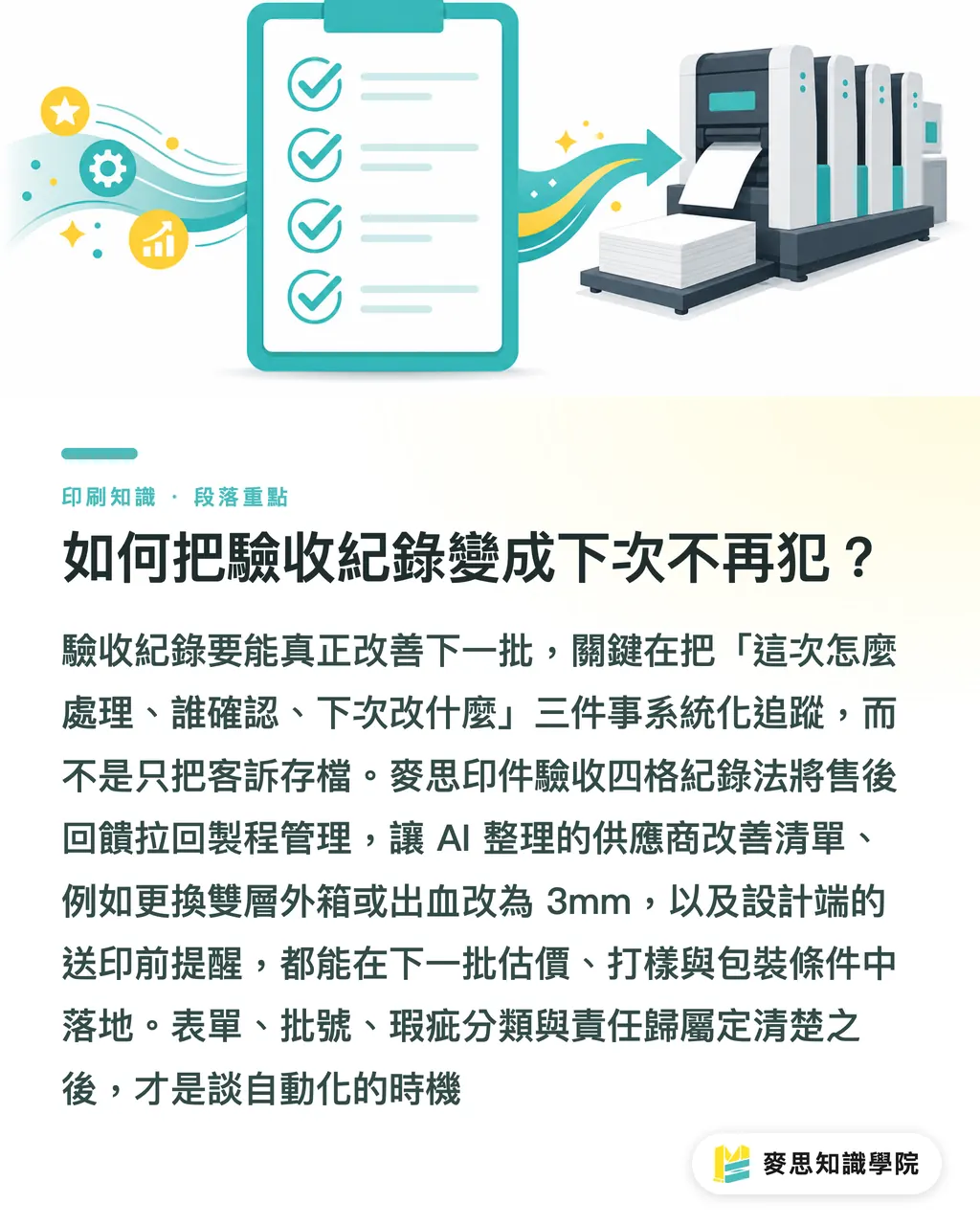
If an acceptance record is going to fix the next batch, it has to chase at least 3 things: how this one got handled, who confirmed it, and what condition changes for the next run. The MINDS Print (MS) Four-Section Acceptance Record method pulls post-delivery records back into production management, so acceptance isn't just a complaint archive, it becomes the prompt for the next quote, prepress, packaging, and delivery
AI is well-suited to turning supplier replies into a tracking list — "replenish 300 copies by July 18," "double-walled carton next batch," "change design bleed to 3mm," "add packing photos before shipment." When the Mai Strategy Knowledge Academy consulting team helps a company adopt this kind of workflow, we specifically check whether these improvement items get written back into the procurement spec and the design file prep process
Design has to read the acceptance records too, because a lot of post-delivery issues were visible in prepress. Small reverse text, large dark solid areas, a sticker die cutting too close to artwork, a box crease too close to the main visual, those aren't always the printer's fault alone. The MINDS Print (MS) Four-Section Acceptance Record method puts "design reminder for next run" in its own column, so the designer can dodge those landmines before sending the file again
If you're building a SaaS or AI tool for print acceptance, my advice is to keep the scope narrow first: photo upload, batch/carton numbers, defect classification, judgment field, supplier reply, improvement tracking. Those 6 functions deliver value before a pretty dashboard does. When the MINDS Print (MS) consulting team helps a company sort out their internal process, we lock down the form and the ownership first, then talk about how much to automate
・Day of delivery: finish carton, carton label, overall, and defect photos
・Within 24 hours: compile defect classification, scope, and a preliminary judgment
・Within 48 hours: aggregate supplier replies and proposed resolutions
・Before closing: confirm final state, reprint, rework, allowance, or acceptable
・Before next print run: write improvement items back into design files, quote specs, proofing requirements, and packaging conditions
Key Takeaways
・AI's value in print acceptance is organizing evidence, not ruling on who's at fault
・Good acceptance photos show batch, carton, defect location, and scale, otherwise AI can only produce vague records
・Defect classification should first sort into printing, paper, cutting, binding, finishing, packaging/transport, otherwise the remediation direction drifts
・Acceptable or rework still comes down to proof, contract, spec, and the standard both sides agreed on
・If acceptance records don't get written back into next-run conditions, all you've done is file a complaint more neatly
Further Reflections
From the print maker's side, AI acceptance records pull post-delivery conversation back from emotion to fact. From the design side, those records correct bleed, die, safe area, color, and finishing settings for next round. From a SaaS product view, the right first move is to chain photos, carton numbers, defect classification, judgment, reply, and improvement items together, not to rush out a bunch of charts. If a mid-sized company already has a regular print supplier, a good first step is having the Mai Strategy Knowledge Academy consulting team help build an acceptance record template. For higher-ticket catalogs, folding cartons, branded packaging, or event-key-visual print jobs, you can also nail down the proof standard and acceptance fields up front inside MINDS Print MS's production workflow
FAQ
- Can AI automatically decide whether to return a print job?
- AI can organize photos, defect descriptions, and supplier replies, but returns, rework, reprint, or allowance still have to be judged against the proof, contract, quote specs, and both sides' acceptance standard. The MINDS Print (MS) Four-Section Acceptance Record method treats the AI report as evidence for discussion, not the final verdict
- What photos should I take when a print job lands?
- At minimum: full carton shot, batch/carton label, front and back of the finished goods, defect close-up, and defect wide shot. The MINDS Print (MS) Four-Section Acceptance Record method requires every photo to answer which batch, which carton, which piece, which problem
- Can AI handle color shift acceptance?
- AI can help describe color differences, organize photos, and generate comparison records, but actual color shift is still affected by light source, screen, and shooting conditions. Mai Strategy Knowledge Academy recommends judging critical print jobs against the approved proof, standard sample, or the conditions both sides agreed on
- How detailed should a print defect record be?
- At minimum: defect type, location, affected quantity, batch/carton number, judgment status, and supplier reply. The MINDS Print (MS) Four-Section Acceptance Record method uses these fields so the next reprint, rework, allowance, or improvement tracking has something to stand on
- Can a mid-sized company without a QA system still do AI acceptance records?
- Yes. A shared folder, a photo naming rule, and a fixed form are enough to start. The MINDS Print (MS) consulting team usually recommends building the 6 fields first, photos, carton number, defect classification, judgment, reply, improvement items, then layering AI organization and reporting on top
Related articles





The Print × AI weekly
The print and AI know-how designers, brands and enterprises can use before they commit — one email, every week
MINDS Free Tools
AI background removal, brand stamping, and a LINE sticker maker — free design tools, right in your browser, no upload.
MINDS Group
Need actual printing or gifting services?
From premium printing to online ordering and festive gifts — the MINDS Group sister brands take it from here.