
Overview
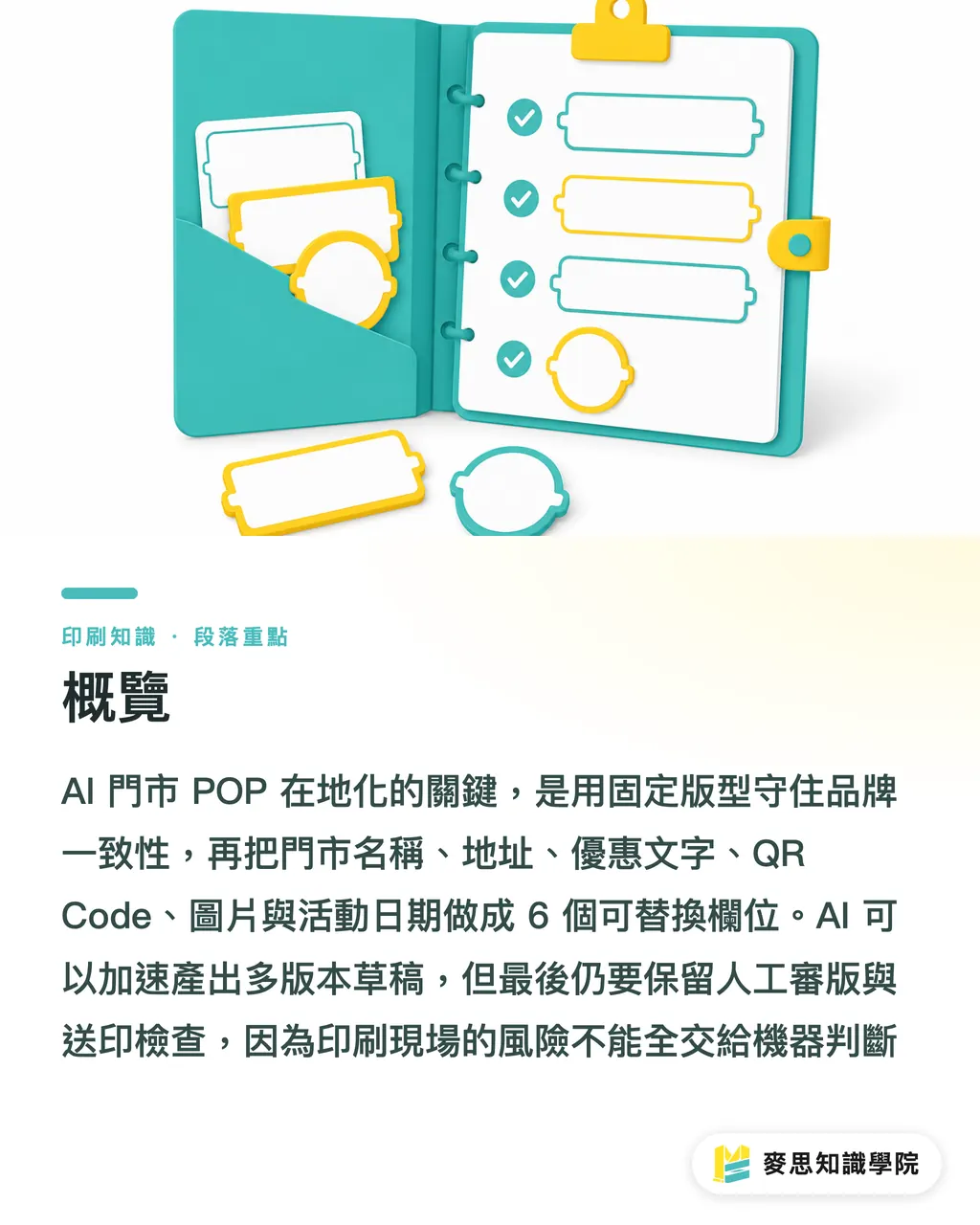
The steadiest way to localize AI in-store POP is to lock the main brand visual with a fixed template first, then turn store name, address, offer copy, QR Code, images, and promotion dates into 6 replaceable fields. AI can then generate multiple draft versions, with final layout review and prepress checks handled by people. The consultant team at Mai Strategy Knowledge Academy usually breaks this workflow into 3 steps: set the template first, control the fields by character count, and keep humans in the approval loop. Speed can improve, but the final gate in print production cannot be handed over to a machine
What Is AI Localization for In-Store POP?
AI localization for in-store POP is a workflow that takes one branded campaign template and quickly adapts it into multiple review-ready versions based on different stores, trade areas, dates, and offer conditions. It handles "one template, many variables" print artwork, not a fresh design for every store
The pain point I see most often in chain retail and franchise projects is this: head office has only 1 key visual, but the field needs versions for 30 stores, 50 stores, or even more. The Taipei Xinyi store needs the department store address. The Kaohsiung Zuoying store needs a regional campaign. Franchise stores may also have different phone numbers and QR Codes
A workable AI POP workflow needs at least 6 fields organized first:
・Store name: such as "Taichung Gongyi Store" or "Hsinchu Big City Pop-Up Counter," with a maximum character count
・Address: Taiwan addresses often include floors, counter numbers, and road sections, so the layout should reserve at least 2 lines
・Offer copy: "50% off the second item" and "NT$100 off orders over NT$1,000" carry completely different visual weight
・QR Code: if each store points to a different LINE account, form, or map, the file name and link must match one to one
・Images: local event photos, product photos, and store photos need resolution and licensing checked first
・Promotion dates: if the date is wrong, the whole batch of printed A1 posters has to be reprinted
I treat AI as a draft amplifier, not as the final artwork specialist. The most expensive mistake in in-store POP is often not the design fee. It is finding out, after 200 standees are printed, that a branch address is missing one floor
How Should a Fixed Template Be Designed So Multiple Versions Do Not Fall Apart?
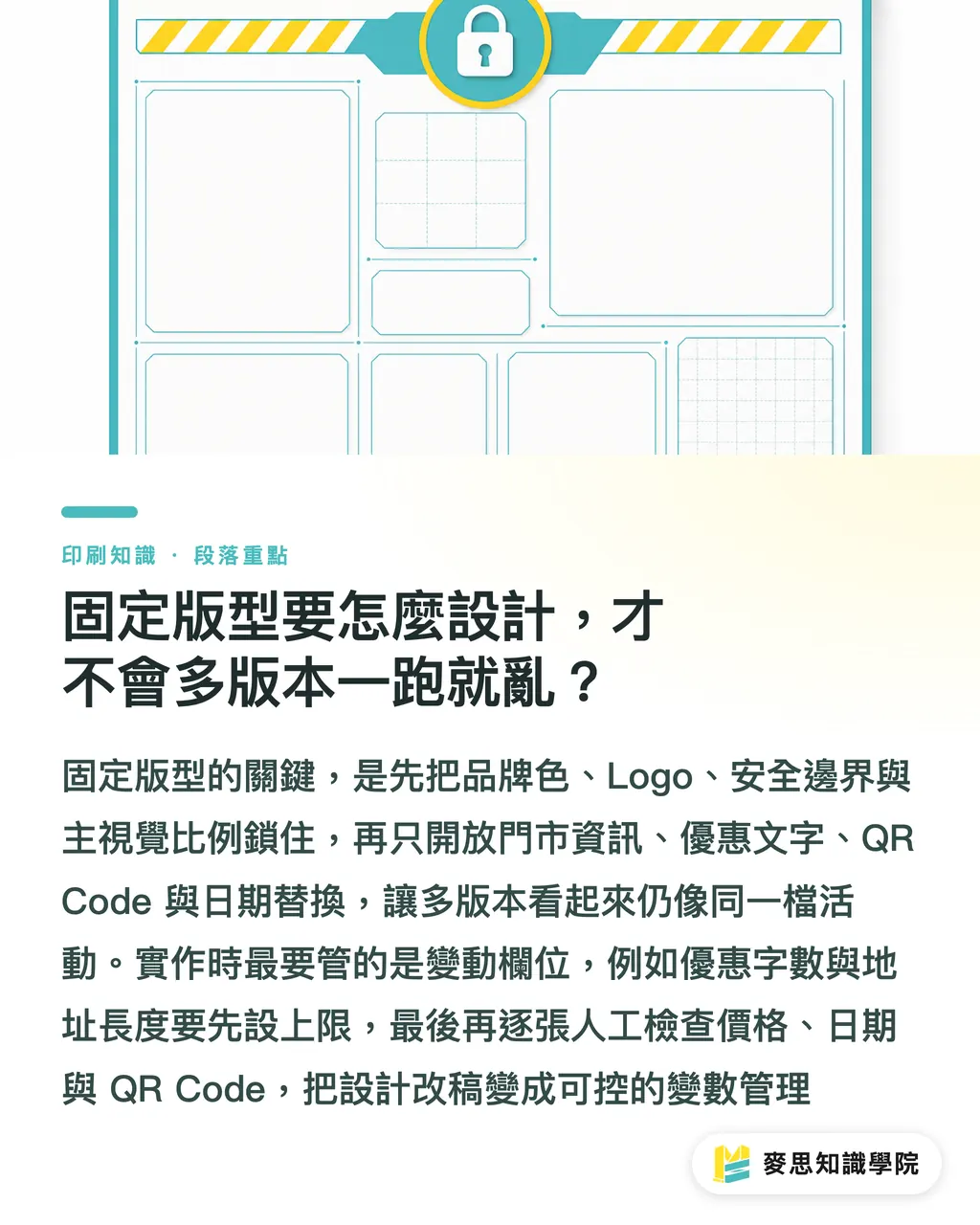
The point of a fixed template is to separate what cannot move from what can be swapped. Brand colors, Logo, safe margins, and key visual proportions should be locked. Store information, offer wording, QR Code, and dates can then be opened for replacement. That way, the 20 versions AI produces still feel like the same campaign, not 20 loose drafts with similar styling
I suggest dividing the template into at least 4 sections:
・Brand area: Logo, campaign name, brand colors, and key visual position stay fixed, so each store cannot change them on its own
・Offer area: set a maximum character count, such as 12 characters for the main offer and 24 characters for the secondary offer, so the type size does not keep shrinking until it becomes unreadable
・Store area: store name, address, phone number, and business hours sit in the same information layer, making it easier for people to check each item
・Action area: QR Code, short URL, or LINE ID needs quiet space around it. Do not pack tiny text around it
On an A3 in-store poster, addresses and offer copy are the easiest places to break the layout. "Taipei Main Station Store" is easy to place. Once "B1, XX Mall, Section 2, Xianmin Boulevard, Banqiao District, New Taipei City" goes in, the entire information area starts getting pushed down
The three print gates used by MINDS (MS, high-end fully customized commercial printing) can be applied here:
・① Template gate: first confirm size, bleed, Logo position, QR Code area, and safe margins
・② Field gate: then confirm whether the 6 variable fields have character limits, file naming rules, and replacement sources
・③ Human review gate: finally, have a person check every version for address, date, price, QR Code, and local wording
These 3 gates look basic, but they turn "design revisions" into "variable management." For chain brands, that difference matters. Head office needs to control consistency, while stores need versions they can put up on-site right away
How Far Can AI Go With In-Store POP?
AI is best suited to multi-version drafts, copy variants, and field checks. For example, for the same Mother's Day campaign, once head office sets the main offer and brand voice, AI can help match different store names, addresses, promotion dates, and QR Codes into 10, 30, or 50 draft versions, allowing designers to spend their time on the template and final artwork decisions
I place AI in 3 spots:
・Draft generation: apply store data to a fixed template and quickly produce multiple first drafts
・Copy shortening: compress "Receive an exclusive gift with qualifying in-store purchases during the grand opening period" into a 12- to 16-character POP-friendly version
・Exception alerts: flag offer copy that is too long, addresses that exceed 2 lines, inconsistent date formats, or QR Code file names that may be matched to the wrong store
AI should not decide the final print-ready file on its own. The reason is simple. Print artwork has many details where "looks reasonable" is not enough, such as whether the QR Code scans, whether the product photo is licensed for use, and whether local wording feels natural to customers in that area
Taiwanese retail sites also have a very practical issue: regional wording affects how customers feel. The term "pop-up" may be common in northern Taiwan, but in some areas "limited-time only" may feel more direct. Department store counters may suit "counter exclusive," while street stores often need clearer address and parking information
If the brand has no in-house design staff, the consultant team at Mai Strategy Knowledge Academy can help set up the first version of the field rules. If the key visual is already mature, the later batch layout work can then be handed to internal designers or a SaaS tool, which makes the workflow steadier
What Should the Final Review Check So You Do Not Regret It After Printing?
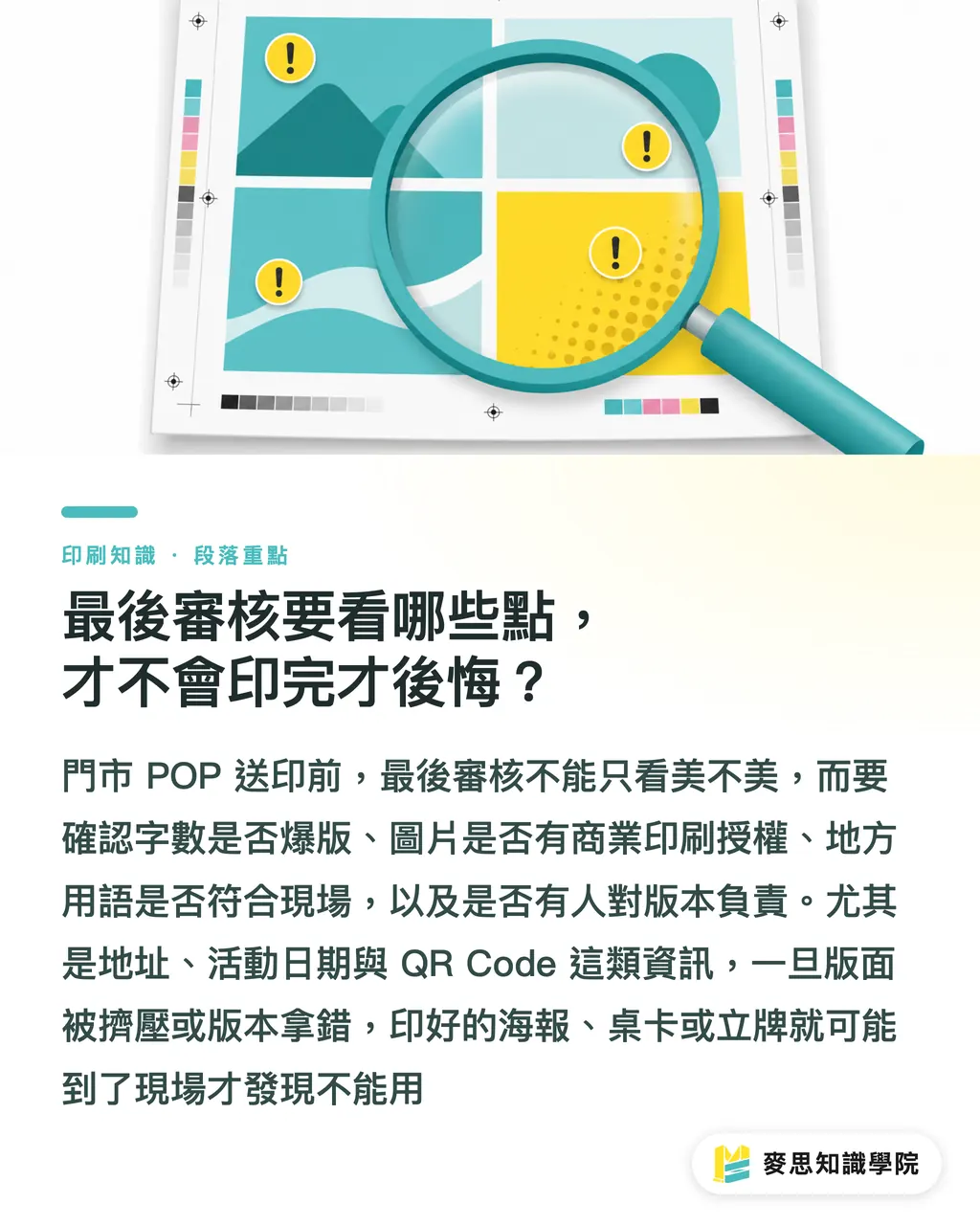
The final review for in-store POP should check at least 4 things: text overflow, image licensing, local wording, and human verification. Miss any one of these, and printed posters, table cards, stickers, or standees may become materials the store cannot use on-site
Text overflow should be checked in 3 places:
・Main offer headline: if the type shrinks so much that it cannot be read from a distance, the POP no longer does its job of pulling customers in
・Address information: if it exceeds 2 lines, confirm that it does not press into the QR Code or promotion date
・Legal and limitation text: wording such as "selected items only" or "cannot be combined with other offers" cannot disappear just because the layout is tight
Image licensing needs clear source separation first. Product photos, store photos, local event photos, and people photos all need confirmation that they can be used in commercial print materials. This is especially important for franchise brands, where stores often provide their own photos. Head office cannot check only resolution. It also needs to ask about licensing
Local wording should be confirmed by the store. If head office writes "this counter," a street store may need "this store" instead. If the event is in a mall atrium, the floor and zone must be stated clearly, or customers may still be unable to find it on-site
Human verification needs an assigned person and version status. I recommend keeping 3 states for every artwork file: store data version, design preview version, and print approval version. Only after head office or the regional supervisor confirms the file should it be exported as a PDF. The file name should also include the store code and date, such as pop-taichung-202607-a3.pdf
If the POP involves higher-end standees, special paper, or simultaneous rollout across many stores, production can be handed to MINDS (MS) for size, material, and finishing assessment. AI can make versioning faster, but paper stiffness, color stability, and on-site durability still have to be judged through print experience
Key Takeaways
・When using AI for in-store POP, control the template first, then talk about image generation and copy
・Localization for chain brands does not mean redesigning for every store. It means managing 6 variable fields under the same template
・Text overflow is usually more dangerous than weak-looking design, because it can directly break the offer, address, or QR Code
・Whether an image can be printed depends not only on resolution, but also on licensing, usage, and the on-site context
・The final gate must be human review, because print mistakes often happen in places that look "close enough."
Further Thinking
For print manufacturers, AI localization for in-store POP will shift demand from "single-piece design" to "batch version management." What printers need to add are field rules, file naming rules, and proofing workflows. For designers, the value moves from simple text edits to building durable templates and judging which information should be constrained. For SaaS teams, the truly useful feature is not generating a few more images. It is making store data, template limits, QR Codes, and print-ready files match all the way through. A good next step is to choose 1 regional campaign, 5 stores, and 1 size for a small trial run, build an error list from it, and then expand to the full brand
FAQ
- What types of brands are a good fit for AI localization of in-store POP?
- AI localization for in-store POP is a good fit for chain stores, franchise brands, department store counters, and regional campaigns. It is especially useful when one campaign needs versions for more than 5 stores, because a fixed template with field replacement is steadier than editing each piece one by one
- What fields should be prepared first for a fixed template?
- A fixed template should prepare at least 6 fields: store name, address, offer copy, QR Code, images, and promotion dates. Each field should also have rules for character count, size, file naming, and review
- Can POP drafts generated by AI be sent directly to print?
- POP drafts generated by AI should not be sent directly to print. A person still needs to confirm whether the text overflows, whether the QR Code is correct, whether image licensing allows commercial use, and whether the promotion dates and store address are accurate
- What are the most common mistakes in in-store POP?
- The most common mistakes in in-store POP are offer copy that is too long, addresses that squeeze the layout, QR Codes matched to the wrong store, images used without licensing confirmation, and local wording that does not fit the on-site context
- Can small and midsize businesses localize AI POP without a design team?
- Small and midsize businesses can start by building 1 fixed template and rules for 6 fields, then use AI to help generate multi-version drafts. If large-volume printing, special materials, or brand consistency is involved, it is better to have a print consultant define the workflow and print specifications first
Related articles
The Print × AI weekly
The print and AI know-how designers, brands and enterprises can use before they commit — one email, every week
MINDS Free Tools
AI background removal, brand stamping, and a LINE sticker maker — free design tools, right in your browser, no upload.
MINDS Group
Need actual printing or gifting services?
From premium printing to online ordering and festive gifts — the MINDS Group sister brands take it from here.