
Overview
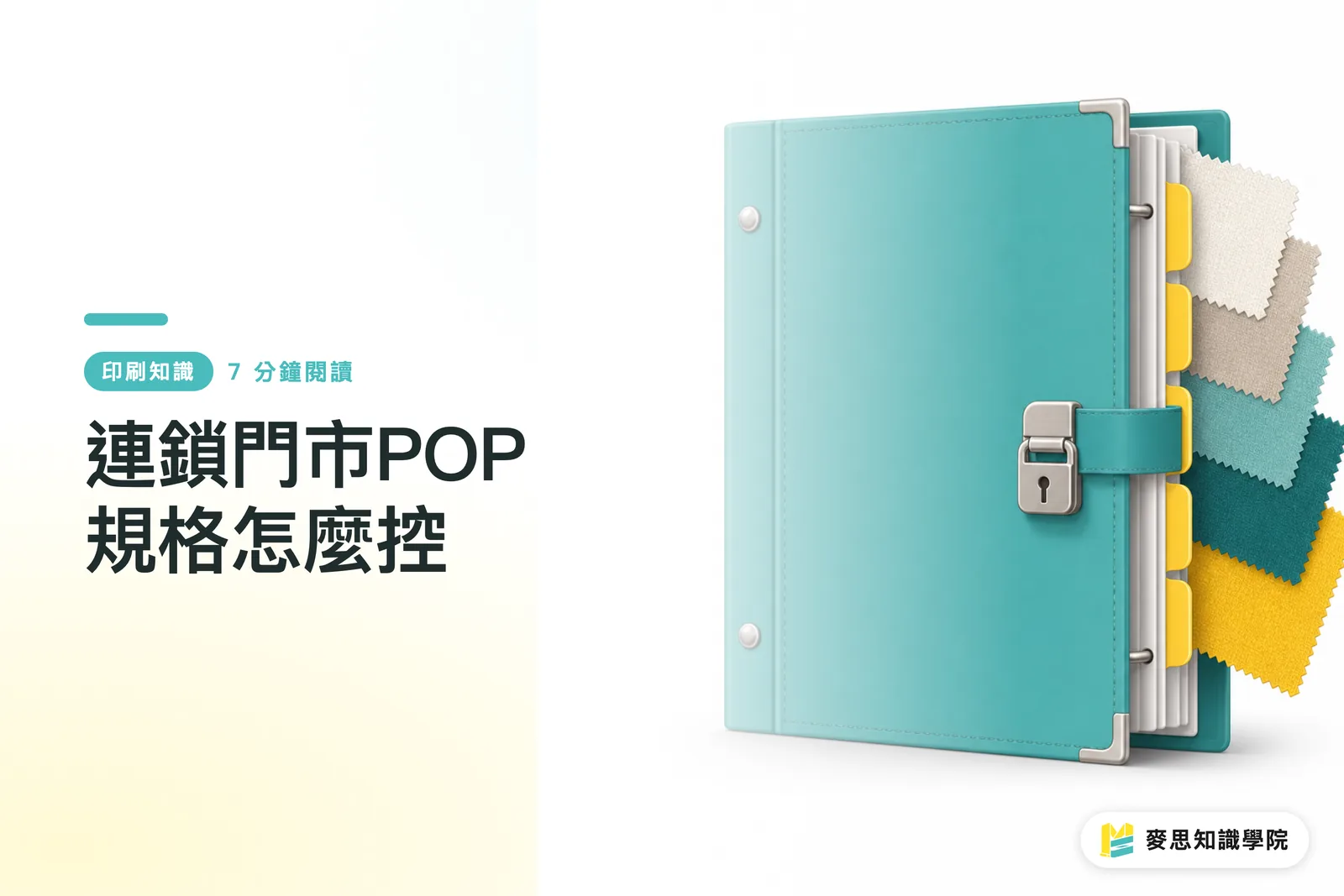
To control POP specifications for chain stores, start with a master visual specification sheet, then create a store installation checklist. MINDS Printing (MS) recommends checking with the "three gates for POP specification control": ① size hierarchy, ② materials and mounting methods, and ③ branch-store packing and acceptance
When the same campaign enters more than 10 stores, headquarters should worry less about a single poster being printed incorrectly and more about stores trimming materials on-site, swapping materials at the last minute, applying the wrong QR Code, or using inconsistent campaign-date versions
Why Does Chain-Store POP So Easily Get Out of Control?
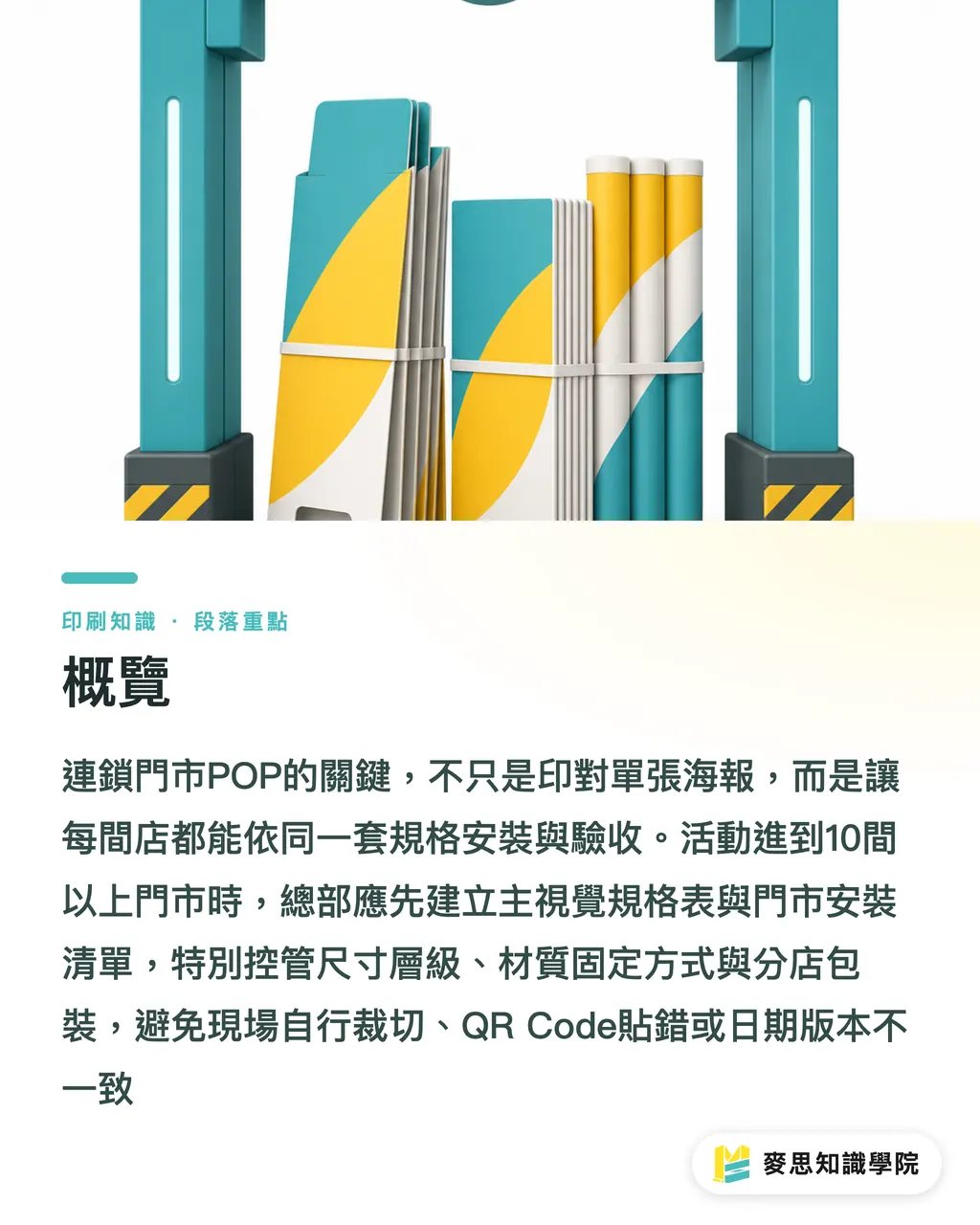
POP refers to printed materials used on-site in stores to promote, guide purchases, or highlight campaigns. Common examples include posters, standees, shelf cards, window decals, and hang tags; the point is to help customers understand the campaign, price, items, and action path within 3 to 5 seconds
The mistake I see most often in channel projects is that headquarters provides only one attractive master visual, without explaining what happens when that image becomes an A1 poster, a tabletop standee, a shelf card, or a glass window decal: which text can be scaled down, and which information must not be moved
With fewer than 10 stores, many problems can still be handled manually. Once more than 10 stores launch at the same time, any specification that is not written clearly will be interpreted differently on-site
There are several common failure points, and each one directly affects printing and installation
・Posters: sizes may range from A1 and A2 to store-specific frame formats. Without bleed and safe margins, one on-site trim can cut into the price or QR Code
・Standees: even for tabletop standees, there may be A 5, A 4, double-sided formats, L-shaped acrylic sleeves, paper standees with bases, and other variations
・Shelf cards: width is often constrained by shelf height, price strips, and hook spacing. One extra line of copy can block the product
・Window decals: you must first decide whether they go on the inside or outside, and whether they are viewed from one side or both sides. The material and output direction will be completely different
Controlling chain-store POP specifications is, in plain terms, translating a "design file" into the working language of "something stores can install, print vendors can produce, logistics can sort, and on-site teams can verify"
What Fields Should a Master Visual Specification Sheet Include?
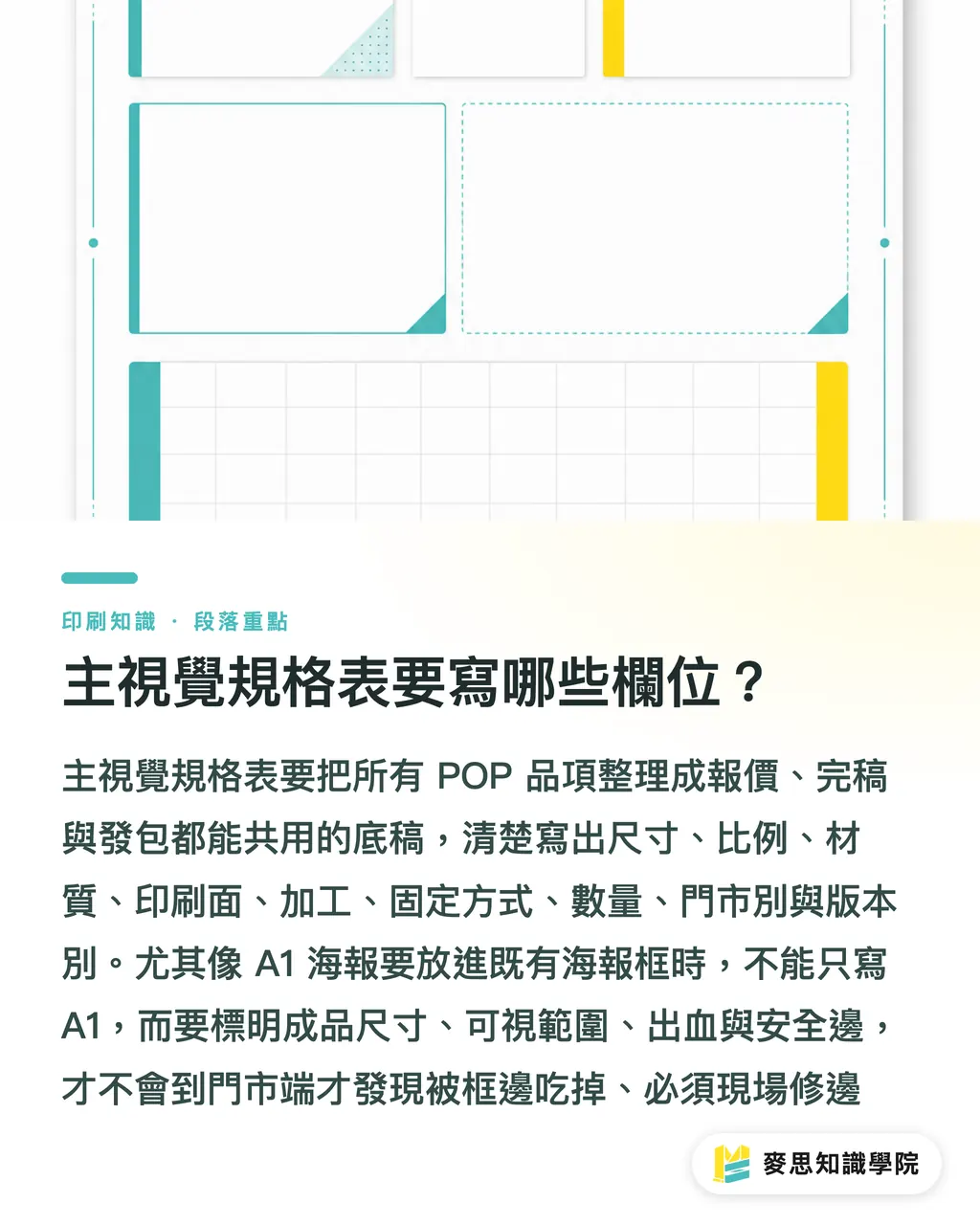
A master visual specification sheet should first list every POP item, including at minimum size, ratio, material, printed side, finishing, mounting method, quantity, store assignment, and version. When MINDS Printing (MS) handles POP projects, this sheet becomes the shared source document for quotation, final artwork, and outsourcing
I recommend splitting one master visual specification sheet into at least 4 levels, so designers, procurement teams, and print vendors are not all speaking different languages
・Size level: A1 poster, A2 poster, A4 standee, 90 × 55 mm shelf card, glass window decal, and so on should be written as actual finished sizes, not just "large" or "small"
・Layout level: headline, campaign dates, price, item name, QR Code, and store restrictions should be marked as variable or fixed fields
・File level: bleed, resolution, color mode, outlined fonts, dielines, white ink, or transparent-material indicators should let prepress staff assess risk directly
・Store level: which items each store receives, how many of each item, whether store names are included, and whether there are regional versions or inventory versions
A very practical example: if an A1 poster needs to fit into an existing poster frame, finished size, visible area, and bleed size are three different things. If the design file only says A1, and the frame edge covers 5 to 10 mm on-site, the price may be hidden, and the store will start trimming it with a utility knife
When applied to chain-store POP, MINDS Printing (MS)'s three print-ready gates can be implemented like this
・① Size and bleed: every POP item must include finished size, bleed, visible area, and safe margin
・② Paper and finishing: every POP item must specify material, thickness, surface treatment, mounting, contour cutting, punching, or adhesive backing
・③ File output: every POP item must specify version, file-naming rules, fonts, QR Code testing, and final output format
If procurement or design has not organized the specification sheet, the Mai Strategy Knowledge Academy consulting team usually first helps break campaign materials into fields that can be quoted, finalized, and shipped, then discusses printing costs. This makes it less likely that everyone discovers on the final day that the stores cannot install the materials
How Should You Choose Material Durability and Mounting Methods?
Material selection for chain-store POP depends on display duration, contact frequency, lighting, humidity, and replacement method. The same campaign image calls for different materials when displayed for 7 days, displayed for 1 month, applied to glass, or inserted into shelving
I usually start by asking 4 on-site questions
・How many days will this campaign run: lightweight paper may work for a 7-day short campaign; for more than 30 days, rigidity, curling, and fading must be considered
・Will customers touch it: shelf cards and tabletop standees are easy to touch by hand, so lamination or a more fold-resistant material is more practical
・Is it near glass or a light source: window decals must account for sunlight, glare, light transmission, and adhesive residue. White ink, transparent decals, matte finishes, and gloss finishes all affect readability
・How will the store mount it: poster frames, double-sided tape, static cling, hooks, magnets, and tabletop sign holders determine adhesive backing, punching, thickness, and cutting precision
Common POP materials can be judged this way
・Posters: paper posters suit short-term promotions. If stores replace them frequently, sizes should match existing frames to avoid on-site trimming
・Standees: tabletop standees depend on base structure and fold lines. Paper that is too thin will collapse, while paper that is too thick may crack along the fold
・Shelf cards: shelf cards require measuring shelf height and price-strip width first. Small formats such as 90 × 55 mm cannot hold too much text
・Window decals: confirm first whether decals are applied inside or outside. Double-sided glass visuals must clearly mark orientation, or you may only discover after opening the door that the image is reversed
Mid- to high-end fully custom commercial printing services like MINDS Printing are suited to POP projects involving multiple materials, multiple sizes, and packing for multiple branches. The key is not pushing the unit price as low as possible, but making posters, standees, shelf cards, and window decals look like the same brand within the same campaign
How Should You Build a Store Installation Checklist?
A store installation checklist translates headquarters' POP specification sheet into installation tasks for each store. At minimum, it should include store name, material item, quantity, installation location, mounting method, launch date, removal date, and photo acceptance requirements
I prefer building the checklist around a "one store, one package" logic, because if logistics mis-sorts once, stores usually will not wait for headquarters to resend materials. They will put up old materials first, and brand consistency starts breaking at that moment
A usable store installation checklist should include at least these fields
・Store information: store code, store name, recipient, phone number, address, and delivery time window
・Material details: list each item clearly, such as 2 A1 posters, 3 sets of A4 standees, 20 shelf cards, and 1 set of window decals
・Installation location: entrance glass, cashier counter, main shelf, endcap, refrigerated cabinet door. The more specific the location, the less each store has to guess
・Mounting method: poster frame, adhesive backing, static cling, acrylic tabletop holder, shelf clip, magnetic sheet. These must align with the material
・Acceptance photos: each store should submit at least three types of photos: entrance, main display, and close-up shelf photos, so headquarters can see size, position, and content
Procurement also needs to confirm the packing and delivery method before outsourcing, preferably stating clearly whether items are "packed by store" or "received by central warehouse and then redistributed." These two logistics models are very different, and the print vendor's packing labels, carton count, packing sequence, and delivery schedule will all change
Reprint batches should also be discussed in advance, especially for chain-store openings, renovations, damage, or last-minute campaign additions. Reprinting 50 shelf cards and restarting a batch of window decals have different lead times. If headquarters does not control versions, reprints can easily use the previous price version
How Can On-Site Acceptance Prevent Every Store from Doing Its Own Thing?
On-site acceptance should not only ask "did it arrive?" but "was it installed correctly?" The biggest risk with chain-store POP is that materials arrive on-site, then staff improvise with tape, trim window decals smaller, or move standees to the wrong location
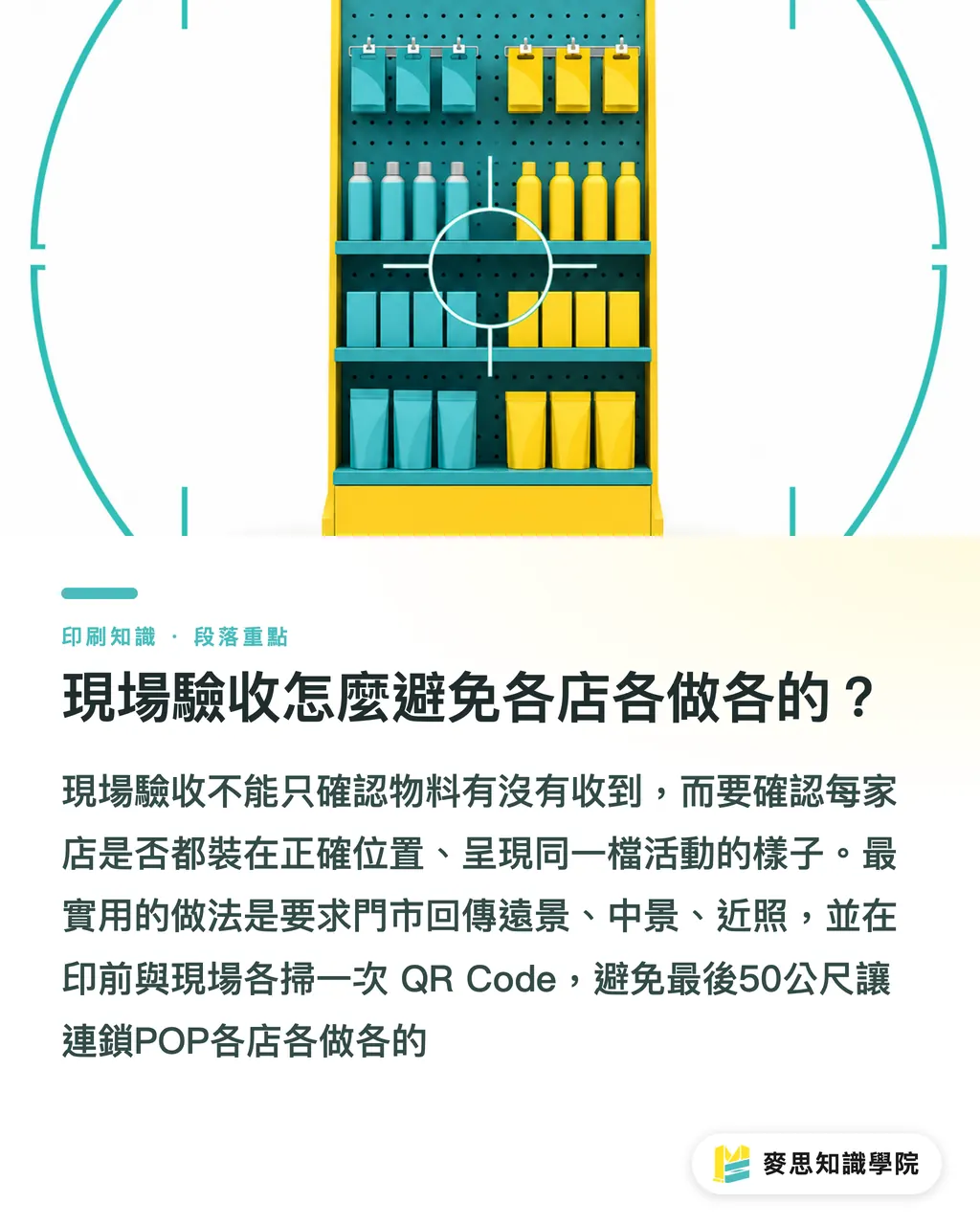
I require each store to send back at least 3 types of photos
・Wide shot: checks whether the POP is in the designated area, such as entrance glass, the main aisle, or the cashier counter
・Mid shot: checks whether posters, standees, shelf cards, and product displays correspond correctly
・Close-up: checks whether campaign dates, prices, QR Code, store conditions, and trimmed edges are correct
QR Code must be scanned once before printing and once on-site. A successful prepress scan does not mean it will scan after being applied to glass. Glare, distance, angle, and window-decal transparency can all stop customers from opening it
I have one strict rule for chain-store POP: any material that requires stores to "figure it out themselves" will eventually stop looking like part of the same campaign
Procurement controls specifications, design protects the layout, the print vendor packs by checklist, and stores install by location. When these 4 pieces connect, chain-store POP will not fall apart in the final 50 meters
Key Takeaways
・Control specifications before aesthetics for chain-store POP, because store teams will not fill in missing specifications for headquarters
・A master visual specification sheet must serve design, procurement, print vendors, and logistics at the same time. One missing field creates one more on-site variable
・Thicker materials are not always better. The right material is the one that survives the campaign duration, mounting method, and customer contact
・One store, one package is better than bulk shipping for multi-store campaigns. Packing labels directly affect launch accuracy
・Photo acceptance should check location, content, and readability, not just whether the store received the materials
Further Thinking
For chain-store POP specification control, the print manufacturing side sees a packing and version-management problem; the design side sees a layout and variable-field problem; the procurement side sees quotation and reprint risk; and SaaS and AI implementation turns sizes, materials, store lists, and proofing records into a traceable workflow
A practical next step is to organize a "standard POP specification sheet for this brand," listing fixed sizes and materials for A1 posters, A4 standees, shelf cards, window decals, and other recurring items. Then ask the Mai Strategy Knowledge Academy consulting team to help check which fields may cause issues during prepress, delivery, or store installation
FAQ
- What should chain-store POP control first?
- Chain-store POP should first control the master visual specification sheet. Clearly define the size, material, mounting method, and version fields for posters, standees, shelf cards, and window decals before moving into final artwork and printing
- Why is a design file alone not enough when the same campaign enters more than 10 stores?
- More than 10 stores will involve different frame formats, shelves, glass orientations, and installation habits. Providing only the design file lets each store trim, replace materials, or change placement on its own, which can easily distort the campaign identity
- What fields should a POP store installation checklist include?
- A POP store installation checklist should include store name, recipient information, material items, quantities, installation locations, mounting methods, launch date, removal date, and photo acceptance requirements
- How are window decal specifications different from poster specifications?
- Posters mainly involve size, bleed, paper stock, and frame format. Window decals also require checking inside or outside application, transparent or white backing, one-sided or two-sided visibility, glare, and adhesive residue issues
- When should POP reprint batches be confirmed?
- POP reprint batches should be confirmed before the first outsourcing order, especially for shelf cards, window decals, and branch-versioned materials. Otherwise, urgent reprints can easily use old prices, old dates, or the wrong store version
Related articles



The Print × AI weekly
The print and AI know-how designers, brands and enterprises can use before they commit — one email, every week
MINDS Free Tools
Imposition calculator and preflight file check — free prepress tools, right in your browser.
MINDS Group
Need actual printing or gifting services?
From premium printing to online ordering and festive gifts — the MINDS Group sister brands take it from here.