

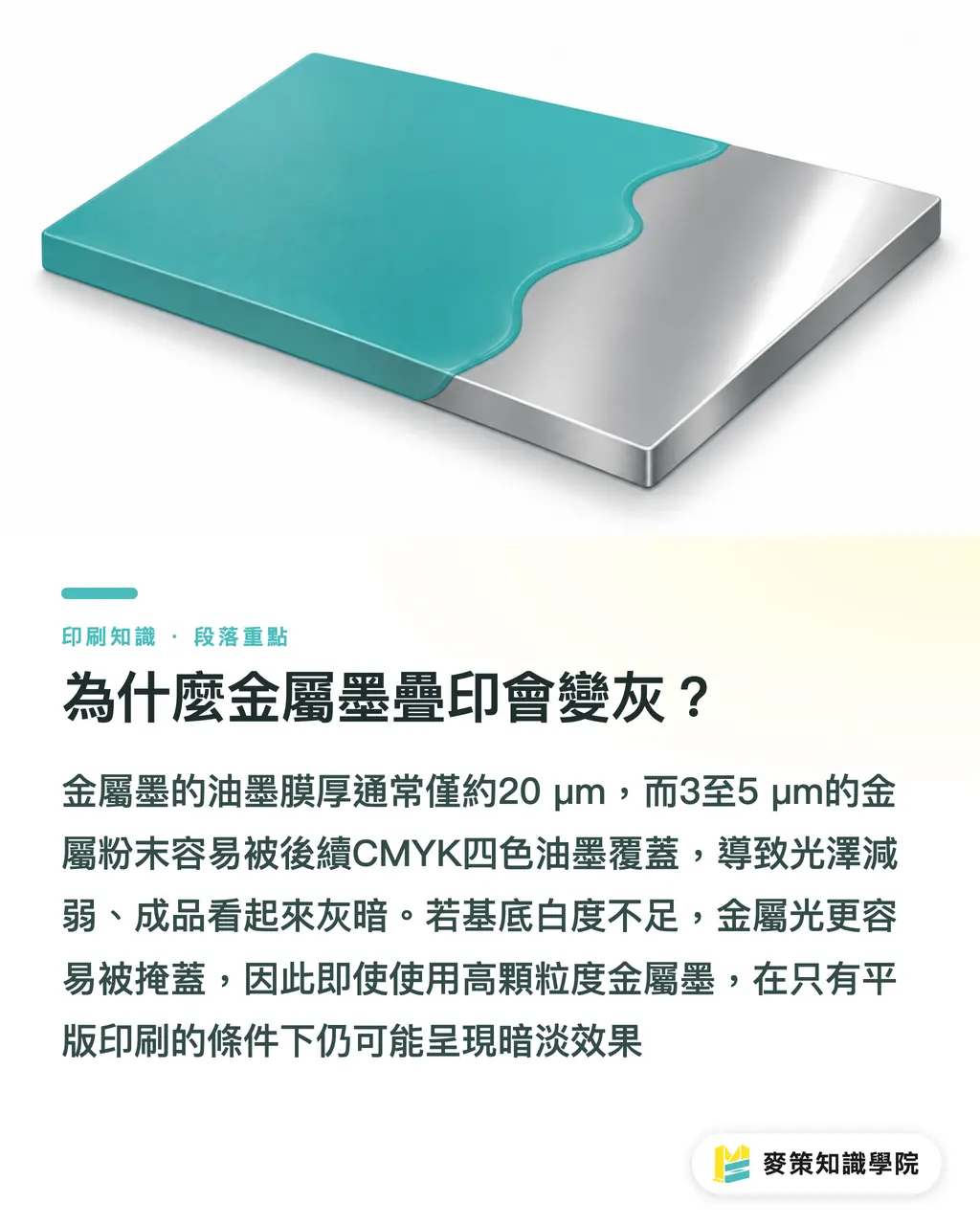
Why Does Overprinting Metallic Ink Make It Look Gray?
In offset printing, the ink film is usually only about 20 µm thick. The tiny 3-5 µm metallic particles are easily covered by the CMYK inks printed afterward, which weakens the sheen and leaves a dull gray appearance to the naked eye
ISO 12647-2 sets color-tolerance guidelines for metallic inks and explains the relationship between the visibility of metallic particles and the whiteness of the substrate. If the substrate is not white enough, the metallic sheen is easier to mask
That is why, when you only have an offset press, even a metallic ink with larger particles can still produce a dull finished piece
How Does Screen Printing Solve the Grayness of Metallic and Fluorescent Inks?
Screen-printing squeegee pressure can push the ink to a thickness of 30-40 µm. The heavier ink film leaves the metallic particles exposed at the surface, greatly improving hiding power
The fluorescent particles can also maintain their strongest glow in the thicker layer, avoiding the color loss that occurs when CMYK covers them again
In practice, I usually screen-print the metallic or fluorescent color as a base, let it dry, and then run the sheet through the offset press for CMYK. By then, the metallic layer has formed a solid light-blocking barrier, so the later colors can only build on top of it instead of taking away its sheen
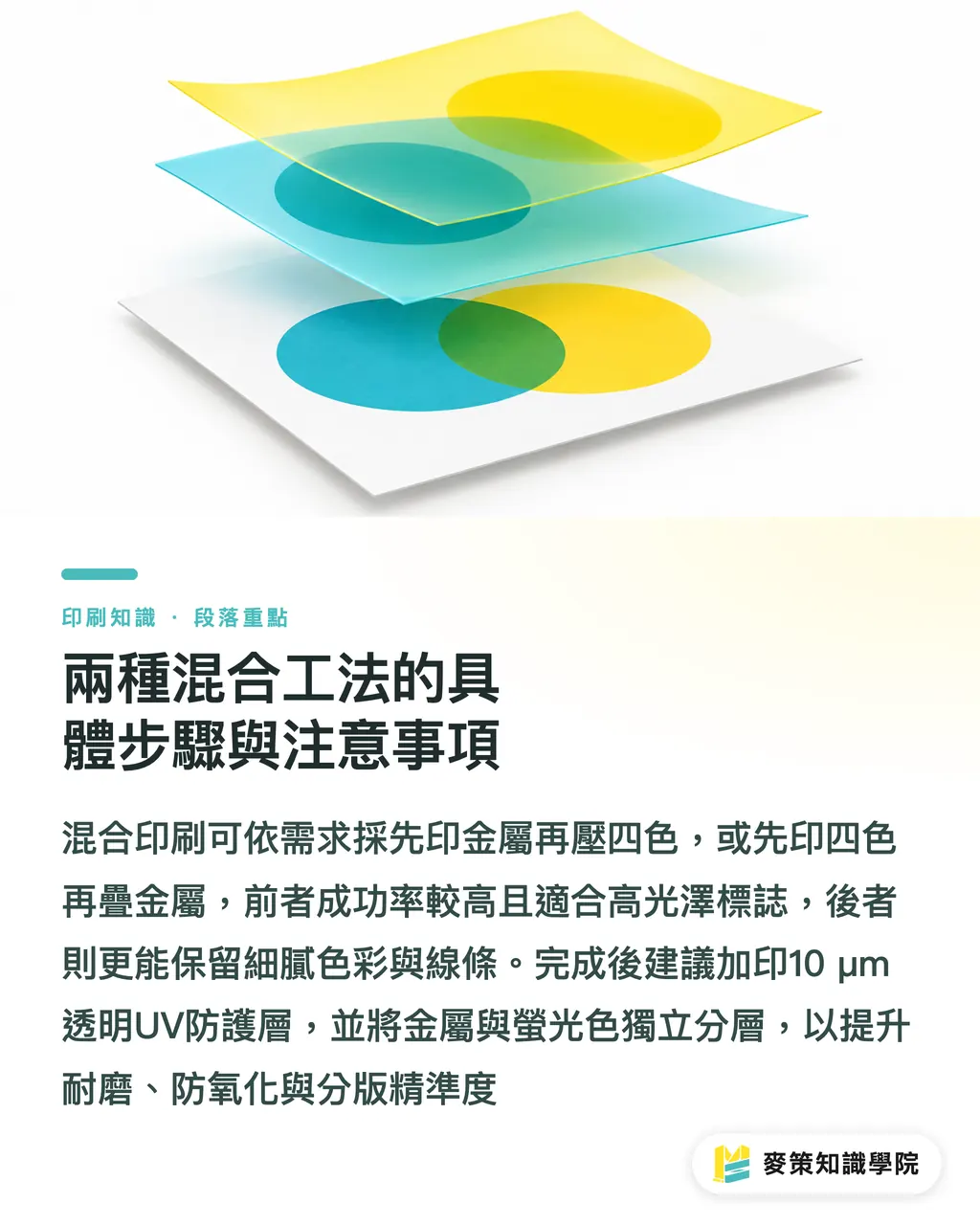
Detailed Steps and Key Considerations for the Two Hybrid Workflows
・Print metallic ink first, then overprint with CMYK
1. Screen-print the metallic base layer. Choose a squeegee hardness of 80° or higher to keep the ink film even and substantial
2. Dry it until the surface no longer feels tacky to the touch, about 3-5 minutes, to prevent the undried ink from mixing with the CMYK in the next stage
3. Run the full CMYK set on the offset press. Increase the pressure by one setting so the colors fully fill the tiny recesses in the metallic layer
・The reverse workflow: screen-print the base, then add offset color
1. First print the full CMYK set on the offset press. Once complete, cure it with UV or DUV to form a hard base color layer
2. Then screen-print the metallic or fluorescent ink over the cured CMYK. The squeegee pressure can be reduced slightly, to about 70°, to prevent over-compression and cracking
3. Perform a final UV cure to lock in the metallic layer and ensure scuff and scratch resistance
In actual jobs, I find that "metallic first, then CMYK" has the higher success rate, especially for metallic logos or fluorescent display boards that need a high-gloss finish. If the client wants extremely fine color layering, I choose the reverse approach, "CMYK first, then metallic," so the thickness of the metallic layer does not compromise the clarity of fine lines
・Protective overcoat
Once the metallic or fluorescent layer is complete, I add a 10 µm transparent UV protective coat. It not only improves scuff resistance, but also keeps the metallic particles from oxidizing and darkening under prolonged exposure to light
・Practical prepress separation
In AI or PSD, metallic and fluorescent colors must be separated into independent layers. I recommend naming them "Metal_01" or "Fluo_02" to make prepress separation easier. When exporting the file, use a 300 dpi high-resolution PDF to keep the raster used for screen production from losing detail
If you are looking for a reliable hybrid printing service in Taiwan, MINDS offers a two-press screen-and-offset workflow for metallic and fluorescent inks. Mai Printing can also arrange production flexibly around your needs. Both have well-established gloss-coating and UV-curing equipment
Key Takeaways
・The thin ink film in offset printing is the root cause of gray metallic ink
・A thicker screen-printed ink layer directly improves the hiding power and sheen of metallic and fluorescent inks
・Printing metallic ink first and then overprinting with CMYK is the most common way to achieve a bright finish
・Adding a UV protective layer is the key step in preventing metallic particles from oxidizing
・During prepress separation, always name the metallic and fluorescent layers separately to avoid confusion
Further Considerations
From the manufacturing side, hybrid printing is really a matter of combining the strengths of two sets of equipment. Looking ahead, it may be worth bringing in an automated changeover mechanism to register the metallic base and CMYK automatically, reducing variation from manual work. Designers could also use a "Metal_Spot" style library directly in AI, making file exports fit the printer's separation workflow more closely. With real-time file validation on a SaaS platform, it would even be possible to detect the coverage ratio between the metallic layer and CMYK before files are submitted, cutting down on rework
Further Reading
・Why Do Overprinted Metallic and Fluorescent Inks Turn Gray? An Analysis of Hybrid Screen and Offset Printing Methods (URL)
FAQ
- Do metallic inks always turn gray in offset printing
- If the ink film is thinner than 20 µm, the metallic particles are easily covered by subsequent CMYK, creating a visibly dull finish
- How thick does the ink layer need to be for screen printing
- Generally, a thickness of 30-40 µm lets the metallic or fluorescent particles remain fully exposed, giving much greater hiding power than the thin layer used in offset printing
- Can I do metallic overprinting with an offset press only
- Yes, but you need a dedicated high-viscosity metallic ink and higher printing pressure. Even then, there is still a risk of insufficient sheen
- When should I print CMYK first and add the metallic ink afterward
- When sharp text or fine lines are the priority and the metallic layer should not be too thick, the reverse workflow does a better job of preserving detail
- Is a UV protective layer really necessary
- For metallic or fluorescent printed pieces exposed to light for long periods or used outdoors, a transparent UV layer prevents the particles from oxidizing and darkening, extending the product's service life
Related articles



The Print × AI weekly
The print and AI know-how designers, brands and enterprises can use before they commit — one email, every week
MINDS Free Tools
Spine width and imposition calculators — skip the manual math, free in your browser.
MINDS Group
Need actual printing or gifting services?
From premium printing to online ordering and festive gifts — the MINDS Group sister brands take it from here.