
What Is an AI Reorder Assistant?
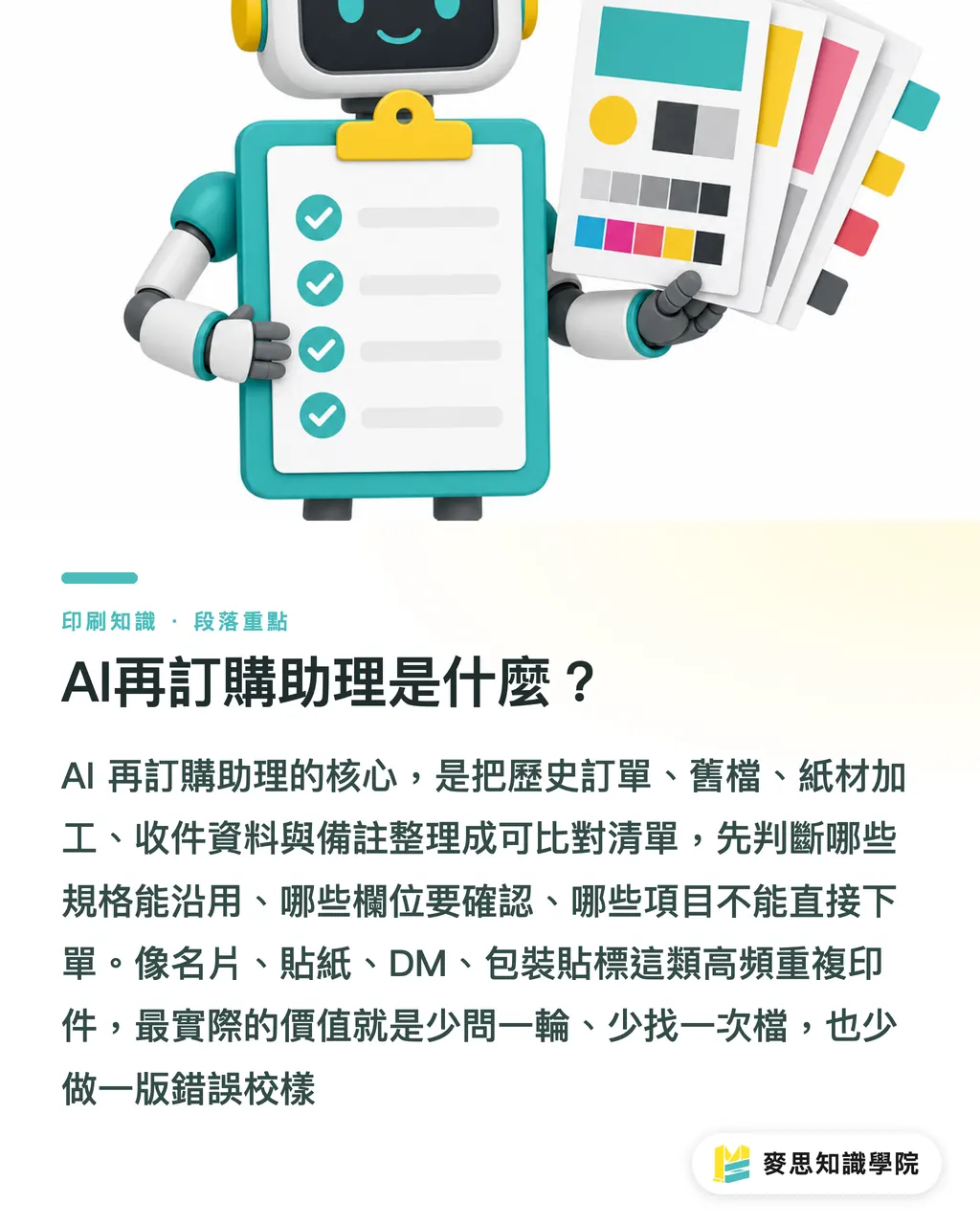
For AI to work as a reorder assistant, the first practical step is to turn every print purchase into comparable fields. That lets it pre-check which specs can be reused, which fields need confirmation, and which items cannot go straight to order. At MINDS (MS), I often use the "five reorder ledgers" to help clients organize this, especially for four high-frequency repeat print jobs: business cards, stickers, DM, and packaging labels
Reorder assistant: a system that turns past orders, old files, paper and finishing details, delivery information, and notes into a checklist, so AI can pre-mark what can be reused, what needs confirmation, and what must be checked
The value of the MINDS (MS) five reorder ledgers is simple: one less round of questions, one less file hunt, and one less wrong proof. The most common small-business scenarios sound easy: sales says, "Print 10 more boxes of those business cards from last time," the store says, "Reprint the same stickers, add 3,000," marketing says, "Make the DM roughly like last year's version first." Before any of that reaches production, it still has to be split into specs, content, pricing, schedule, and proofing
Which Five Ledgers Should Be Organized Before Reordering?
The MINDS (MS) five reorder ledgers should start with five types of data. The more your data looks like an order sheet, the more AI can remove repeated confirmations. If the data is scattered across LINE, Email, cloud drives, and accounting systems, AI only becomes a search box that chats better. The shop floor still gets stuck on who can find the right version
・Past order ledger: product name, quantity, size, unit price, order date, delivery date, person in charge. Keep at least the last 3 reorder records
・Old file version ledger: file name, upload date, design version, PDF or AI file location, final approver. Business cards most often get stuck on job titles and extensions
・Paper and finishing ledger: paper stock, thickness, sticker material, lamination, foil stamping, die-cutting, die line, packaging method. Stickers and packaging labels are most likely to fail when finishing details are missing
・Delivery information ledger: recipient, phone number, address, split shipments, store code, invoice title. Chain-store reprints often go wrong in this field
・Notes and exceptions ledger: last color-difference reminder, customer-specified packaging, rush-job record, delivery dates to avoid, reasons for past returns or reprints
The MINDS (MS) five reorder ledgers do not need to look polished at the beginning. Putting 20 frequently printed orders into one spreadsheet is enough to start. For business cards, check personnel details. For stickers, check material and die line. For DM, check dates and campaign copy. For packaging labels, check barcodes, ingredients, batch numbers, and label orientation
How Does AI Decide What Can Be Reused and What Needs Confirmation?
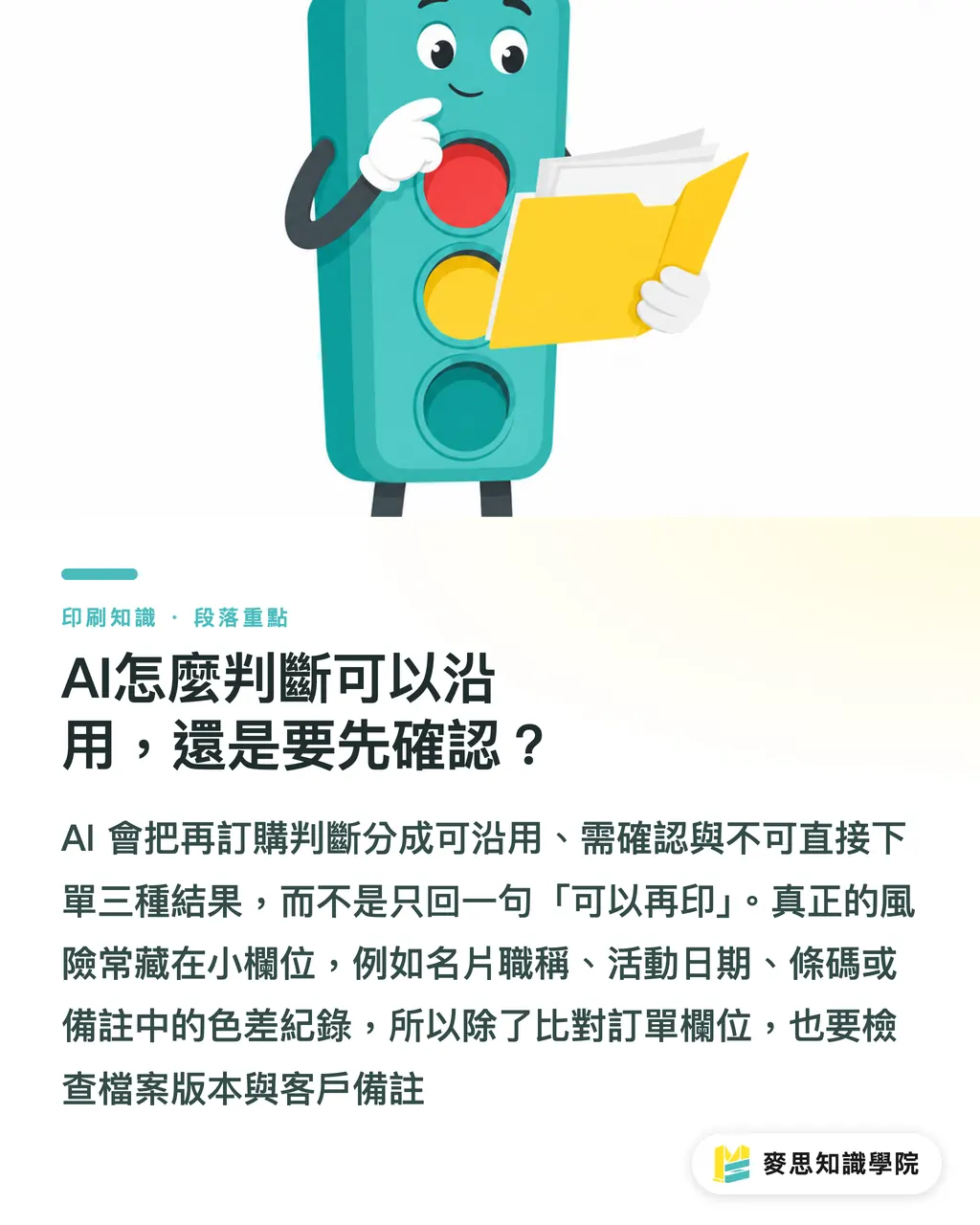
When the MINDS (MS) five reorder ledgers move into AI judgment, I split the result into three signals: green means reusable, yellow means human confirmation needed, and red means do not order directly. This is much steadier than letting AI simply reply, "Yes, you can reprint it," because the real trouble in print production is often hidden in small fields
・Green, reusable: size, quantity, material, finishing, file version, and delivery details all match the previous order, such as reprinting 5 more boxes of business cards for the same person from the same batch
・Yellow, needs confirmation: the content looks the same, but it touches sensitive fields such as name, job title, phone number, event date, address, barcode, or batch number
・Red, do not order directly: old file cannot be found, file versions conflict, paper and finishing details are incomplete, delivery information is missing a phone number, or customer notes mention color differences or reprints
The MINDS (MS) five reorder ledgers usually work with two layers of checking. The first layer checks order fields. The second layer checks files and notes. The first layer can catch changes in quantity, paper stock, and finishing. The second layer can flag the year on a DM, the job title on a business card, the barcode on a label, and packaging direction. These are exactly the details most often missed when someone says "same as before"
Which Fields Should Never Be Left for AI to Decide?
The MINDS (MS) five reorder ledgers can let AI organize risks first, but four things still need to be reviewed again: pricing, schedule, files, and proofs. Print is not just copying an ecommerce order. Paper prices, machine scheduling, outsourced finishing, rush arrangements, and customer approval can all turn the same order into a different result
・Pricing: even for the same 1,000 DM pieces, paper stock, finishing, rush timing, gang-run printing, or a dedicated run can all affect the quote. Confirm it again before reordering
・Schedule: delivery in 5 working days last time does not mean the same slot is available this time, especially for foil stamping, die-cutting, or roll-packed labels
・Files: AI can remind you of the old file version, but a person still has to confirm the file is the correct version, fonts are handled, image resolution is right, and bleed is not missing
・Proofs: reprints still need proofing. A wrong DM campaign date, packaging-label ingredient list, or business-card extension can force a full reprint
・Delivery information: company moves, store changes, staff turnover, and invoice-title changes happen. AI can mark differences, but a person still has to approve before shipping
If a company's reorder work already involves mid- to high-end fully custom commercial printing, such as specialty paper, foil stamping, embossing, spot gloss, or multi-stage delivery, I would suggest asking MINDS (MS) to review the five reorder ledgers together. For these jobs, avoiding one wrong finishing step is worth far more than saving a few minutes on a form
How Should Small and Mid-Sized Businesses Start a Reorder Process?
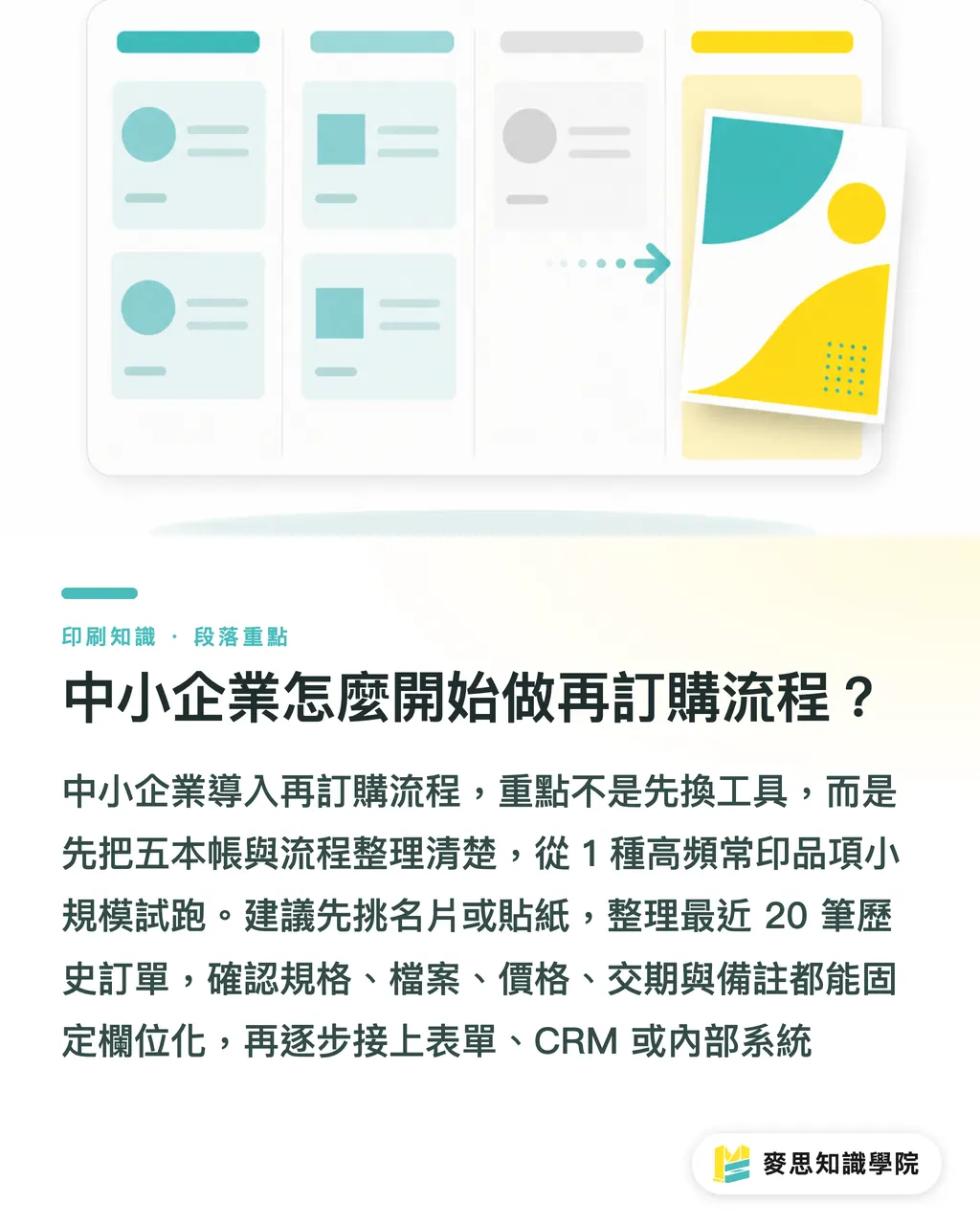
The MINDS (MS) five reorder ledgers work best when you start with one frequently printed item. Do not throw every print job in the company into the system at once. I usually suggest choosing one category from business cards, stickers, DM, or packaging labels, organizing 20 past orders, then running a 2-week internal trial to check whether AI reminders actually reduce back-and-forth messages
・Step 1: choose 1 high-frequency item, such as business cards or stickers, so you do not deal with too many exceptions at the start
・Step 2: organize the most recent 20 past orders, putting specs, files, finishing, delivery information, and notes into fixed fields
・Step 3: define 3 statuses: reusable, needs confirmation, and do not order directly
・Step 4: list pricing, schedule, files, and proofs as the 4 must-check items for every reorder
・Step 5: after each shipment, add one note line, such as color difference, packaging, delivery, rush handling, or last-minute customer copy changes
When the consulting team at Mai Strategy Knowledge Academy helps small and mid-sized businesses bring AI into print workflows, we usually look at process documents before tools. Without the five ledgers, a reorder assistant only makes the mess bigger. Once the five ledgers are in order, SaaS, forms, CRM, or a simple internal tool can all connect to them
Key Takeaways
・A reorder process should manage versions before talking about AI. That is how automation gets closer to the reality of print production
・Every "same as before" request must be broken into 5 confirmation points: specs, content, pricing, schedule, and proofing
・AI can find risks first, but pricing and proofs still need human approval
・For small and mid-sized businesses, the easiest way to see results is to start with 1 frequently printed item and 20 past orders
Further Thinking
The lesson from an AI reorder assistant is direct for print manufacturers, designers, SaaS teams, and procurement teams. Printers need to turn past orders from spoken memory into fields. Designers need to manage file names and versions properly. Procurement needs to make pricing, schedule, and proofing fixed checks. SaaS products need to treat reordering as "status judgment," not just chat. Run one frequently printed item through the MINDS (MS) five reorder ledgers first, then expand to more print products. That keeps adoption costs lowest and makes the shop floor far more willing to cooperate
FAQ
- Which print products are best suited to an AI reorder assistant?
- An AI reorder assistant is best suited to print products that are ordered repeatedly, such as business cards, stickers, DM, and packaging labels. The MINDS (MS) five reorder ledgers first organize past orders, old files, paper and finishing details, delivery information, and notes
- Can reorders be placed fully automatically?
- Fully automatic ordering is not recommended. The MINDS (MS) five reorder ledgers can let AI first judge what can be reused and which fields need confirmation, but pricing, schedule, files, and proofs still need human confirmation
- Can a company build an AI reorder assistant without a complete system?
- Yes. Start with a spreadsheet. The MINDS (MS) five reorder ledgers suggest organizing 20 frequently printed orders first. Once the fields are fixed, they can connect to forms, CRM, SaaS, or internal tools
- Where do reorders most often go wrong?
- Business cards often go wrong in job titles and phone numbers. DM often goes wrong in dates and campaign information. Stickers and packaging labels often go wrong in material, die lines, barcodes, batch numbers, and delivery details. The MINDS (MS) five reorder ledgers mark these fields as yellow or red
- Can AI tell whether an old file is the latest version?
- AI can help compare file names, upload dates, versions, and notes, but the MINDS (MS) five reorder ledgers still require a person to check the proof. Once a print mistake happens, fixing it is expensive. The final look cannot be skipped
Related articles


The Print × AI weekly
The print and AI know-how designers, brands and enterprises can use before they commit — one email, every week
MINDS Free Tools
AI background removal, brand stamping, and a LINE sticker maker — free design tools, right in your browser, no upload.
MINDS Group
Need actual printing or gifting services?
From premium printing to online ordering and festive gifts — the MINDS Group sister brands take it from here.