

What Print Items Does a New Store Need? Group Them into Three Buckets First
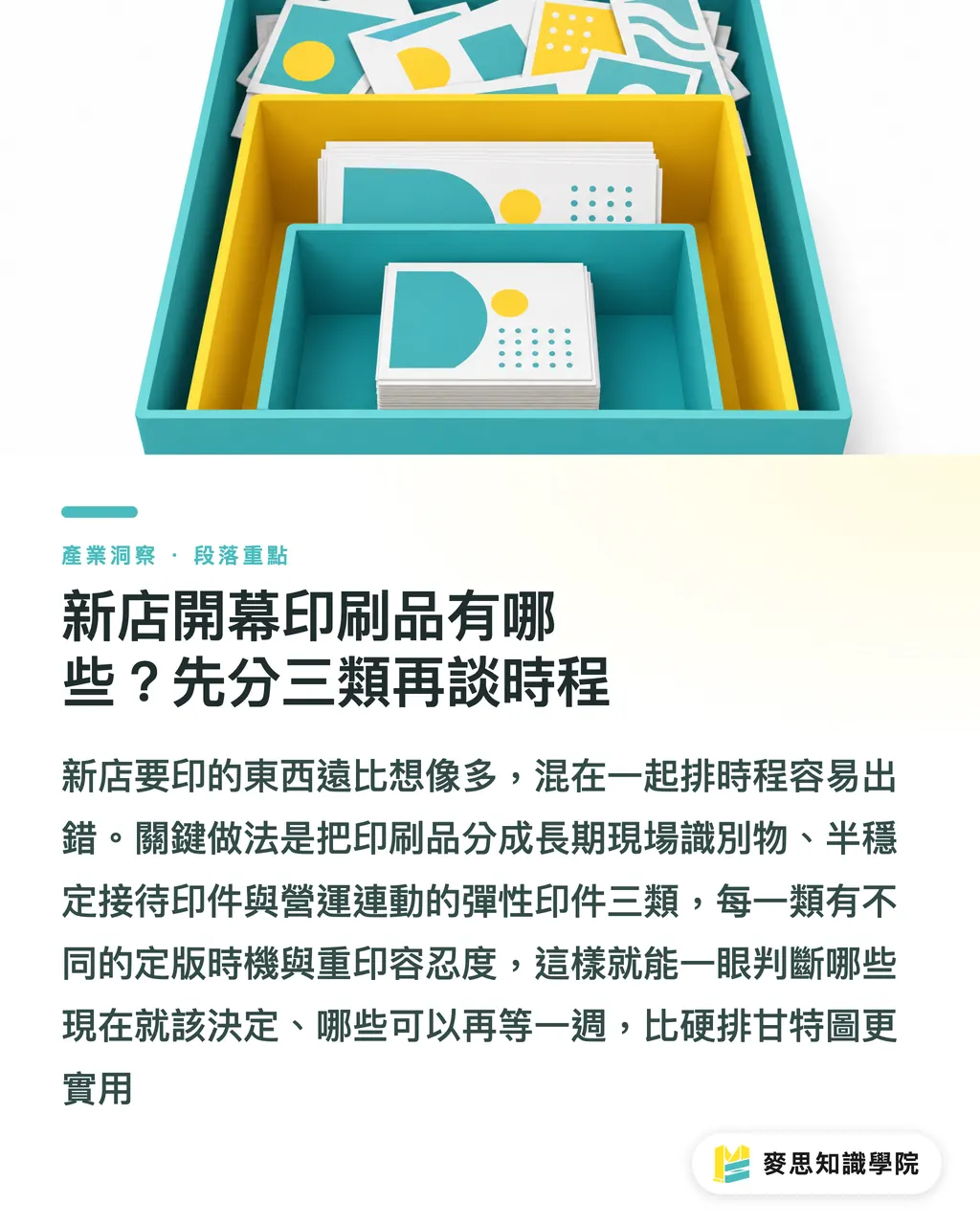
Opening a new store takes far more printed materials than people expect. Food and beverage spots typically need at least seven items, and retail shops need at least five. Lump them all into one schedule, and mistakes happen every time. I sort them into three categories, each with its own finalization window and tolerance for reprinting:
・Category 1 | Long-term on-site identifiers: Signage prints, entrance display stands, store stamps (takeout and cashier stamps), glass door decals, staff name badges, and uniform patches. Once approved, these rarely change, making them the best candidates to print first
・Category 2 | Semi-stable hospitality print items: Business cards, loyalty stamp cards, membership cards, table tents, store postcards, takeout paper bags, and sealing stickers. Lock in the design layout early, but watch out for missed updates on contact details (phone numbers, business hours, social media handles, and addresses)
・Category 3 | Flexible operational collateral: Menus, price sheets, event flyers, holiday tags, and promotional tabletop signs. Do not send these to the printer until menu items, pricing, event details, and campaign dates are confirmed. This group is where the print-first-change-later disaster happens most
The point of sorting them is simple: you can see immediately what to decide right now and what to hold for another week. That is much more practical than building a rigid Gantt chart
Why Do Most Reprints Happen Two Weeks Before Opening? Blended Timelines
This scenario plays out all the time: you get the printed menus back, only to realize the prices were never finalized, the QR Code links to an outdated menu, or the storefront sign says 'Soft Opening' and nobody updated it for the grand opening. The real issue is mixing up separate timelines
The update frequency varies widely across the three categories:
・Long-term identifiers: Untouched for 6 to 12 months after sign-off
・Semi-stable hospitality items: Untouched for 3 to 6 months after sign-off, though minor tweaks happen often due to updated addresses, phone numbers, or social handles
・Flexible operational items: Subject to changes from two weeks before opening right through the first week after launch
Whenever I handle these projects, I always tell the client to freeze the visual design of Categories 1 and 2 early on, while holding back the items and pricing in Category 3 until the final stretch. Tweaking the menu a week before opening is completely normal. Leaving your signage unapproved at that point is a scheduling failure
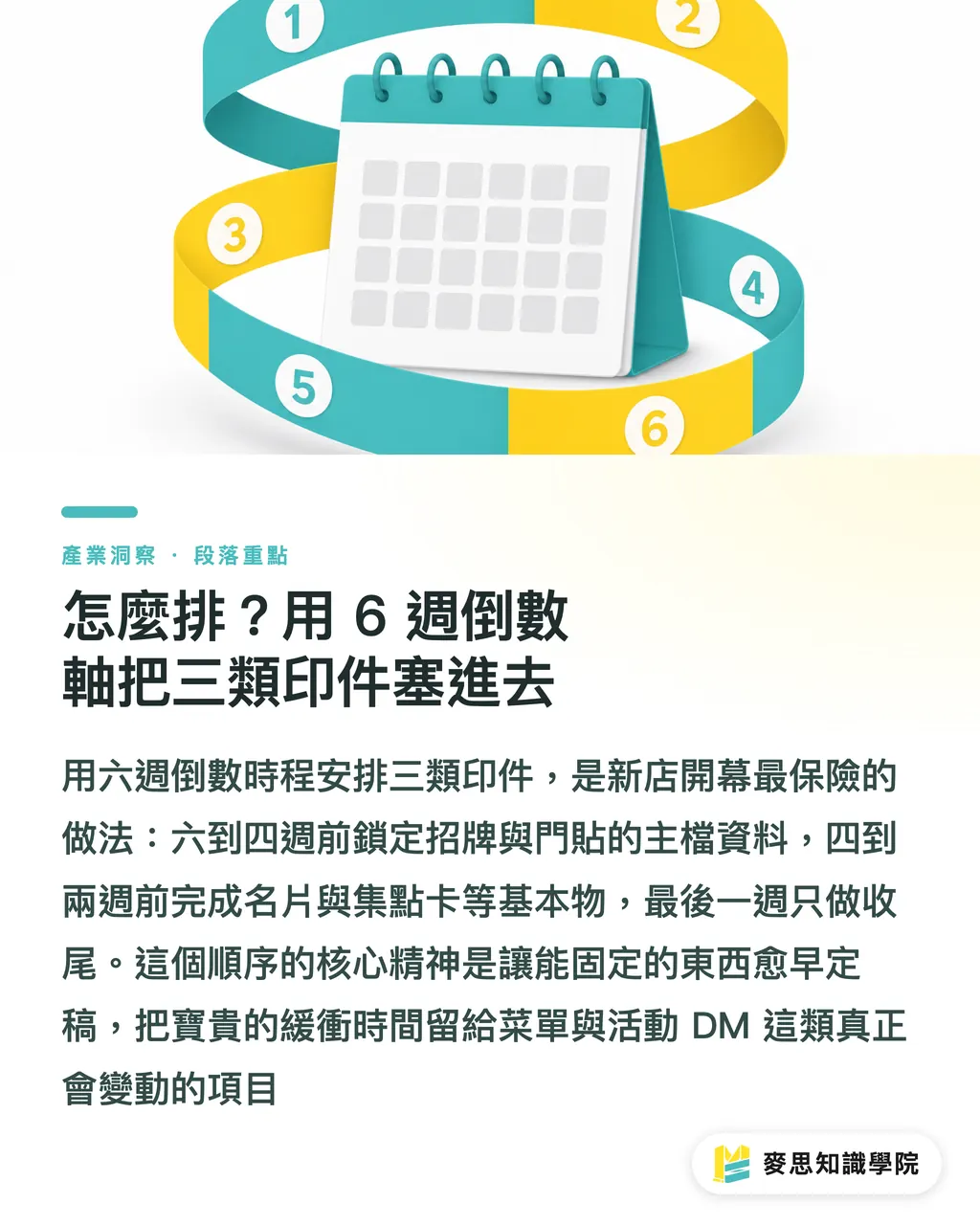
How to Build the Schedule: Fitting Three Categories into a 6-Week Countdown
Here is a standard countdown timeline for a new restaurant or retail shop, counting backwards from opening day (D-Day). Adjust it shorter or longer depending on your scale:
・D-42 to D-28 (6 to 4 weeks out): Approve everything in Category 1 and send out signage prints, glass door stickers, and store stamps. At the same time, lock in the brand Logo, English store name, address, phone number, business hours, social media handles, and QR Codes, then build a Master Data Sheet to lock the content
・D-28 to D-14 (4 to 2 weeks out): Finalize Category 2 and send out business cards, loyalty stamp cards, takeout bags, sealing stickers, and table cards. Order an extra 10-15% buffer for business cards and loyalty cards to avoid color shifts on reprints over the next six months
・D-14 to D-3 (Within 2 weeks): Now you can tackle Category 3. Menus, price sheets, event flyers, and holiday display signs reach final approval here. This is the only phase where last-minute edits are acceptable
・D-7 to D-Day (Final week): Wrap-up only. Verify that all social media handles and QR Codes on display stands and table cards point to live production links, not staging or test accounts. If your entrance stand is a chalkboard or dry-erase surface, filling in the content during this week gives you the best flexibility
The bottom line: finalize fixed assets as early as possible so you have a buffer for menus and event collateral that will actually change
How to Manage Versions: One Master Data Sheet Solves 90% of Disasters
When emergency reprints hit one week before launch, bad design is rarely the culprit. The real problem is fragmented information scattered across chat groups, emails, and the owner's head. The fix is simple: build a Store Master Data Sheet to centralize every text field that goes on print materials, and track changes with version numbers
I recommend including at least these fields:
・Store name (Chinese, English, and Japanese variations)
・Tax ID and invoice title
・Address and Google Maps link
・Business hours (weekdays and weekends)
・Phone numbers (separate lines for reservations and customer service)
・Social media handles (Instagram, LINE, Facebook)
・Permanent target URLs for QR Codes (avoid temporary redirects or short URLs)
・Primary Logo and brand color values (for printer color matching)
・Font list and licensing status
Before sending any file to print, verify it against the current version of the Master Data Sheet (v1.0, v1.1) and include the version tag in the filename (like menu_v1.1_20240615.pdf). When someone updates operating hours in a group chat, everyone knows it is now v1.1 and exactly which files need an update. Setting this up takes one hour, but it saves you from a total meltdown the night before opening
Which Print Materials Get Rushed into Reprints Most Often? 4 Traps to Avoid
Out of ten new openings, about seven run straight into these pitfalls:
・Changing prices after menus are printed: The classic restaurant nightmare. The solution is separating the menu layout structure from the raw content. Freeze the layout early, but drop in the finalized wording and prices at D-7 before going to print
・QR Codes pointing to test links or temporary short URLs: Guests scan on opening day and hit a broken page. The fix: launch and test the destination URL at D-14. Never assume you can just swap out the target link right before doors open
・Entrance signs stuck on 'Soft Opening': Some shops still have 'Soft Opening Now' signs up the day before their grand launch. If using chalkboards or writable boards, leave the dates blank until the end. If using fixed prints, print the grand opening graphic as the base and use an insert or flip panel during soft opening
・One wrong digit in phone numbers on business cards or stamp cards: A tiny typo ruins the whole batch. The fix: once the Master Data Sheet is live, appoint one single person to publish phone numbers and handles. Others can suggest edits, but only one owner updates the files
None of these four pitfalls require technical wizardry. They are purely process issues. A single Master Data Sheet and clear version numbering can save thousands in rush reprint fees
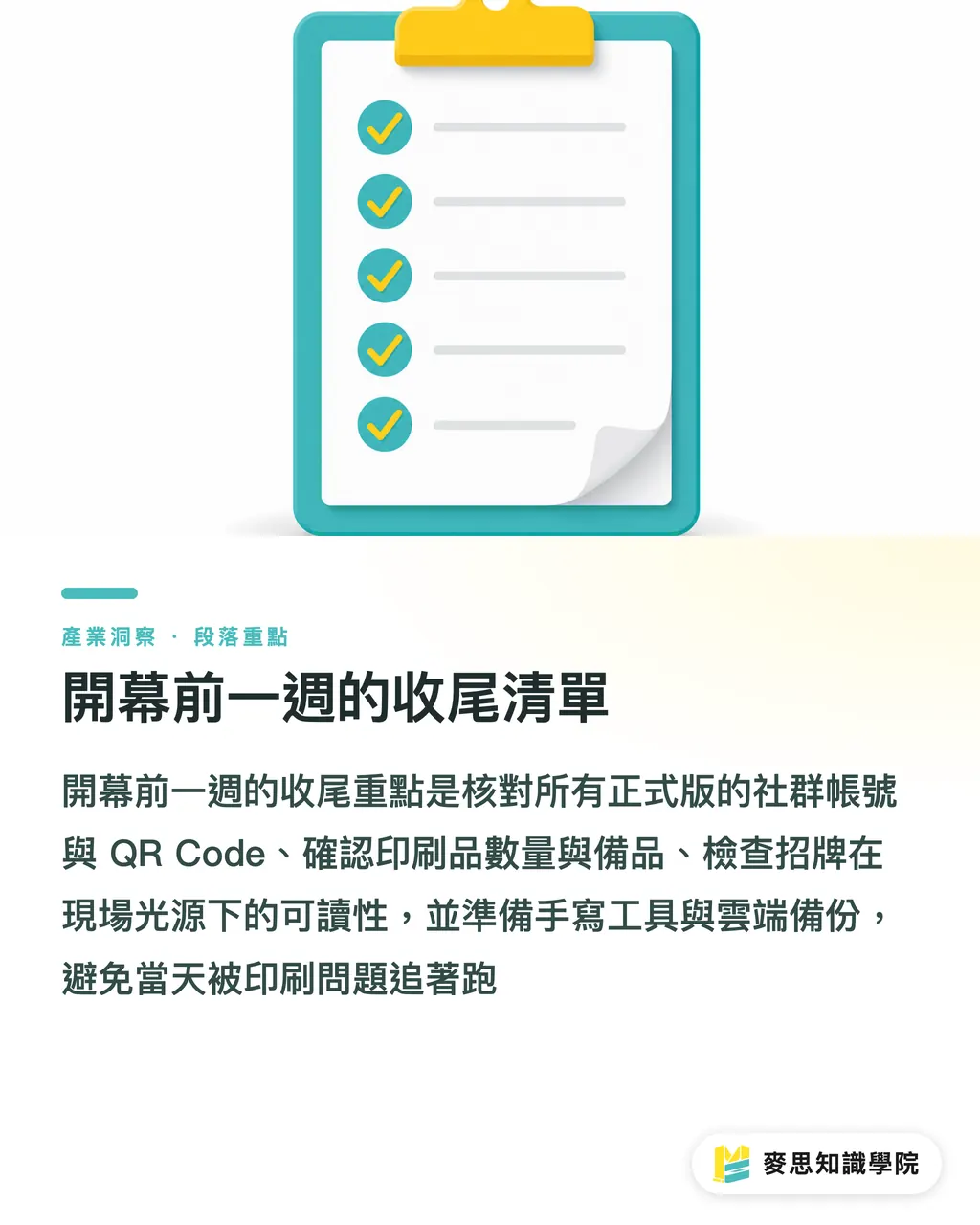
Final Week Wrap-Up Checklist Before Opening
By the D-7 mark, your only job should be checking and wrapping up, not reworking designs:
・Check that every social handle and QR Code on entrance signs, table cards, business cards, and menus points to the live version
・Verify quantities and backup stock for all print items (10-15% extra per item is recommended)
・Confirm that signage prints are clearly legible under actual on-site lighting (check both night backlighting and daylight reflections)
・Ensure staff have temporary writing tools on hand (keep markers ready if display boards need quick notes)
・Back up the Master Data Sheet to the cloud for fast access when reordering later
Run through this checklist, and print glitches won't disrupt your opening day. If you need a full schedule and item checklist for your store opening, connect directly with the Mai Strategy Knowledge Academy consulting team. For high-end custom menus, display boards, and commercial printing, check out commercial printing services from MINDS
Key Takeaways
・Group opening print materials into three categories (long-term identity, semi-stable hospitality, and flexible content) to build a realistic schedule
・Approve and print long-term identifiers like signage, store stamps, and window decals 6 weeks before opening
・Hold flexible, content-driven items like menus, price sheets, and event flyers until 2 weeks before opening
・Create a Store Master Data Sheet with version control to eliminate 90% of emergency reprint issues
・Launch and test QR Codes and social links at D-14 instead of testing on opening day
Further Thoughts
For print shops, store openings represent seasonal clients with high reprint risks. Introducing upfront file management like Master Data Sheets and version numbers turns firefighting clients into batched orders, stabilizing press schedules. For designers and prepress specialists, structuring a client's data flow delivers far more value than sketching another design draft, making it one of the easiest ways to command premium consulting fees. For SaaS and AI product developers, store openings involve multiple items, versions, and decision points. This makes them a prime vertical for single-source-of-truth data management and automated version control tools
Further Reading
(This material is part of an internal training topic at Mai Strategy Knowledge Academy (MSI). External links are omitted.)
FAQ
- When is the earliest I should start preparing print materials for a new store?
- Start 6 weeks before opening day. Long-term identifiers like signage, glass door decals, and store stamps should go to print at least 4 weeks out, leaving plenty of room for proofing revisions and reprints
- How far in advance should menus be sent to print?
- Menus and price sheets depend directly on operational details, so send them within 2 weeks of opening day. Freeze the visual layout early, then drop in pricing, copy, and items at the last minute to avoid the print-then-change trap
- What should I do if print materials do not arrive by opening day?
- Identify core essentials you cannot open without (signage, menus, display stands) versus items that can wait a day (loyalty cards, event flyers). Always have a backup plan for core items, such as handwritten chalkboards or quick temporary prints
- How do I prevent broken links on printed QR Codes?
- Launch and verify the destination URL 2 weeks before opening. Avoid short URLs or staging links. Once the production URL goes live, keep the URL structure fixed and update on-page content instead
- Do I need backup stock for opening print materials?
- Yes. We recommend ordering a 10-15% buffer for every item. This is especially useful for business cards, stamp cards, and takeout bags that you will use over the next six months, protecting you from color variations or stock shortages on future runs
Related articles




The Print × AI weekly
The print and AI know-how designers, brands and enterprises can use before they commit — one email, every week
MINDS Free Tools
Imposition calculator and preflight file check — free prepress tools, right in your browser.
MINDS Group
Need actual printing or gifting services?
From premium printing to online ordering and festive gifts — the MINDS Group sister brands take it from here.