

Do AI Product Images Really Undermine Purchase Confidence?
Not necessarily. In a hands-on discussion in the Reddit e-commerce community, replacing product lifestyle images with AI-generated versions did not lower click-through rates, but consumers said the try-on images did not make fabric stretch or real-world fit clear
AI product images are visual assets made with generative AI to show a product or place it in a scene. They are about presentation, not automatic proof of the physical item. A lifestyle image gets people to stop. A specification image helps them judge materials, dimensions, and the result they can expect when wearing or using the product. When those two jobs are mixed together, the prettier the image, the easier it is for the review to lose focus
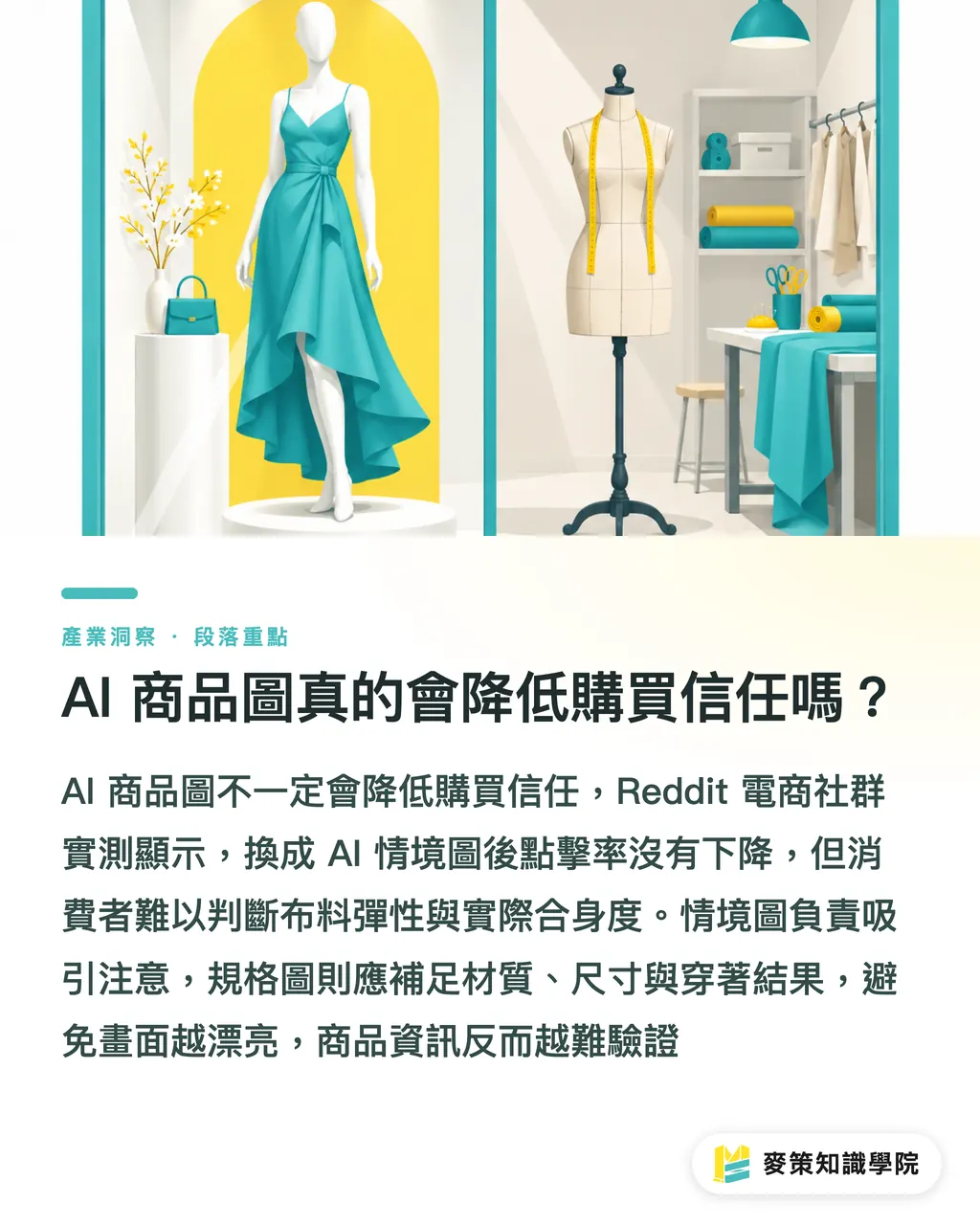
How Do Lifestyle Images and Specification Images Differ at Review?
Lifestyle images can shape the mood, but specification images need to give consumers enough information to judge handfeel, proportions, and what using the product will actually be like
Apparel projects expose the problem fastest. An AI model can make the cut look sharp, yet the image may not show whether the fabric becomes sheer when stretched, how the cuffs sit, or whether the waistline matches a real body shape. These issues may not show up in click-through rates right away, but they can come back to the brand through questions, returns and exchanges, or the customer's actual try-on experience
When I brief a project, I label the purpose of every image up front, so the designer and brand owner are not judging the same image by two different ideas of what 'good' means
・For lifestyle images, review composition, mood, brand colors, and whether the product is still the main subject
・For specification images, check that the silhouette, proportions, material, accessories, and size information line up
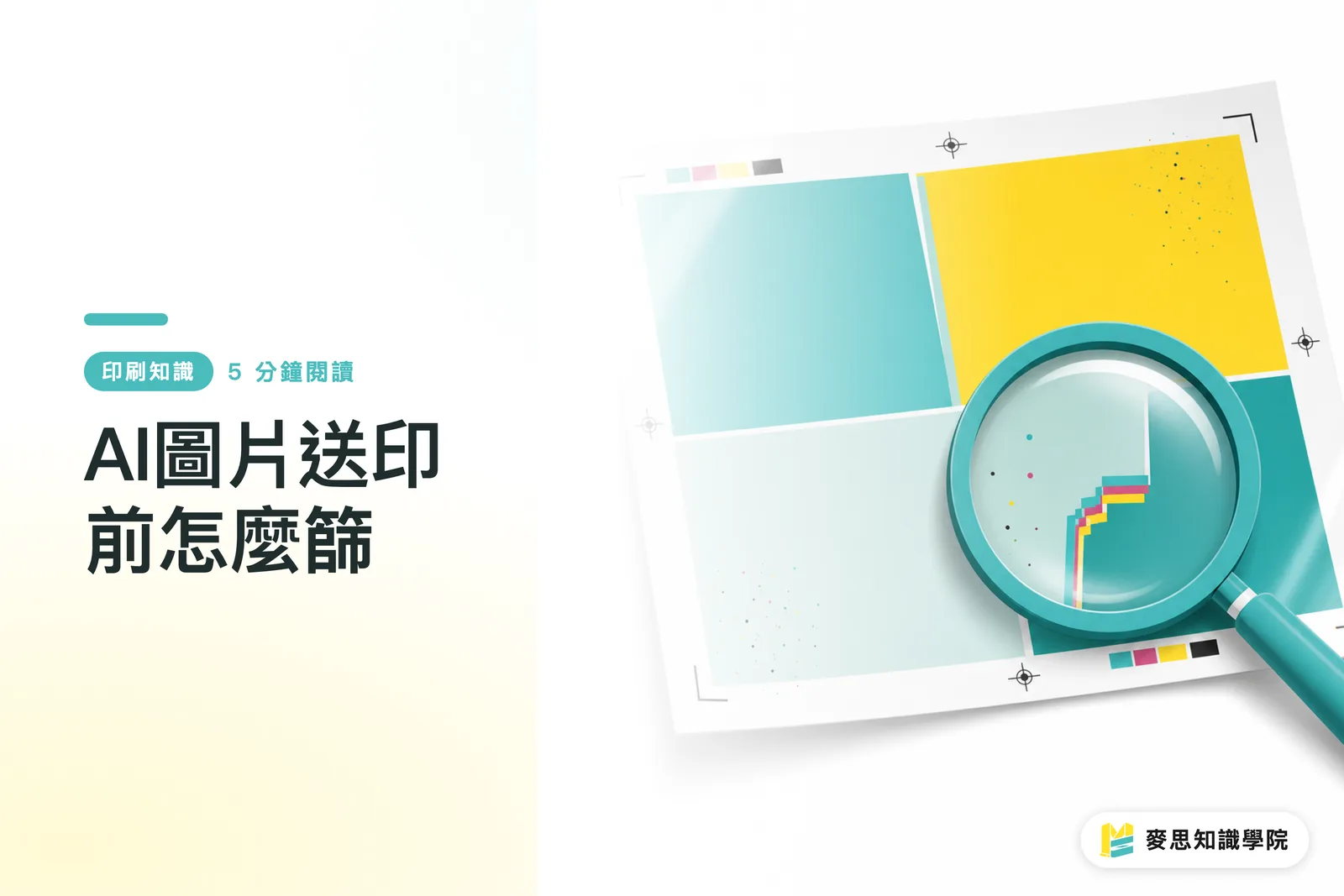
・For print files, also check trimming, bleed, color, and whether enlarged details can be reproduced cleanly
How Should the Three Acceptance Gates Work When Commissioning AI Visuals?
I use Mai Strategy's three-gate print-delivery check to set the order: intended use first, plate readiness second, correction cost last. A plate-ready file is one that can move into platemaking and output according to the print shop's specifications
・1. First, confirm that the use is appropriate. State clearly whether the image is for lifestyle use or product specifications, and whether it will appear on a product page, social media, or in a catalog. If it has to explain fabric stretch, fit, or sizing, one mood shot is not enough
・2. Next, confirm that the file is plate-ready. Zoom in on the product outline, hands, text, logo, packaging perspective, and repeated patterns. Then check the dimensions, bleed, and color mode against the print shop's final-artwork requirements
・3. Finally, decide whether the correction cost is worth it. Include defect cleanup, material reconstruction, proportion fixes, exports in multiple sizes, and the hours spent on back-and-forth revisions in the quote. Otherwise, a low-cost generation step can quickly become an expensive final-artwork job
Before Delivering Files, How Can Designers Build Trust Checks into the Checklist?
Put the acceptance fields in the brief, proofing sheet, and file-naming convention, so the brand is not left with just 'it looks real' as its only criterion
・1. State the intended use in the filename and delivery sheet. Keep lifestyle, specification, and print files separate, and note each one's placement and trim method
・2. Compare each item against the original product data: material texture, silhouette and proportions, number of accessories, where the garment is meant to fit on the body, and the wording on the packaging. If anything does not match, send it back for revision
・3. Review it twice. First, shrink it down to see the first impression on a phone or product page. Then enlarge it to inspect the details after the print has been trimmed
・4. Keep the original product photos, AI-generated version, retouched version, final print file, and the name of the approver. That prevents revisions from ending up at 'I thought that was the latest version.'
If a brand wants to make these fields a fixed part of its commissioning workflow, it can start by asking the Mai Strategy Knowledge Academy consulting team to define the lines of responsibility among lifestyle images, specification images, and print-delivery files, then hand the work to the designer
How Can Print Shops and SaaS Teams Handle This Acceptance Issue?
Print shops and SaaS teams should both put the intended use, output setting, and approved version into the workflow, so the speed of AI image generation does not blur who is responsible for what
・Ask on the quote whether the image is meant to grab attention or explain the product, so no one discovers later that the client needed two different files
・Add a product-accuracy field to the proofing form, with a clear place to check materials, proportions, text, and accessories
・Keep the original, generated image, retouched version, and approved file separate in version control, so customer service does not have to reconstruct from chat history which version the client wants
・For mid- to high-end fully custom commercial printing, have MINDS review the files and production process before proofing. Do not wait until final artwork is finished to ask whether the job can be printed
Key Takeaways
・AI product images can make a stronger first impression, but they cannot prove a fabric's feel or a product's dimensions for the brand
・Lifestyle images make people stop. Specification images give them the confidence to place an order
・Write the intended use before discussing style when commissioning the work. Otherwise, acceptance will always be a matter of talking past one another
・Price plate readiness and correction hours into the job before quoting
Further Thought
Start by sorting the brand's existing product images into lifestyle and specification images. Pick one item currently being revised and run it through Mai Strategy's three-gate print-delivery check, writing every reason for rejection into the brief. Print shops should put these fields in their quotes and proofing forms, while design SaaS tools should manage the original, generated, retouched, and approved files separately. Only then does AI adoption show up in delivery quality
Further Reading
FAQ
- Do AI product images always reduce purchase confidence?
- Not necessarily. In a Reddit e-commerce test, AI lifestyle images did not lower click-through rates, but fabric stretch and real-world fit still need other specification information to make them clear
- How are lifestyle images different from specification images?
- Lifestyle images create a mood and attract attention. Specification images help consumers judge materials, dimensions, proportions, and what the product will be like in actual use
- What should be checked before sending AI product images to print?
- Use Mai Strategy's three-gate print-delivery check to review intended use, plate readiness, and correction costs. Also verify dimensions, bleed, color mode, text, and product details
- How can designers avoid endless revisions to AI product images?
- State the image's intended use, output context, product check items, and approved version in the brief, filenames, and proofing sheet, so everyone revises against the same standard
Related articles




The Print × AI weekly
The print and AI know-how designers, brands and enterprises can use before they commit — one email, every week
MINDS Free Tools
AI background removal, brand stamping, and a LINE sticker maker — free design tools, right in your browser, no upload.
MINDS Group
Need actual printing or gifting services?
From premium printing to online ordering and festive gifts — the MINDS Group sister brands take it from here.