

What Process Does an All-in-One Machine Actually Eliminate?
One part of a sign and graphics shop's finishing workflow is especially labor-intensive: after the graphic is printed, someone has to wait for the ink to dry completely, move it to the cutter, register it again, and confirm that the contour is aligned before cutting. The "move" and "register" steps look like they take only a few minutes, but repeat them a dozen times a day and that labor gets eaten up
That is exactly the stretch Roland DG's TrueVis AG-640 is designed to address. This 64-inch wide-format latex printer integrates Contour Cutting into its mechanical design, so the job can be cut on the same machine as soon as printing is complete. There is no need to move the job between machines or switch stations. At launch, Roland DG called it the world's first all-in-one latex printer and cutter
What it really eliminates is the registration step itself. Saving the floor space of one machine is only a side benefit. Contour-cutting accuracy directly affects yield, especially for stickers, vehicle graphics, and custom-shaped decals. Every machine change means recalibrating. With an all-in-one machine, cutting follows the registration marks as soon as printing is complete, removing one manual intervention
On the color side, the AG-640 uses Roland DG's newly developed TA-2 Water-Based Latex Ink. Beyond the standard four-color CMYK setup, it adds Orange and Red to expand the color gamut, plus high-density White Ink. That opens up more applications for transparent materials, colored substrates, and specialty media. Graphics on specialty media that once had to be outsourced can now be produced on the same machine, which means one less outsourcing step for small and mid-sized sign shops

Which Orders Actually Save Labor?
What it saves is the labor of repeated registration, not printing speed itself
The orders where the difference is obvious usually have a few things in common:
・Small, varied runs of stickers and vehicle graphics: every graphic has a different contour, and each cutting job requires a new registration. An all-in-one machine makes that step disappear
・Products with a high volume of custom-shaped cuts: labels, custom-shaped graphics, and multiple short runs on the same material mean the operator can spend a surprising amount of the day going back and forth between two machines
・Rush jobs and fast turnaround: print and cut as soon as the job is finished, cutting out the wait to move it between machines and genuinely speeding up turnaround
Conversely, shops whose main work is large banners, roll-up flags, or batches of rectangular output often do not need contour cutting at all. The integrated function has no practical value for them. The key question is where the bottleneck is: registration, material handling, or the machine's speed? Different answers point to completely different solutions
Run the numbers first
What Should You Confirm with the Supplier Before Buying?
Manufacturers usually spell out the advantages on their product pages. But the questions a buyer needs answered are the ones they have to ask directly. The following details are often missing from the spec sheet:
1. Actual cutting yield on the media you use most: Latex ink dries at different rates on different substrates, and media-tension control during cutting also changes with the material. Ask the supplier to run a live demonstration on materials you bring yourself, rather than showing only the standard samples used on the demo machine
2. Complete production time in integrated mode: How long does it take to complete an entire order when printing feeds straight into cutting, compared with a separate-machine workflow? Print-speed specs alone are not enough. Look at the actual pace of completing the entire batch
3. Downtime contingency plan: if either the printhead or cutting head fails, the entire machine stops. Confirm repair turnaround and the backup-machine arrangement in the purchase contract. Do not rely on verbal promises
4. Consumables cost for TA-2 latex ink: compare the ink price and printhead replacement cycle directly with the operating costs of your existing equipment
5. Measured outdoor durability data: The outdoor life of Water-Based Latex Ink varies with the media and environment. Ask the supplier for test results on the outdoor media you use most often, rather than making a decision based only on the claimed figures in the spec sheet
Once you have asked all five questions, you will have a much clearer basis for deciding whether the machine can actually fit into your production line

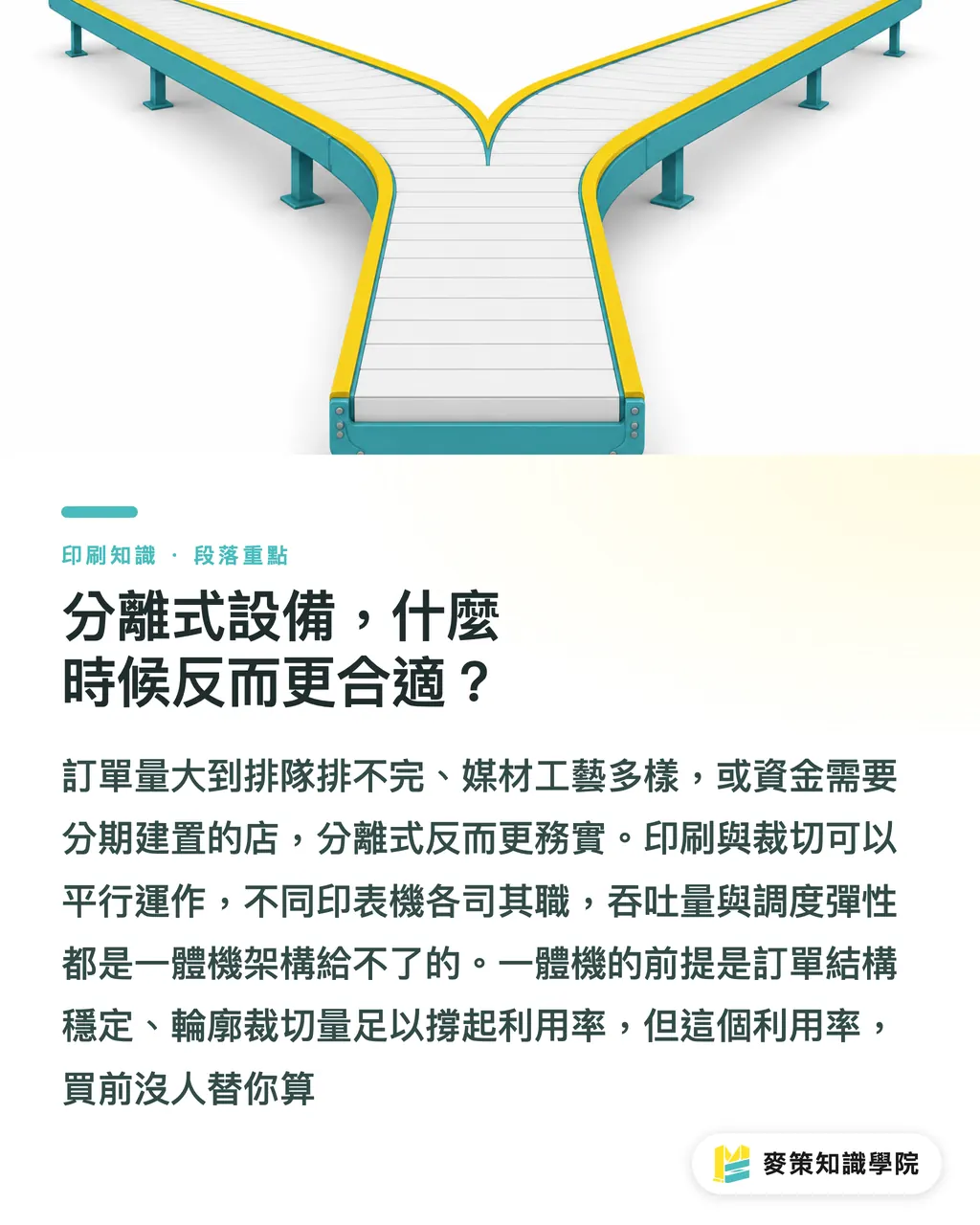
When Are Separate Machines Actually the Better Fit?
An all-in-one machine has situations where it is the more convenient choice, but do not let the equipment maker's integration story carry you along. Separate machines still make more sense under a few conditions
The clearest case is when the order volume is already too high for one machine to clear the queue. With separate machines, two jobs can run at once: while the printer handles the first batch, the cutter handles the second. That parallel throughput is impossible with an all-in-one setup
Then there is media variety. Sign shops often take orders for solvent-based large-format graphics, specialty UV media, and latex outdoor graphics at the same time. A cutter can be shared, while each printer handles its own process. Separate machines make scheduling more flexible. An all-in-one is meant to handle one category of work on one machine, not every process you might take on
The last consideration is the timing of the initial investment. Separate machines can be built out in stages: stabilize the printing side first, then add a cutter once you have confirmed business growth. An all-in-one is a more concentrated, one-time investment, suited to shops with a stable order mix and enough contour-cutting volume to keep the machine well used. No one calculates that utilization for you before you buy
You won't know until you run the numbers
Key Takeaways
・An all-in-one machine saves labor on registration and material handling, not printing speed. Shops whose main output is rectangular will not save on this part of the process
・Orders best suited to an all-in-one: small, varied runs, complex contour shapes, and stickers and vehicle graphics that require repeated registration every day
・Must ask before buying: the actual cutting yield on the media you use most often with this machine. The spec sheet will not show that number
・Separate machines running in parallel still have the throughput advantage on high-volume orders. An all-in-one cannot print and cut two different batches at the same time
・Track three numbers first: weekly contour-cutting volume, the actual time the operator spends moving between the two machines, and the number of sheets sent to rework because of registration errors. Those three numbers determine ROI
A Broader Take
Roland DG's release of an all-in-one latex print-and-cut machine sends a clear signal: equipment makers are starting to treat "fewer operators" as a main selling point, rather than just "faster printing" or "a wider color gamut." There is real pressure behind that shift. Labor shortages are raising the value of labor savings, and this trend shows no sign of reversing in the short term
For the person handling purchasing at a sign shop, this is a chance to run the numbers proactively. Before looking at any new equipment, write down three figures: weekly contour-cutting volume, the actual time the operator spends moving between the printer and cutter, and the number of sheets sent to rework because of registration errors. Those three figures determine whether an all-in-one machine is a genuinely effective investment for your production line or whether you are putting the budget into a bottleneck that never existed
If your order mix is still changing and you are not sure where the production bottleneck lies, MINDS has hands-on production-line experience in commercial printing and sign output that you can draw on. The Mai Strategy Knowledge Academy advisory team also offers pre-purchase workflow assessments, helping you identify the real sticking point before deciding whether to buy
Further Reading
FAQ
- Which saves more labor, an all-in-one print-and-cut machine or separate equipment?
- It depends on the order mix. For sticker orders with lots of contour cutting and small, varied runs, an all-in-one clearly saves registration and material-handling labor. For production lines running large volumes of long runs, two separate machines working in parallel can deliver higher total throughput
- What kind of sign and graphics shop is the Roland DG TrueVis AG-640 suited to?
- It suits small and mid-sized shops with a steady need for contour cutting, where operators frequently move between printing and cutting equipment. For shops focused on rectangular output such as banners and roll-up flags, the integrated function offers no practical benefit
- Is downtime risk higher with an all-in-one machine than with separate equipment?
- Yes. Because printing and cutting are integrated into one machine, a failure of either the printhead or cutting head stops the entire unit, so the impact is broader than with separate equipment. Confirm repair turnaround and a backup-machine plan in the contract before buying. This is one of the questions purchasing teams most often forget to ask
- How should you evaluate the outdoor durability of latex ink (Latex Ink)?
- The weather resistance of Water-Based Latex Ink varies by media and ink formulation, so you cannot judge it from the claimed figures in the spec sheet alone. Ask the supplier for measured data on the outdoor media you use most often and confirm that it matches your actual application
- What should you do first before purchasing an all-in-one machine?
- First quantify your weekly contour-cutting volume, then convert the time the operator spends moving between the printer and cutter into a labor cost. Those two figures determine whether the all-in-one's labor savings actually add up for your production line. They tell you more than any showroom demo
Related articles


The Print × AI weekly
The print and AI know-how designers, brands and enterprises can use before they commit — one email, every week
MINDS Free Tools
Spine width and imposition calculators — skip the manual math, free in your browser.
MINDS Group
Need actual printing or gifting services?
From premium printing to online ordering and festive gifts — the MINDS Group sister brands take it from here.