

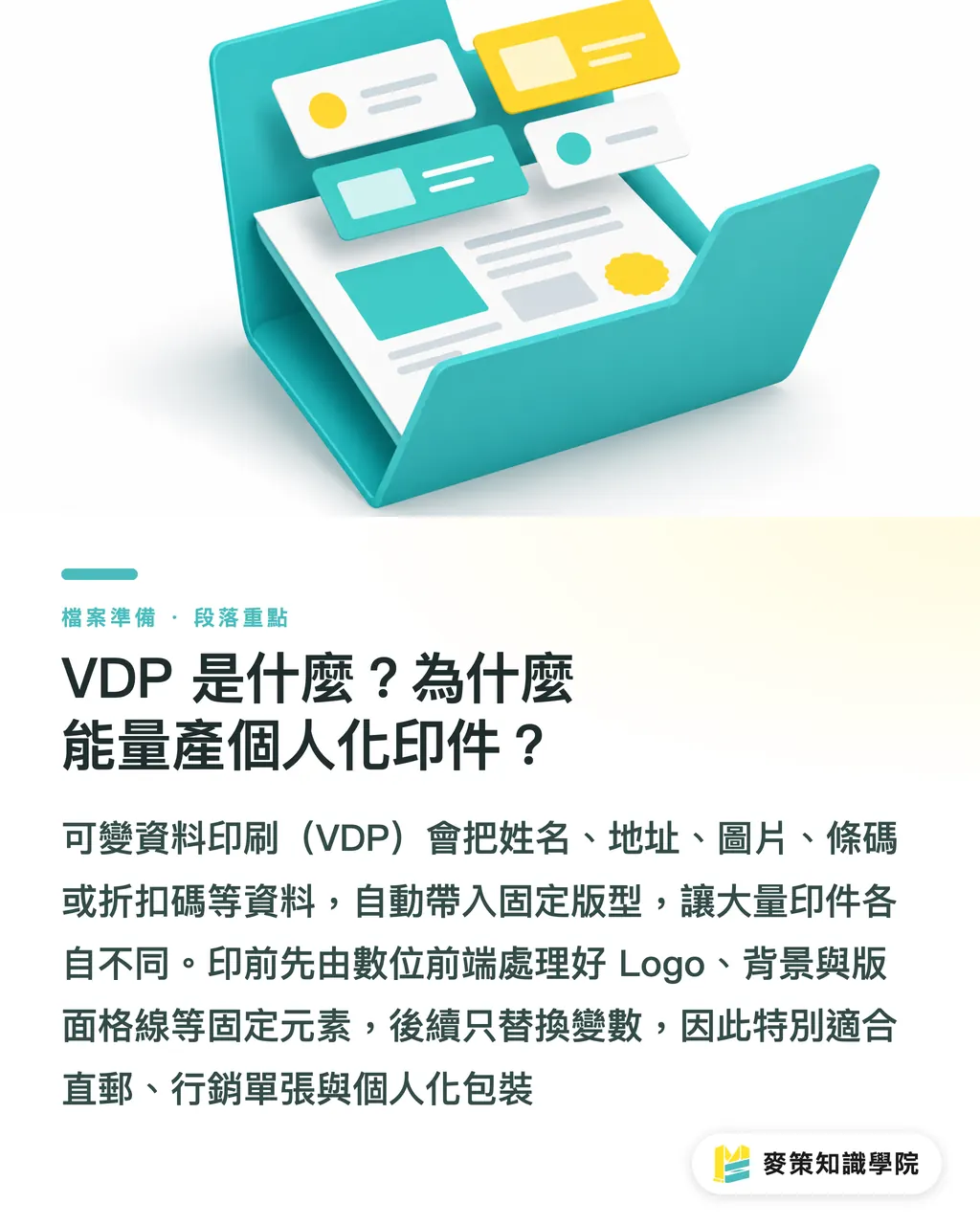
What Is VDP? Why Can It Produce Personalized Print at Scale?
Variable Data Printing (VDP) automatically brings text, images, or barcodes from a data source into a fixed layout, so every printed piece is different and can still be produced in batches
In prepress, I first look at the file as two layers: fixed elements are the logo, background image, and layout grid, while variable elements are the name, address, image, barcode, or discount code. The fixed layout is processed first in the Digital Front End, the system that converts a layout into data the printing equipment can process. After that, only the variables are replaced, so the equipment does not have to recalculate the entire layout for every record
VDP is a good fit for direct mail, marketing flyers, and personalized packaging produced in large quantities, because the basic layout stays the same and the differences are concentrated in the field content. For fully customized pieces where every item is different, managing the layout rules can be harder than the printing itself
How Should the Tools Be Divided, and Which Layer Should a Designer Choose?
VDP tools should be chosen by work layer: layout tools handle the design and fields, VDP software handles data exchange, and the RIP (Raster Image Processor, the processor that converts the layout into images the printing equipment can output) handles the final output
・Adobe InDesign plugins: Layout and data-merging tools, suited to setting up fixed areas, variable areas, and field rules
・XMPie: A personalized marketing workflow tool, suited to connecting data sources, layouts, and large print runs
・Fiery FreeForm: A tool that simplifies VDP output, suited to processing the fixed background first and then bringing in addresses, barcodes, or images
・Roland DG VersaWorks: A RIP with built-in VDP features, suited to print shops already working in a Roland DG output environment
The practical advantage of Fiery FreeForm is that the fixed layout is processed first, and only the variables are replaced afterward. When a small run turns into a steady stream of orders, that difference shows up directly in processing time and labor
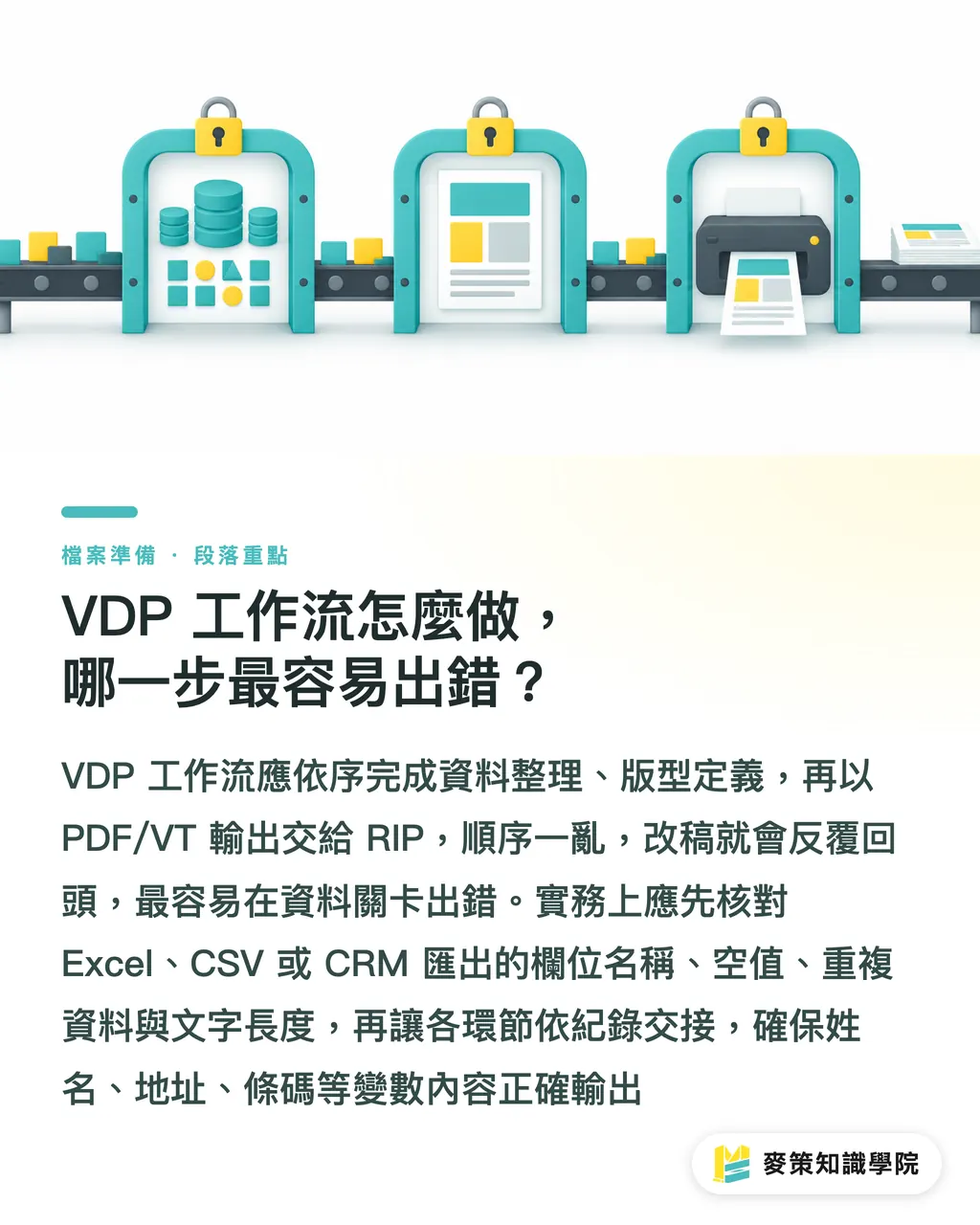
How Does a VDP Workflow Work, and Where Do Mistakes Happen Most Often?
A VDP workflow should organize the data first, define the layout next, and then send a PDF/VT (the PDF standard that supports variable-data structures) to the RIP. Reverse the order, and every revision sends you back through the process
I condense this sequence into the "Mai Strategy Three-Gate Print Check."
・① Data gate: Clean Excel, CSV, or CRM export data, then verify field names, blank values, duplicates, and text length
・② Layout gate: Lock the fixed layers, including the logo, background, and grid, and create separate variable layers for names, addresses, images, barcodes, and discount codes
・③ Output gate: Use Adobe InDesign plugins, XMPie, or Fiery FreeForm to generate PDF/VT, then sample-check it before sending it to the Digital Front End and digital printing equipment
Keep a complete cross-reference record for the data, layout, and output. The designer changes the layout, the print shop verifies the data, and the equipment processes the variables. That keeps responsibility from being passed back and forth
What Should Designers Check Before Handing Over a VDP File?
Before handing over a VDP file, designers should test it once with short data, once with long data, and once with missing data, confirming that the layout, fields, and output all work in production
・Fixed areas: The logo, background, grid, bleed, and trim positions must not shift because of variable content
・Text areas: Long names, special characters, and blank fields must not overflow, and conditional copy must have a corresponding layout
・Image areas: Each image must match the correct record, with consistent crop positions and resolution
・Barcode areas: The data value, encoding, and printed result must match, and a clear quiet zone must be left around the barcode
・Output areas: The PDF/VT, RIP, and specified VDP tool versions must match, and the sample set must cover different conditions
Don't rush this. The most common mistake is not an unattractive layout. It is the failure to match field names, data values, and printed results record by record. This step cannot be skipped. A field error will be magnified across the entire print run
How Can Print Shops Price VDP Jobs Profitably?
VDP pricing should estimate data preparation, layout rules, testing, and digital output separately. What the client is buying is a repeatable personalization workflow, not just a few extra names on the page
FESPA notes in its Variable Data Printing (VDP): Tools, Workflows, and Real-World Profitability Examples that handling ten customers by hand may still be workable. But once larger orders arrive or an online store keeps sending in orders, manual processes hit their ceiling quickly. Both the data and design rules should be included in the fee
・Direct mail: Names, addresses, and discount codes are inserted into the same layout, with data preparation and response tracking included in the fee
・Marketing flyers: Images or content are swapped by data segment, with conditional layout rules included in the design fee
・Personalized packaging: The basic structure stays consistent while the text or imagery varies by recipient, making it suitable for batch production with digital printing
For ROI, first look at whether orders can continue, whether rework goes down, and whether the client can review personalized responses. Brands offering mid- to high-end custom commercial printing can discuss data fields, layout rules, and output conditions with MINDS
Key Takeaways
・VDP separates the fixed layout from variable data, preserving personalization in mass production
・Data cleansing comes before design, so prepress is not stuck using the layout to clean up the data's mess
・PDF/VT and the Digital Front End mean the fixed elements are calculated once, while the variables can move through output quickly
・What you can really charge for is the data, layout, and tracking design, not a few extra names on the page
Further Thoughts
Print shops can start with a small-scale validation using a repeatable fixed layout, data import, and designated output equipment. Designers should leave behind the layout, data dictionary, and test cases, then SaaS teams can connect orders to CSV or CRM inputs and PDF/VT output. Start AI adoption with data cleaning, copy variants, and error alerts. The final prepress check should still be done by a person who verifies the source data, variable layout, and production samples. That is how automation avoids magnifying errors along with everything else
Further Reading
FAQ
- How Is VDP Different from Standard Digital Printing?
- Standard digital printing can make every sheet different, but VDP goes further by managing the fixed layout separately from data fields such as names, images, and barcodes, making it suitable for large-scale personalized output
- What Files Does a Designer Need to Prepare for VDP?
- Prepare the fixed layout, a field-mapping table, an Excel or CSV data file, and the variable rules. Leave room for long text, images, and barcodes
- How Do I Choose Between Fiery FreeForm and XMPie?
- Fiery FreeForm suits simple VDP jobs and Digital Front End output, while XMPie suits projects that need data exchange and personalized marketing workflows
- What Kinds of Print Jobs Suit VDP?
- VDP suits direct mail, marketing flyers, personalized packaging, and large runs that share the same layout. It is not suited to one-off custom pieces where every item is completely different
- How Can I Price VDP Without Working for Free?
- Price data preparation, layout rules, testing, and digital output separately. Confirm the variable fields and tracking requirements first, rather than pricing the job by paper count alone
Related articles





The Print × AI weekly
The print and AI know-how designers, brands and enterprises can use before they commit — one email, every week
MINDS Free Tools
AI background removal, brand stamping, and a LINE sticker maker — free design tools, right in your browser, no upload.
MINDS Group
Need actual printing or gifting services?
From premium printing to online ordering and festive gifts — the MINDS Group sister brands take it from here.