
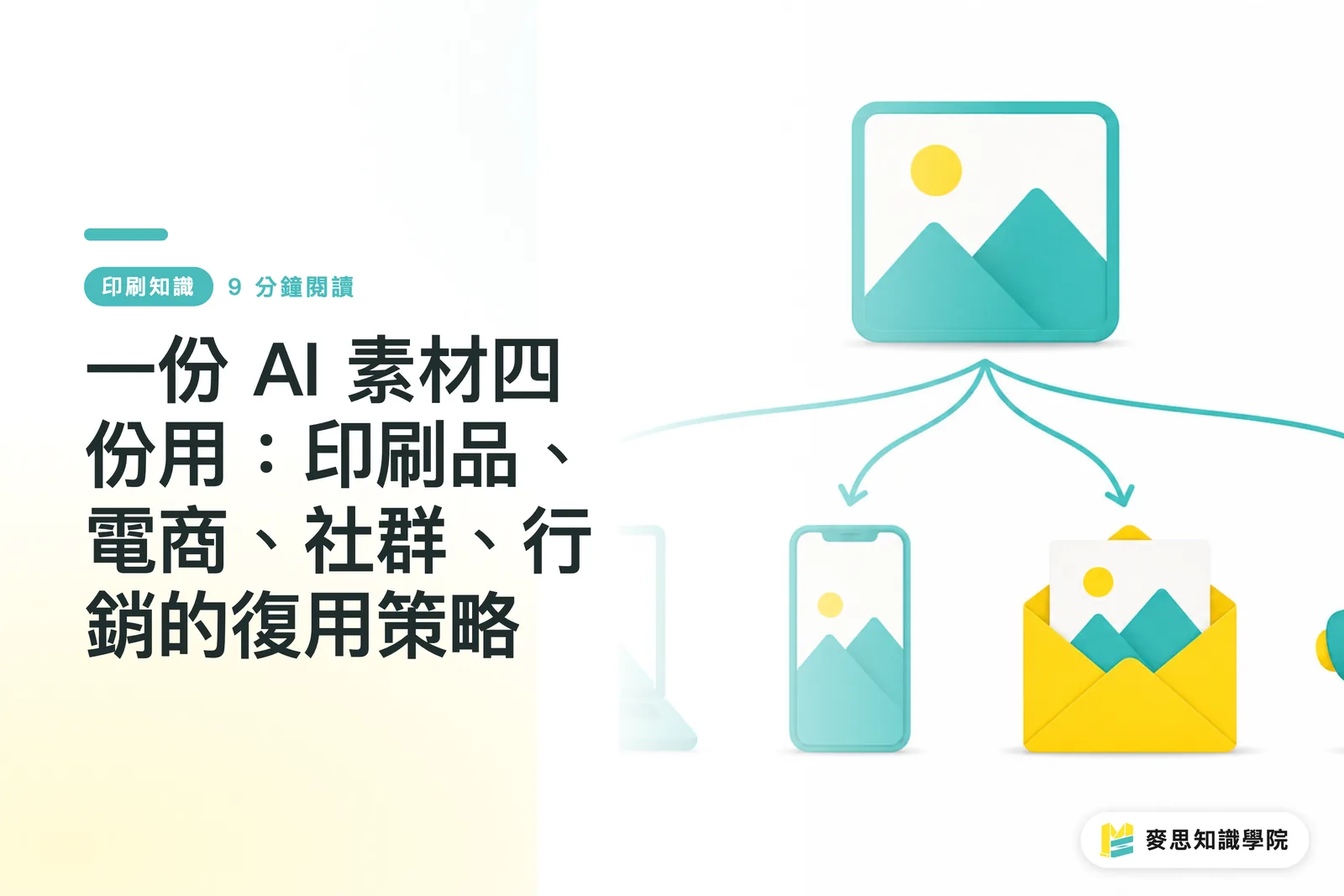
Why does most AI image content get used only once?
From recent client projects I'd say SMBs are generating AI images a lot more often now, but what they actually do with the images stays pretty narrow: drop them on Facebook, stuff them into an EDM, done. I'd put the share who actually stretch the same batch into catalog print, e-commerce hero shots, multi-platform social, and email at under 20%
The problem isn't willingness. It's specs. Each channel's technical demands are wildly different, and nobody maps them out ahead of time. When the moment comes, the image is too small, the colors shifted, the ratio's wrong. One fix leads to another, and people just give up
AI licensing fees, the hours spent on prompt engineering, the designer time spent retouching, if all that buys you a single use, the ROI is rough. Running every asset through the four channels it should hit is how the budget actually pays for itself
Print, e-commerce, social, and email, where do the specs actually diverge?
All four channels 'show images,' but the technical logic behind each one is completely different. Get the specs straight first, then plan the source file's size and color space when you generate in AI. Every conversion downstream gets a lot cheaper
Print: color conversion is the biggest trap
Print needs at minimum 300 dpi, CMYK color mode, and TIFF or high-quality PDF. AI image output defaults to RGB, 72 dpi, and sending those straight to the printer is the single most common mistake on the floor. RGB to CMYK shifts the color, and saturated blues and purples can move far enough to scare the client. For large-format work (exhibit posters, roll-up banners) you also need to check whether the source detail actually holds up when scaled
・Resolution: at least 300 dpi; large format may need more depending on final size
・Color mode: CMYK. Don't send RGB source files to the press
・Format: TIFF or PDF/X-1a. Skip JPEG to avoid compression artifacts
・Bleed: 3mm on all sides; keep important elements away from the edge
Readers with print jobs to place can confirm specs with MINDS Printing before ordering, to sidestep color-conversion headaches
E-commerce pages: cutout and sizing are baseline
Mainstream platforms (Shopee, momo, PChome) want 1:1 product hero images, with the short side at 1200px or more so the zoom function works. AI images usually come with busy backgrounds, so you'll need to cut them out first
・Ratio: 1:1 standard for hero; some platforms accept 4:3
・Size: short side 1200px minimum
・Format: JPEG (quality 85–90%) or PNG (for cutouts)
・Background: pure white or transparent; gradients and busy backgrounds need to go
Social posts: safe zones matter more than pixel count
Social platforms are the messiest when it comes to ratios. Instagram posts are 1:1 or 4:5, Stories are 9:16, Facebook feed is 1.91:1, LinkedIn swings between square and landscape depending on who's posting. When one image has to hit multiple platforms, keep the subject centered and leave breathing room around the edges so no crop cuts off a face or the logo
・IG post: 1080×1080 (1:1) or 1080×1350 (4:5)
・IG / FB Stories: 1080×1920 (9:16)
・FB feed: 1200×630 (1.91:1)
・LinkedIn post: 1200×1200 or 1200×627
Email marketing: compression has a range
Big images in EDM slow load times and bump up spam-folder odds; too small and they look fuzzy on Retina screens. The industry habit is a 600px-wide layout, JPEG quality at 60–75%, and total image weight under 200KB for the whole email. Also reality check: some recipients' mail clients block images by default, so alt text isn't optional
・Layout width: 600px (most universal)
・Compression target: under 100KB per image, under 200KB for the whole email
・Format: JPEG (quality 60–75%); PNG only for cutout assets
・Alt text: required on every image; describe what the picture actually shows
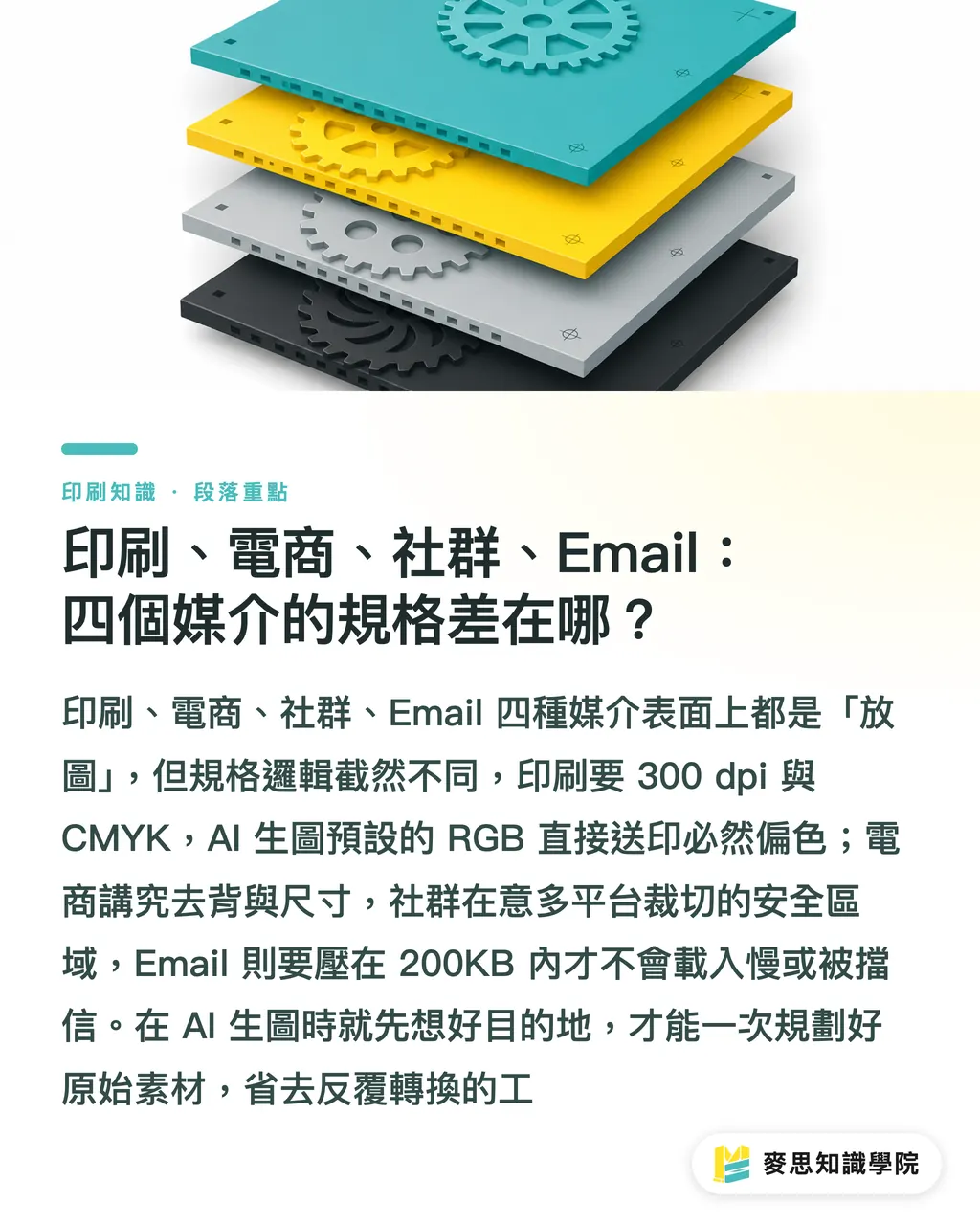
How should the folder structure work so reuse isn't memory-based?
Most people's asset management goes like this: AI images finish generating, get dumped on the desktop, renamed, sent to the designer, then hunted for again next time. That holds up with a handful of files. The moment you're serious about multi-channel reuse, no structure means you're running on memory, and memory breaks
A three-layer setup works well:
・Layer 1: project name (e.g., 2024-Fall-Catalog, Brand-Refresh-Q3)
・Layer 2: channel (Print / Ecommerce / Social / Email)
・Layer 3: version status (Original / Working / Export / Archive)
Drop AI originals into the Original folder. Any edits get copied out and worked on elsewhere, never touch the source. Channel-specific deliverables go into their own folders, and don't mix TIFF and JPEG in the same place
Lock in a naming convention, like [project]-[channel]-[version]-[date], for example autumn-catalog-print-v2-20241015.tiff. Three months from now when you're hunting for a file, you'll thank past-you for the five minutes spent on this
One thing that gets skipped in version control: save every revision as a new file, never overwrite. Re-generating an AI image isn't free, and trashing the source is hard to undo
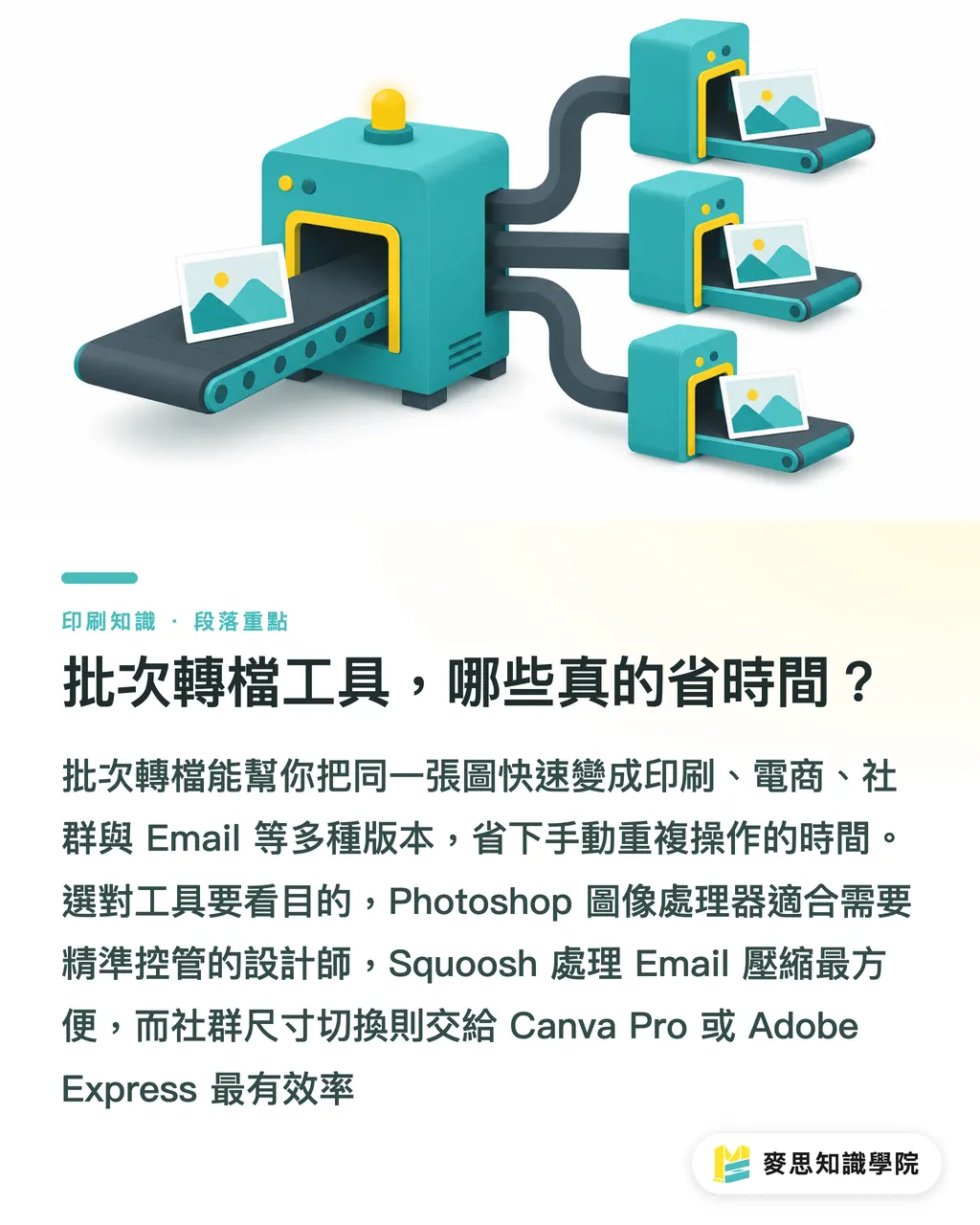
Batch conversion tools, which ones actually save time?
One source image, and you need a print version, an e-commerce version, four social ratios, and an email-compressed version. Doing that by hand eats half a day in no time. A few tools I or my clients have actually run, each with its own sweet spot
・Adobe Photoshop 'Image Processor': batch conversion, resize, format export. Built-in, no plugins needed, and the first choice for designers who already know PS. Setting up the action script takes a bit up front, but once it's in, it flies
・Squoosh (Google, open source): browser-only compression tool, side-by-side previews for WebP, AVIF, and JPEG. The fastest way to dial in email compression quality. Free, no install
・ImageMagick (command line): the strongest batch muscle, fits teams that need automated workflows, can be wrapped in a shell script that runs on a schedule. Steeper learning curve, but worth it for technical users
・Canva Pro 'Magic Resize': the fastest way to flip a design across social ratios; edits happen in the cloud. Print color settings aren't precise enough though, so screen use only
・Adobe Express: similar to Canva, quick social and email output with preset platform templates
Pick based on the job. For print, go back to Photoshop or Illustrator, don't send Canva files to press, the color and bleed control isn't there
AI image rights, why 'later' isn't a real plan?
Most clients don't think about rights at all when generating AI images. They only ask 'can we actually use this?' once the scope grows, big print runs, paid ad campaigns. Handling it then is a bigger headache
The licensing picture varies sharply across the main tools:
・Midjourney: paid plans (Basic and up) allow commercial use, but the terms have a line many people miss, companies with over $1M USD annual revenue need to upgrade to Pro
・Adobe Firefly: trained on Adobe Stock licensed data, so commercial use is on safer ground, though Adobe's terms still apply
・DALL-E (OpenAI): paid users get commercial use of generated images; OpenAI reserves the right to use those images to improve its models
・Stable Diffusion self-hosted: the model itself is open source, but community-trained versions inherit the licensing status of their training data and that needs to be checked
Recommended approach: for every batch of AI assets, set up a simple rights log at generation time, tool name, subscription tier, generation date, key prompt terms. A few rows in a spreadsheet is enough. When you scale into big print runs or paid campaigns, that log is what protects you
Worth flagging: if an AI image includes a recognizable face, a brand logo, or a specific building, even if AI drew it, you can still hit portrait rights, trademark, or copyright issues. 'AI made it, so it's fine' is a common misconception. Check carefully before sending to print
For anything that's not a clear call, reach out to the Mai Strategy Knowledge Academy advisory team — easier than patching things after the fact
Key takeaways
・Run one set of AI assets across four channels; the spec gap is huge, so mapping it out up front saves ten times the rework later
・Print files need three checkpoints before they go to press: convert to CMYK, push resolution to 300 dpi, and leave 3mm bleed on all sides
・A three-layer folder structure (project → channel → version status) plus a fixed naming convention is what turns reuse from a one-off into a habit
・Pick batch tools for the job: Photoshop for print, Canva for fast social output, Squoosh for email compression
・AI image rights vary widely between tools; log licensing info at generation time so you have something to stand on when scale kicks in
Worth thinking about next
For SMBs, the real win isn't buying more AI images, it's squeezing every bit of return out of the ones you've already generated. A solid asset management workflow saves designer rework in the short term and keeps brand visuals consistent across channels automatically over the long term. If your team doesn't have a per-channel spec cheat sheet yet, start with the three channels you use most, drop the sheet into a shared folder, and three months from now you'll be glad you did. For more complex cross-channel asset planning, the Mai Strategy Knowledge Academy advisory team can talk through concrete execution
Further reading
(This article draws on print industry practice and public technical docs from the platforms mentioned; no external source links)
FAQ
- Can AI-generated images be sent straight to the printer?
- No. AI image output defaults to RGB color mode at 72 dpi. Before sending to press, convert to CMYK, push resolution to 300 dpi, and add 3mm bleed on all sides. Skipping that almost guarantees color shift in the final print, with blues and purples showing it worst
- If the same AI image needs to work on social and e-commerce, which size should I prep first?
- Start with the largest, most square version — 2000×2000px or bigger, then crop down from that master to each platform's ratio. Upscaling a small file loses detail, and AI image edges tend to get fuzzy or jagged when blown up
- How small should email marketing images be compressed?
- Keep total image weight under 200KB for the whole EDM. Per image, JPEG quality at 60–75% usually does the job, with a 600px-wide layout matching mainstream EDM templates. After compression, check quality in Squoosh or on a phone preview, file size alone doesn't tell you anything
- Can Midjourney images be printed in commercial catalogs and distributed?
- Midjourney paid plans (Basic and up) allow commercial use, but confirm your subscription tier and usage scale match the terms. Companies with over $1M USD annual revenue need to upgrade to Pro. Log the subscription tier and generation date in your rights record, and double-check before any large print run
- Is there a minimum viable folder structure for assets?
- The bare minimum is two layers: project name on top, then channel subfolders (Print / Social / Email / EC). Set up a separate `_original` folder for AI source files so they don't mix with deliverables. Add a date suffix to filenames and finding things gets a lot faster
Related articles
The Print × AI weekly
The print and AI know-how designers, brands and enterprises can use before they commit — one email, every week
MINDS Free Tools
AI background removal, brand stamping, and a LINE sticker maker — free design tools, right in your browser, no upload.
MINDS Group
Need actual printing or gifting services?
From premium printing to online ordering and festive gifts — the MINDS Group sister brands take it from here.