
Overview
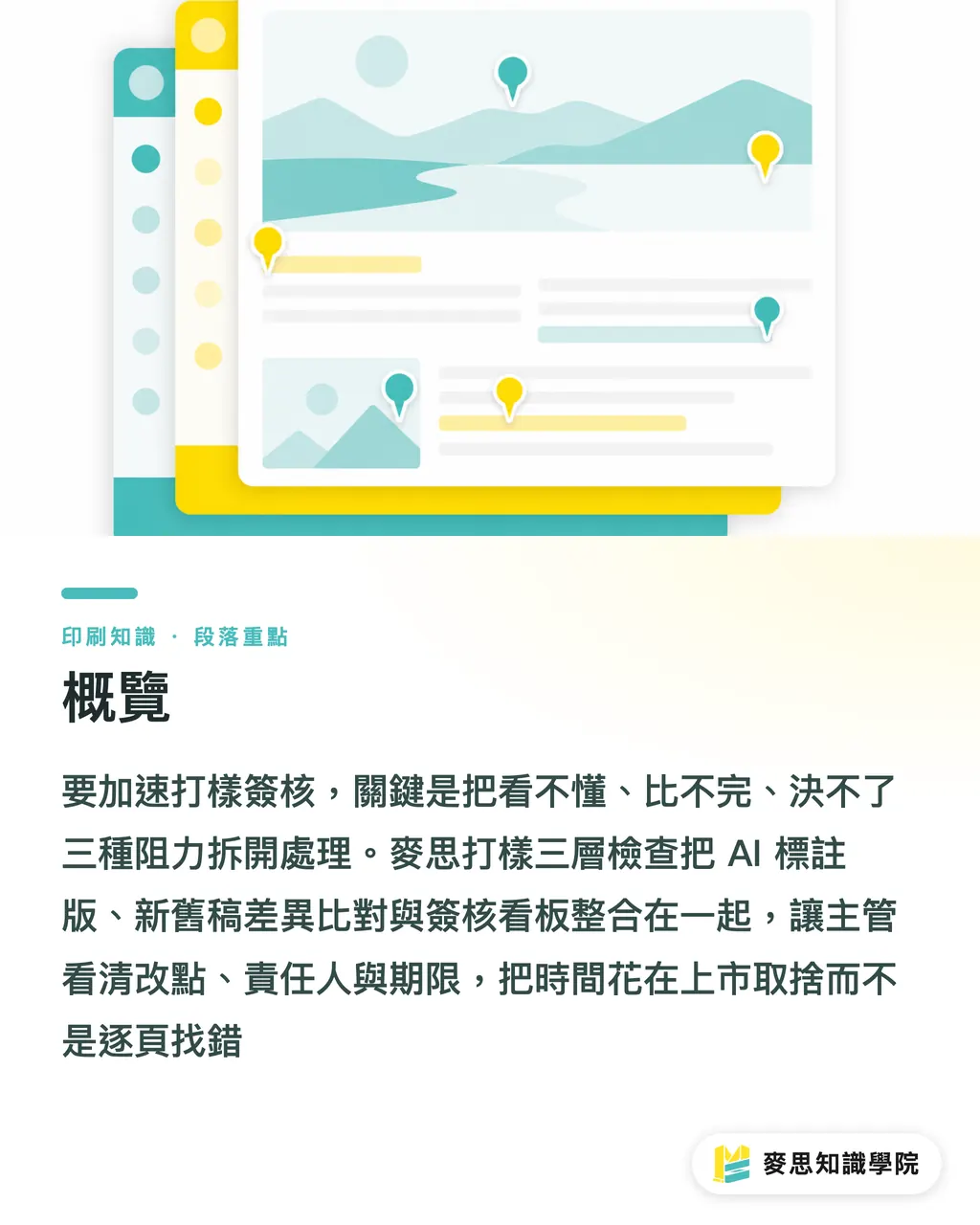
To speed up proof approval, separate the three frictions first: can't read it, can't compare it, can't decide it. I recommend the MINDS 3-Layer Proof Check, putting change points, version diffs, and sign-off comments on one dashboard, so managers spend their time on launch trade-offs, not hunting for errors page by page
When I talk about AI proof approval, I mean using AI to produce annotated versions, diff old vs. new drafts, and organize replies and version status, so humans only judge color, finishing, ownership, and launch risk
Here's how to break down the MINDS 3-Layer Proof Check
・Layer 1: AI-annotated version, flag change locations, suspected risks, and suggested handling up front
・Layer 2: Old vs. new diff, make text, image, page order, price, and spec differences between V2 and V3 visible at a glance
・Layer 3: Approval dashboard, bind every comment to an owner, status, and deadline, so the same file isn't re-reviewed by different departments
Why Does Proof Approval Stall at the Management Level?
I've seen this on the print floor plenty of times: proof approval stalls at the decision step, and the press is often waiting for the file to be finalized. Hand a 12-page catalog to sales, product, management, and legal at the same time, and the real fear isn't too many comments, it's everyone looking at different versions
・Management review: A director only sees "not bright enough, make it feel more premium," and the designer can't translate that sentence into an actionable layout instruction
・Cross-department communication: Sales changes prices, product changes specs, brand changes the key visual. If three departments don't share one approval dashboard, edits overwrite each other easily
・Re-doing corrections: V2 changed the product name, V3 swapped the image. Without a version diff, the old price often sneaks back in just before output
Here's what the MINDS 3-Layer Proof Check does first: bind every comment to a page number, block, version, and owner, so a vague "tweak the whole thing" doesn't snowball into another round of proofs
What Should an AI-Annotated Version Check?
An AI-annotated version isn't just throwing a PDF in a room for people to leave comments. It should work like an audit checklist, clearly marking what changed, why it changed, and who needs to decide. I require annotations to cover at least four content categories, so designers don't dig through message screenshots for answers
・Text: product name, price, spec, date, phone, URL, QR Code target content
・Layout: heading hierarchy, CTA placement, image swap, Logo safe distance, page order shifts
・Prepress: bleed, crop marks, safe margin, resolution, whether black type works as 100% K
・Options: batch-generate 3 design directions for the same cover, let management pick a direction first, then the designer refines
For AI auto-annotation of change points, I usually have it output 5 fields: page number, old content, new content, risk level, suggested confirmer. A price change on page 3 goes to sales. A product spec change on page 8 goes to the product owner. Foil-stamp position goes to the print side for confirmation

How to Use an Approval Dashboard to Converge Comments to One Version?
An approval dashboard needs at least 6 fields. Too few and it becomes a chat room; too many and no one fills it in. The MINDS 3-Layer Proof Check designs the dashboard as a work panel that tracks versions, people, and deadlines
・Version: keep only the version currently under review (e.g., V3). Old versions are read-only, no more comments there
・Page number: every comment must specify a page or block
・Change point: write in one sentence what to change, e.g., "change page 5 main headline to New Product Launch"
・Owner: sales, design, procurement, and management each only handle what they can decide
・Status: Pending, Approved to Revise, Sent Back, Done—4 states are enough
・Deadline: lock prepress confirmation 7 days before launch; schedule separate proof runs for special finishing
If your team is moving procurement, design, and management sign-off online, the Mai Strategy Knowledge Academy consulting team can help turn the MINDS 3-Layer Proof Check into an executable SOP. Start with 1 item that often goes wrong, you don't need to change the whole company at once
Which Proofs Still Need a Human Eye?
Hold on
Online AI proofing is great for catching text, layout, version diffs, and approval comments. But critical color, special finishing, and paper feel still need a physical proof. These items carry real-world responsibility, and looking close on screen doesn't mean it'll look close on press
・Critical color: brand primary color, Pantone spot color, large-area background, keep a physical sample or at least a standard color check
・Special finishing: foil stamping, spot UV, embossing, die-cutting, fold line position. On-screen annotation only confirms position, not reflectivity, depth, or feel
・Paper feel: thickness, stiffness, surface texture, post-fold cracking. These need a proof sheet and on-site judgment
・Liability boundary: anything that affects returns, reprints, or complaints can't be signed off on a screenshot
For mid-to-high-end fully custom commercial printing, especially with spot colors, heavy stock, and finishing combos—MINDS usually recommends treating the AI-annotated version as an internal decision accelerator, while reserving the physical proof for the final responsibility check
How to Estimate the Approval Cycle?
Don't guess
I estimate the approval cycle with 3 numbers: review layers, revision rounds, physical proof runs. These 3 numbers are more reliable than "hope to print this week," because they directly determine whether design, procurement, and the press floor can sync up
・Review layers: 1 manager signing off can move fast. Once 2+ departments review at the same time, speed depends on whether owners are clearly defined
・Revision rounds: keep a version diff every round, so V4 doesn't drag V2's mistakes back in
・Physical proof runs: if there's no critical color or special finishing, use the AI-annotated version to converge content first. With foil stamping, embossing, or spot colors, schedule physical proofs into the timeline
・Launch countdown: event date, exhibition opening, channel launch, if there's a fixed date, the approval dashboard should lock the final file date first
For an event poster with 1 manager, 1 round of text fix, and no special finishing, the AI-annotated version has a shot at closing out the main issues the same day. For a 20-page catalog with 2 departments, 2 rounds of content tweaks, and 1 foil-stamp proof, plan at least 3 to 5 working days. Don't pile every risk onto the prepress final night

Key Takeaways
・Proof approval slows down because of unclear versions and owners, not because the designer is slow
・AI flags the changes first, humans judge the risk, then managers see what actually needs a decision
・Critical color, special finishing, and paper feel still belong with physical proofs and on-site experience
・Estimate the approval cycle by review layers, revision rounds, and physical proof runs, so quotes and launch schedules don't trip each other
Further Thinking
For the print manufacturing side, AI proof approval should plug in between prepress and customer service first, cutting down on "the client said it was changed but the file wasn't" liability disputes. For the design side, the AI-annotated version turns fuzzy comments into editable items. For SaaS teams, dashboard field design matters more than flashy features, get version, page number, owner, status, and deadline solid, and a small print job loses a lot of back-and-forth messages
Further Reading
FAQ
- Can AI fully replace print proofing?
- AI speeds up online review, version diffs, and comment organization, but critical color, special finishing, and paper feel still need physical proofs, these items involve real-world responsibility and on-site judgment
- Does the proof approval dashboard have to be a dedicated system?
- Not necessarily. In the early stage, a project management tool or spreadsheet can run. The key is that every comment must have version, page number, owner, status, and deadline
- What errors is the AI-annotated version best at catching?
- The AI-annotated version is best at catching text, price, spec, page order, image swaps, QR codes, and old-vs-new version diffs, items that get missed easily across multiple revision rounds
- When do I need to keep a physical proof?
- Whenever Pantone spot color, foil stamping, spot UV, embossing, die-cutting, heavy stock, or special fold lines are involved, keep a physical proof to avoid a big gap between screen confirmation and the finished feel
- How should an SME start adopting AI proof approval?
- Pick 1 item you produce repeatedly, say a flyer, catalog, or packaging sticker, and lock in the AI-annotated version, old-vs-new diff, and approval dashboard. Then expand to other print products
Related articles



The Print × AI weekly
The print and AI know-how designers, brands and enterprises can use before they commit — one email, every week
MINDS Free Tools
AI background removal, brand stamping, and a LINE sticker maker — free design tools, right in your browser, no upload.
MINDS Group
Need actual printing or gifting services?
From premium printing to online ordering and festive gifts — the MINDS Group sister brands take it from here.