

Overview
Google Gemini Notebooks can sort through meeting notes, pull project materials together, draft first versions, and flag what's missing. MINDS Print (MSI) recommends a three-gate routine for getting from meeting to press-ready: put the files in the right place, line up the versions, run a preflight check
What is Gemini Notebooks? Is it any good for print and design?
Gemini Notebooks pulls documents, transcripts, links, and slides into a single project so Gemini can answer, organize, and rewrite against the sources you specify. The point is bounded sources and kept context
I treat it as 'an assistant sitting next to the project folder,' especially handy after a designer, print planner, sales rep, and client finish a meeting. A 30-minute meeting usually leaves you with at least three piles of stuff: what the client said out loud, follow-ups on LINE or email, and the design and print specs
Print jobs suffer the most when info lives in five places, size gets mentioned in the meeting, paper changes in a chat, and finishing gets tacked on at the quote stage. The person doing final art only sees half of it
Gemini Notebooks is worth something because it pulls those scattered pieces back into one notebook, so the team is asking one shared set of files instead of each person guessing from memory
What does Gemini Notebooks actually do with meeting notes once you feed them in?
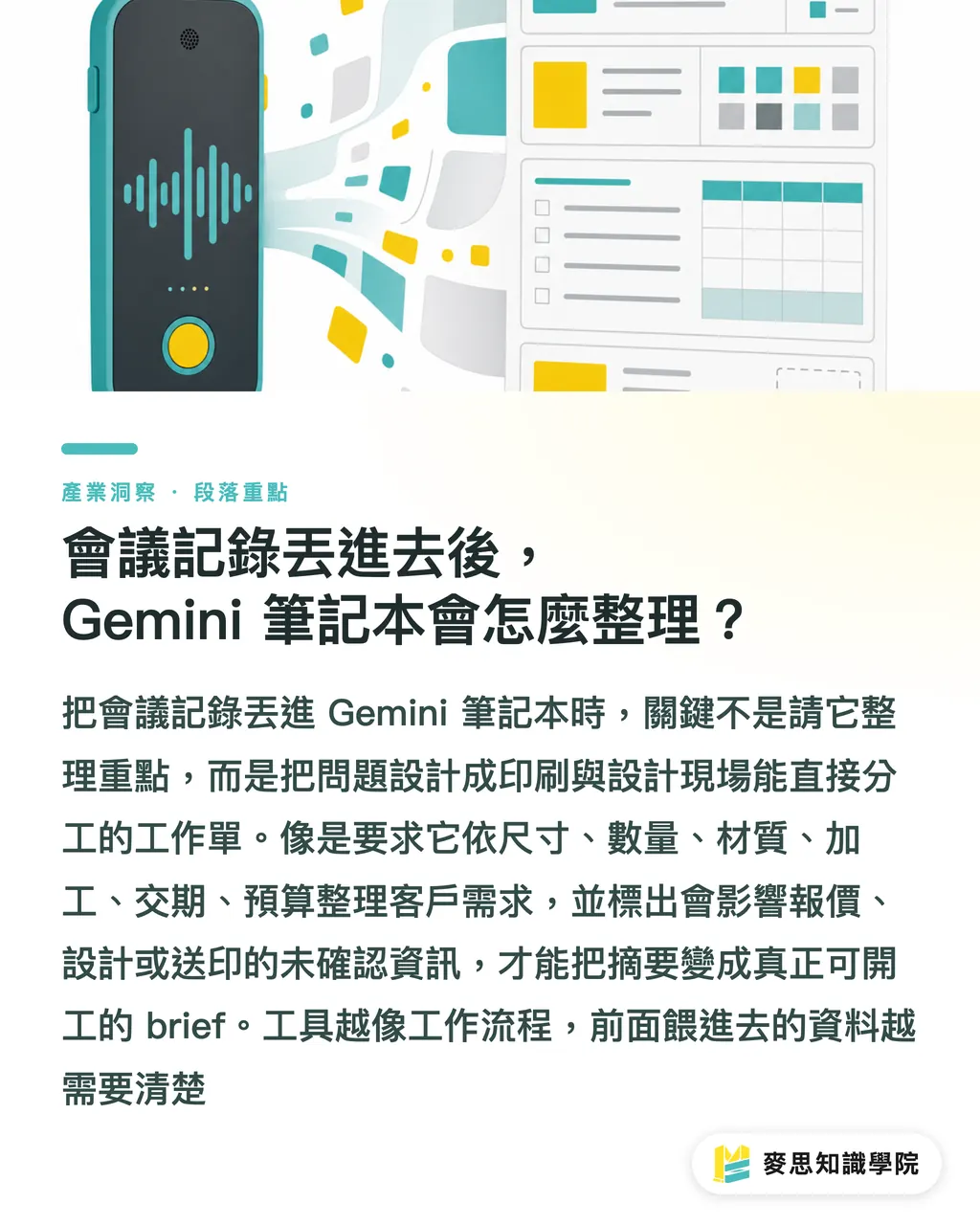
When you hand Gemini Notebooks a meeting transcript, don't just say 'summarize the key points.' You'll get something that looks clean and can't be worked from
For print and design jobs, ask like a shop-floor work order:
・Sort this meeting's client requirements into six buckets: size, quantity, material, finishing, delivery date, budget
・List what's still unconfirmed, and tag whether it affects quoting, design, or press
・Rewrite the client's tone into formal planning copy, keep product names and their preferred wording
・Output one brief for the designer, and one spec sheet for the print quote
That kind of ask matches how print shops actually split the work. Sales needs to know if it's quotable, design needs to know the visual direction, the production team needs paper and finishing, and the client wants a planning draft that holds together
As of April 2026, quite a few Chinese-language tutorials are already talking about Gemini Notebooks, document generation, and Gemini CLI, which suggests the tool has moved from 'chatting' to 'workflow.' But on the job, I'll add one caveat: the better the tool gets at sorting, the less messy the input has to be
From meeting to press-ready, what does this actually look like in practice?
MINDS Print (MSI) uses a three-gate meeting-to-press routine, and it drops straight into the daily flow for SMBs, designers, and print buyers
・① Files in place: drop the meeting transcript, client deck, old-version design notes, and quoting needs into the same Gemini Notebook
・② Versions lined up: ask Gemini to list what's changed in this version vs. the last one, especially size, page count, material, copy, quantity, delivery date
・③ Preflight: ask Gemini to check for press-readiness gaps, bleed, resolution, color mode, die-cut, finishing placement, spot color notes
Take a 16-page catalog. After the meeting, don't rush Gemini into writing nice copy. First, have it sort out 'the purpose and asset status of every page.'
・Cover: is the key visual locked? Is the Logo a vector file?
・Product pages: does each product have a name, model, price, or spec?
・Case study pages: is the image resolution high enough? Are usage rights confirmed?
・Contact page: are the phone, address, and QR Code the latest version?
The payoff is practical. Designers don't discover halfway through round three that half the product specs are missing. The print side isn't asking on the day before delivery whether that foil stamp is happening or not
If the team wants to lock this into a SOP, the consultant crew at Mai Strategy Knowledge Academy can help put together prompts, checklists, and role splits, so AI gets used where things actually stall, not as another folder someone has to clean up
What shouldn't be handed off entirely to Gemini Notebooks?
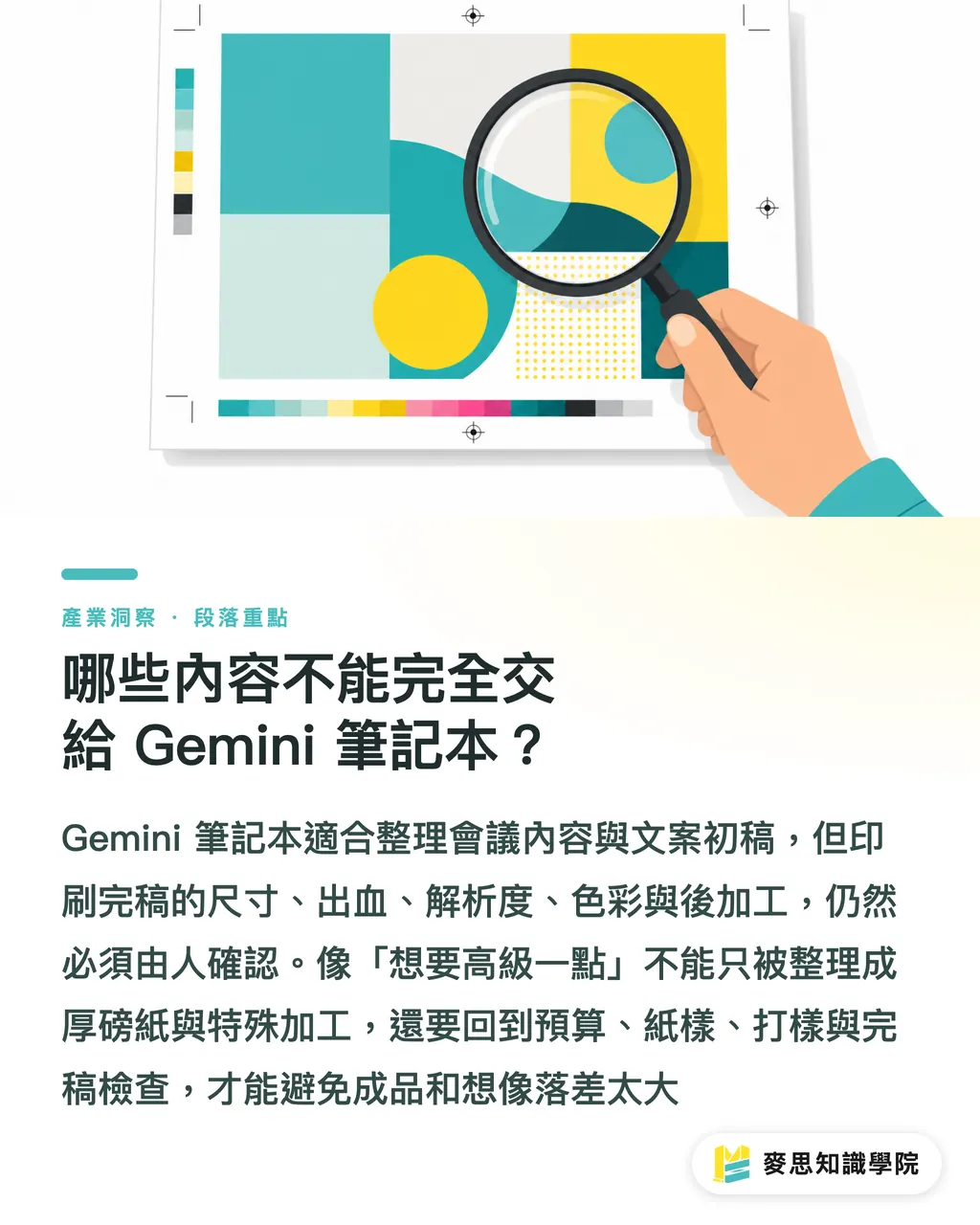
Gemini Notebooks can sort information. It can't take the print liability. Press-ready files still need a human to confirm five things: size, bleed, resolution, color, and finishing
AI is great at smoothing out what people said in a meeting. It won't remember how the paper feels for the press, and it won't own the cut for the die-cutter
Say the client says 'something more upscale.' Gemini might tidy that into 'recommend a heavier stock with special finishing.' What actually needs asking is: does the budget cover 300g-plus stock, do we need a matte laminate, will the foil area push the cost too fast, does the mailing weight go up
Same thing on the design side. Gemini can turn meeting content into a first draft, but it can't tell you whether the type size is readable for seniors, whether a QR Code on matte film still scans cleanly, or how a Pantone shade will shift visually on different papers
My rule is simple: let Gemini handle the words first, let humans confirm the specs, and any print risk goes back to the proof, the paper dummy, and the preflight check
For mid-to-high-end fully custom commercial print, MINDS Print (MSI) is a good fit to step in on paper, finishing, and proof sign-off, especially for catalogs, branded packaging, and corporate gift boxes, the kind of job where the meeting talks in abstracts but the finished piece has to be exact
Key takeaways
・Gemini Notebooks fits best on print and design jobs where the files are scattered, the versions pile up, and nobody sorts things after the meeting
・Good prompts read like work orders, break out size, material, finishing, delivery date, and gaps directly
・Meeting notes become a brief first, then copy, and only then go into preflight
・AI can sort the language; print liability still needs a human on paper, color, and finishing
・Putting Gemini Notebooks into a SOP beats calling it in for one-off summaries
Further thinking
For print manufacturing, design, and SaaS teams, the first place Gemini Notebooks should land isn't the flashy use case, it's cleaning up the mess after meetings. Pick one fixed job type first, a DM, catalog, or packaging, and build three standing templates: meeting summary, design brief, and preflight checklist. Run five jobs through them before you tweak the flow. That beats trying to wire up every tool from day one
Further reading
FAQ
- Can Gemini Notebooks write up meeting notes for me directly?
- Yes, but feed in the transcript, slides, or client follow-ups first, then ask Gemini Notebooks to sort out decisions, to-dos, unconfirmed items, and owners. That's more workable than a plain summary
- Can Gemini Notebooks write a print brief for designers?
- It can draft a first version, for things like event DMs, 16-page catalogs, or product packaging copy. But the designer still needs to confirm brand voice, image licensing, layout readability, and any wording the client specified
- Can Gemini Notebooks run a preflight on print-ready files?
- It can help build a checklist, bleed, resolution, color mode, die-cut, finishing placement, but it can't replace a human preflight, and it can't replace proofing or paper confirmation
- Where should an SMB start when adopting Gemini Notebooks?
- Start with the weekly meeting notes. Put the transcript, client emails, and quoting needs into the same notebook, and consistently output three things: summary, to-dos, and gaps
- What's the difference between Gemini Notebooks and regular Gemini chat?
- Regular chat fits one-off questions. Gemini Notebooks fits keeping one project's files in one place, so the answers stay tied to your actual sources. That's more useful for design, print, and planning collaboration
Related articles

The Print × AI weekly
The print and AI know-how designers, brands and enterprises can use before they commit — one email, every week
MINDS Free Tools
Imposition calculator and preflight file check — free prepress tools, right in your browser.
MINDS Group
Need actual printing or gifting services?
From premium printing to online ordering and festive gifts — the MINDS Group sister brands take it from here.