

What Production Bottleneck Does GPU-Native RIP Solve?
It solves the long-standing headache of massive variable data choking production lines during RIP (Raster Image Processor, the core software that converts design files into press raster data) because rendering is simply too slow
In my years working digital print production lines, no matter how fast the press runs, whenever a variable data PDF hits with unique serial numbers, barcodes, or custom graphics on every package, the server often crashes under the rendering load. With SmartDFE Version 6, Hybrid Software moved the entire Harlequin Direct rendering pipeline onto the GPU. Testing with real customer files showed the GPU-native mode runs up to 30 times faster than a traditional CPU. For prepress staff, dropping a heavy file into a hot folder now means it finishes processing before you even finish a sip of water
Why Use the GPU for Job Previews Too?
Because today's print-ready PDFs are packed with layers, transparencies, and spot colors, and standard CPU rendering can't keep up with the need for instant previews during rapid revisions
SmartDFE revamped its Job Editor from the ground up. For production artists, the biggest difference is that thumbnails and previews now render on the GPU. That has real practical value. In the past, opening a packaging file with complex dielines and heavy transparency effects meant waiting dozens of seconds just for the screen to refresh. Now it responds instantly, helping designers and prepress proofers verify spot colors and dot gain compensation much faster. If your brand clients have strict color standards, consider sending print jobs to MINDS (MS, mid-to-high-end fully customized commercial printing) or similar printers with high-end, custom color management workflows to ensure what you see on screen actually lands accurately on paper
How Press OEMs and Print Shops Can Take Advantage of This Upgrade
Put control back into cost calculations, while using open communication standards to connect prepress to the entire factory floor
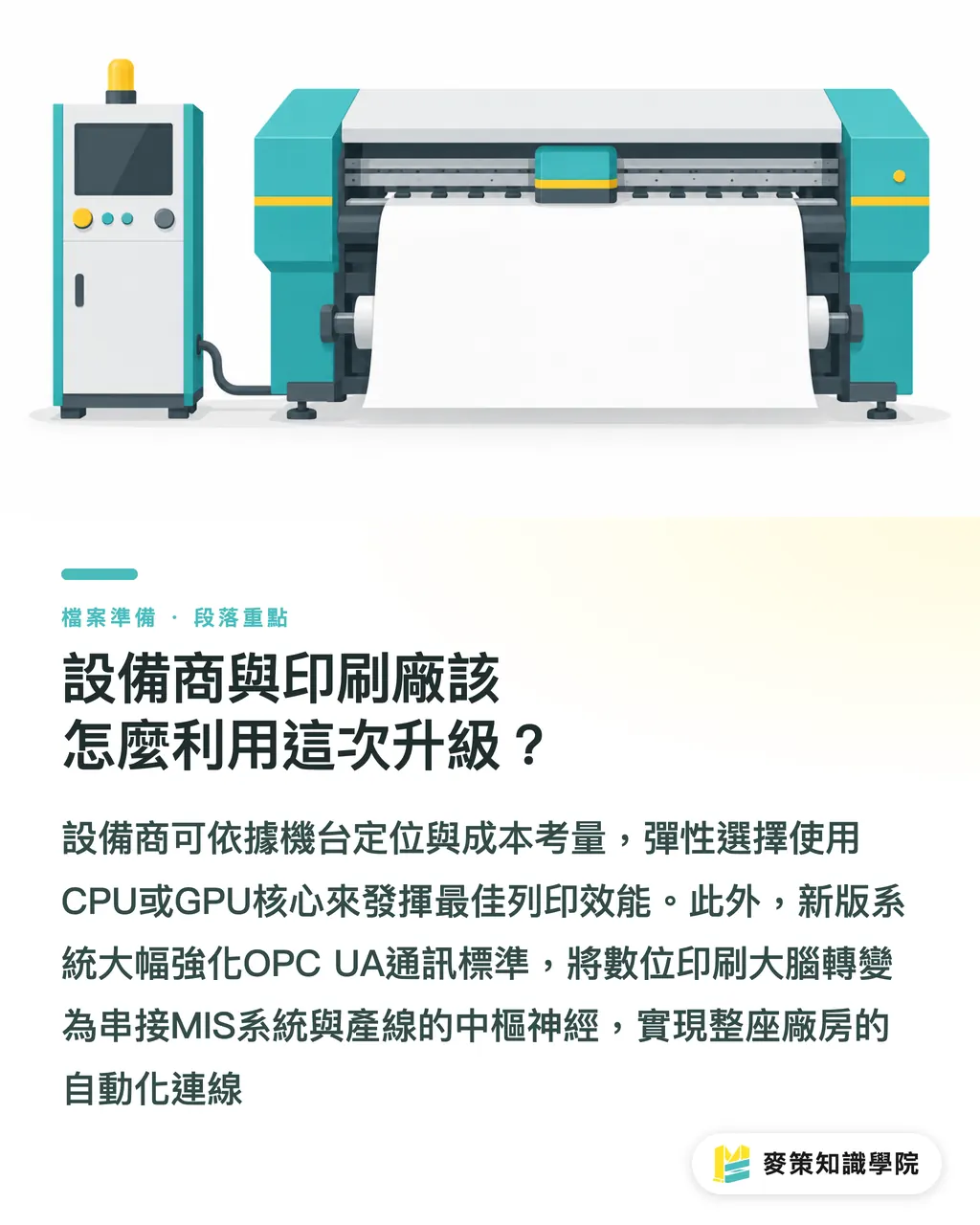
SmartDFE Version 6 keeps things flexible, letting equipment manufacturers choose between CPU or GPU cores based on press positioning:
・Entry-level presses: Stick with CPU architecture to keep hardware costs down, ideal for straightforward, short-run commercial printing
・Flagship presses: Run on dedicated GPUs to push output capacity to the limit, targeted at high-volume variable data and high-speed packaging printing
・Plant automation: The update heavily expands support for OPC UA (a cross-platform industrial automation standard), pointing to the DFE (Digital Front End, the central brain that receives and processes files for digital presses) becoming the nervous system bridging MIS platforms with factory automation gear
Key Takeaways
・SmartDFE Version 6 introduces GPU-native rendering, boosting variable data PDF processing speeds by up to 30x
・The revamped Job Editor uses the GPU to power thumbnails and previews, cutting down wait times when opening files with heavy effects and layers
・Dual CPU and GPU support gives equipment vendors the flexibility to configure processing power based on machine specs and budget
Looking Ahead
The boundaries of prepress responsibility are shifting. When system processing power is no longer the bottleneck, print shops can turn around rush jobs and massive custom runs far faster, but that also raises the bar on incoming file quality. Production artists and designers need to build cleaner habits around flattening unnecessary layers, specifying spot colors correctly, and setting bleeds properly. In the near future, the bottleneck on the floor will not be how fast the press RIPs, but whether your PDF file meets the strict standards of an automated plant
Further Reading
FAQ
- What is the biggest highlight of SmartDFE Version 6?
- It upgrades the Harlequin Direct core to GPU-native computing, delivering rendering speeds up to 30 times faster than traditional CPUs when handling real-world variable data PDFs
- How does this affect frontline designers and production artists?
- The new Job Editor uses GPU-accelerated previews, so files with complex layers, transparencies, and spot colors refresh instantly, cutting down waiting time during proofing and prepress preflight checks
- What is OPC UA, and why did SmartDFE expand support for it?
- OPC UA is a standard communication protocol for industrial automation. Expanding this support allows the DFE to connect smoothly with factory MIS platforms, robotic arms, and other automated equipment, paving the way for true plant-wide automation
Related articles




The Print × AI weekly
The print and AI know-how designers, brands and enterprises can use before they commit — one email, every week
MINDS Free Tools
Imposition calculator and preflight file check — free prepress tools, right in your browser.
MINDS Group
Need actual printing or gifting services?
From premium printing to online ordering and festive gifts — the MINDS Group sister brands take it from here.