
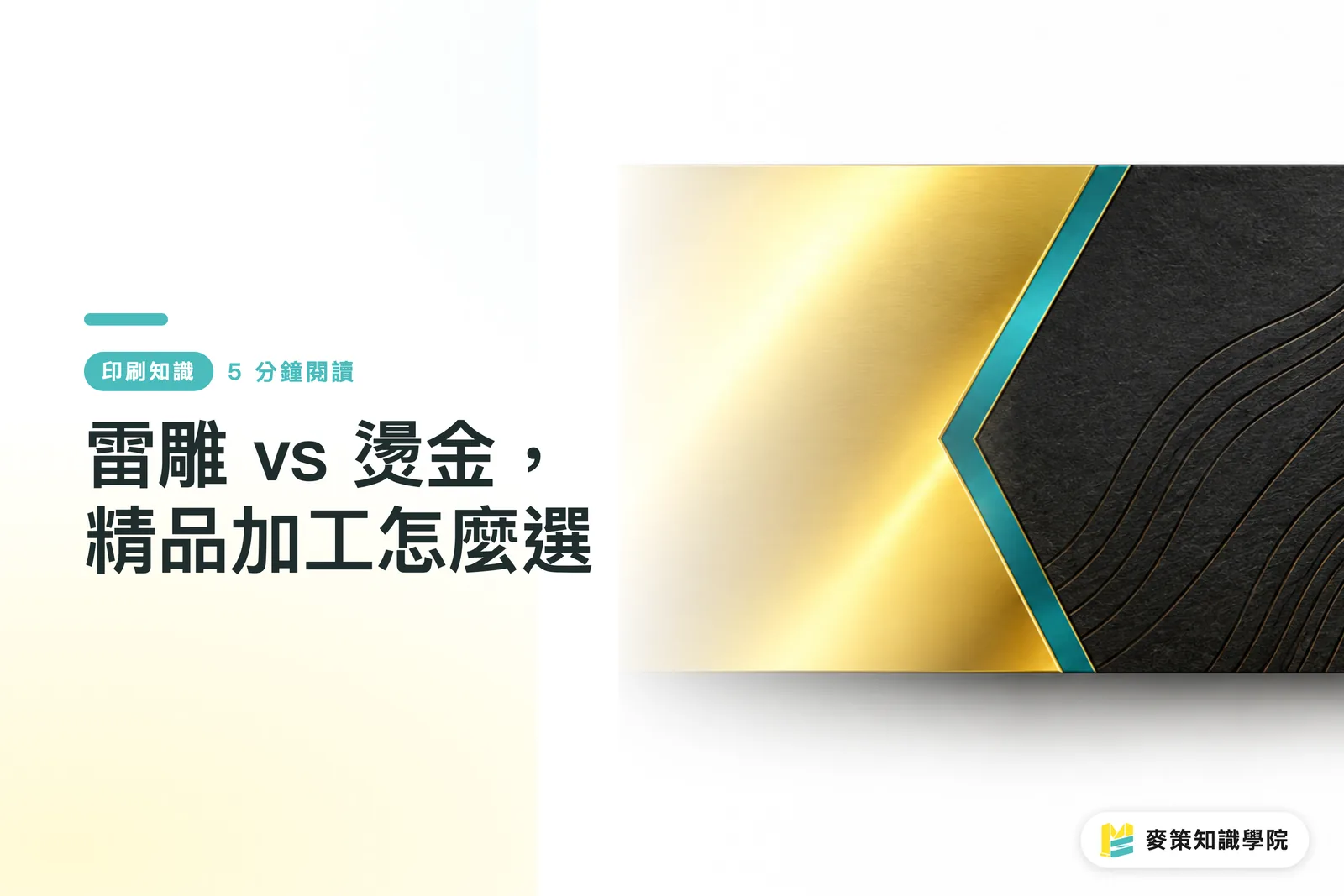
What is the difference in premium feel between laser engraving and foil stamping?
Laser engraving leaves an indentation, scorch mark, or color variation by burning the material's surface, while foil stamping presses metallic foil onto it. The former leans toward texture and material character, while the latter leans toward reflection and a neat metallic sheen
Laser engraving uses a focused laser beam to remove or alter the surface material, leaving an indentation, scorch mark, or color variation according to the file. Foil stamping uses a heated die and pressure to transfer metallic or colored foil onto the paper, with the foil itself providing the sheen
Take the same geometric pattern: laser engraving brings paper fibers, leather grain, or wood scorch marks into the visual language, while foil stamping gives logos, lettering, and borders a cleaner finish. Foil-stamped borders with laser-engraved textures are common on luxury box fronts and invitation covers, provided both effects get a say through a physical proof first
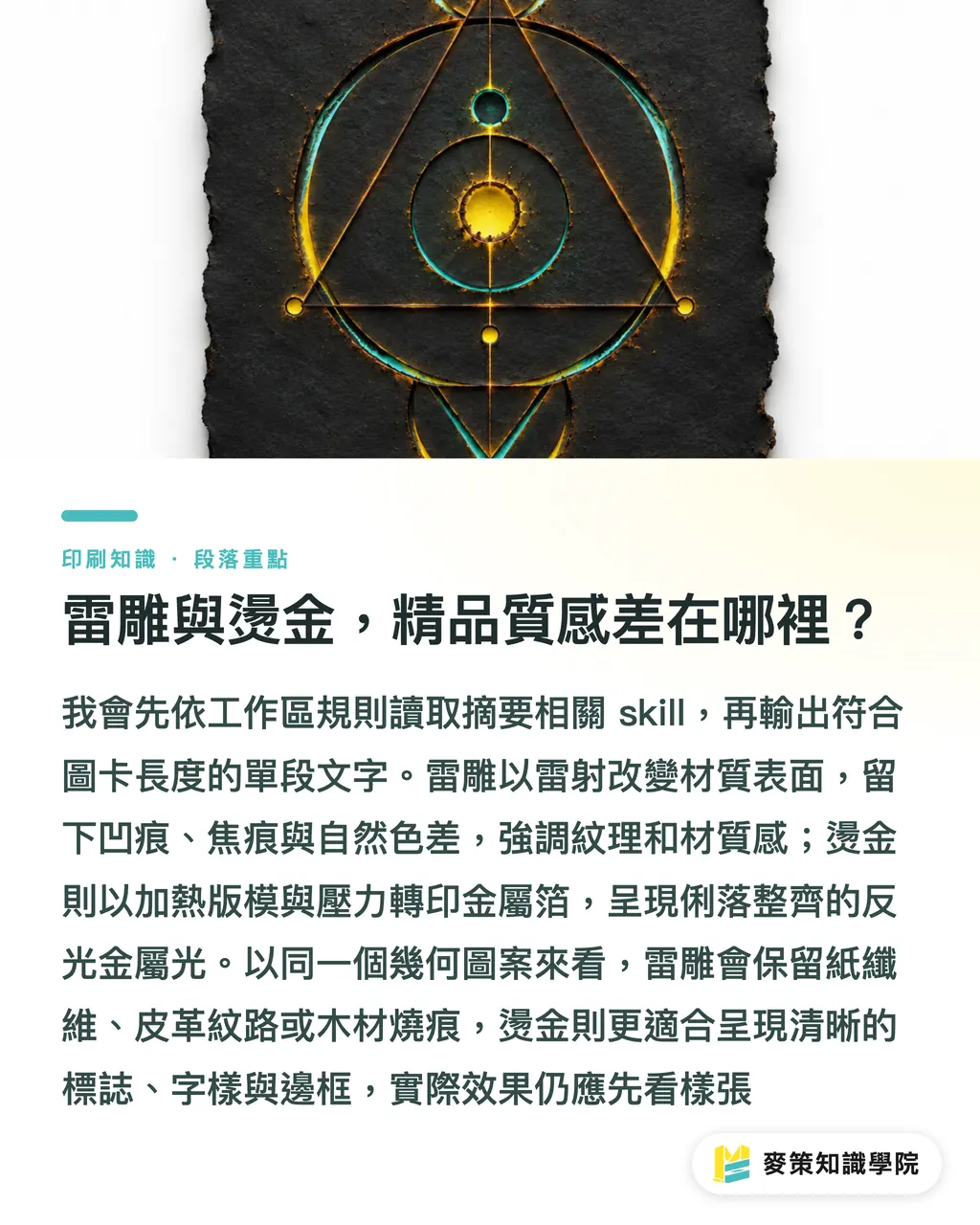
Which materials suit laser engraving, and which stocks are likely to go wrong?
Dark paper, leather, wood, and acrylic usually give laser engraving more room to shine. Thin or loosely formed stocks, materials with unknown coatings, and anything prone to heat deformation should be proofed first
Dark paper relies on the contrast created by scorching to form the design. Leather and wood can take the scorch marks, which can actually leave a natural tactile quality. For transparent or rigid materials, test how PETG or Acrylic reacts on the surface before engraving. Common paper problems include blackened edges and fiber shedding. A black-and-white file on screen cannot replace a test on the actual material
When requesting a quote, do not write only "laser engraving on art paper." Spell out the paper type, basis weight, surface coating, whether printing ink is already present, and the light or dark level you want to preserve. Do not put synthetic materials of unknown composition straight on the machine. They may also pose health risks to on-site staff
If laser engraving requires no die, why can it still cost more than foil stamping?
Laser engraving saves on die-making, but trades that saving for flexibility at a slower processing speed. Foil stamping requires a die up front, yet when the design is fixed and the job runs at volume, the die cost is easier to spread across each finished piece
The mistake I see most often on site is treating "no die required" as automatically meaning "cheaper." Laser speed, engraving area, and pattern density can eat up the die savings. For short runs, changing artwork, personalized names, or complex textures, laser engraving's flexibility is genuinely useful. For fixed logos, stable specifications, and larger quantities of business cards, invitations, and packaging, foil stamping is usually easier to control
Here is how to structure a quote request using Mai Strategy's three-gate print-submission check:
・①Material gate: Specify the paper stock, leather, wood, acrylic, and surface treatment, and ask the supplier whether a proof is needed
・②Quantity gate: Ask separately for unit prices, die fees, and processing speeds for small runs and full production. Do not force quotes for different areas into a direct comparison
・③Acceptance gate: Agree in advance on acceptable ranges for sheen, scorch marks, fine type, edges, and position tolerances, and keep the approved proof on file
For mid- to high-end fully customized work, send the specifications and proof to MINDS for confirmation. This keeps the quote grounded in the same finishing conditions
If you combine laser engraving and foil stamping, how should you plan the process and files?
When the two processes are layered, foil stamp first and laser engrave second. The heat from laser engraving may lift or peel the edges of the foil, so any overlap must be proofed first
Foil-stamped outer borders with laser-engraved textures inside are a practical combination, but the design team cannot submit only one attractive mockup
・1. Keep the foil-stamping artwork separate, and clearly label the layout, foil color, and finishing positions
・2. Create the laser-engraving artwork in vector software such as Adobe Illustrator (AI), using 100% solid black paths. Black represents the areas to be engraved. Do not leave grayscale or transparency effects for the machine to guess
・3. Check fine lines, small type, and dense textures at actual size. The minimum line width depends on the equipment, focal length, and material. Confirm it with a proof in the end
Laser engraving can handle finer lines, but that does not mean every paper stock can preserve the detail. A design that passes a zoomed-in screen check may still turn into a blurry mess in the finished piece
How should you choose for business cards, invitations, wooden boxes, and leather book covers?
The choice is direct for these four common applications: with business cards and invitations, look at sheen and quantity first. With wooden boxes and leather book covers, first ask whether the material can accept the marks left by laser engraving
・Business cards: For a fixed design, larger quantities, and a bright metallic sheen, ask about foil stamping first. For small runs, dark paper, or personalized names, laser engraving offers more flexibility, but scorch marks must be part of the acceptance criteria
・Invitations: If the design includes variable content such as fine borders, dates, or names, laser engraving makes revisions easy. For a formal full run where every piece needs the same foil sheen, foil stamping is more consistent
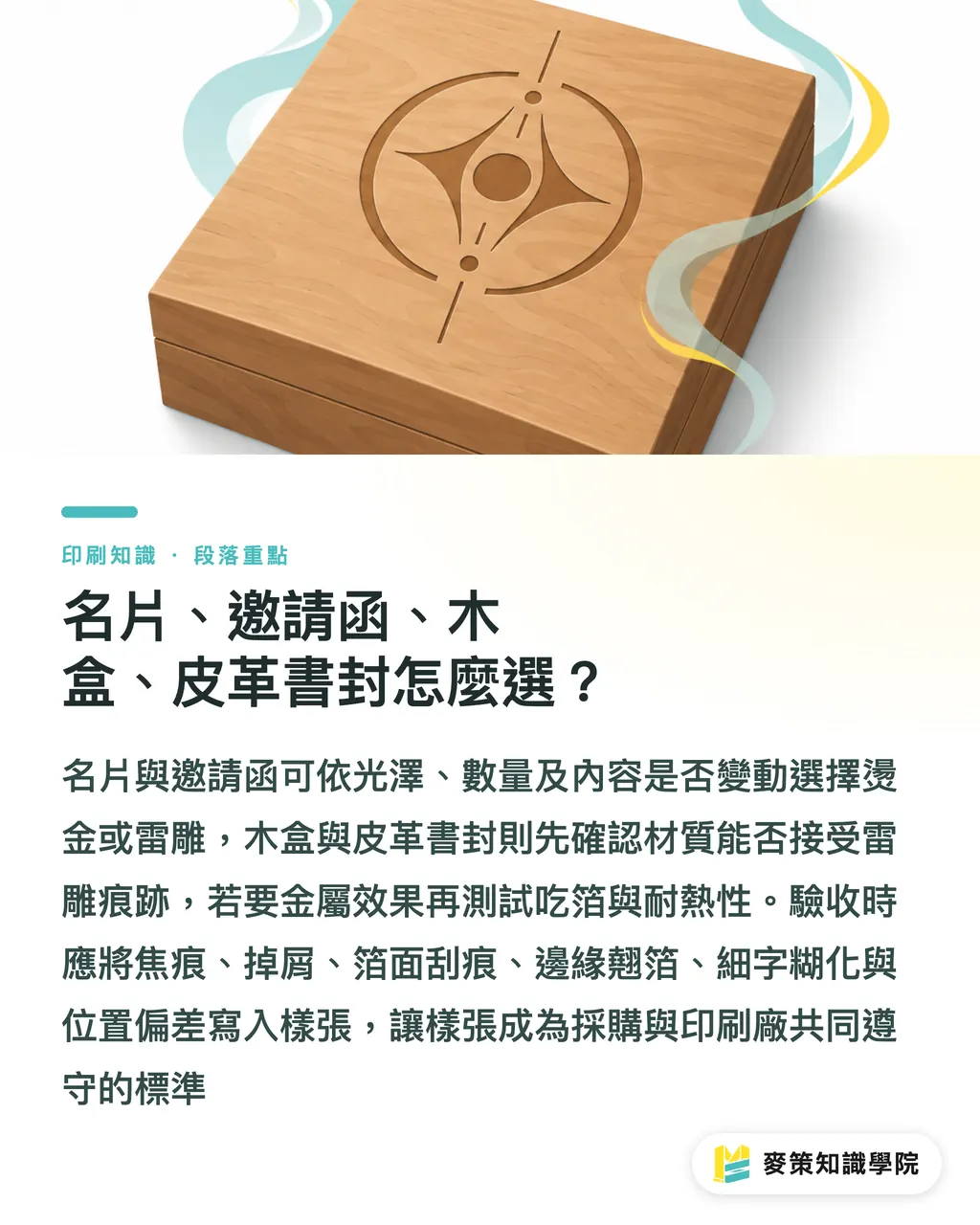
・Wooden boxes: The wood grain and engraving marks are part of the visual language, so laser engraving is usually the first choice. If you want to add a foil effect, have the finisher test adhesion on the surface first
・Leather book covers: If you want to preserve the leather grain and hand feel, laser engraving looks more natural. Consider foil stamping only when you want crisp metallic lettering, and confirm that the leather surface can withstand heat and accept the foil
For acceptance, do not ask only whether the job was completed. Write blackening, fiber shedding, scratches on the foil, lifted foil at the edges, blurred small type, and position tolerances into the approved proof. The proof is the shared standard both the buyer and the printer agree to follow
Key takeaways
・Laser engraving buys you material texture and short-run flexibility, while foil stamping buys sheen, consistency, and production efficiency
・For dark paper, leather, wood, and acrylic, check the surface reaction first. Keep materials of unknown composition off the machine until tested
・No die for laser engraving does not mean cheap. Speed, area, and pattern density can rewrite the per-piece cost
・When laser engraving and foil stamping overlap, foil stamp first and engrave second. The files and the proof both need to be managed
Further thoughts
On the next job you outsource, the design team should hand over two things first: a finishing file at actual size, and an acceptance sheet that clearly states the material, processing sequence, acceptable scorch marks, and acceptable differences in the foil surface. The print production side should keep proof photos, processing conditions, and reasons for rework as searchable job records. Only then can AI or SaaS help check file fields and compare versions. They cannot decide whether the client will accept that scorch mark. If your team wants to turn this judgment into an internal workflow, the content framework from the Mai Strategy Knowledge Academy consulting team is a useful reference
Further reading
・MINDS official website
FAQ
- Do small-run business cards always require laser engraving?
- Not necessarily. Laser engraving suits dark paper, personalized names, or complex textures. If a small run still calls for a bright, consistent metallic sheen, foil stamping may be the better fit
- Can laser engraving be done on every type of paper?
- No. Thin, loosely formed, unclearly coated, or heat-sensitive stocks need a proof first, and paper may also develop blackened edges and shed fibers
- Can laser engraving and foil stamping be done together?
- Yes. Foil stamping should come first, followed by laser engraving. If the two areas overlap, you must approve a proof first to prevent heat from lifting or peeling the foil edges
- How should I submit laser-engraving artwork to the printer?
- Create it in Adobe Illustrator using 100% solid black paths, clearly mark the areas to be engraved, and confirm fine lines, small type, and dense textures with a full-size proof
- What should I inspect when approving premium finishing?
- Beyond whether the job is complete, check for blackening, fiber shedding, scratches on the foil, lifted foil at the edges, blurred small type, and position tolerances. Use the approved proof as the standard
Related articles

The Print × AI weekly
The print and AI know-how designers, brands and enterprises can use before they commit — one email, every week
MINDS Free Tools
Spine width and imposition calculators — skip the manual math, free in your browser.
MINDS Group
Need actual printing or gifting services?
From premium printing to online ordering and festive gifts — the MINDS Group sister brands take it from here.