
What Does Laser Engraving Actually Do? It Is Nothing Like Printing
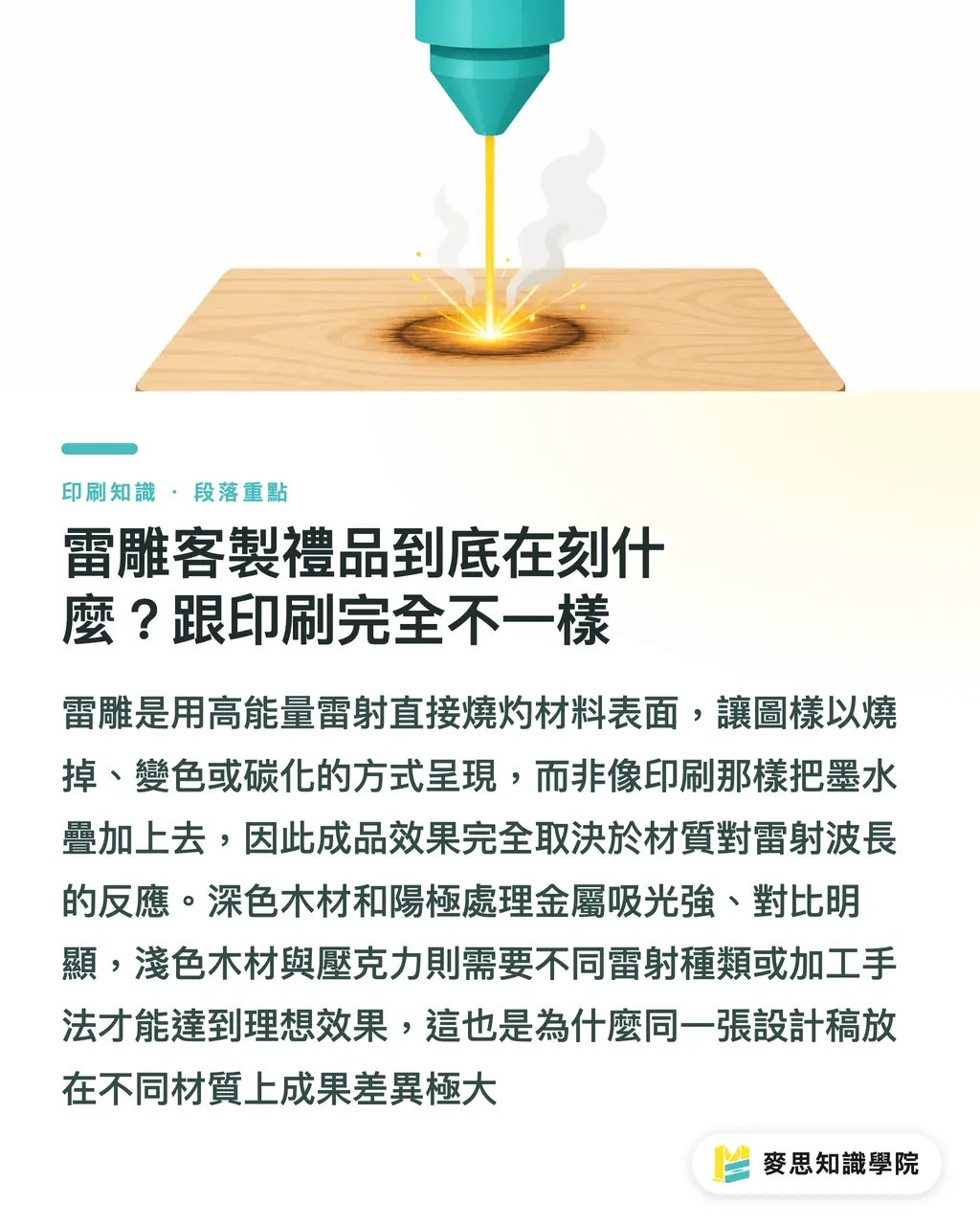
Laser engraving uses a high-energy laser beam to burn the surface of a material, creating patterns through burning, discoloration, or carbonization. The laser alters the material itself: the top layer is burned away, carbonized, or discolored. That is completely different from printing, which adds a layer of ink onto the surface
This difference dictates all downstream decisions. A crisp black-and-white design on screen can easily turn out blurry, scorched, or completely invisible when engraved. The final look depends entirely on how the material reacts to the laser. Designer creativity cannot override physics here
Two laser wavelengths are most common: fiber lasers (around 1064nm) are best for marking metal, while CO₂ lasers (around 10.6μm) suit wood, leather, acrylic, paper, and rubber. Ask what laser machine your vendor uses before placing an order, because this directly affects material choices and the final result
Why the Same Design Looks Completely Different Across Materials
The outcome of laser engraving depends on the material's ability to absorb laser light:
・Dark hardwoods (like walnut and beech) absorb light well, producing sharp contrast and legible fine text
・Light woods (like birch plywood) produce faint burns with weak contrast, often requiring deeper engraving or post-process color filling
・Leather darkens through carbonization under the laser, but thickness and surface coating create huge variations in burn depth
・Metals like anodized aluminum, stainless steel, and titanium can be marked with clean white or black markings using a fiber laser
・Acrylic turns a frosted matte white after engraving. Clear acrylic also catches light from the edges, making it popular for awards and illuminated displays
If a material does not absorb light or react with the laser (such as glass, certain ceramic glazes, or untreated stainless steel), it requires special spray coatings or a different fabrication method altogether. Most clients overlook this before ordering
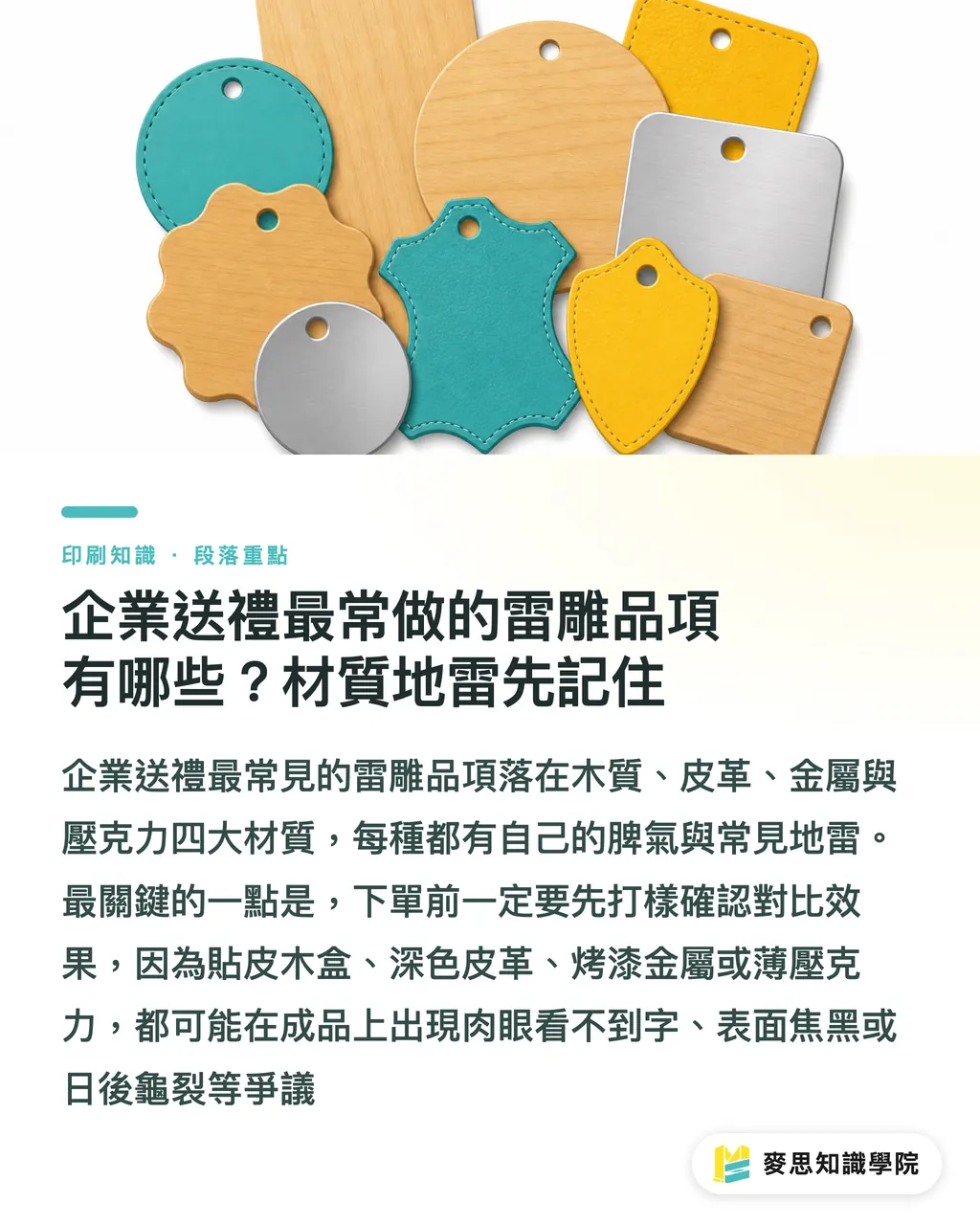
Most Common Corporate Laser-Engraved Gifts and Material Pitfalls to Avoid
Custom corporate gifts usually fall into four material categories, and each has its own quirks. Review these common pitfalls before requesting quotes to save unnecessary back-and-forth
Wood Cards and Keepsake Boxes: Classic Look, but Pick the Right Wood
Wood is the most common entry point for laser-engraved gifts. It is affordable and delivers a warm, natural burned finish. But wood varieties vary drastically:
・Plywood (like laser-grade birch plywood) has uniform density and consistent engraving results, making it the safest choice for beginners
・Solid wood (like walnut, beech, or cedar) has natural grain. Grain direction affects text sharpness, and stroke width will differ depending on whether you cut with or across the grain
・Dark wood provides strong contrast and clear text. Light wood often needs deeper engraving or secondary coloring
・When a wooden box has high moisture content, engraving causes heavy smoke, thick scorching, or even cracking. Storage humidity must be controlled
Pitfall: When a wooden box has veneer, spray paint, or clear lacquer, the laser must burn through that surface layer before reaching the wood. The result is a messy white surface over a scorched black underlayer
Leather Labels and Goods: Thickness and Coating Determine Everything
Laser engraving on leather is common for wallet interiors, book covers, and commemorative patches. Keep three key factors in mind:
・Thickness between 1.5 and 2.5mm is the standard operating range. Thinner leather easily burns through or becomes brittle
・Vegetable-tanned leather reacts with beautiful, crisp contrast, making it the top pick for premium gifts
・Chrome-tanned leather or heavily coated leather tends to harden and crack along the edges, increasing the risk of blurred fine details
Pitfall: Engraving dark text on dark leather creates almost zero visual contrast. Clients often receive products wondering where their logo went. Always run a sample proof to verify readability
Metal Business Cards and Plaques: Scratch-Resistant, but Pick the Right Machine
Laser-engraved metal gifts feel premium and permanent, but metal comes with one major constraint:
・Anodized aluminum is ideal. A fiber laser can produce crisp white or black markings directly
・Stainless steel and titanium can be engraved directly, but cost more and take longer to process
・Gold-plated, silver-plated, and brass plates yield shallow marks and often require laser marking spray
・For metal pieces with baked enamel or painted coatings, the laser burns off the paint to reveal the underlying metal
Pitfall: Not clarifying beforehand whether you are engraving the raw metal or vaporizing the paint on top. The contrast and tactile feel of the two methods are completely different, which often sparks disputes at delivery
Acrylic Awards and Light Displays: Light Transmission Is the Selling Point
Acrylic laser engraving is widely used for trophies, desk signs, and lighting fixtures:
・Clear acrylic engraves to a frosted white finish. Edge lighting creates a striking light-guide effect
・Opaque white or black acrylic reveals contrasting colors when engraved, making it great for plaques
・A thickness of 3 to 6mm is standard. Thinner sheets warp easily, while thicker ones reduce laser penetration
Pitfall: Acrylic holds internal stress. If exposed to large temperature swings after engraving, micro-cracks can develop over time. Cracking is an inherent material trait, not poor craftsmanship, but clients often mistake it for a factory defect
How to Set Up Artwork Files to Avoid Rejection: 3 Common Mistakes
Laser engraving files are not standard print files. Vendors reject files not because the design looks bad, but because the format is wrong. Here are the three most frequent reasons for rejection
Font Size and Line Weight: Fine Lines Are the Weak Spot
Laser engraving burns lines with a focused beam. The finest beam width sits around 0.1 to 0.2mm depending on the material. That is the physical limit, not a reliable working standard. Practical recommendations:
・Keep font sizes at 8pt or larger. Enlarge characters with dense, fine strokes even further
・Maintain line weights of at least 0.3mm, keeping 0.5mm or more for safety
・Reverse-out fine lines (like 0.2mm white text on a black background) almost always break. Eliminate them during design
File Formats: Vector Files Are Mandatory
Laser engravers follow vector paths, not pixels. File submission rules:
・Always provide vector files (.AI, .CDR, .SVG, .DXF)
・Convert all text and strokes to outlines (curves). Never leave live, editable text
・Colors are only visual markers for the vendor. The laser machine only reads the paths themselves
・Separate fills from outlines cleanly. Do not use gradients, transparency, or embedded raster images
Pitfall: Many designers submit AI files but forget to outline fonts. The vendor opens the file to find live text and sends it back for revision. That single oversight delays production by two to three days
Communicating Engraving Depth and Placement
Unlike printing, where you specify Pantone colors, laser engraving lets you control a few physical parameters:
・Engraving depth (usually measured in mm) alters tactile feel and visual contrast
・A single design can combine surface etching (shallow) with deep engraving (deep) for dimensional contrast
・Mark the exact graphic placement on the final product (centered, aligned left, distance from edges) directly in the file
Provide a clear mockup with dimensions and coordinates before ordering to eliminate guesswork on both sides
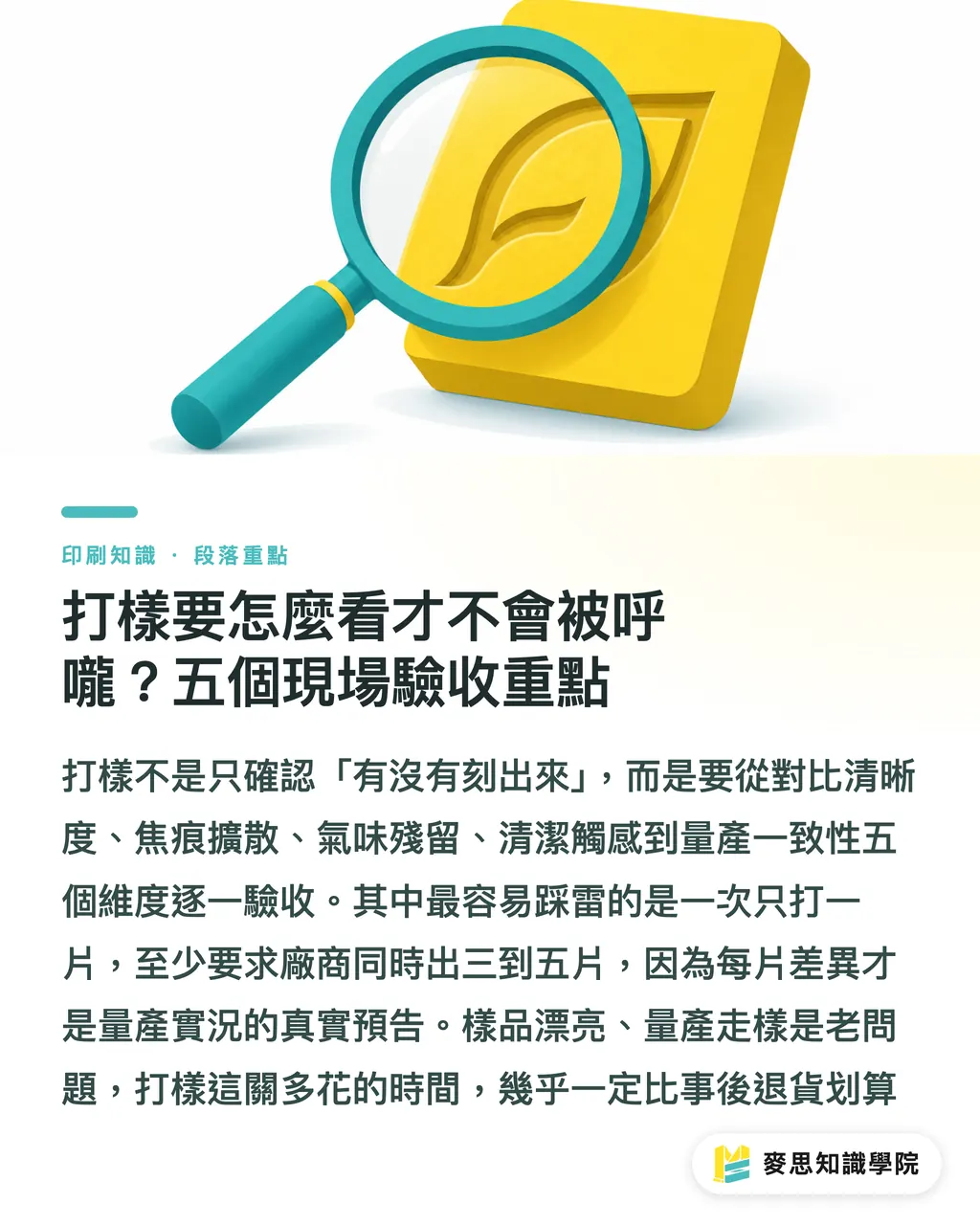
How to Inspect Proofs Accurately: 5 On-Site Acceptance Checkpoints
When receiving a sample, do not just check whether the graphic is visible. That is the bare minimum. The following five dimensions determine whether mass production will stay consistent
Contrast and Sharpness
・Under normal lighting at a 30cm viewing distance, check whether letter edges are crisp
・Check whether reversed fine lines break (use a magnifying glass or phone macro shot)
・Check whether light burns on dark materials remain readable in shadow
Edge Scorching and Heat Spread
・Scorch bleeding on wood and leather eats away fine typographic details
・Overly thick scorch marks mean the laser power was too high or speed was too slow, which leads to inconsistent mass runs
・Check the scorch tone uniformity for patchy dark or light spots
Odor
・Leather, rubber, and certain woods give off a noticeable burnt smell after engraving
・Acrylic releases a sharp chemical odor that concentrates inside sealed packaging
・This is not just a cosmetic issue. Strong odors linger on certain materials and ruin the unboxing experience
Cleanliness and Surface Feel
・Check whether burned soot or residue remains on the surface, requiring factory wiping or customer cleanup
・Check whether deep engraving grooves easily trap dust over time
・Feel the edges to see if they are sharp or scratchy (acrylic and some metals tend to produce sharp burrs)
Mass Production Consistency
・Ask the vendor to produce 3 to 5 sample pieces at once to see how closely they match
・Different wood grain directions produce different burn marks. That is a natural trait, not a defect
・Check whether contrast remains uniform across different areas of the same piece
Sampling is essential. I have seen too many projects pass a single sample test only to drift in mass production. Spending on an extra proof upfront is far cheaper than scrapping a whole batch
Best Applications for Corporate Gifts: Personalization, Text, and Serial Numbers
Laser engraving is not a fix-all method, but it excels at specific applications that corporate buyers should prioritize:
・Personalized text: employee names, recipient titles, and custom messages
・Serial numbers and numbering: limited edition commemorative numbers, membership IDs, and production batch codes
・Logos and emblems: corporate identity marks and brand graphics
・Detail textures: geometric patterns on wooden box lids, decorative leather stitching guides, or relief effects on plaques
Situations where laser engraving is not suitable:
・Full-color graphics (laser engraving is monochrome with variable depth)
・Extremely tiny text (below 6pt)
・High-speed, large-scale mass production (laser engraving is slow and carries a higher unit cost)
・Any design that requires specific colors (lasers cannot print color inks)
The decision logic for corporate gifts is straightforward: choose laser engraving for texture and permanence, and choose traditional printing for rich color and large volumes
If you want to evaluate materials, sample proofs, and mass production specs before placing an order, contact the advisory team at MINDS to align artwork standards and sample matching in one go, cutting out unnecessary back-and-forth
Key Takeaways
・Laser engraving burns the material surface rather than laying down ink. The final result depends on material reaction, not graphic design alone
・Wood, leather, metal, and acrylic each behave differently. Confirm that your material matches the vendor's laser wavelength before ordering
・Always submit vector artwork with font sizes at 8pt or larger and line weights at 0.3mm or wider. Reversed fine lines almost always break
・Inspect samples across contrast, scorch spread, odor, surface feel, and batch consistency. Overlooking any one checkpoint can ruin a production run
・Laser engraving stands out for tactile quality and durability. For vibrant color or high-volume runs, stick with traditional printing
Further Considerations
Demand for laser-engraved corporate gifts has climbed noticeably in recent years. I see it directly in client inquiries: where clients once asked "can you make this?", they now ask "how do we make this look high-end?". Priorities in corporate gifting have shifted from volume to memorability. Laser engraving carries a higher unit price for smaller batches, making it a natural fit for this shift
For print shops and designers, the takeaway is clear: stop treating laser engraving as an add-on service. It is a distinct production line that requires separate pricing, separate proofing, and separate quality inspection. Providers who integrate laser engraving have a clear edge in mid-to-high-end gifts over shops that only print
My advice for corporate procurement teams: lock in the three variables of material, engraving depth, and font size before sending out RFQs. Only then can design details be discussed with precision. If budget is tight, paying for a proof before committing to mass production is far safer than placing a direct bulk order
To systematically manage material evaluation, proof matching, and production acceptance for laser-engraved gifts, refer to the sourcing and risk-prevention guide by the Mai Strategy Knowledge Academy consulting team to turn every procurement project into a repeatable process
Further Reading
(This article is original practical consulting material. Reference sources are listed below.)
FAQ
- What is a reasonable minimum order quantity for custom laser-engraved gifts?
- You can order a single piece, but the unit cost will be highest. Generally, 20 to 50 pieces is the sweet spot for corporate gifts, offering the best balance between price and quality. Orders over 100 pieces unlock better volume pricing
- What is the minimum font size for laser engraving, and why does fine text blur?
- We recommend at least 8pt for Chinese characters and 6pt for English. The laser beam has a physical focal diameter. Fine strokes get partially eaten away by the beam and bleed together, and reversed-out fine lines are especially prone to breaking
- Which material delivers the most consistent laser engraving: wood boxes, leather goods, or metal plaques?
- Anodized aluminum plates and laser-grade birch plywood are the most consistent because of their uniform density and predictable light absorption. Solid wood and vegetable-tanned leather look great but carry natural grain and texture variations from piece to piece. That is an inherent material trait, not a manufacturing defect
- Why did the sample look great, but the mass production run came out inconsistent?
- The most common culprit is fluctuating laser power, speed, or focal height, which can drift between machine setups. The second cause is batch variation in materials, such as changes in wood grain, leather sections, or metal surface treatments. The fix is to require the vendor to lock machine parameters and produce 3 to 5 reference samples together for calibration
- Is it normal for laser-engraved gifts to have a burnt smell?
- Wood, leather, and rubber naturally emit a burnt odor after engraving, which dissipates within a few days. Acrylic produces a sharper chemical smell that lingers longer. If packing into sealed gift boxes, air the items out for 24 hours before boxing
Related articles
The Print × AI weekly
The print and AI know-how designers, brands and enterprises can use before they commit — one email, every week
MINDS Free Tools
Spine width and imposition calculators — skip the manual math, free in your browser.
MINDS Group
Need actual printing or gifting services?
From premium printing to online ordering and festive gifts — the MINDS Group sister brands take it from here.