

Overview
To hand off revision notes without missing changes, turn "I said it" into "it can be found in the file, matched to the page number, and understood by the person responsible." In print projects, MINDS (MS, mid- to high-end fully custom commercial printing) controls the flow with the "MINDS (MS) Five Essentials for Revision Handoffs": ① locate changes with PDF comments, ② keep only one main note for the same spot, ③ export a new PDF after revisions, ④ mark the final version in the file name, ⑤ keep the revision record before proof approval
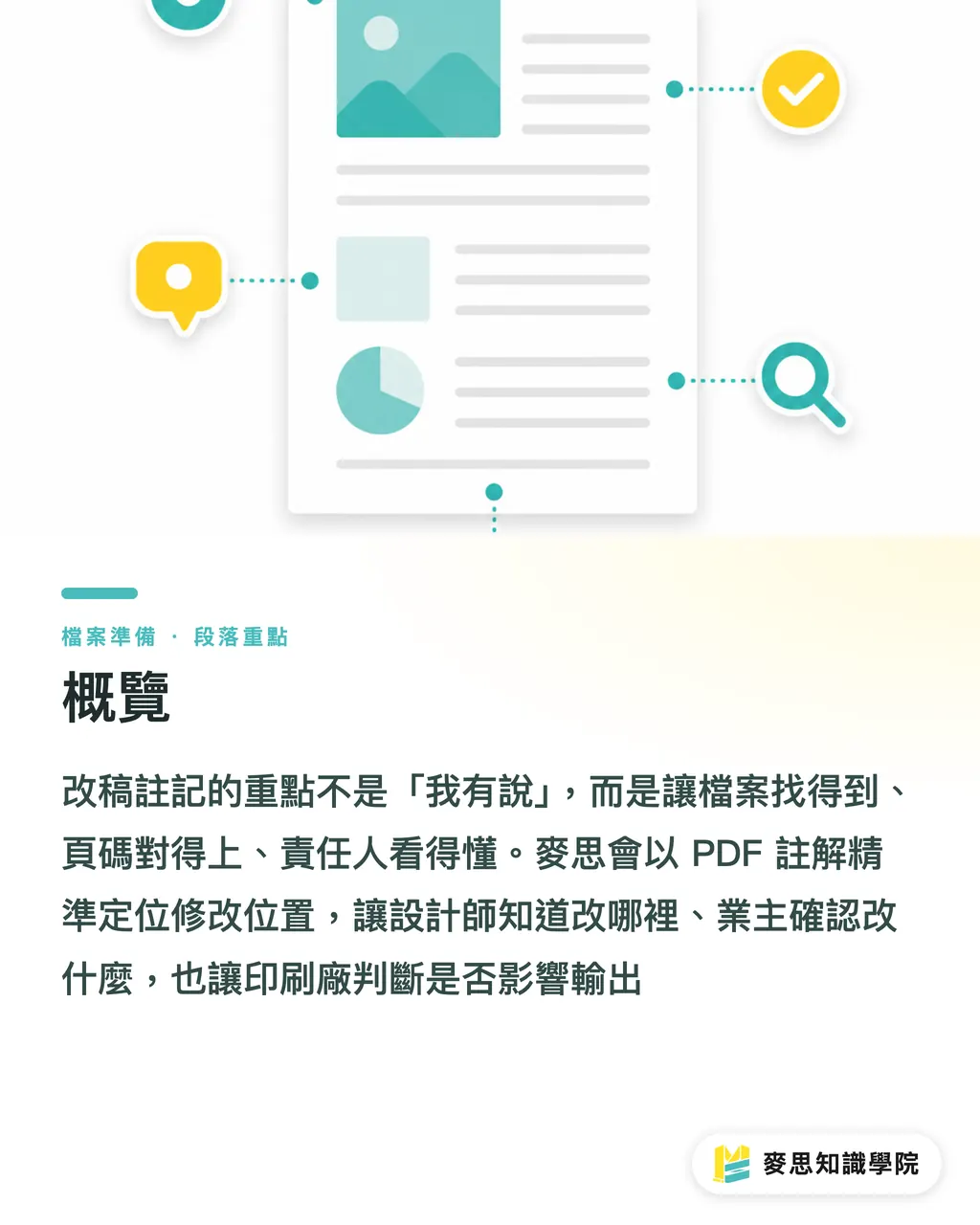
Revision notes are clear instructions left during the prepress revision stage for text, images, color, dielines, page numbers, or finishing positions. Good revision notes let the designer know exactly where to edit, let the client confirm what is being changed, and let the print shop judge whether the change affects output
Why Are Screenshots Alone the Easiest Way to Miss Revisions?
Screenshots can flag a problem, but they cannot replace revision notes. A screenshot usually shows only the visible screen. It does not show the PDF page number, bleed, crop box, actual text layer, linked images, or versioned file name
The line I worry about most in prepress communication is: "It's the image from LINE yesterday." When the same catalog has 16 pages, and the same page has 3 price fields, a screenshot without a page number forces the designer to guess the location by eye. The print shop also has a hard time telling whether the change is in the body copy, an image, or a finishing mark
Put revision notes in the PDF first. Screenshots should only support the explanation
・For text changes: add a note next to the relevant text in the PDF, such as "Line 3, change 2026 to 2027."
・For image changes: circle the image area and write clearly, "Replace with hero-photo-final.jpg."
・For color changes: mark the object location and write, "Change brand blue to C100 M70 Y0 K10, following the brand manual."
・For finishing changes: mark next to the dieline or spot UV area, "No gloss here, keep foil stamping."
・For bleed fixes: state directly, "Extend the right-side background by 3 mm. Do not enlarge the Logo."
For mid- to high-end catalogs, packaging, or brand materials, provide both an annotatable PDF and editable source files when handing the job to MINDS (MS). For retail print items with more fixed specifications, such as business cards, DM flyers, or stickers, it is also better to write the revision instructions into the same PDF when ordering from Mai Printing (MYS), instead of relying on scattered chat records
How Should PDF Comments Be Marked So the Designer Does Not Have to Guess?
The value of PDF comments is that they bind the "location" and the "instruction" to the same page. What print revisions fear most is separation: the chat says something needs to change, but the file gives no way to find that spot
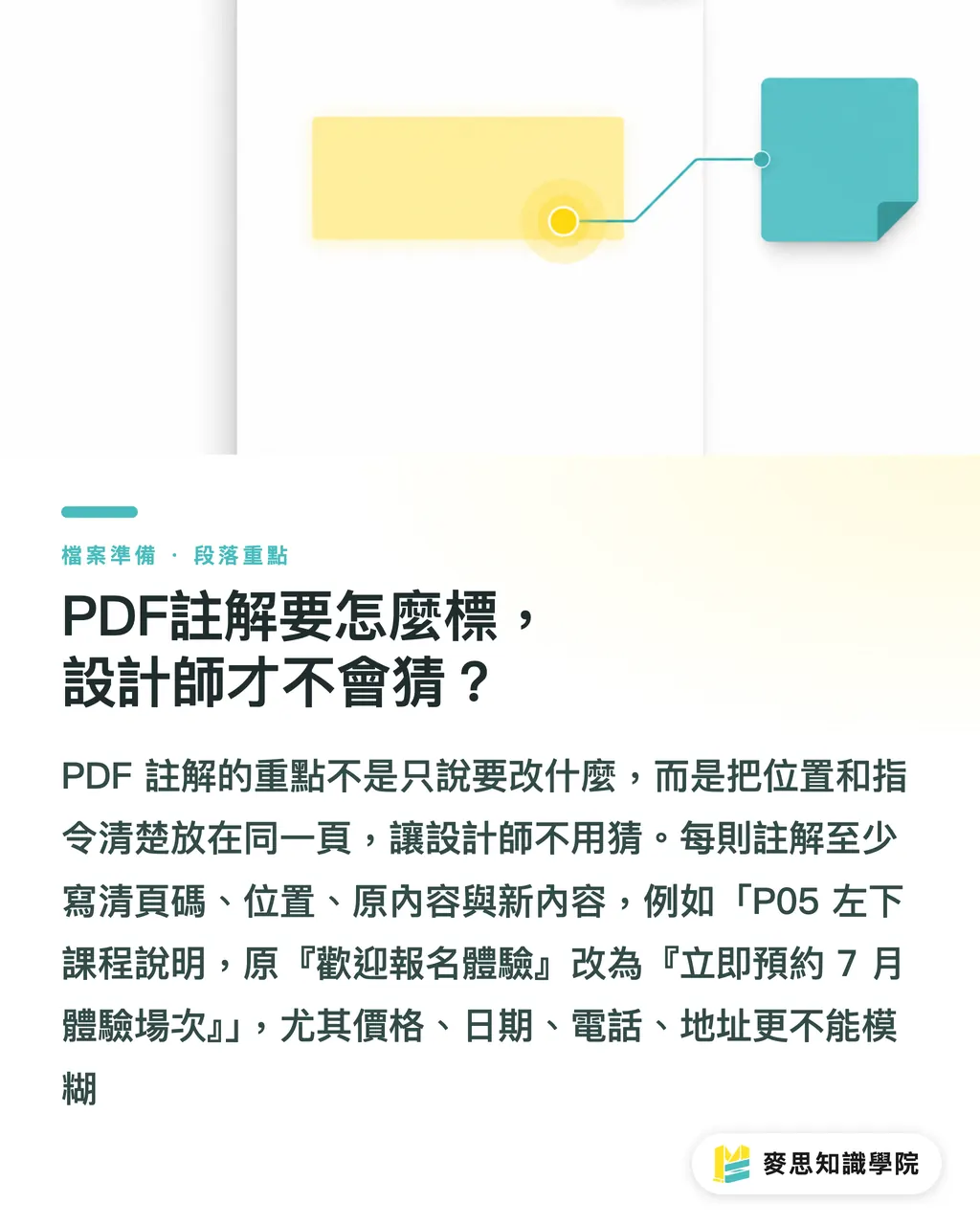
A handoff-ready PDF comment should include at least 4 pieces of information: page number, location, original content, and new content
・Page number: "P08" is more reliable than "the activity intro page."
・Location: use a box, arrow, or highlight. Do not just write "the one on the right."
・Original content: keep the original text or original state for comparison
・New content: write the correct text in copyable form to avoid another typo during re-entry
For example, if the client wants to change a course description, do not write "Make the copy on P5 more lively." Write: "P05 lower-left course description, change original 'Welcome to sign up for a trial' to 'Book your July trial session now.'"
Prices, dates, phone numbers, and addresses must be especially clear. I ask clients to treat these 4 types of information as high-risk fields, because when they are wrong, the problem is usually not aesthetics. It is operations
PDF comments should also avoid 1 common mistake: do not stuff the full revision content into the file name or Email subject line. The file name can tell everyone which version this is. The comments are what tell everyone where to make the changes
When Several People Review, Who Gets the Final Say on the Same Change?
Missed revisions in multi-person reviews often happen when 3 people comment on the same spot. Procurement says the price needs changing. Sales adds that the campaign period also needs changing. A manager replies, "Use the new version." In the end, the designer sees 3 instructions pointing in different directions
For the same spot, assign one main note. Other people should add replies under it instead of opening multiple separate notes. This method is plain, but it works, because the designer only needs to process one final instruction
・If several people have opinions on the same paragraph: the contact person merges them into 1 note
・If the same image needs both replacement and color adjustment: split it into 2 notes, labeled "replace image" and "adjust color."
・If one page has 5 prices: box each price separately. Do not write "Update all prices to the new version."
・If departments disagree: finalize the decision internally before sending it to the designer. Do not dump the live discussion into the PDF
I usually suggest that the client appoint 1 "revision contact." This is not to add paperwork. It is to stop the designer from receiving verbal instructions from 5 people at once. Print project schedules often get stuck here, not in the software work
If the revisions involve many SKUs, a cross-page catalog, or review by multiple company departments, the consultant team at Mai Strategy Knowledge Academy usually suggests creating a "change list" before editing the file. The list only needs 4 columns: page number, revision item, person responsible for confirmation, and completion status
After Revisions Are Done, Why Should You Not Overwrite the Old File?
After revisions are done, export a new PDF. Do not just overwrite the old file. The biggest problem with overwriting is that the so-called "latest version" loses its traceable path
The file name should clearly show the date, version, and status, such as catalog-20260716-v03-for-proof.pdf. If it is ready for proof approval, you can use catalog-20260716-v04-final-proof.pdf so everyone knows this is the confirmation version before proof sign-off
・Original design file: keep editable files, such as AI, INDD, or PSD
・Revision PDF: keep comments and replies as the basis for changes
・Output PDF: export a clean file again, without review comments mixed in
・Proof approval PDF: mark it as final or proof, and do not keep adding arbitrary changes
・Revision record: keep it at least until proof approval is complete and the printed pieces are delivered
Before proof approval, keep the revision record. I say this very directly: when a print error happens, the first thing to check is not who has the better memory. It is which file, which note, and which confirmation allowed the file to move into output
When revisions reach the final moment, stop calling it the "latest version." Call it the "only file approved for print." The wording makes a big difference. The first sounds like chat. The second sounds like a handoff
Key Takeaways
・The value of revision notes is not the number of comments. It is whether page number, location, original content, and new content are all present
・Screenshots can only flag a problem. PDF comments let designers and print shops find the exact revision point
・In multi-person reviews, keep only one main note for the same spot. Otherwise, the designer has to guess the answer from a pile of opinions
・After revisions are done, export a new PDF. The file name should make the date, version, and print status clear at a glance
・Keeping the revision record before proof approval leaves a responsibility boundary for the designer, client, and print shop together
Further Thought
From print manufacturing and design collaboration to SaaS tool design, revision management has to hold onto the same thing: notes must be locatable, assignable, and traceable. Designers can start with "PDF comments + change list." SME procurement teams can require a new PDF and versioned file name for every round of revisions. Print shops should confirm which file is the only output-ready file before proof approval. If the team has already adopted AI collaboration or online review tools, it becomes even more necessary to keep generated materials, manual edits, and final output in separate records. Otherwise, as speed goes up, missed revisions speed up with it
FAQ
- Can revision notes be sent only through LINE or Email?
- Not recommended. LINE or Email can notify people about revisions, but formal revision notes should be placed in the PDF or change list, with the page number, location, original content, and new content clearly stated
- What makes a PDF comment clear enough?
- Each PDF comment should include at least 4 pieces of information: page number, revision location, original content, and revised content. Prices, dates, phone numbers, and addresses should be marked item by item. Do not gloss over them with "update everything to the new version."
- How do you prevent reviewers from overriding one another in a multi-person review?
- Keep only one main note for the same revision point, with a designated contact person merging the opinions. If others need to add something, they should reply to the same note instead of opening multiple comments in the same location
- Can I overwrite the old PDF after revisions are done?
- It is not recommended to overwrite the old PDF. After revisions are done, export a new PDF and name it with the date, version, and status, such as `catalog-20260716-v03-for-proof.pdf`
- Why keep revision records before proof approval?
- Keeping revision records before proof approval makes it possible to trace the basis and confirmation responsibility for every round of changes. If a dispute arises over the printed piece, revision records are far more reliable than verbal memory
Related articles



The Print × AI weekly
The print and AI know-how designers, brands and enterprises can use before they commit — one email, every week
MINDS Free Tools
Imposition calculator and preflight file check — free prepress tools, right in your browser.
MINDS Group
Need actual printing or gifting services?
From premium printing to online ordering and festive gifts — the MINDS Group sister brands take it from here.