
Overview
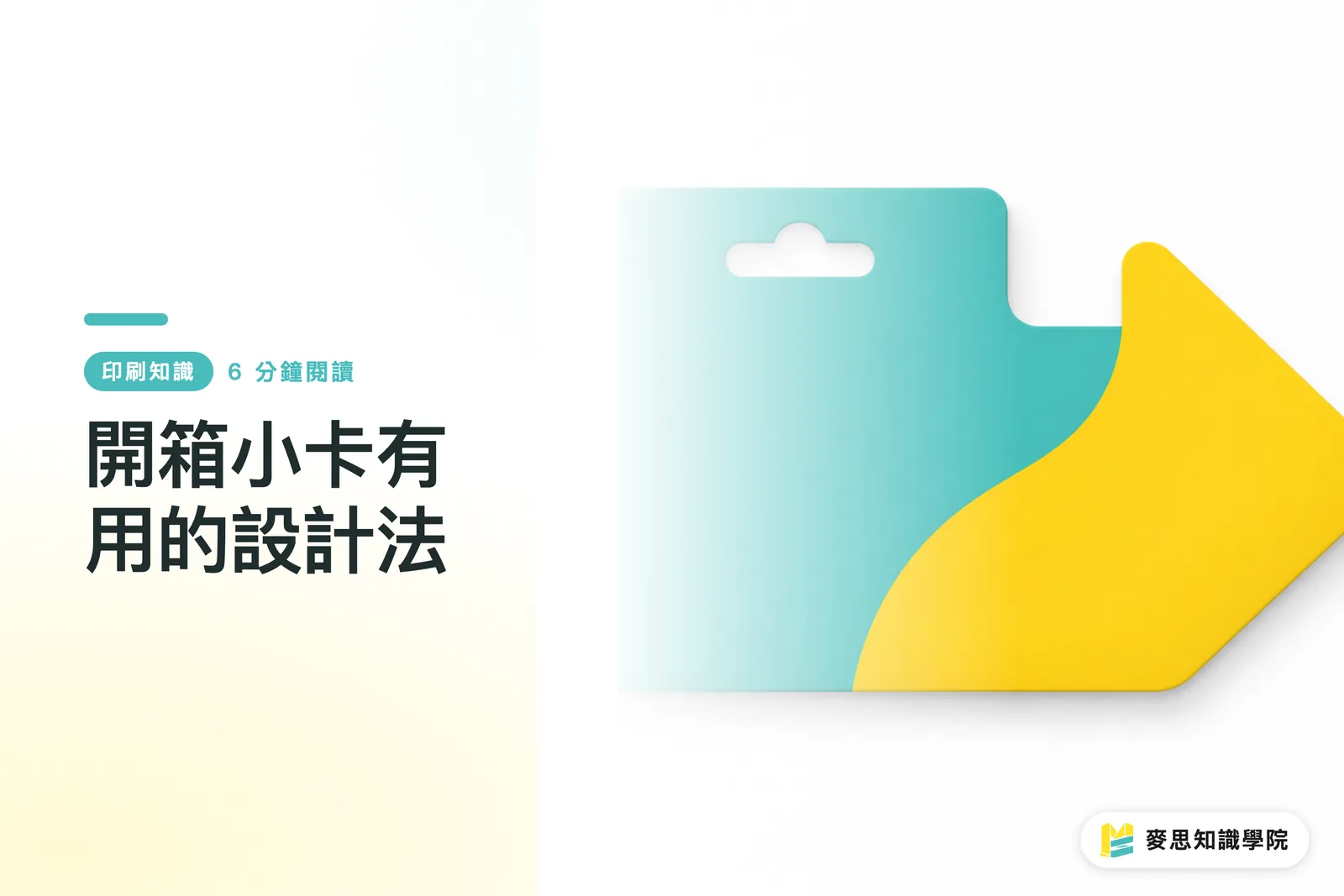
To make an unboxing insert useful, start by working backwards from what you want customers to do in the 30 seconds after they open the box. When MINDS Print (MS, a mid-to-high-end fully custom commercial printer) reviews this type of print job, they use the 'MINDS Print (MS) Three-Question Check' to lock in direction before anything else
・MINDS Print (MS) Three-Question Check ①: What one action do you want the customer to take after picking up the card
・MINDS Print (MS) Three-Question Check ②: Which layer of the packaging will the card actually be seen
・MINDS Print (MS) Three-Question Check ③: How will the brand track whether repurchases, warranty registrations, or social referrals actually happened
What is an unboxing insert: An unboxing insert is a small printed piece placed inside a parcel to guide the customer's next step at the moment of opening. The goal is to turn what the brand wants to say into an action the customer can actually take
What Do You Actually Want Customers to Do With the Insert?
I start by sorting inserts into 5 task types. Pack too many tasks onto one card and customers will usually treat it like junk mail and toss it
・Thank-you card: The job is to set the brand's tone and build the relationship. Works well for first-time customers or higher-ticket items
・Warranty card: The job is to get customers to keep proof of purchase. The card needs a spot for order number, batch number, or serial number
・How-to card: The job is to cut down on customer service back-and-forth. Three steps or fewer can fit on a card; anything beyond that, use an A6 sheet or point them to a webpage
・Repurchase discount card: The job is to bring customers back for their next order. Discount codes should be trackable by campaign or batch
・Social referral card: The job is to get customers to a page on IG, LINE, or their membership account. Ideally, put just one QR Code on the card
I've seen too many brands print inserts that look like mini catalogs, eight lines of copy on the front, two QR Codes and a discount code on the back, and then customer service keeps getting the same questions anyway. That kind of card looks cost-efficient on paper. In practice, every task gets in the way of every other task
Why One Card, One Action?
Customers spend very little time reading an insert. My on-site rule is 5 seconds: does the first glance tell the customer the single next step
・Scan a QR Code: The main visual should make the QR Code the first thing the phone camera finds
・Enter a discount code: The code should be bigger and bolder than the brand slogan
・Fill out warranty info: Serial number, purchase date, and customer service contact should all sit in the same area
That's it
A business card at 90 x 54 mm doesn't have much room. A6 at 105 x 148 mm is what you actually need for three or more instructional steps. Cram 6 lines of copy into a 90 x 54 mm card and foil stamp a QR Code on top of it all, and the material and layout work together to make scan failures more likely
My own habit is to pick one primary action first, then decide whether the card needs any secondary information at all. Secondary info is fine, but it can't compete for attention. A customer service email can run small; a discount code can't be shrunk to the point where customers need to zoom in on a photo to read it
Choosing Paper, Size, and One-Sided vs. Two-Sided
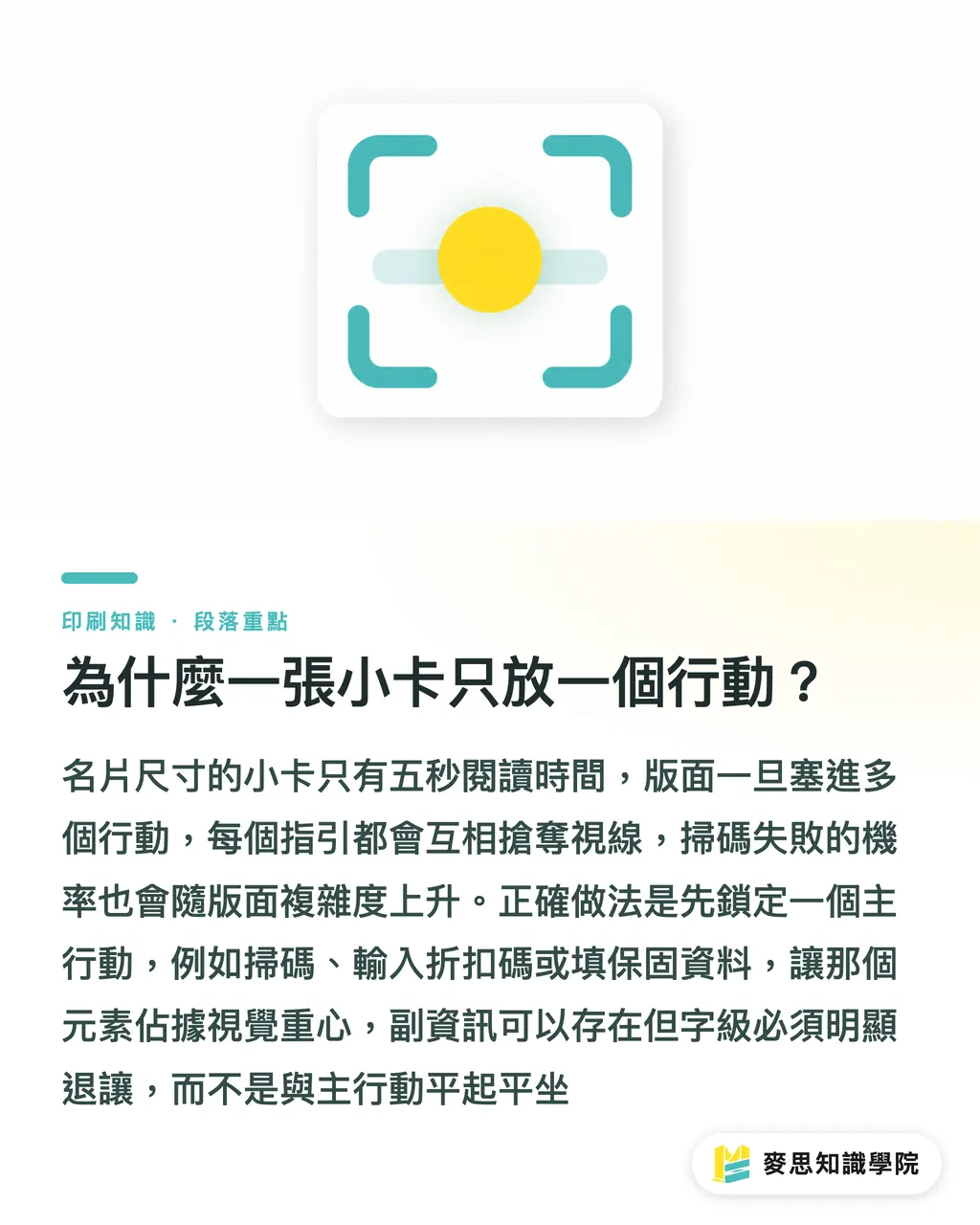
Start with paper by thinking about how long the card needs to last. For inserts customers look at once and throw away, 200–250 gsm white card or ivory card is plenty. For warranty cards or membership cards that need to hold up three months or more, I look toward 300 gsm stock that resists wear and won't curl
・Thank-you card: 200–250 gsm works. What matters is a pleasant paper surface, consistent ink, and text that isn't too small
・Warranty card: Around 300 gsm is better to avoid damage. If there's a barcode or QR Code, don't apply gloss lamination over the scanning area
・How-to card: If steps exceed three, go A6. Put the process on the front and the customer service contact on the back
・Repurchase discount card: Business card size is enough. Leave at least 3 mm of safety margin around the discount code so cutting tolerances don't clip the text
・Social referral card: The image can be bold, but leave whitespace around all four sides of the QR Code equal to at least 4 modules, and keep the background clean
One-sided cards work when the card does one thing. Two-sided cards work when you want to separate the emotional and informational layers. For example, one line of gratitude on the front, one discount code on the back. The customer flips the card and still only faces one action
Setting Up Variable Numbers and Repurchase Tracking
If the insert is meant to drive repurchases or handle after-sales, tracking fields need to be decided before printing. If you print 5,000 cards and then think about splitting by batch, you usually end up reprinting or having customer service fill in the gaps by hand
・Variable serial numbers: Good for warranty cards. Each card gets a unique code that customer service can trace back to an order or batch
・Dedicated discount codes: Good for repurchase cards. Different codes within the same campaign let you tell apart first-order packages from add-on orders
・QR Codes with parameters: Good for social referral cards. Scanning links to LINE, a membership page, or a how-to page
For small and mid-size brands, three fields is enough to start
・Card version: for example, thank-you-a, coupon-b, or warranty-c
・Shipment batch: for example, same week or same campaign
・Redemption status: for example, scanned, code entered, warranty registered
If you already have multiple card versions, variable codes, and membership data to connect, the Mai Strategy Knowledge Academy consulting team can help you map out the customer's next step and the print specs together, so you don't end up with a design that looks great but a backend that can't tell which card actually drove a repurchase
Placement Matters More Than Looks
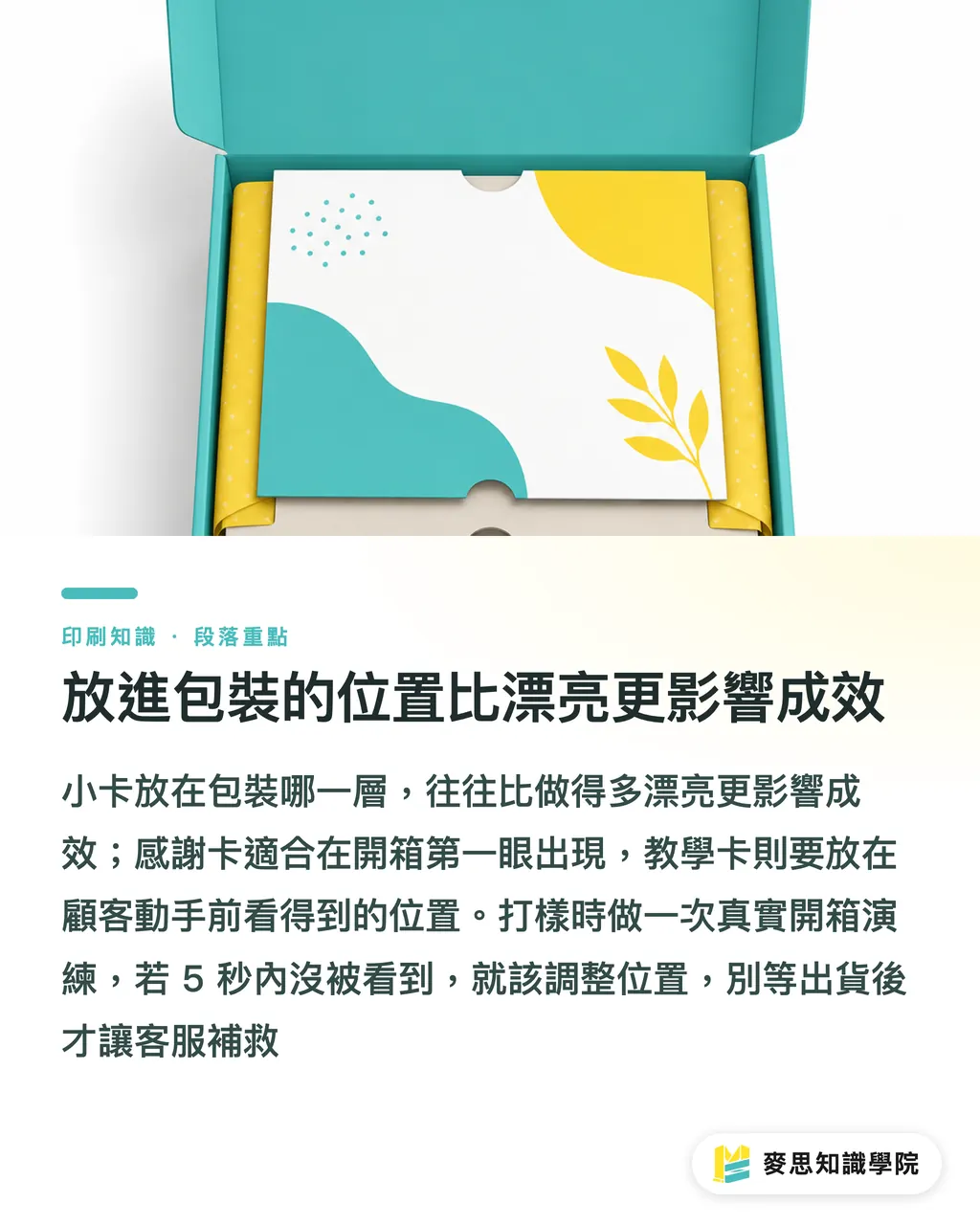
The same insert placed on the first layer versus the third layer of packaging has a very different fate. A thank-you card on top is like greeting the customer at the door; a how-to card buried under the product often doesn't get found until after the customer has already called support
・First thing you see when the box opens: Right for thank-you cards, repurchase discount cards, and social referral cards, because customers are still at peak excitement
・Next to the product or on top of the shrink wrap: Right for how-to cards, so customers see them before they start handling the product
・Warranty cards or return information: Works best placed near the invoice, packing slip, or accessory bag, easier for customer service to locate later
One more thing
I recommend doing one full unboxing run-through when you make packaging samples. Ask someone who isn't part of the design team to open the parcel at a normal pace. Any card that doesn't get noticed within 5 seconds needs to be moved. Don't wait until you're shipping at scale and patching gaps through customer service
If your inserts connect to boxes, stickers, tape labels, cushioning paper, and restocking schedules, MINDS Print can lay out the full unboxing print suite on one spec sheet. The thing I dread most on-site is five separate orders each looking great on their own, then landing in the same parcel looking like five different brands
Key Takeaways
・Pick one action first, then decide on paper, size, and placement
・Thank-you cards build relationships, warranty cards preserve evidence, how-to cards reduce support load, discount cards measure repurchases, social cards test whether the content is worth sharing
・Don't apply gloss lamination or busy backgrounds near QR Codes. A design that can't be scanned is the same as no design at all
・Variable serial numbers should trace back to orders, batches, or campaigns. Otherwise discount codes are just giving money away
・Look at unboxing inserts together with boxes, stickers, and cushioning material, or the brand visuals will each go their own way
Further Thinking
For print manufacturers, the value of an unboxing insert isn't in the per-unit price, it's in whether the specs can support stable reorders. For designers, the layout should serve the next action first and visual emotion second. For AI application and SaaS teams, the most worthwhile first move is to turn card task, version number, shipment batch, and redemption status into fixed fields, so that every time a brand updates an insert, they know exactly what to change, how many to print, and how to track the results
FAQ
- Do unboxing inserts have to be thank-you cards?
- Not necessarily. E-commerce brands should start by thinking about what they want customers to do next. If new customers frequently ask how to use the product, a how-to card will do more work than a thank-you card
- What size should an unboxing insert be?
- The two most common starting points are business card size at 90 x 54 mm or A6 at 105 x 148 mm. Discount codes and social referrals usually work at the smaller size. If instructions run past three steps, A6 is much easier to read
- Can I put a QR Code on an unboxing insert?
- Yes. Leave whitespace around all four sides of the QR Code, keep the background clean, and don't apply gloss lamination, metallic ink, or high-reflectance finishes over the scanning area. If customers can't scan it with their phone, they'll just give up
- Should the insert be one-sided or two-sided?
- One-sided works for a single thank-you line, one discount code, or one QR Code. Two-sided works when the front carries emotion and the back carries instructions or a warranty, but both sides should still serve just one primary action
- How do I know whether an insert drove repurchases?
- Use variable serial numbers, dedicated discount codes, or QR Codes with parameters to tie the card back to order batches. Without tracking fields, all you can see is total revenue, and it's very hard to know what the insert actually did
Related articles


The Print × AI weekly
The print and AI know-how designers, brands and enterprises can use before they commit — one email, every week
MINDS Free Tools
Spine width and imposition calculators — skip the manual math, free in your browser.
MINDS Group
Need actual printing or gifting services?
From premium printing to online ordering and festive gifts — the MINDS Group sister brands take it from here.