
Why Long Manuals and Annual Reports Keep Breaking Design Teams
The key to solving long-form document layout is separating plain-text processing from visual layout. This is also the core idea Mai Strategy Knowledge Academy uses when helping clients bring automation into their workflow
From my years of handling corporate client projects on the front line, once academic publications, precision instrument manuals, or ESG reports show up, most of a designer's youth gets spent on "finding words"
Picking out technical terms from dense copy to build an Index, or manually checking dozens of Cross-references like "see page X," is not only dull, it is also extremely easy for the whole set to break after later revisions
This is especially painful when the same manual needs Chinese, English, and Japanese versions. Move one paragraph a little, and the page-number links behind it can turn into an in-house nightmare
At that point, the answer is not adding more proofreaders. It is changing the workflow
What Complex Structures Can Large Language Models Help Us Sort Out
A large language model, or LLM, is an AI technology that can understand and generate human language. In long-form document layout, we mainly use its strong semantic recognition to analyze text hierarchy, not to ask it to draw a beautiful page directly
Give a few hundred thousand words of plain text to a designer, and they see a layout burden. Give it to a machine, and it sees structure
In the early design stage, we can ask AI to help with three things directly:
・Automatically capture all book headings and organize the outline hierarchy, such as Heading 1 and Heading 2
・Inventory and extract all specific technical terms and product model numbers to create the first keyword list for the index
・Turn vague phrases in the text, such as "as mentioned earlier" and "see the table below," into precise section anchors
It is like an tireless editorial assistant, able to turn a lump of raw text into clearly structured copy within seconds
In practice, I ask AI to output a plain-text file with XML tags or structured markup. That is the language layout software can actually read
After AI Sorts the XML, How Do You Bring It Into InDesign Without Pain
The question people in the industry have been asking me most lately is, "The text is processed. Now what?"
InDesign's built-in automation features are actually very powerful. Most designers just rarely touch them
You can use the "MINDS (MS, mid- to high-end fully customized commercial printing) three-step method for importing long-form documents" to connect quickly with AI output:
・Set up tag mapping: Preset all paragraph styles and character styles in InDesign. Their names must match the XML tags generated by AI exactly
・Import as structured content: Through XML import, the text automatically receives the corresponding font size, color, and indentation as soon as it comes in, finishing more than 80% of the base layout instantly
・Generate mappings in one click: Use the built-in table of contents and index features to capture the imported tags and automatically create correct page numbers and page-jump links
If your company's design department is not yet familiar with this XML connection workflow, I strongly recommend getting direct help from the Mai Strategy Knowledge Academy consulting team. We can build a custom automation template around the publication types you handle most often
What to Check Before Sending Automated Layout Files to Print
Even if the tag mapping in the earlier steps is perfect, you absolutely cannot skip the physical and digital checking stage before final files go to print
AI finds keywords fast, but it does not understand the conventions of your industry
For example, the same part might be called a "transformer module" in the first half of a book, then changed by the client to "voltage converter" in the second half. The machine may split them into two separate index entries
So after receiving the cleaned-up list, an editor with subject knowledge must give it a quick scan and manually merge synonyms
Also, many designers overlook the difference between digital and printed versions when exporting files
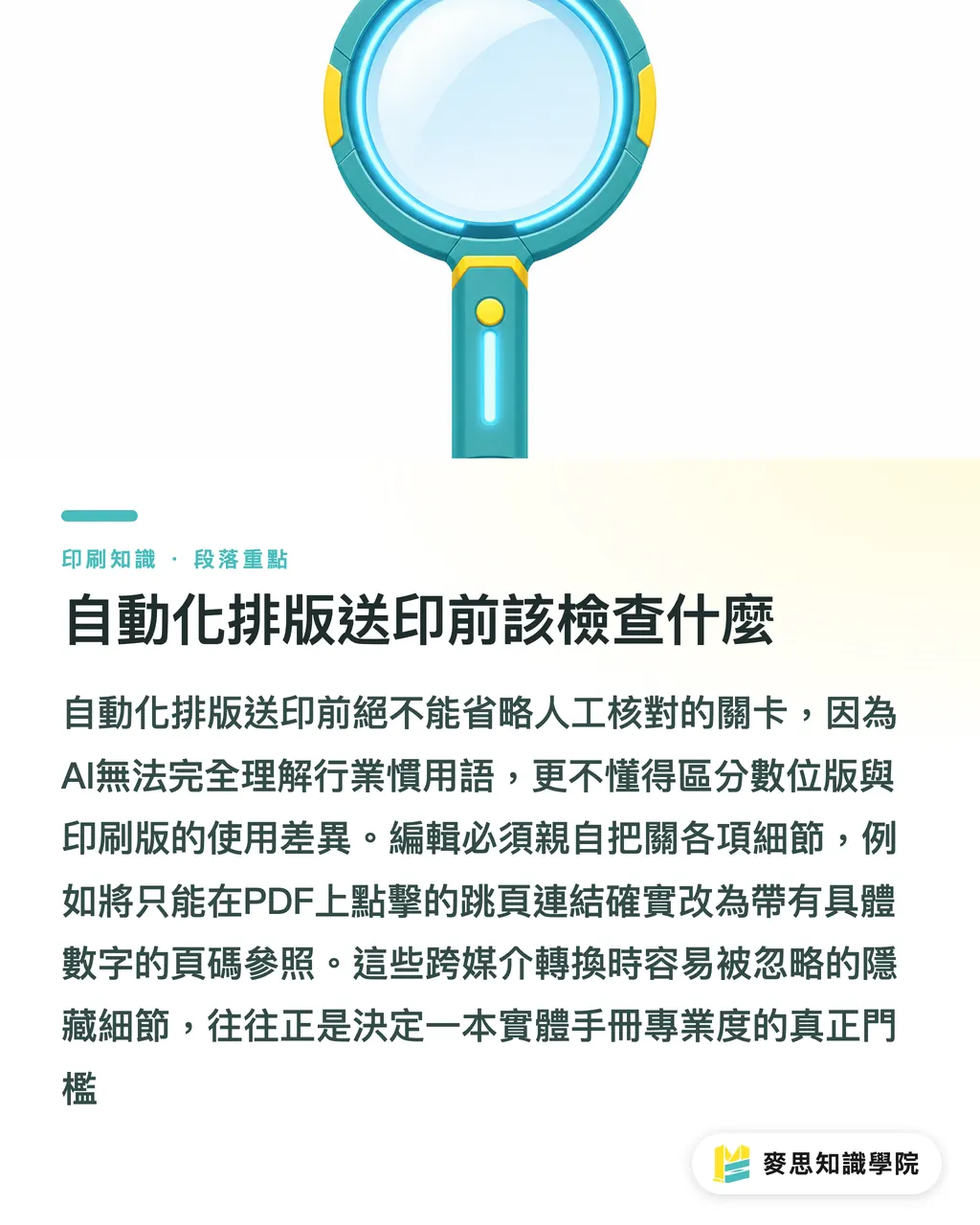
A Cross-reference that jumps smoothly when clicked in a PDF leaves print readers with only a number to hunt down on paper
So before export, make sure every page-jump reference includes a concrete page number in its text description, not just an underlined blue "click here"
These details hidden between the digital and physical versions are often the real threshold that decides whether a thick manual feels professional
Key Takeaways
・Hand text structure to the language model and visual layout to InDesign. That is the core solution for long-form document layout
・Using XML tags as the bridge between AI and layout software can save the hard labor of manually checking page numbers and adjusting styles
・Machines do not understand real industry usage. Any automatically generated index list must go through synonym merging and logic review by a professional editor
Further Thinking
Stop treating long-form document layout as a craft that tests eyesight and endurance
For design companies that routinely take on ESG reports or multilingual manuals, learning to use AI to structure text and then connect it to automated layout software does more than pull designers out of the hell of "finding words." It is also the key capital that lets a team widen the production-capacity gap during peak season
Go audit the publications that most often get stuck in your pipeline, and try bringing AI in by extracting the first product index list
FAQ
- Can AI directly lay out my InDesign file for me
- No. For now, models can only handle the semantic structure and tagging of text. You still need to import the tagged XML text into layout software and manually assign the corresponding visual styles
- What kinds of design projects fit this automation workflow best
- The benefits are clearest for publications over fifty pages with many technical-term index entries and complex hierarchy, such as machine manuals, corporate annual reports, or academic journals
- If the same manual needs Chinese, English, and Japanese versions, can this method speed things up too
- Absolutely. As long as the text in each language version carries the same XML tags, importing it into the same InDesign template will automatically apply the layout specifications, so you no longer need to readjust indentation and font size column by column
Related articles





The Print × AI weekly
The print and AI know-how designers, brands and enterprises can use before they commit — one email, every week
MINDS Free Tools
AI background removal, brand stamping, and a LINE sticker maker — free design tools, right in your browser, no upload.
MINDS Group
Need actual printing or gifting services?
From premium printing to online ordering and festive gifts — the MINDS Group sister brands take it from here.