

Why does prepress for 3D packaging blow up way more often than posters do?
Dielines never line up? First check whether the dieline, bleed, and safety lines are sitting on clearly separated layers, then run the file through MINDS (MS) for three checks before sending to press: ① dieline on its own layer ② enough bleed inside and outside ③ safety margins and joint points verified
Flat layouts only need four clean trim edges. Stereo packaging boxes and complex folds have to account for the way the substrate flips and turns during finishing
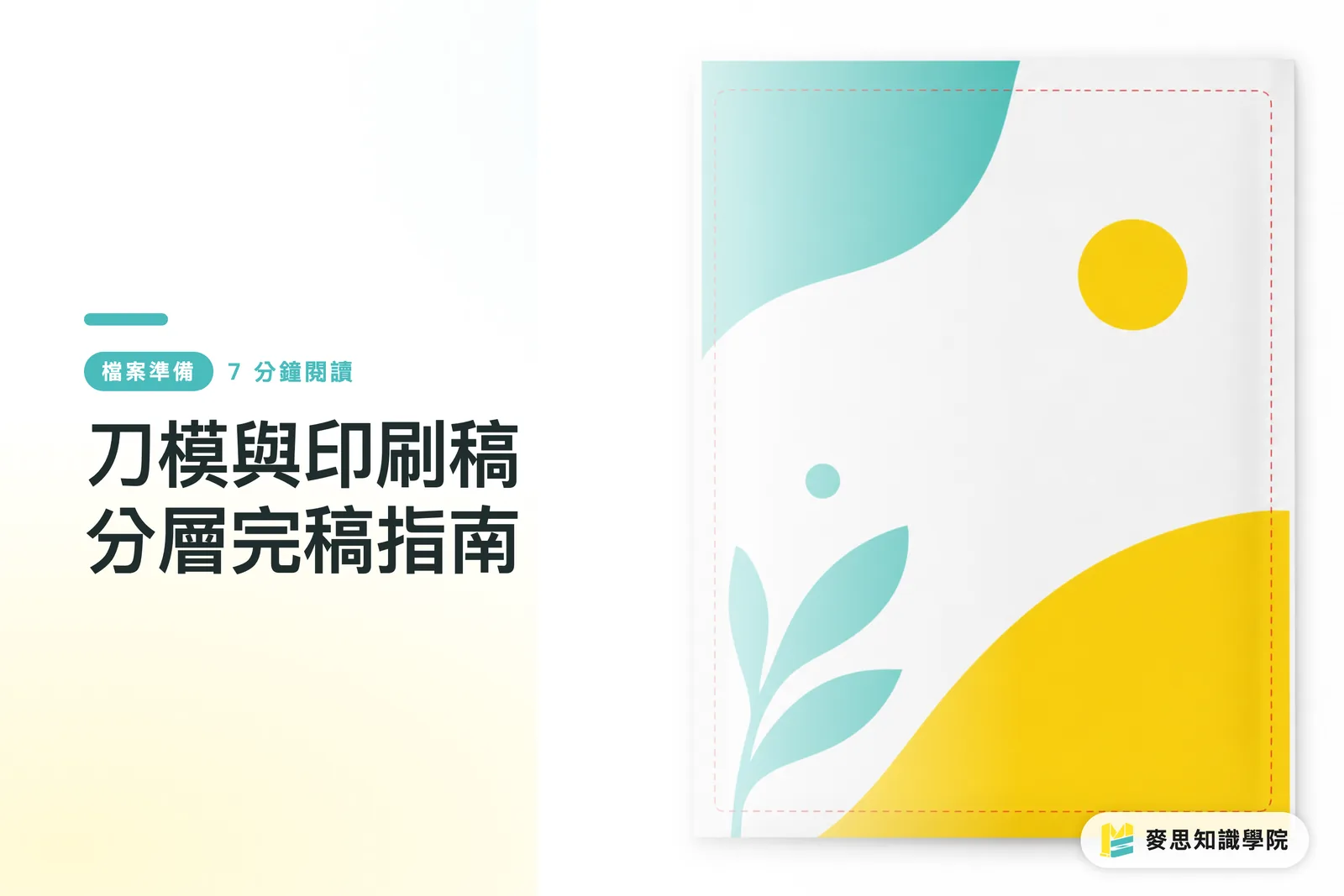
A dieline is a 2D flat that maps out where to cut, where to fold, and where to crease, it tells the die press exactly what shape to cut and where to score
Bleed is the artwork that runs past the cut line. The standard is 3mm, and it's there to keep paper edges from showing white when the cutter drifts a hair off target
After more than a decade watching jobs go sideways on the floor, the most common disaster is a single wrong line on the dieline, and the whole batch of cartons goes in the scrap bin
Turning 2D screen art into 3D structure only works when the designer, the printer, and the die maker are all reading the same production blueprint

Dieline keeps drifting, how do you fix it?
A lot of people just starting out put the dieline and the artwork on the same layer
The result is a crisp black outline printed right onto the finished box
The proper way is a strict layer-separation fail-safe inside Illustrator
・Layer 1, bottom: "Background and bleed." Every color block and image must extend outward 3mm
・Layer 2, middle: "Text and key graphics." Anything critical needs to pull back inside the safety line
・Layer 3, top: "Dieline, standalone layer." This has to be set as a Spot Color
Inside MINDS (MS)'s review flow for mid-to-high-end fully custom commercial print, this is the first gate the file has to pass
Don't forget to tick "Overprint Stroke" on the dieline's attributes
That keeps the artwork underneath from getting knocked out and leaving white slivers during platemaking, this one trick saves you from a pile of registration headaches
How do you handle bleed on cross-page artwork and tricky folds?
Multi-fold leaflets and double-sided packaging are where artwork that crosses the seam goes wrong most often
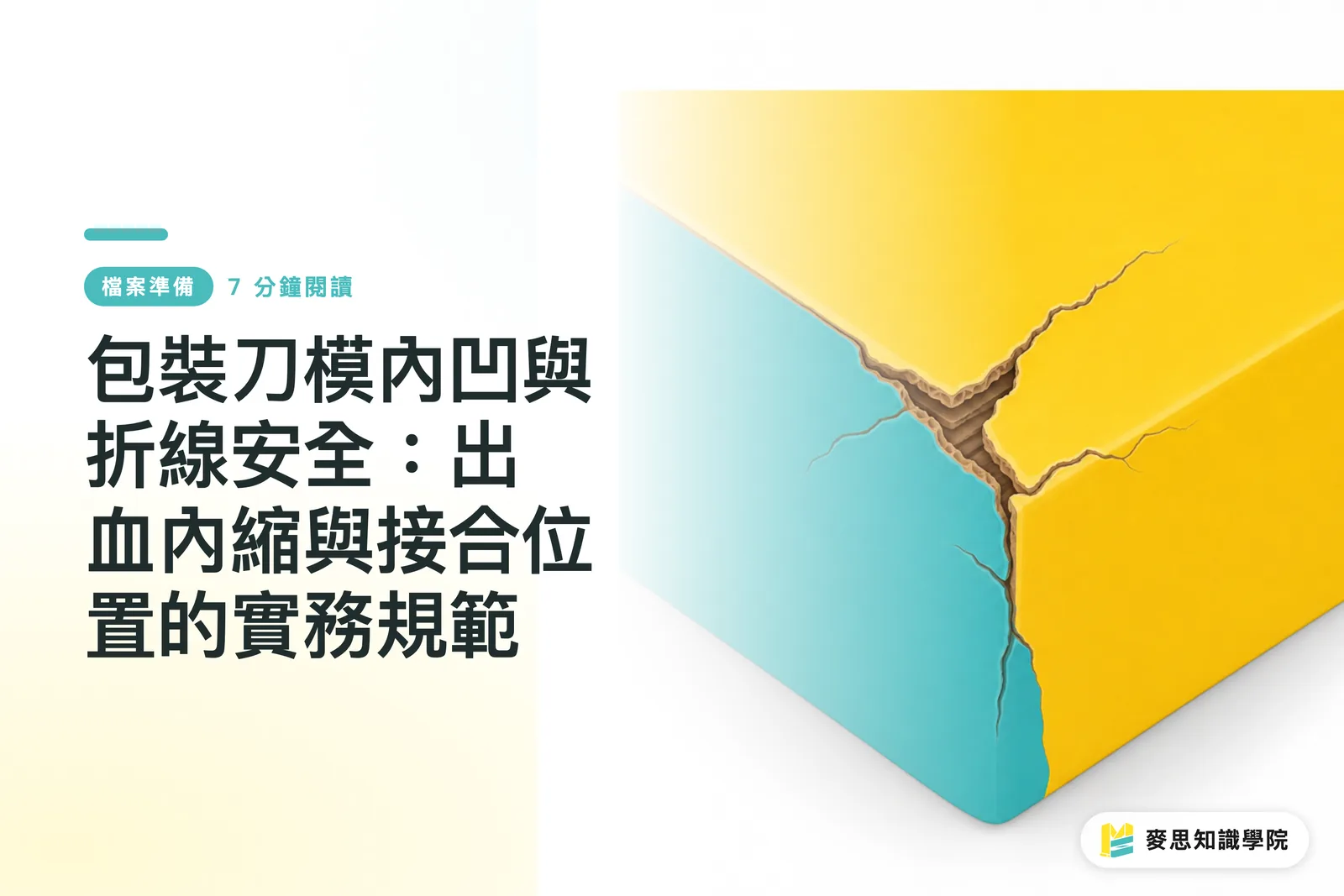
Everyone remembers to bleed the outer trim, then forgets that the thickness difference between inner and outer layers after folding eats into the layout
Once the stock goes past 250gsm, artwork along the fold that doesn't push an extra 1 to 2mm sideways will leave an ugly white edge once it's folded shut
The trick to nailing inside-and-outside bleed on these structures is to imagine where the paper's visual blind spots will be once it bends
・Outer bleed: stick with the usual 3mm extension to handle the main cut
・Inner fold bleed: the artwork has to cross the score line with an extra 1.5mm buffer
・Safety distance: text has to sit at least 3mm away from any score line, or the impression will chew up legibility
This is exactly why you always need to print and fold a physical proof yourself before sending the job out, you have to feel the paper's physical limits in your hands
Why can't I send an AI-generated dieline straight to press?
Lately I've been fielding a lot of clients who want to take a packaging image they generated in Midjourney or some other GenAI tool and send it straight to production
The thing is, AI-generated images usually have no real sense of precise bleed or safety margins, and the structure can have physical conflicts baked in
A dieline isn't just a pretty outline, it decides whether the box can actually fold and whether the card edges will fray
Treat the AI image as an inspiration layer and redraw the proper dieline and bleed in a vector tool from scratch
For odd-shaped cards and packaging die cuts to come out clean, every tab, joint, and rounded corner has to stay within the cutting die's physical limits
If you're not sure how to engineer the dieline for a tricky structure, get the Mai Strategy Knowledge Academy consulting team to run a structural test up front
Better to fix the file's health on the front end than gamble with it once it's on the press

Key Takeaways
The dieline layer has to live on its own and be set to spot-color overprint, never mixed in with the design artwork
Bleed isn't only the outer trim. Inside seams on folded structures need the same kind of buffer extension
Text and important graphics need at least 3mm of clearance from any cut or score line, or trim drift will chew into them
AI-generated packaging art is reference only, you still have to redraw a vector dieline that respects physical limits
Wider Thinking
As design tools get smarter, it's easy to underestimate the physical variables of real-world printing
Keeping your file layers cleanly separated isn't just about letting the print shop run smoothly, it also protects your own design work from falling apart at the last mile
Get used to managing files with a standard method, and no matter how weird the die-cut job you inherit is, you'll have the confidence to land it in production without drama
FAQ
- If the dieline accidentally gets printed, is there any way to save it?
- Once ink hits the paper there's no undoing it, the whole batch has to be reprinted. That's exactly why putting the dieline on its own layer with Overprint Stroke switched on is so critical
- I set 3mm bleed but the box edges still show white. Why?
- When a 3D package folds, the paper's thickness eats into the layout. If the inside of the fold line doesn't get an extra 1 to 2mm of bleed extension, the cross-section shows the raw paper color once it's folded up
- Before I hand the file to the printer, how can I check the dieline structure myself?
- The simplest, no-frills method: print it out 1:1 on your home printer, cut along the dieline, and fold it by hand. Whether the tabs lock together and whether the artwork gets swallowed by the folds becomes obvious in about ten seconds
Related articles


The Print × AI weekly
The print and AI know-how designers, brands and enterprises can use before they commit — one email, every week
MINDS Free Tools
Imposition calculator and preflight file check — free prepress tools, right in your browser.
MINDS Group
Need actual printing or gifting services?
From premium printing to online ordering and festive gifts — the MINDS Group sister brands take it from here.