
Overview
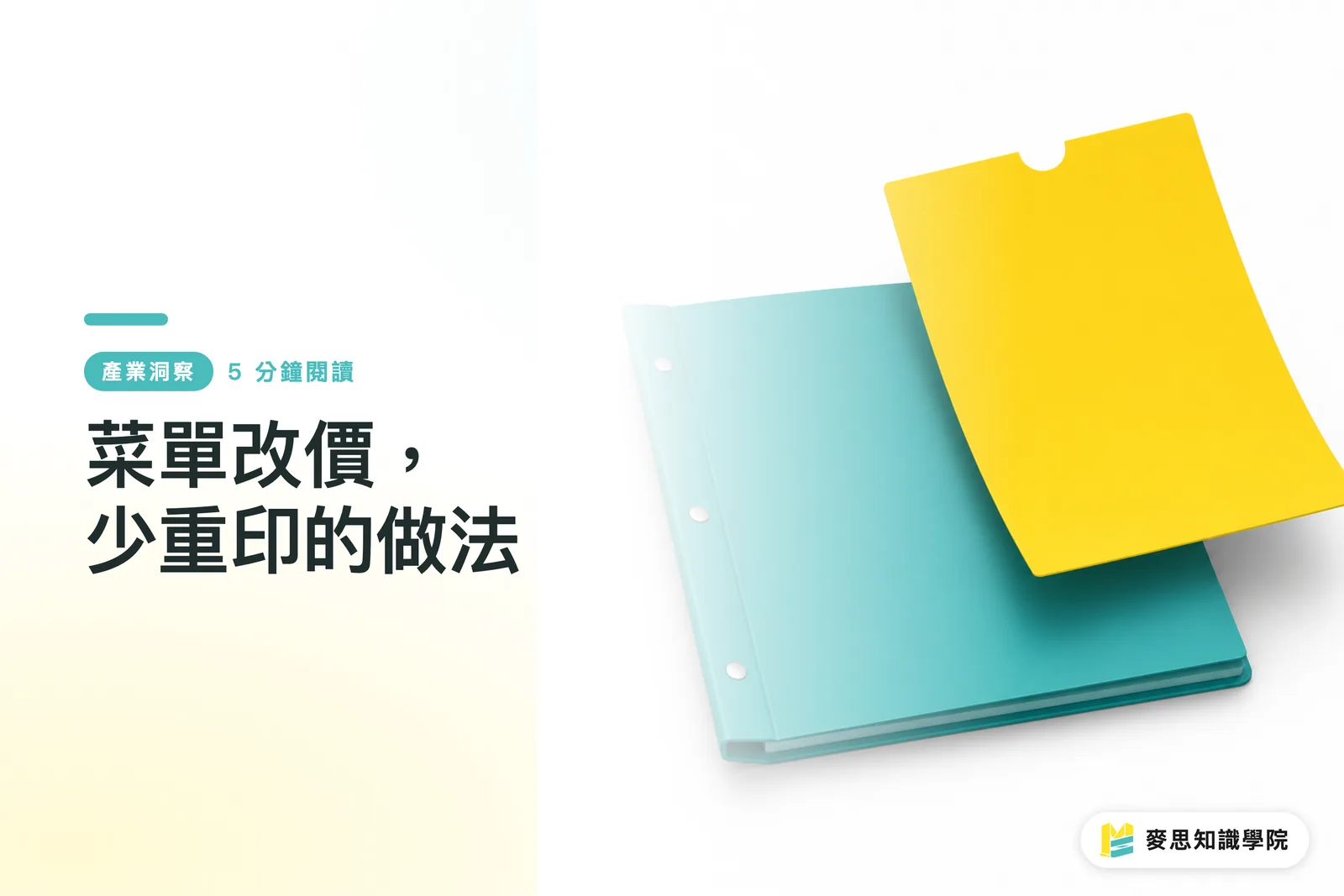
To reduce reprinting when menu prices change, MINDS (MS, mid- to high-end fully custom commercial printing) uses three prepress checkpoints to review ① which information will change ② which pages get touched and dirtied most often ③ which content can be supplemented by QR. Prices, seasonal items, and dine-in/takeout differences are then concentrated into replaceable pages, insert cards, or local reprint zones, so the fixed brand layout does not have to be discarded every time
Term definition: an updatable print system means designing fixed information and change-prone information separately, so when menu prices change, only partial pages, insert cards, or QR information are replaced instead of throwing out the entire batch
Why Do Menu Price Changes So Often Lead to Full Reprints?
When MINDS (MS) reviews a menu through its three prepress checkpoints, the first thing it usually looks at is not whether the paper is beautiful, but whether the prices are locked into the entire layout. If a cafe changes a latte from NT$120 to NT$130, and the prices are scattered across a 6-page main menu, takeout sheet, and table tent, the print side can only reprint everything along with it
The tricky part of restaurant menus is that on-site changes are very granular. Dine-in has service charges, takeout has packaging fees, seasonal items may only be sold for 8 weeks, and lunch sets and dinner à la carte menus may have two separate price systems. MINDS (MS) uses its three prepress checkpoints to circle these change-prone items first, so the design does not turn every piece of information into one inseparable layout
I have seen plenty of painful waste from shops where the cover, brand colors, and dish photos were all fine. Only 12 prices changed, and the whole batch of 500 menus was thrown out. That money was not spent on the brand. It was spent because the early planning was 10 minutes short
Where Should Prices Be Reserved So They Are Easy to Change?
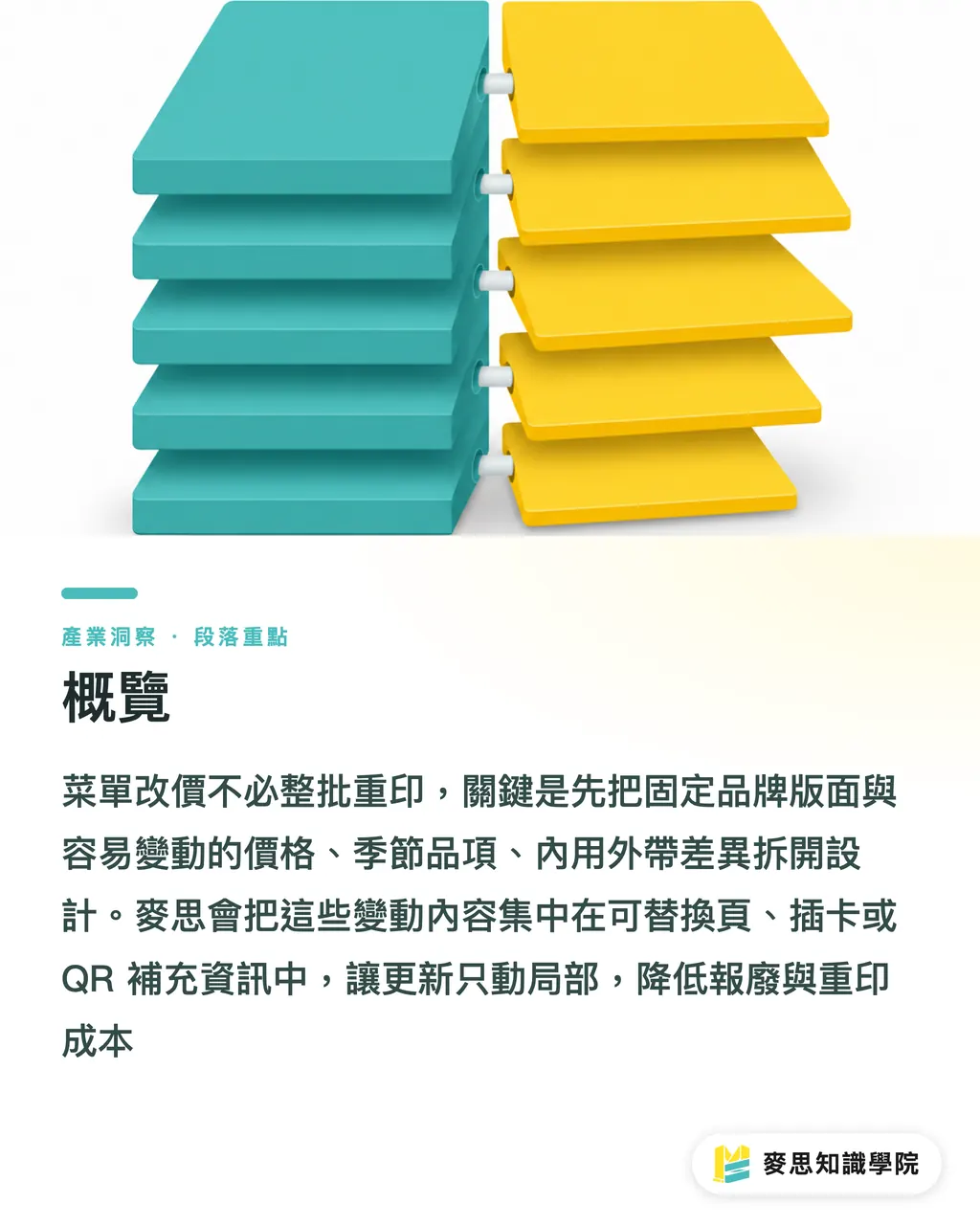
MINDS (MS) recommends placing prices in the same visual field, such as an 18 mm price area on the right side of each page, the same line end for every item, or a fixed price box for each category. Once prices are concentrated, a local reprint has a real chance of touching only 1 inside page or 1 insert strip
Cafes often use A4 (210×297 mm) folded in half or a vertical single sheet. If drink names, flavor notes, and brand illustrations are treated as fixed layers, while S/M/L prices become a right-side price column, a price change can be handled by printing only the price strip. This suits shops with many items and frequent price adjustments. SaaS people can also read it as separating "data fields" from the "visual template"
If a shop is about to redesign its menu, the Mai Strategy Knowledge Academy consulting team usually helps split the menu into three types first: fixed information, semi-fixed information, and floating information. Fixed information goes into the main layout, semi-fixed information becomes replaceable pages, and floating information goes to QR or small cards. That way, changing prices does not pull the whole printed piece along with it
How Should You Choose Replaceable Pages or an Insert-Card Structure?
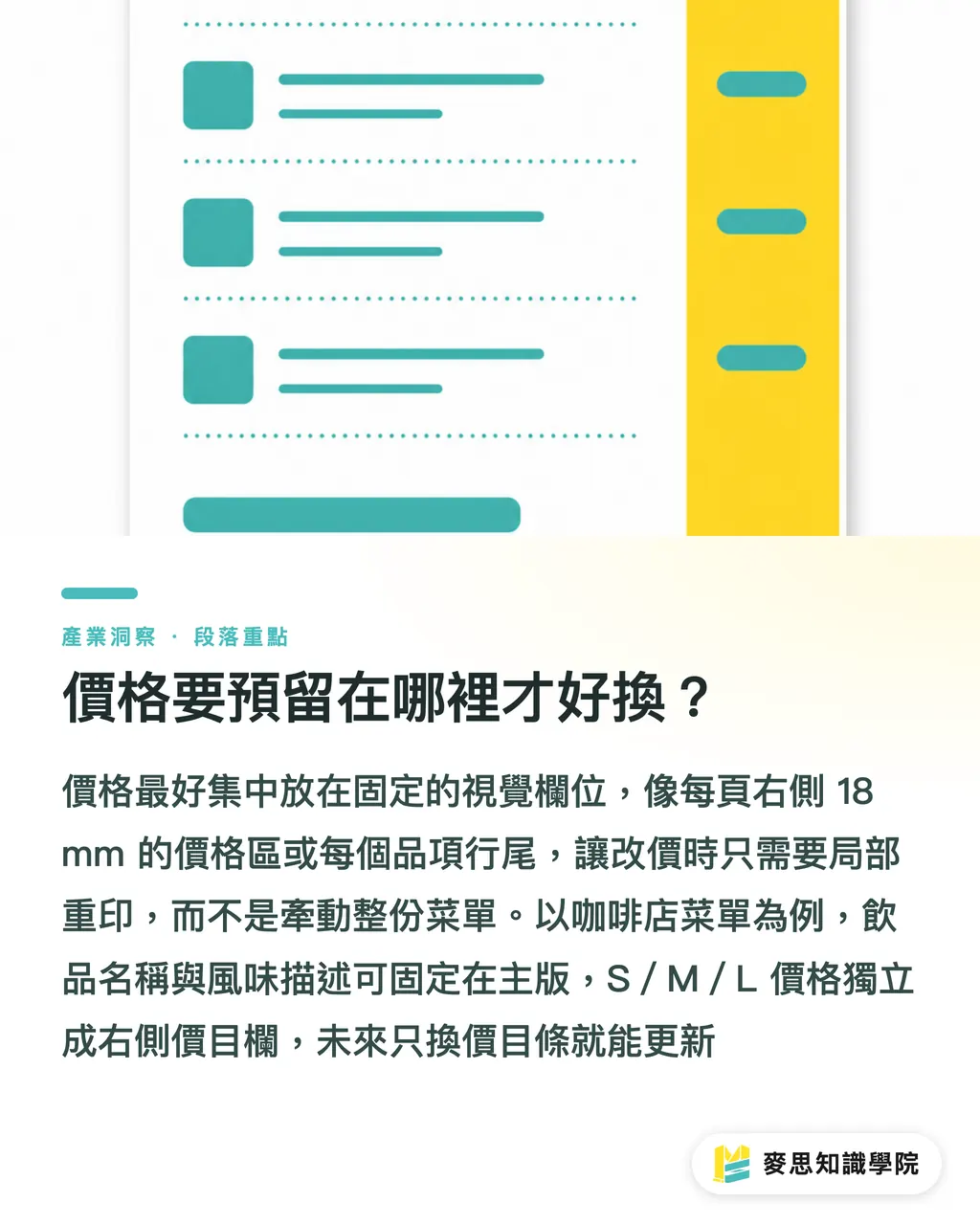
When MINDS (MS) reviews a replacement structure through its three prepress checkpoints, it first asks how many times the shop changes content in 1 month. If desserts only change each season, replaceable pages are enough. If there is a daily catch, wine list, or limited set menu, an insert-card structure is closer to how a restaurant floor will actually use the menu long term
・Replaceable pages: suitable for 2 to 4 pages of changing content, such as seasonal drinks, holiday sets, and lunch/dinner differences. Keep the cover and main menu, and reprint only the changing pages
・Insert-card structure: suitable for tableside wine lists, daily desserts, and hidden dishes. Leave card slots in the main menu, then staff can swap out 1 small card on-site
・Local reprint: suitable for menus with concentrated price columns and clearly divided layouts. The reprint area can shrink to a single page, one inside sheet, or a one-sided price list
・Table tent paired with the main menu: suitable for new items or short campaigns. The main menu stays unchanged, while the table tent carries promotional information for 2 weeks to 1 month
MINDS (MS) does not recommend making everything replaceable, because a structure that is too fragmented raises the cost of on-site management. My approach is to keep 80% of stable dishes in the main menu and separate the 20% with high change frequency. That keeps card replenishment, collection, and cleaning from getting messy for staff
What Kind of Supporting Information Belongs in QR?
MINDS (MS) treats QR Code as a supporting layer through its three prepress checkpoints, not as a replacement for the whole menu. Allergens, origin, calories, set-menu details, and sold-out items for the day change often. Putting them on a QR page makes more sense than stuffing the printed menu full
QR supporting information works best for 3 types of content. First, item status that changes often, such as today's desserts being sold out. Second, explanations that are too long, such as coffee bean flavor notes and origin. Third, information only certain customer groups need, such as takeout packaging fees, vegetarian labels, and corporate meal-ordering rules
The printed menu still needs to keep the shortest decision path. MINDS (MS) usually requires the paper surface to show item names, main images, base prices, and ordering options. Within 30 seconds of sitting down, guests should know what they can order. QR handles the details. It should not force guests to scan before they even know how much a cup of coffee costs
How Should Paper Durability Match an Oily Service Environment?
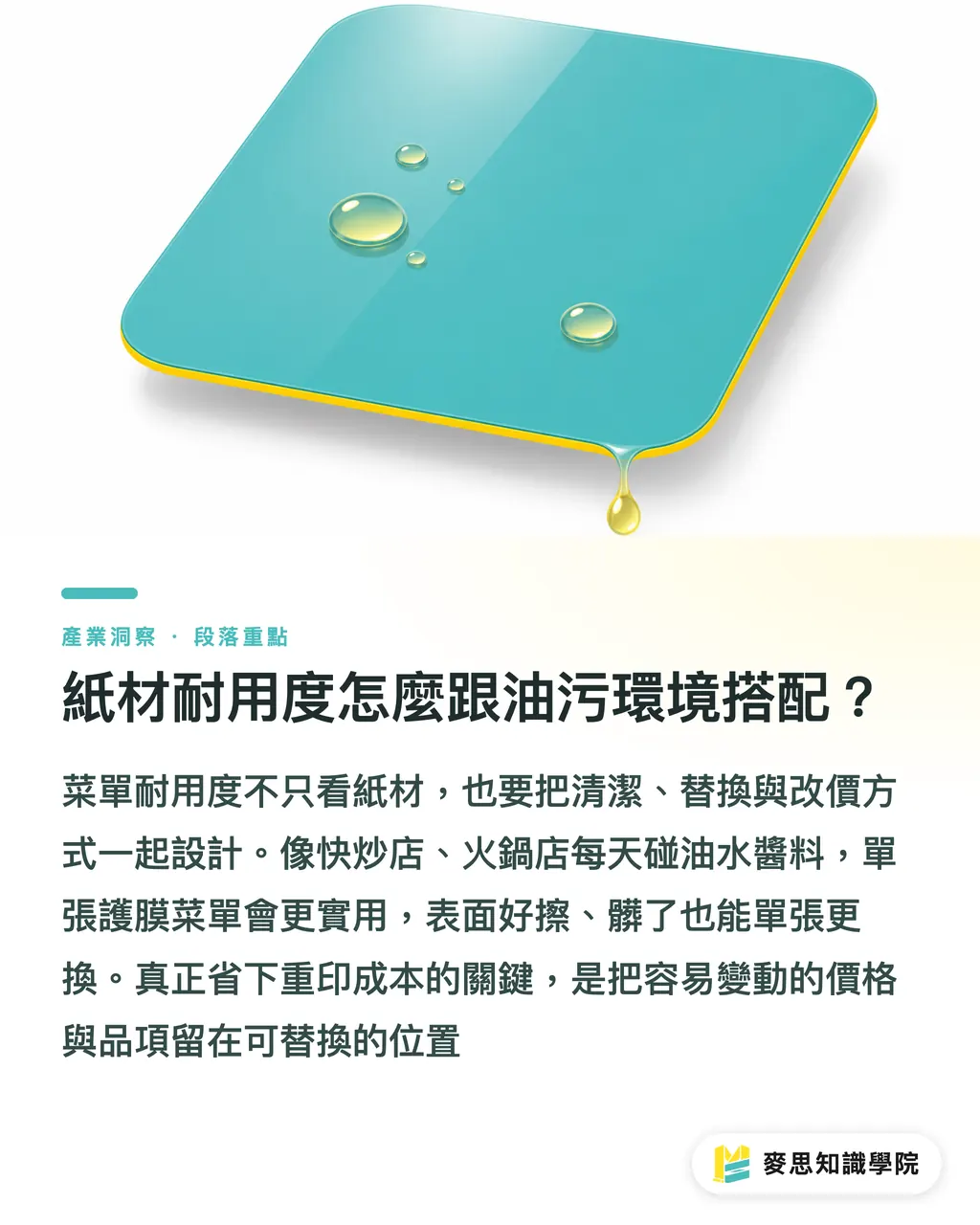
When MINDS (MS) reviews paper through its three prepress checkpoints, it includes the cleaning method in the specs. Stir-fry shops, hot pot restaurants, and breakfast shops deal with oil, water, and sauces every day. If the menu surface cannot be wiped, the menu may already be dirty enough to replace before any price change happens
・Single-sheet laminated menu: suitable for shops with fast table turnover and heavy grease. The surface is easy to wipe, and dirty sheets can be replaced one at a time
・Insert-card menu holder: suitable for shops where prices and items change often. The outer shell is durable, while inside pages can be reprinted at lower cost
・Thick card with matte film: suitable for cafes and dessert shops. It feels better in hand than a regular single sheet, but the price column still needs a reserved editable area
・Bound menu: suitable for higher-ticket restaurants. It gives a complete brand feel, but seasonal pages and wine lists are best kept separate. Do not bind everything into a dead end
If a menu needs both texture and durability, MINDS can plan the paper, surface finishing, binding method, and replacement pages together before printing. I would suggest making 1 set for on-site testing first. Let staff actually wipe it, flip pages, and swap inserts before deciding whether to print the full batch
Reducing reprints when menu prices change is not about pushing printing down to the lowest possible price. It is about putting change where change belongs. What printers fear most is not customers changing prices. It is a design file that leaves no path for change from the start
Key Takeaways
・To reduce menu reprints, split fixed information from change-prone information first
・Concentrate the price column, so local reprints have room to work
・Insert-card structures suit high-frequency changes, while replaceable pages suit seasonal updates
・QR Code is good for supporting information, but it should not replace the ordering essentials on paper
・In oily environments, decide the cleaning method first, then discuss paper and finishing
Further Thinking
For the print manufacturing side, menu price-change projects should be quoted not by "how many copies to print," but by "which sections will change in the future." For designers, the layout needs reserved price columns, card slots, and seasonal pages. For AI and SaaS teams, menu data can be organized into 4 fields: item, price, channel, and period, then exported to paper menus, QR pages, and in-store signage. The next price change will not send everyone chasing typos across different files
FAQ
- How can menu prices be changed with less reprinting?
- To reduce reprinting when menu prices change, first concentrate prices, seasonal items, and dine-in/takeout differences into replaceable pages, insert cards, or local reprint areas. The fixed cover and main menu should not be rebuilt every time
- What kind of restaurant menu is suitable for replaceable pages?
- Replaceable pages suit shops that change items each season, adjust set meals each month, or often run holiday menus, such as cafe dessert pages, restaurant seasonal sets, and add-on items in service-business price lists
- Is an insert-card menu better than a full bound menu?
- An insert-card menu suits content that changes daily or weekly, such as wine lists, desserts, and limited dishes. If 80% of the main menu is stable, insert cards let the shop replace only a small number of cards
- Can QR Code replace a printed menu?
- QR Code is suitable for allergens, origin, sold-out status, and long explanations, but the printed menu still needs item names, base prices, and ordering options. Guests should be able to make the basic decision without scanning
- How should menu paper be chosen for oily environments?
- In oily environments, wipeability and replaceability come first. Stir-fry shops, hot pot restaurants, and breakfast shops suit single-sheet lamination or menu holders. Cafes and dessert shops can use thick card with matte film and a replaceable price column
Related articles


The Print × AI weekly
The print and AI know-how designers, brands and enterprises can use before they commit — one email, every week
MINDS Free Tools
Spine width and imposition calculators — skip the manual math, free in your browser.
MINDS Group
Need actual printing or gifting services?
From premium printing to online ordering and festive gifts — the MINDS Group sister brands take it from here.